Free Printable Bubble Sheet Templates, 10 to 50 Questions
Free printable bubble sheet template pages from 10 to 50 questions: which length suits a quiz, unit test or benchmark, plus answer styles and the key page.
On this site: Make a free bubble sheet·Browse 100+ free printables·Play today's puzzles
Quick answer
Printable bubble sheet templates from 10 to 50 questions download free from the PuzzlePage Answer Sheet Studio. Pick a preset count, choose 2 to 6 options in letter, ACT or True/False style, paste your key, and the PDF adds a filled answer-key page. Longer sheets, up to 200 questions, need Classroom or a day pass.
The answer sheet is the part of a test nobody enjoys building by hand. The free Answer Sheet Studio keeps a printable bubble sheet template ready at every common length, from a 10-question quiz sheet to a 50-question benchmark, and each one downloads as a PDF with no account.
This post covers what each length is good for, which answer styles you can pick, how the answer-key page works, and where the free tier ends.
📌 Key Takeaways
- Preset chips sit at 10, 15, 20, 25, 30, 40, 50 and 100 questions, and any number from 1 to 200 can be typed.
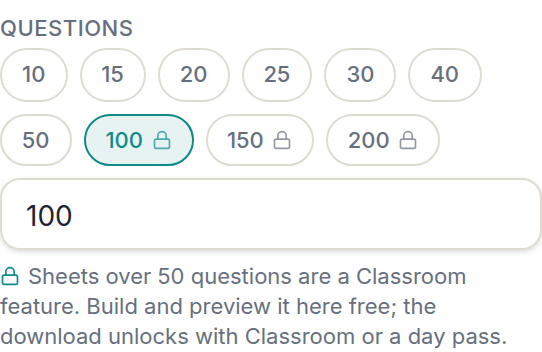
- Every sheet up to 50 questions builds, previews and downloads free. Sheets of 51 to 200 download with Classroom or a $2.99 day pass.
- Paste your correct answers and the PDF gains a separate key page with the right bubbles filled in.
 1:05
1:05Which printable bubble sheet template length do you need?
Match the sheet to the test: 10 to 20 questions for a quiz, 25 to 30 for a unit test, 40 to 50 for a benchmark or a practice exam. Most lengths have their own page, so you can bookmark the one you use every week.
-
10 to 20 questions: the quiz sheet
A Friday vocabulary check or a chapter quiz. Four options per row is plenty at this length. Bookmark the 10-question sheet or the 20-question sheet.
-
25 to 30 questions: the unit test
Enough room to cover a whole unit without the test running into a second sitting. The 25-question sheet and the 30-question sheet both take a Student ID field and a Score box.
-
40 to 50 questions: the benchmark
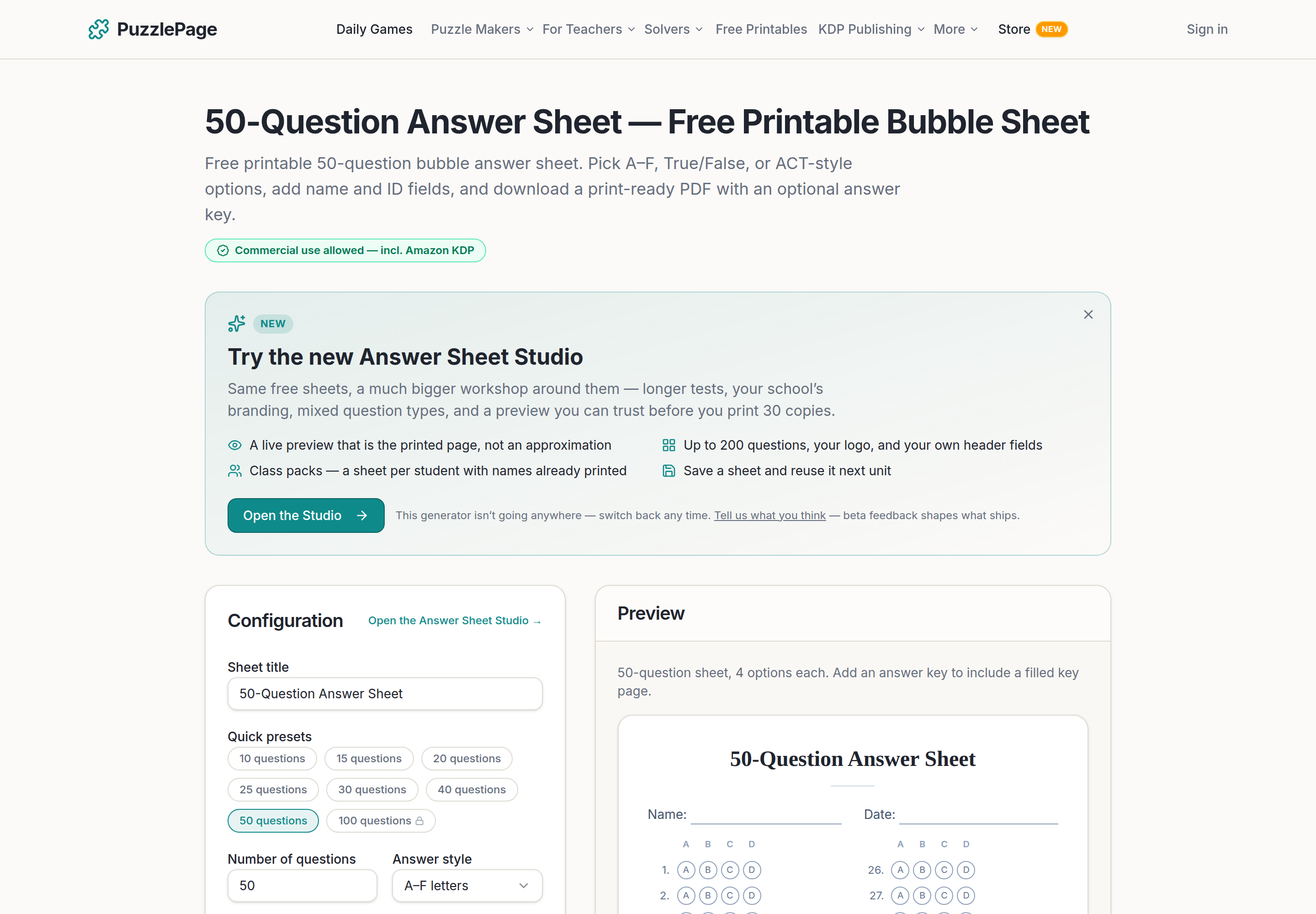
Midterms, finals and standardized-test practice. The 40-question sheet and the 50-question sheet both take the ACT and SAT/ACT answer styles, and 50 is the longest sheet that downloads free.
| Question count | Good for | Suggested style | Where to find it |
|---|---|---|---|
| 10 | Warm-up check, exit quiz | A to D, or True/False | 10-question page |
| 15 | Short quiz | A to D | Preset chip in the Studio |
| 20 | Chapter quiz | A to D or A to E | 20-question page |
| 25 | Unit test | A to D or A to E | 25-question page |
| 30 | Unit test, midterm | A to D or A to E | 30-question page |
| 40 | Benchmark | A to D, or ACT style | 40-question page |
| 50 | Benchmark, practice exam | SAT/ACT alternating | 50-question page |
Short, frequent checks and one long test a semester are different tools, and a class usually needs both. For the thinking behind low-stakes checks, the assessment articles at Edutopia are a good place to start.
Like this? We send 10 of these every month.
Free printable puzzles, answer keys included — same quality as the ones in this post.
One email. Unsubscribe anytime.
How do you build one in the Answer Sheet Studio?
Open the Studio, click a preset chip, and the sheet redraws in the preview. Everything after that is optional.
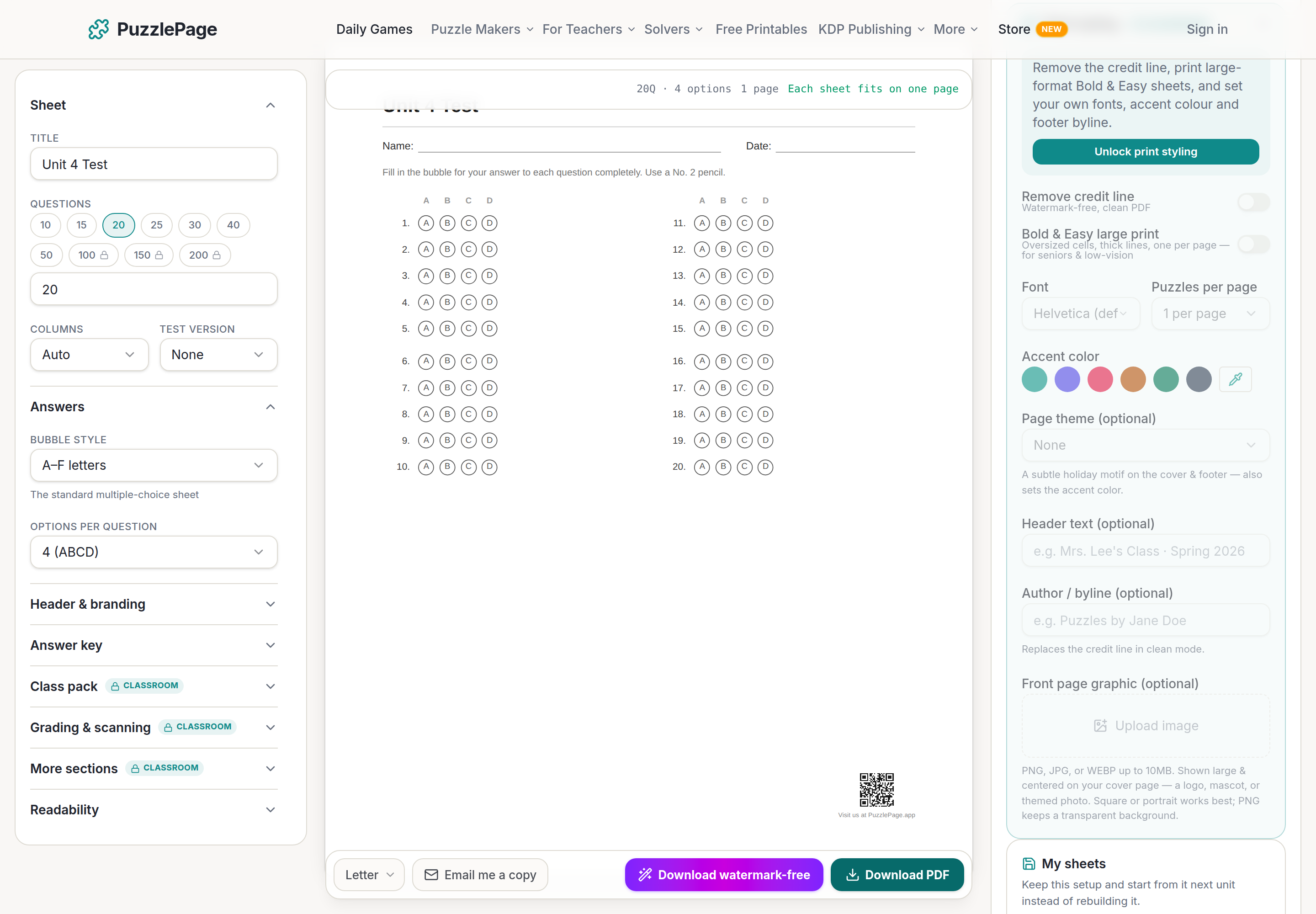
- Click a preset chip, or type any number from 1 to 200 in the question box.
- Choose 2 to 6 answer options per row.
- Turn on the header fields you want: Name, Date, Student ID, Class/Section, Period, Teacher, Score, up to 3 custom fields, and a school name.
- Set the instructions block to English or Spanish, or write your own up to 200 characters.
- Pick Letter or A4. The 6x9 and 7x10 book sizes are there too if you are making workbook pages.
- Paste your answer key, then download.
Columns are worked out automatically, or you can set 1 to 5 by hand. Rows are grouped in fives so a student's eye does not slip a line somewhere around question 23.
Pro Tip
Turn on "fit on one page" for the 40 and 50-question sheets. Combined with "evenly balanced columns" you get a single sheet that photocopies cleanly, with no lonely half-column on page two.
What answer styles are available?
Six, and you pick one per sheet. Each works with any question count.
- A to F letters: the everyday choice for 2 to 6 options.
- ACT style: F, G, H and J, the way the ACT labels its even-numbered questions.
- SAT/ACT alternating: A to D on odd rows and F to J on even rows, so a practice test reads like the real one.
- True/False: two bubbles per row, with its own true-false sheet page.
- Numbers 1 to 6: for tests where the options are already numbered on the question paper.
- Unlabeled bubbles: plain circles, for when the labels live on the question paper.
Pro Tip
Use the alternating style on the 50-question sheet for standardized-test practice. Students rehearse switching between A to D and F to J rows now, so the letters are not a surprise on the day. There is a dedicated SAT and ACT practice sheet with that style already selected.
How does the answer-key page work?
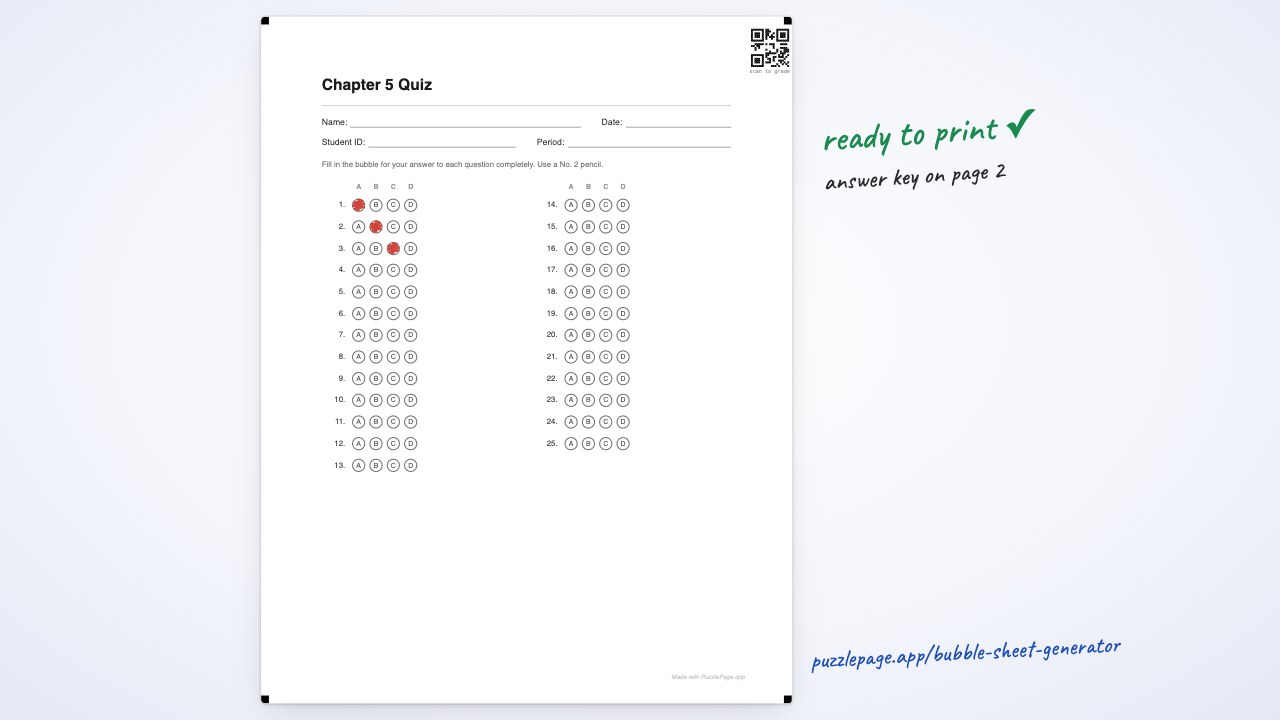
Type or paste your correct answers into the Studio and the PDF adds a separate answer-key page with those bubbles filled in. The student pages stay blank.
Print the key page on a transparency or on card stock, lay it over each student sheet, and anything showing through in the wrong place is a wrong answer. The full method is in how to grade bubble sheets fast.
Free sheets can also carry scan marks: corner registration marks and a QR code of the key, for your own scanning tools. How that compares with a Scantron form or a camera app is covered in bubble sheet vs Scantron vs grading apps.
Pro Tip
Save the sheet to a free account once your header fields are set. Free accounts keep 3 saved sheets, so your quiz sheet, unit-test sheet and benchmark sheet are each one click next time, and the PDF can be emailed to your own inbox.
What downloads free, and where does Classroom come in?
Everything up to 50 questions downloads free, with one small "Made with PuzzlePage.app" line in the footer. Sheets of 51 to 200 questions build and preview free, and downloading one is part of the Classroom plan or a $2.99 day pass.
Classroom is $19 a year, one payment that covers the school year. It adds class packs with each student's name printed, shuffled forms A to D, mixed sections, Word export and PDFs with no credit line. It is built for teachers who run the same test shape every unit; a quiz sheet for Friday does not need it.
If you also need the question paper, the free quiz maker prints a multiple-choice quiz with its own key, and the exit ticket maker handles the three-minute check at the end of a lesson that does not need a bubble sheet at all.
Frequently Asked Questions
Are the printable bubble sheet templates really free?
Yes. Any printable bubble sheet template from 1 to 50 questions builds, previews and downloads free as a PDF, with one small Made with PuzzlePage.app line in the footer. No account is needed to download one.
How many questions can a free bubble sheet have?
Up to 50. Sheets of 51 to 200 questions still build and preview free, and downloading one is part of the Classroom plan at $19 a year or a $2.99 day pass.
Can I change the number of answer options?
Yes, from 2 to 6 options per row. The bubbles can be labeled A to F, ACT style F G H J, SAT/ACT alternating, True and False, numbers 1 to 6, or left unlabeled.
Does the template come with an answer key?
It does if you type or paste your correct answers before downloading. The PDF then adds a separate answer-key page with the right bubbles filled in, which you can print and use as an overlay for grading.
More you can make here
One puzzle is the start. Here is the rest of the kit.
 New
NewWorksheet Builder
Put a word search, a cryptogram and a scramble on one page, or build a whole themed packet. Prints with answer keys.
Build a worksheet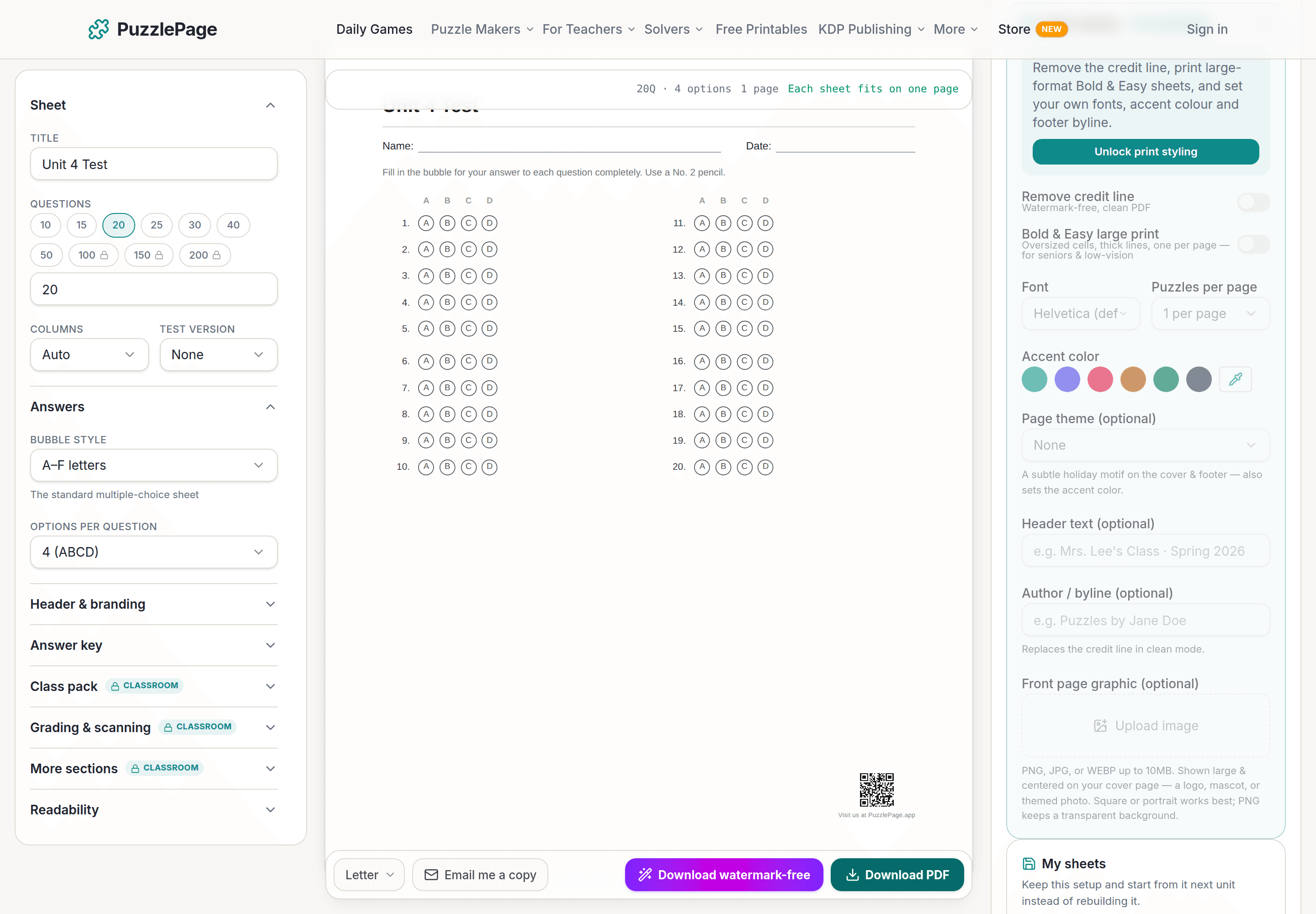
Bubble Sheet Studio
Answer sheets for any test length, with sections, versions, student ID grids and a matching answer key.
Make a bubble sheet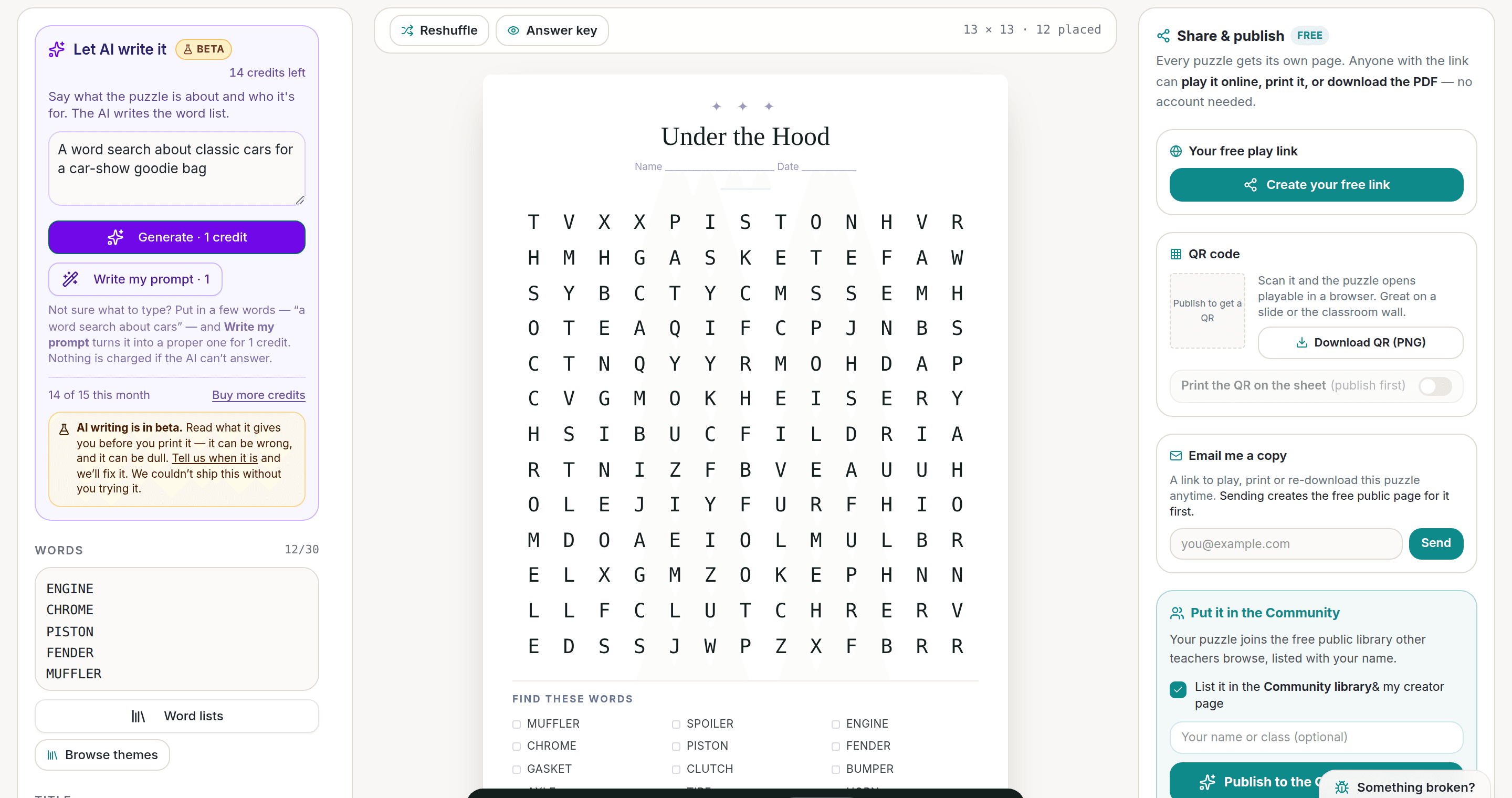
AI Puzzle Generator
Type a topic, get a themed word list and a finished puzzle. Premium also removes the footer credit and adds Word export.
Try the AI generator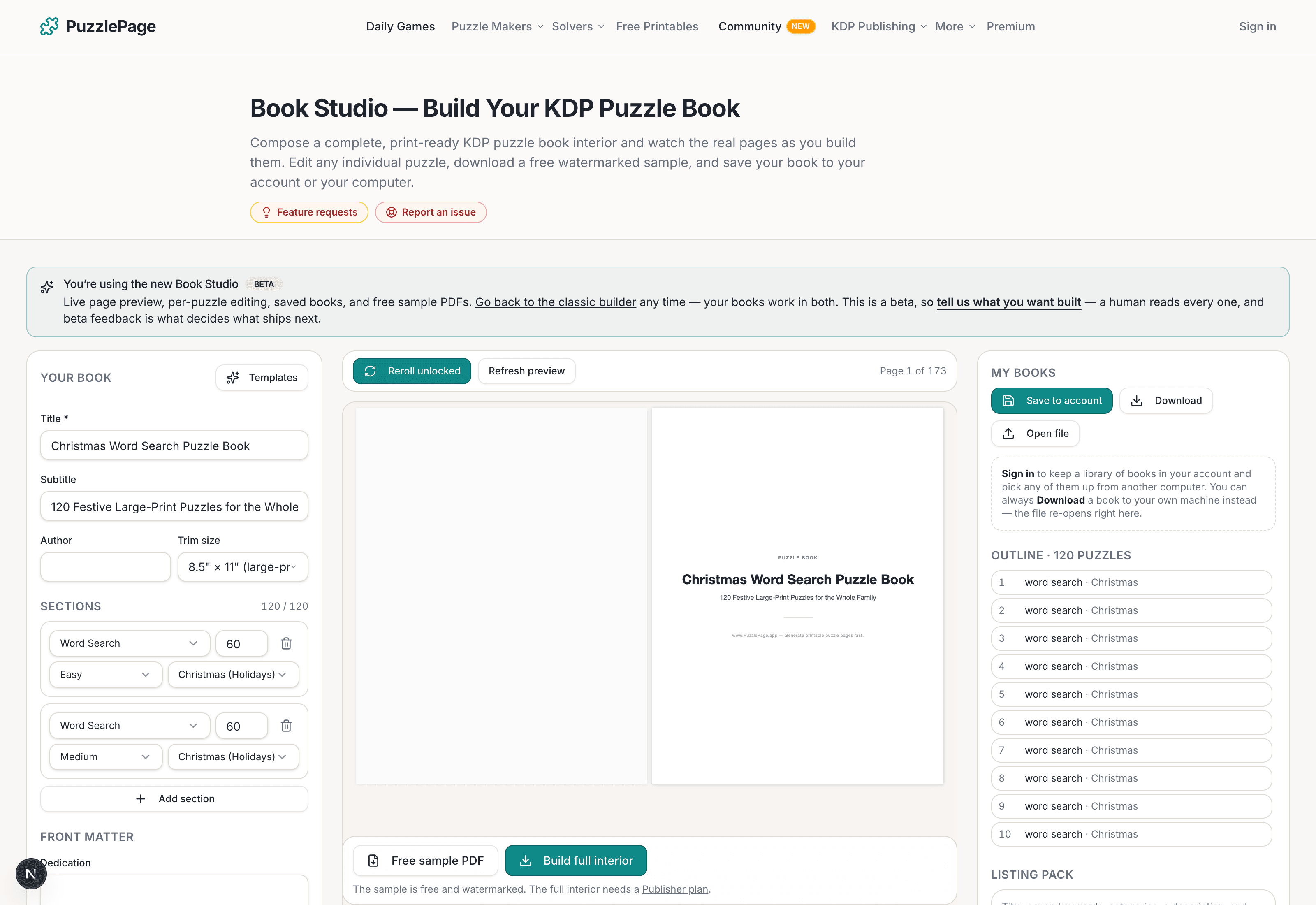
KDP Book Studio
Lay out a full puzzle book for Amazon KDP: templates, trim sizes, page checks and a cover designer.
Start a puzzle bookPremium removes the footer credit, adds Word export and custom styling across every maker.
See plans →Free daily games
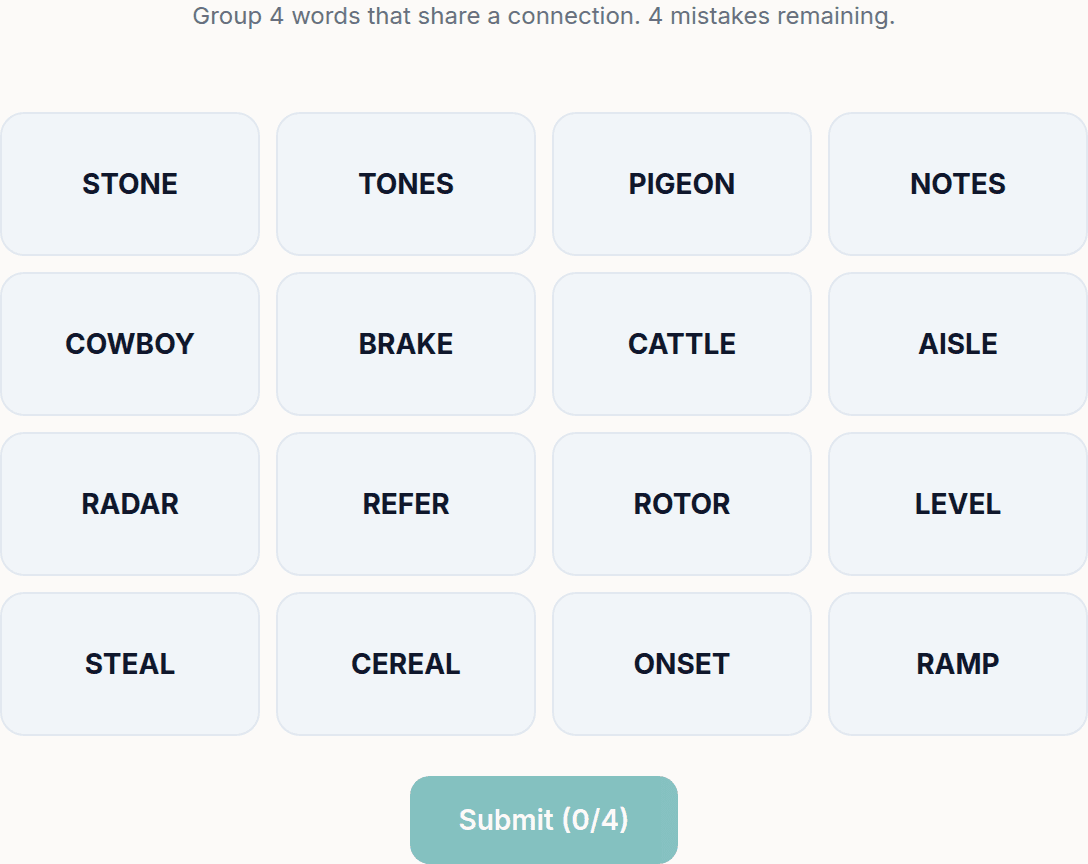
Need a two-minute break? Today's puzzles are live.
A new Sudoku and a new Connections board every day. No download, no account.


Keep reading
Get 10 free puzzles
Get the free 10-puzzle pack
Enter your email and we'll send you 10 print-ready puzzles with answer keys, plus a heads-up when we publish new generators and seasonal puzzle packs. Same quality as the ones on this page.
Roughly two emails a month. No spam, unsubscribe anytime.
Enjoyed this? Share the puzzle on X
Like puzzles like this? Follow on Pinterest for a new one every day.