How-to videos: see how every tool works
Every tool, start to finish, in about a minute. Press play for the animated walkthrough with sound, or open the steps and transcript for each one.
Let AI write it
Type one sentence and get the whole puzzle — then check it before it's used.
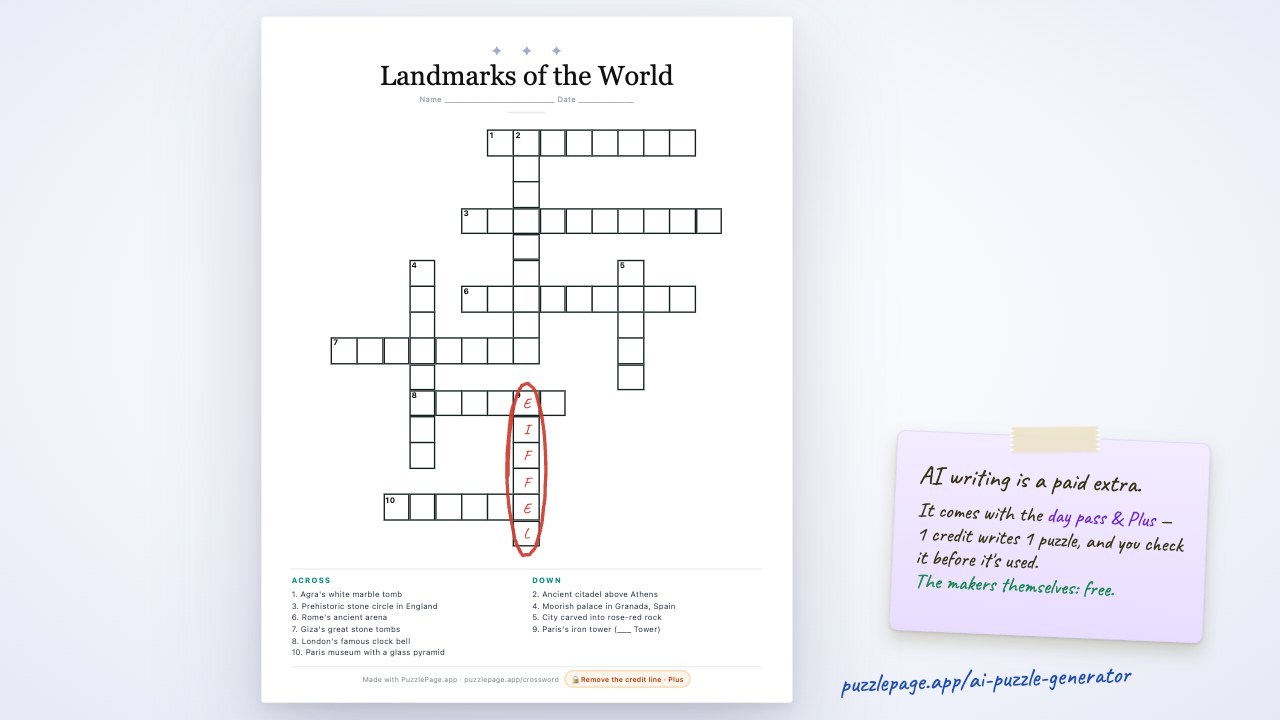 0:54Let AI write your puzzle
Watch PuzzlePage's AI write a complete crossword — answers, clues and grid — from one sentence, then see the same box work on seven puzzle makers. About a minute, with every step shown.
0:54 · Includes: AI extras · Steps & transcript
KDP Book Builder course
Ten short episodes: from a blank page to a puzzle book live on Amazon KDP. See the whole course →
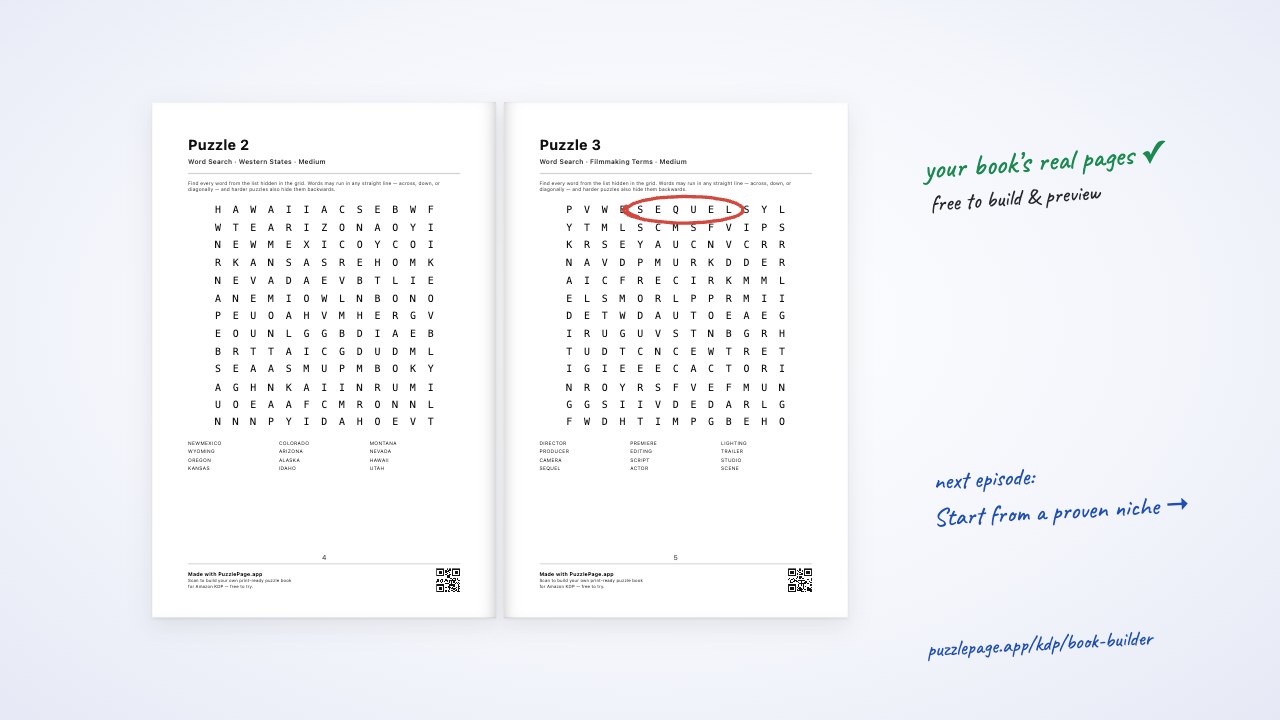 1:30Ep. 1Your first look at the Book Studio
Episode 1 of the KDP Book Builder course: open the Book Studio, meet the Start Here walkthrough, and learn what each panel does before you build your first puzzle book for Amazon KDP.
1:30 · Includes: Publisher extras · Steps & transcript
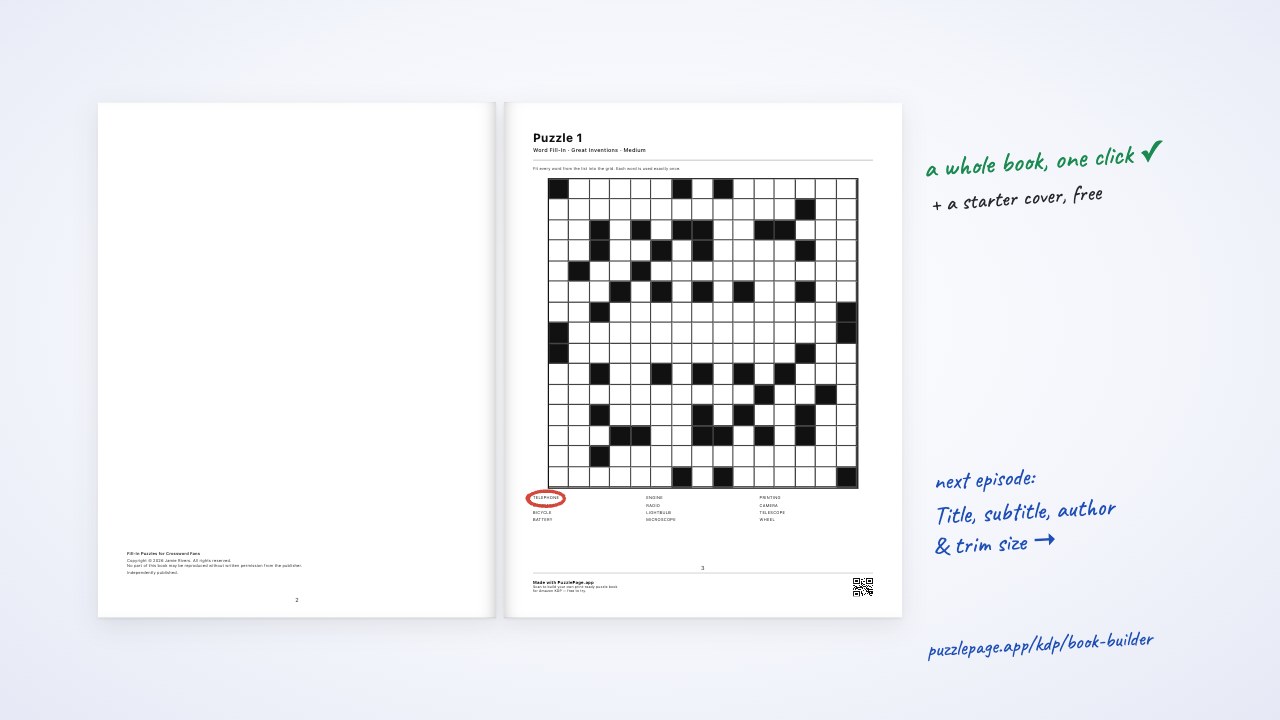 1:25Ep. 2Start from a proven niche
Episode 2: pick one of 37 researched puzzle-book templates, read why it sells and when to publish it, and load a complete starting book — interior and starter cover — in one click.
1:25 · Includes: Publisher extras · Steps & transcript
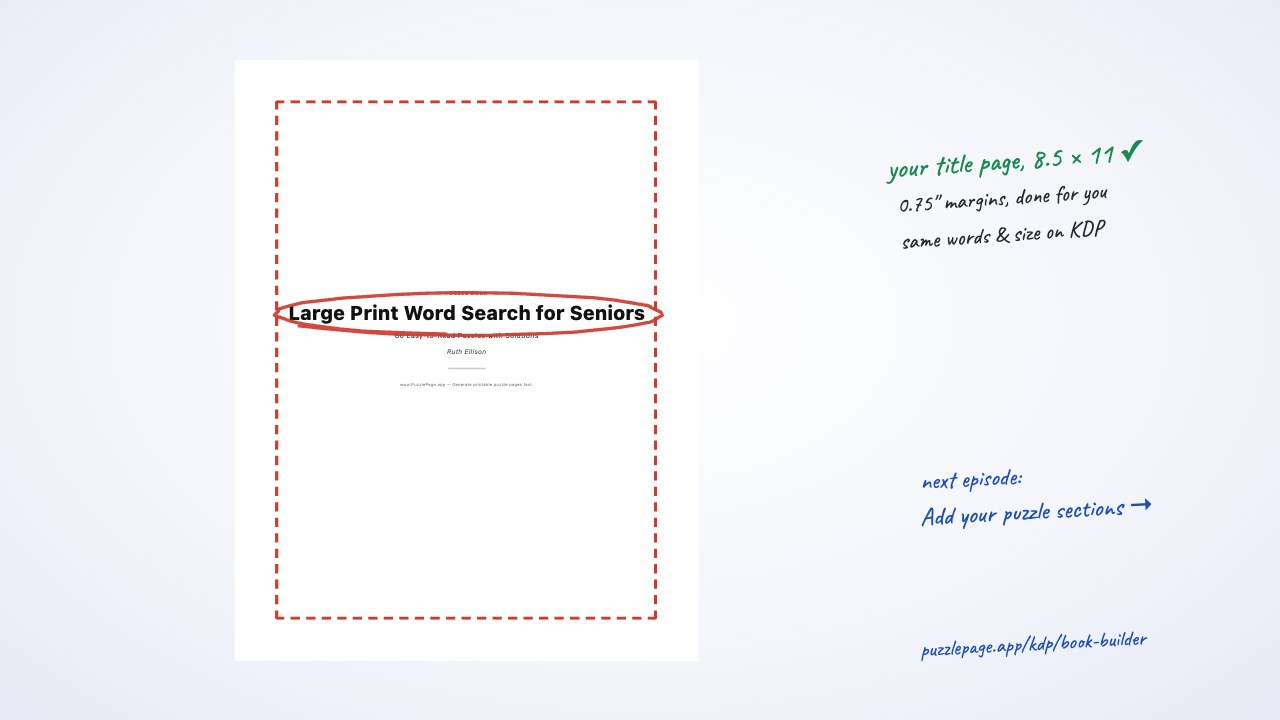 1:24Ep. 3Title, subtitle, author & trim size
Episode 3: write a title and subtitle that sell, add the author name, and choose the right KDP trim size — 6×9 is the cheapest to print, 8.5×11 suits large print — with margins handled for you.
1:24 · Includes: Publisher extras · Steps & transcript
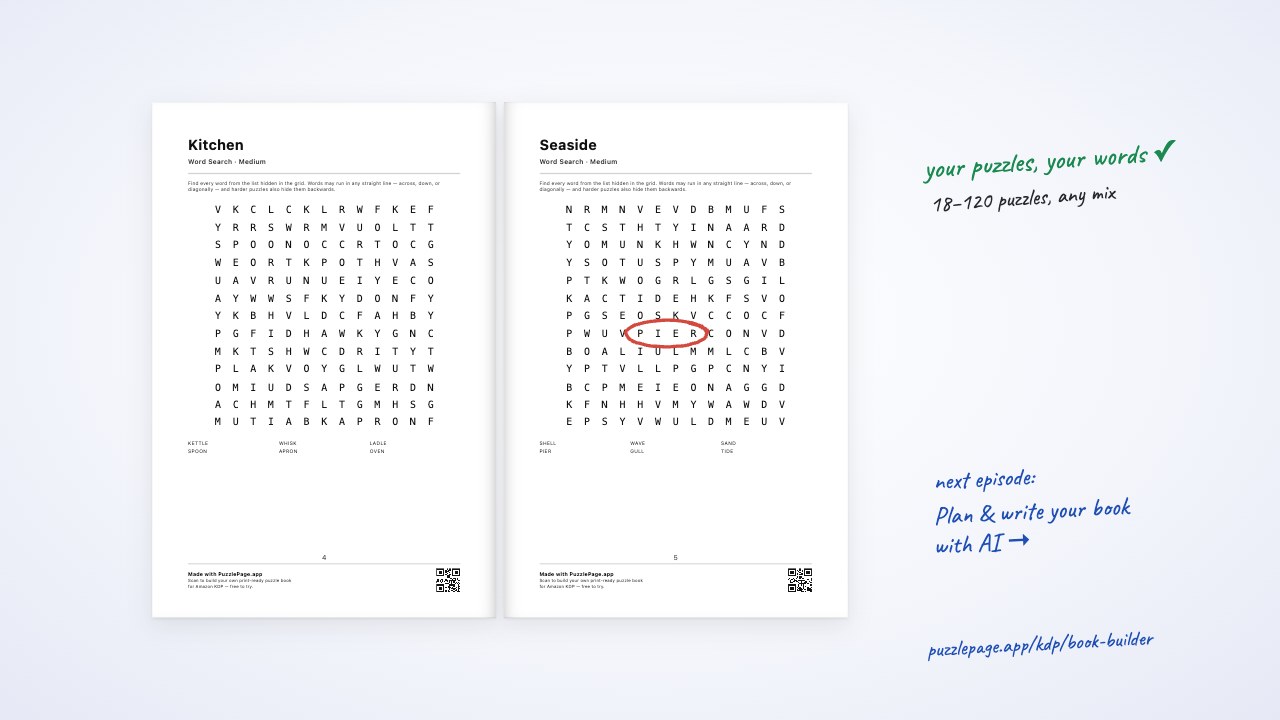 1:22Ep. 4Add your puzzle sections
Episode 4: fill your book with sections of 18 puzzle types, set counts and difficulty (including easy-to-hard), use a theme or your own word lists, and stay inside KDP's page limits.
1:22 · Includes: Publisher extras · Steps & transcript
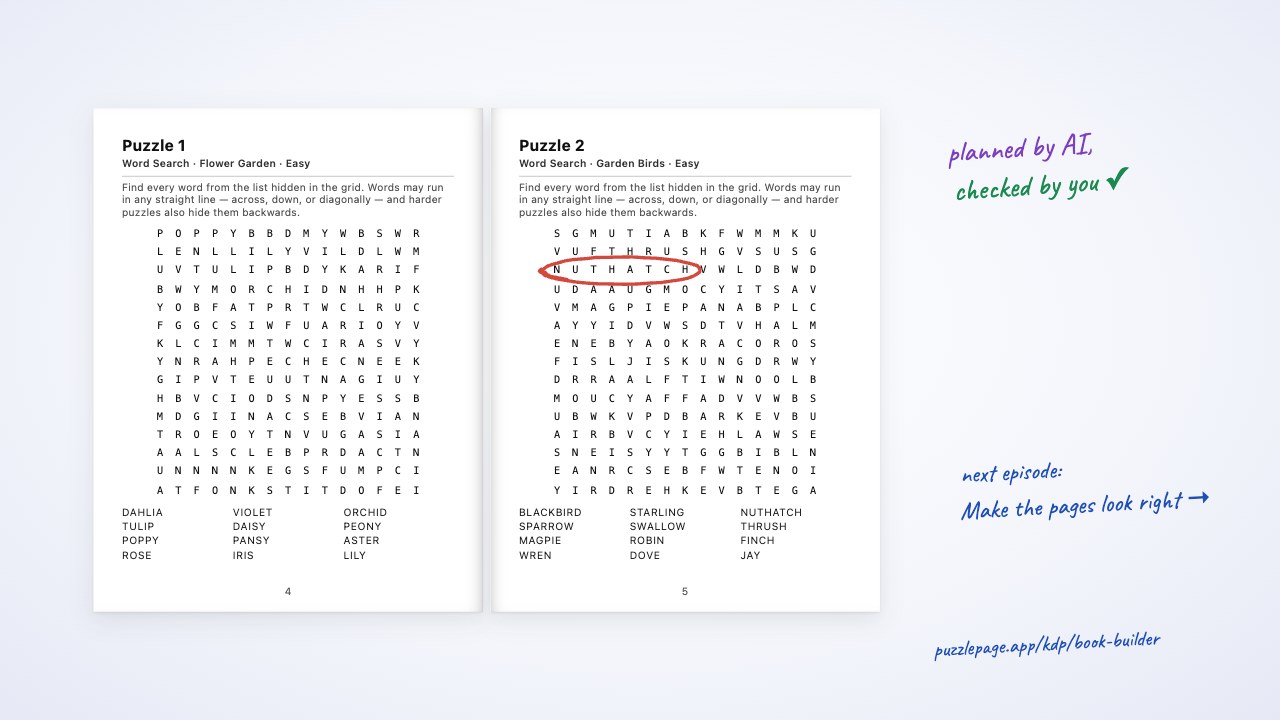 1:37Ep. 5Plan & write your book with AI
Episode 5: describe the book you want and let AI plan every section, or have it write one section's word lists — then review and edit everything before it prints.
1:37 · Includes: AI · Publisher extras · Steps & transcript
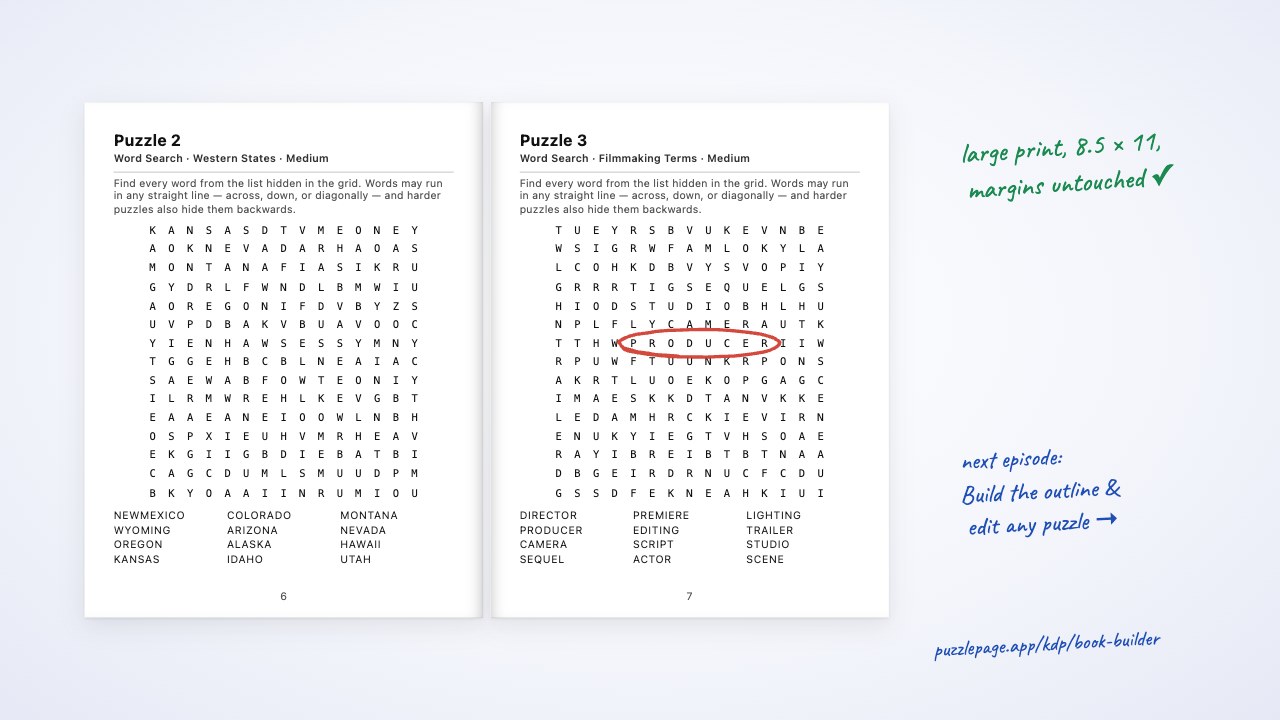 1:22Ep. 6Make the pages look right
Episode 6: choose one or two puzzles per page, size them, turn on large print for seniors, set the text size, and add a dedication and introduction page.
1:22 · Includes: Publisher extras · Steps & transcript
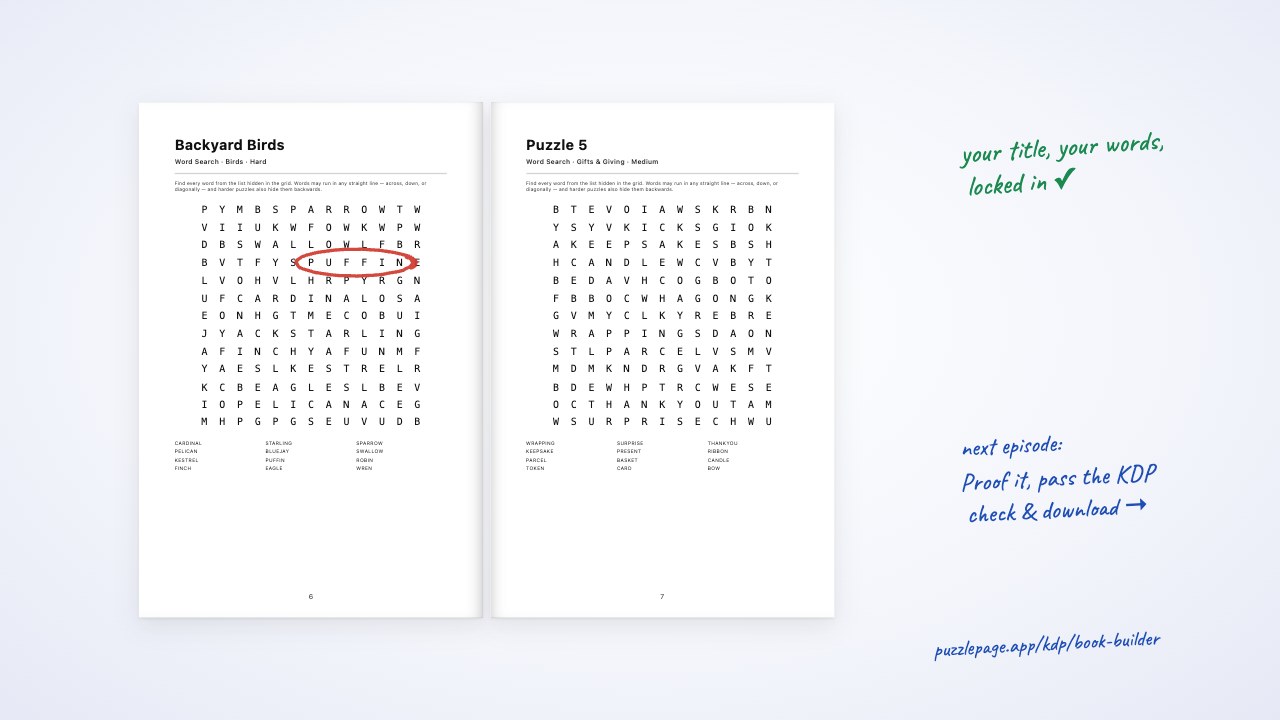 1:22Ep. 7Build the outline & edit any puzzle
Episode 7: build the outline to see your real printed pages, flip through spreads, open any puzzle to retitle it, change its difficulty or words, and lock it so rebuilds keep it.
1:22 · Includes: Publisher extras · Steps & transcript
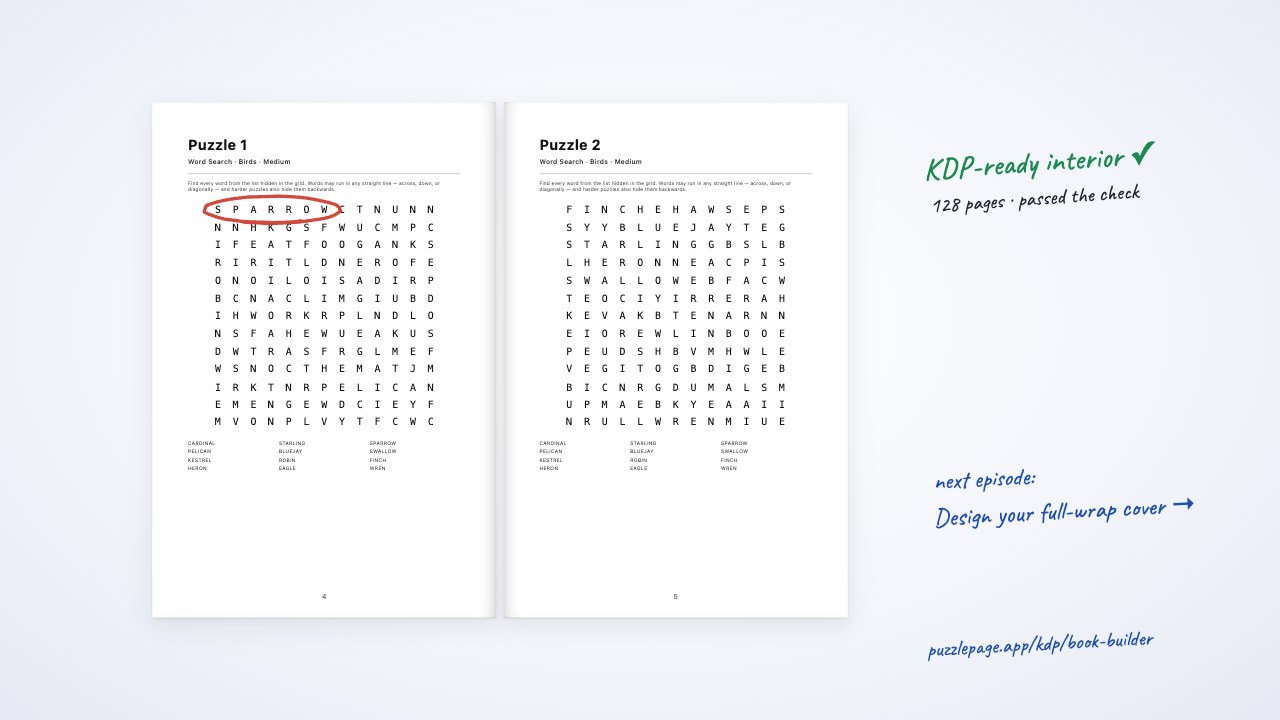 1:26Ep. 8Proof it, pass the KDP check & download
Episode 8: proof every page in the full-size preview, download your first 10 pages and cover free, build the full interior PDF, read the KDP check, and save your book.
1:26 · Includes: Publisher extras · Steps & transcript
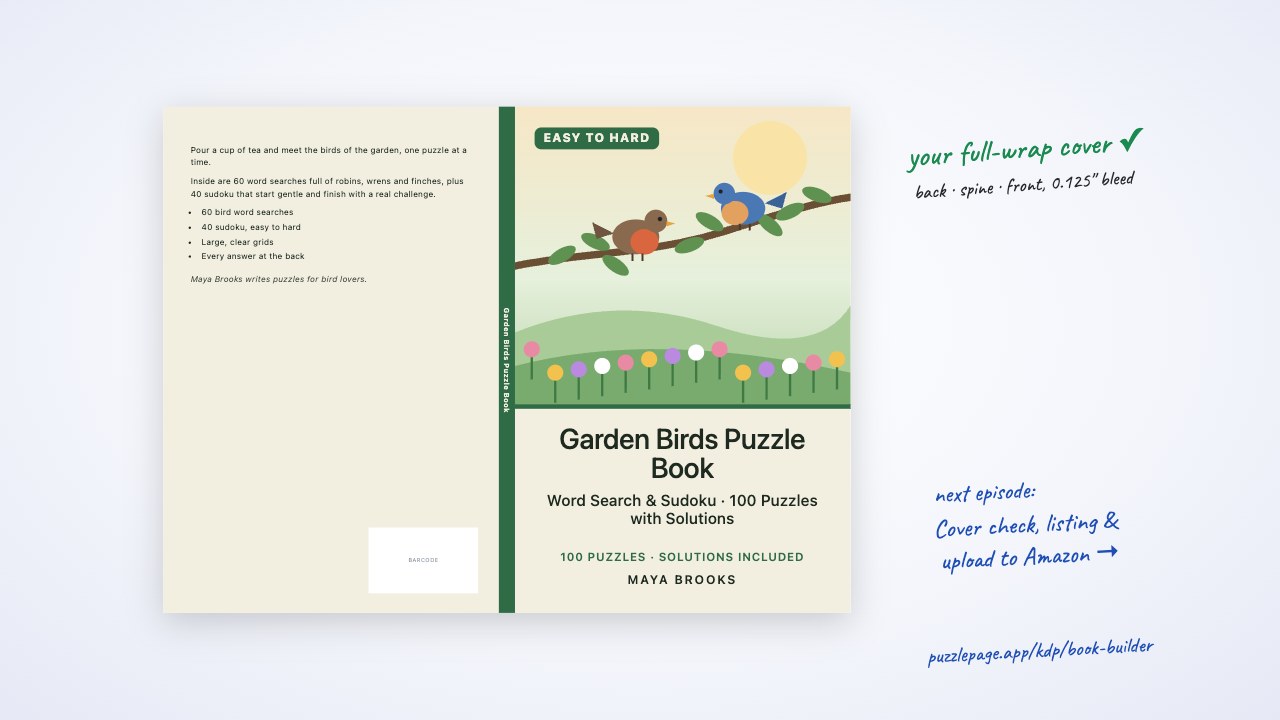 1:47Ep. 9Design your full-wrap cover
Episode 9: switch to the Cover Studio, start from a starter cover or one of 32 styles, set colours, front and back text, add a background or your own picture, and drag everything into place.
1:47 · Includes: AI · Publisher extras · Steps & transcript
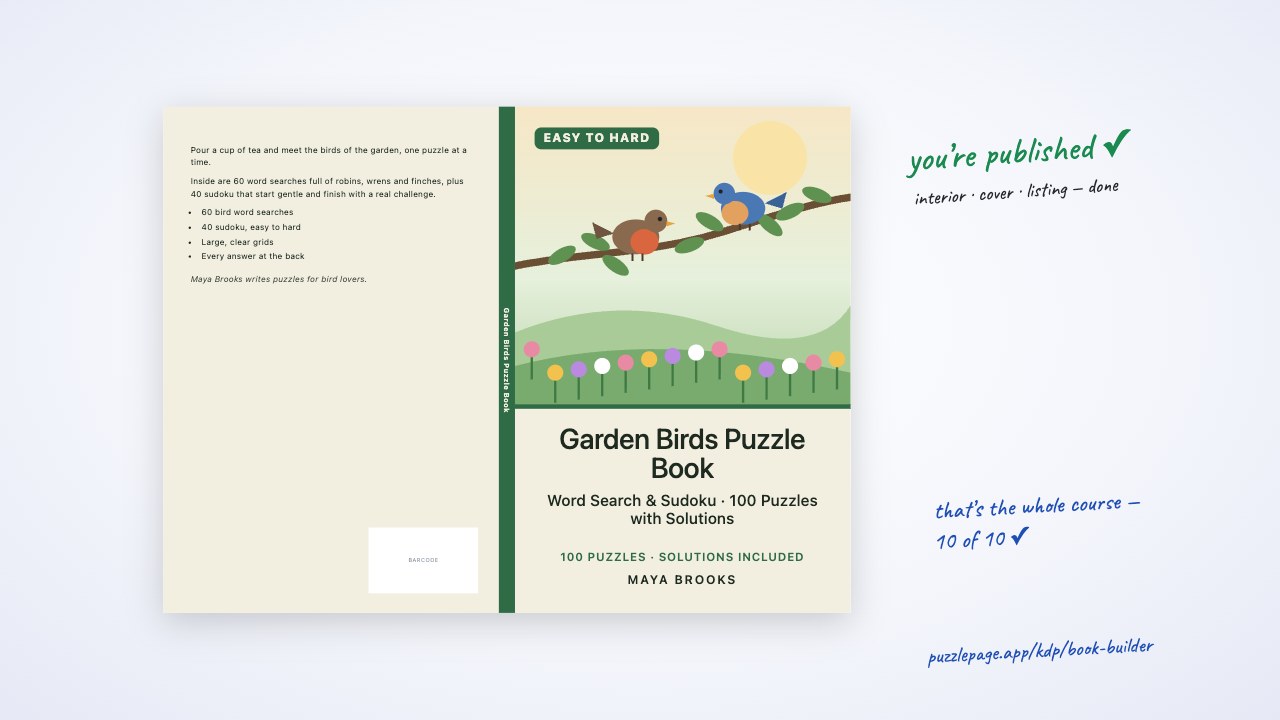 1:25Ep. 10Cover check, listing & upload to Amazon
Episode 10: pass the cover check, download the paperback and ebook covers, get your listing pack or write it with AI, then upload the interior and cover to KDP and publish.
1:25 · Includes: AI · Publisher extras · Steps & transcript
Make a puzzle
Each maker, start to finish, in about a minute.
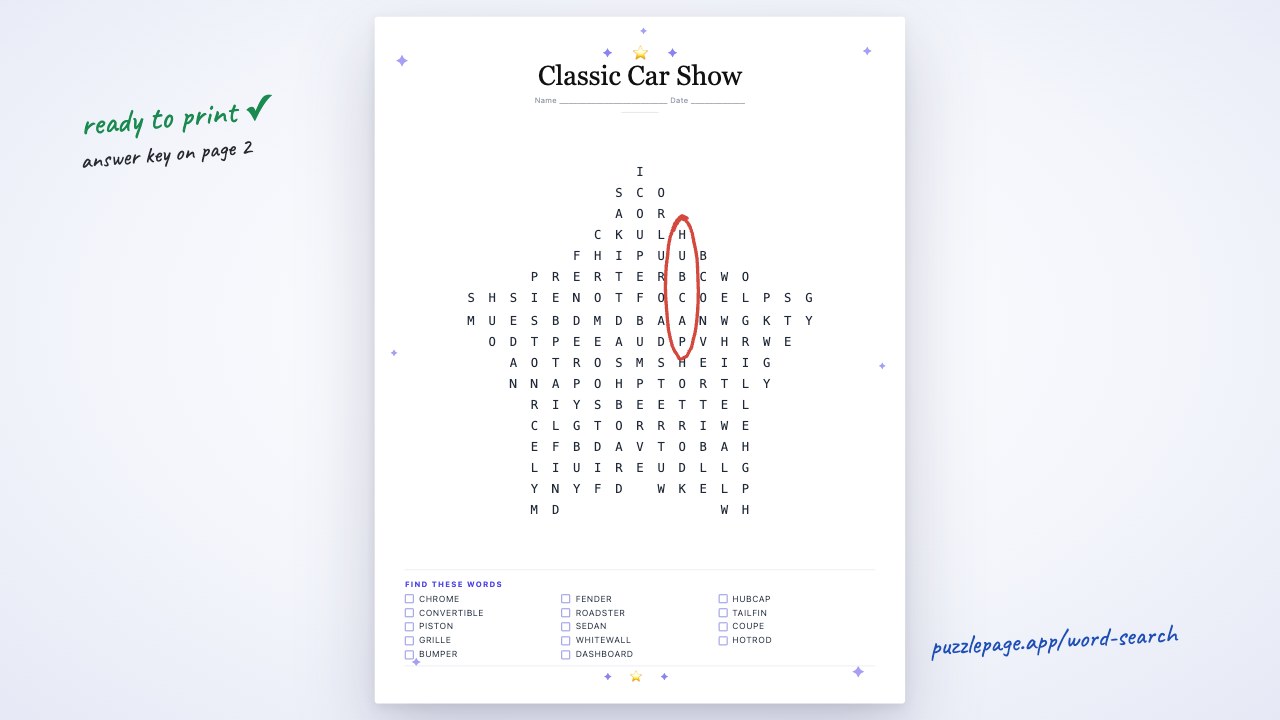 1:00Make a word search
A one-minute walkthrough of the free Word Search Maker: let AI write the word list or paste your own, pick the grid size and difficulty, check the answer key, try the Plus shapes and themes, and download a print-ready PDF.
1:00 · Includes: AI · Plus extras · Steps & transcript
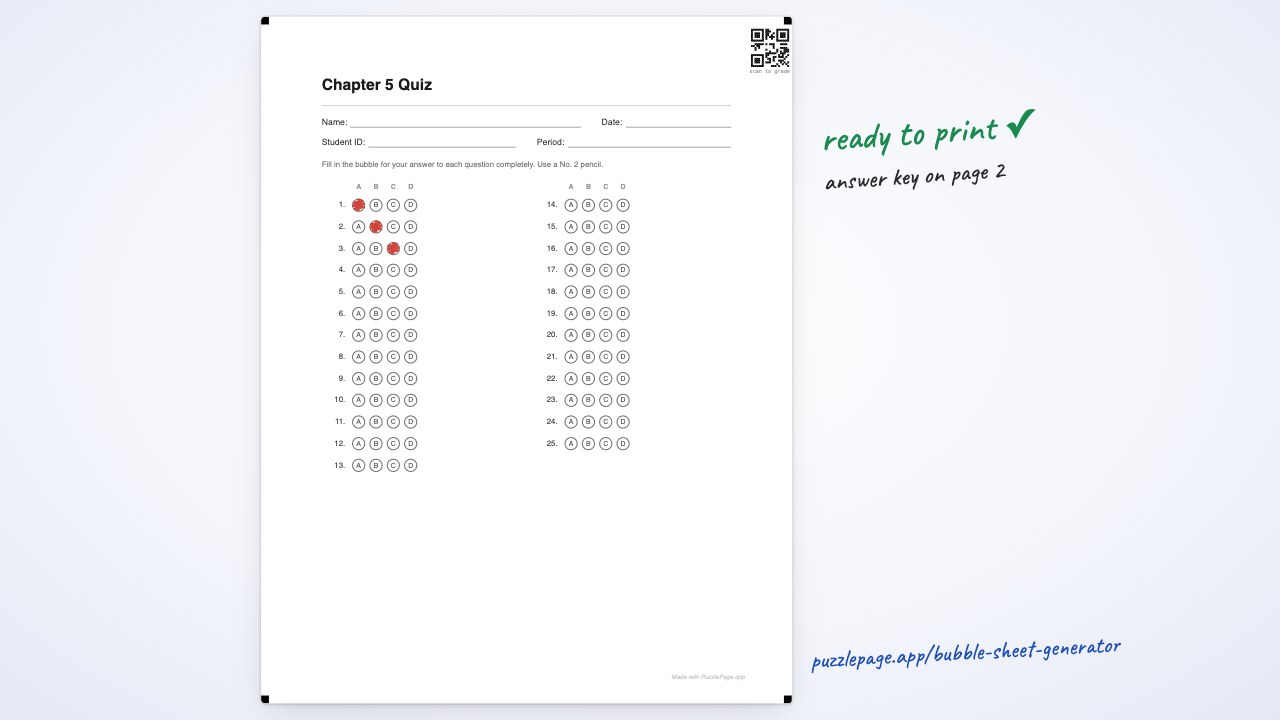 0:59Make a bubble answer sheet
Make a free printable bubble answer sheet for any test, quiz or survey: pick the number of questions and the answer style, add name and ID lines, paste an answer key for a filled key page, then download the PDF and save the setup for next time.
0:59 · Includes: Classroom extras · Steps & transcript
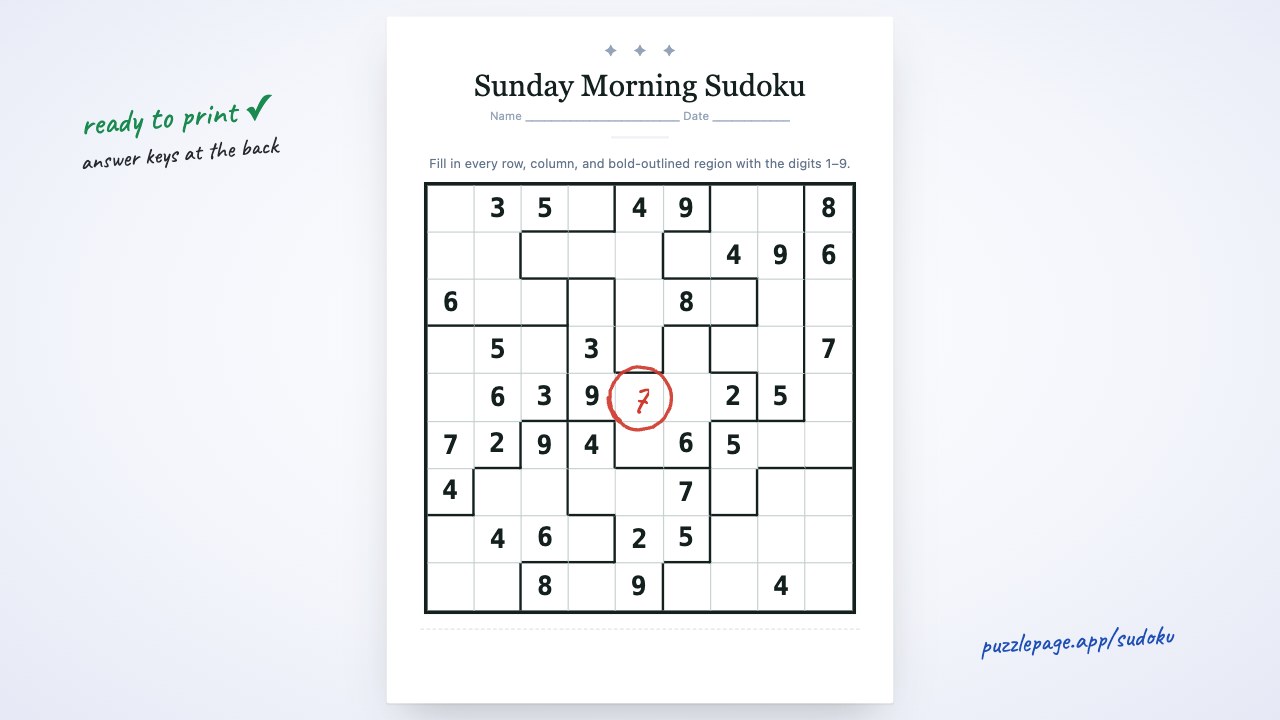 1:00Make a sudoku
Make printable sudoku puzzles — 4×4, 9×9, 16×16 or jigsaw — with a free answer key: let AI set up the batch, pick a level, and download every puzzle in one PDF.
1:00 · Includes: AI · Plus extras · Steps & transcript
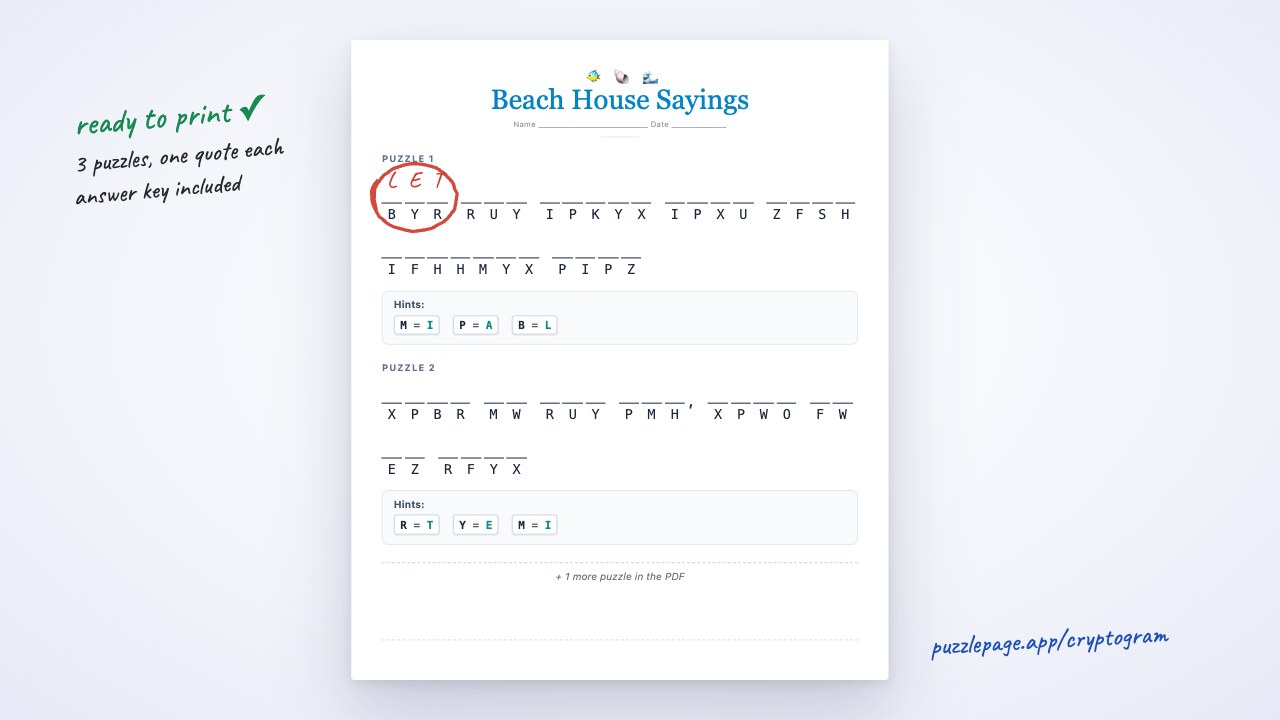 0:56Make a cryptogram
Turn any quote into a printable cipher puzzle: let AI write the sayings or pick from the quote library, choose the hint level, check the answer key and download a free PDF.
0:56 · Includes: AI · Plus extras · Steps & transcript
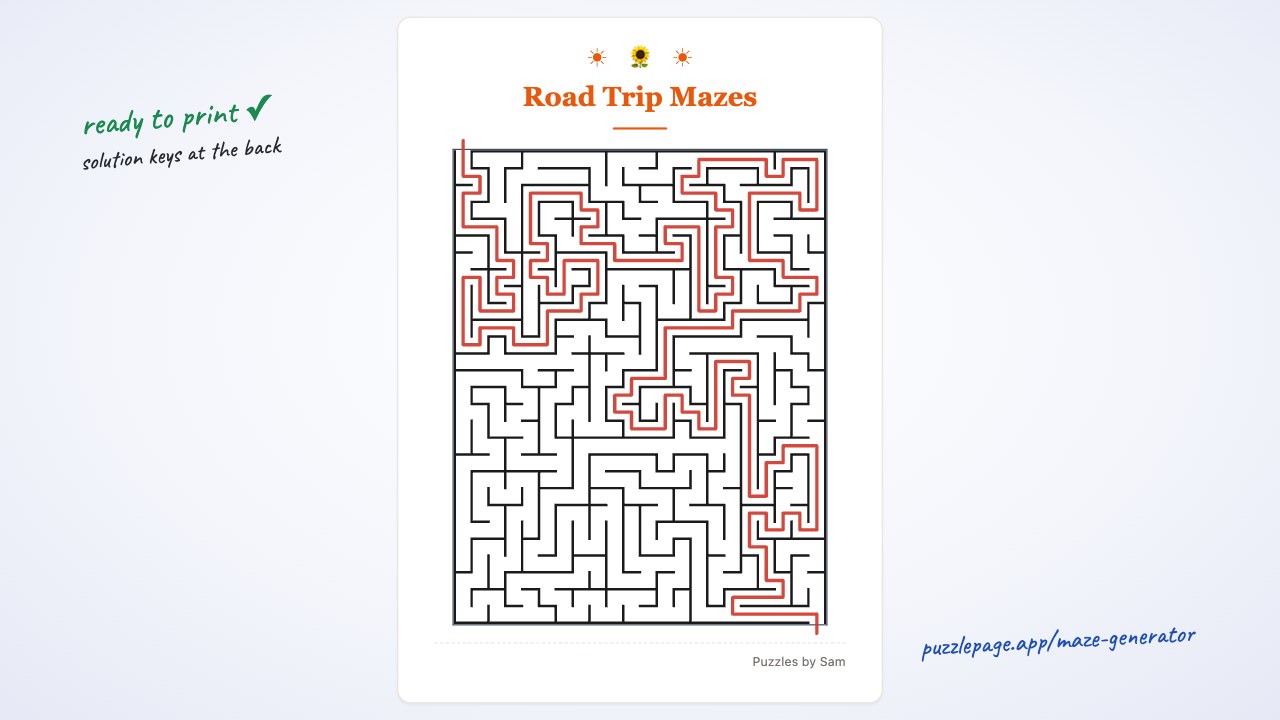 0:54Make a maze
Make printable mazes for kids, road trips and activity books: pick Easy, Medium or Hard, generate up to 50 at once, and download a PDF with the solution keys.
0:54 · Includes: Plus extras · Steps & transcript
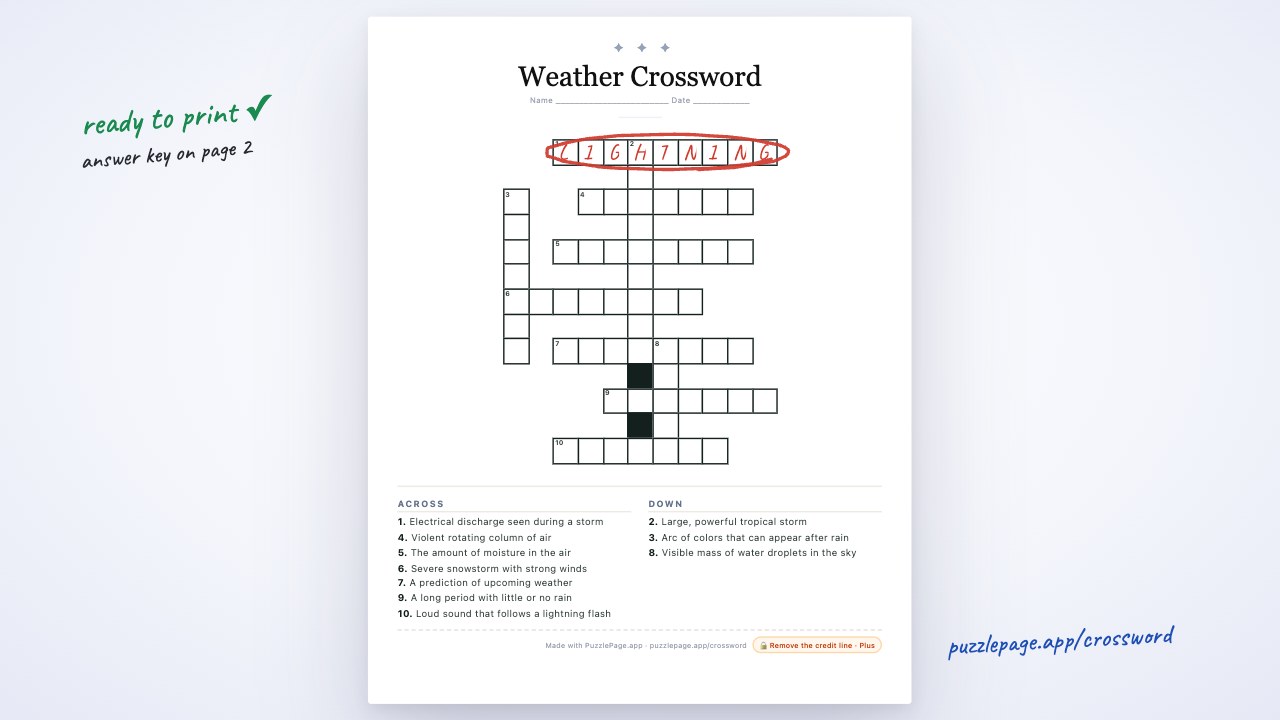 1:00Make a crossword
Make a free printable crossword: type or paste your words and clues, or load a ready-made theme, and PuzzlePage lays out a numbered grid with an answer key.
1:00 · Includes: Plus extras · Steps & transcript
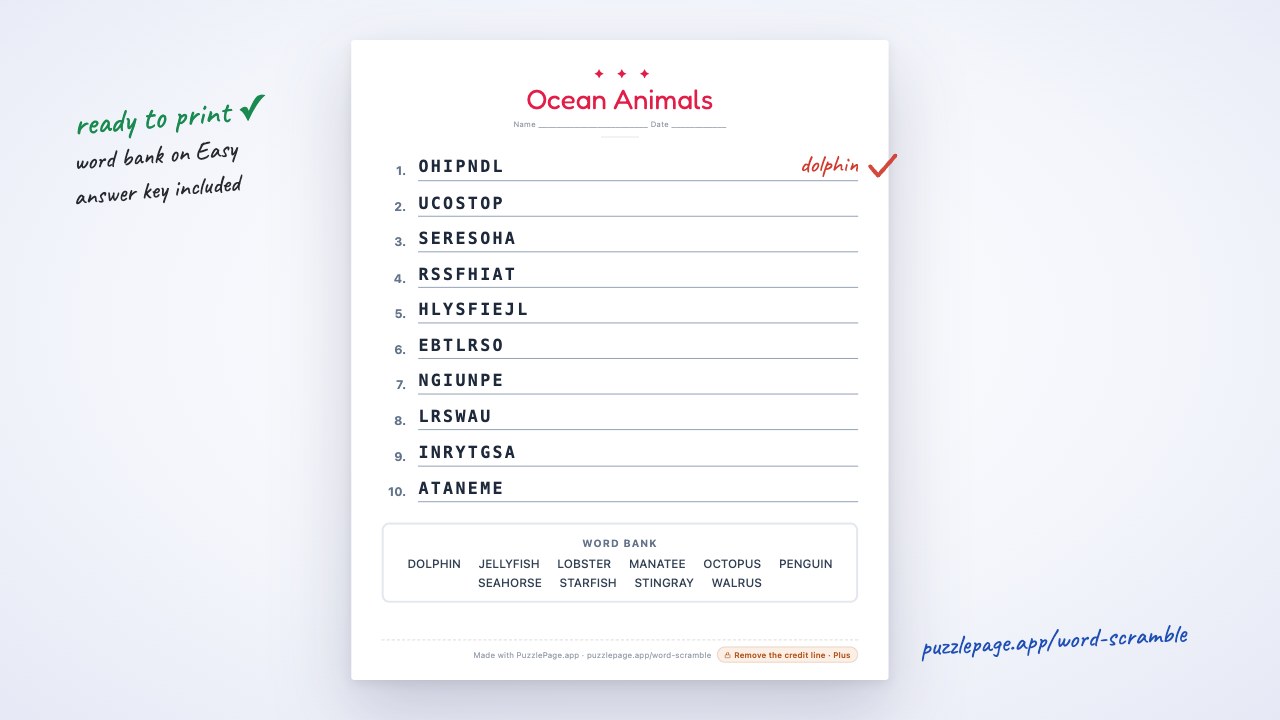 0:49Make a word scramble
Make a free printable word scramble: let AI pick words that scramble well, choose Easy (with a word bank), Medium or Hard, check the answers and print.
0:49 · Includes: AI · Plus extras · Steps & transcript
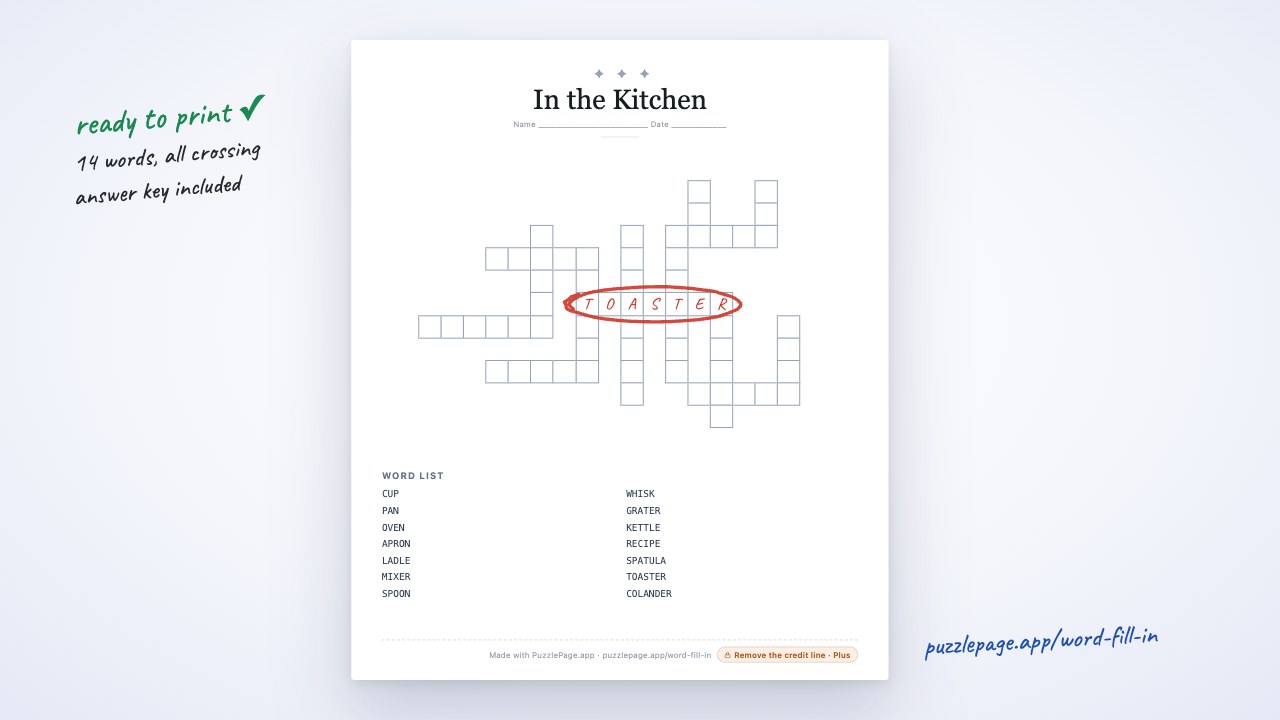 0:51Make a word fill-in
Make a free kriss-kross word fill-in: let AI write a mixed-length word list, and PuzzlePage builds an interlocking grid; pick the size and word list order, check the answer key and print.
0:51 · Includes: AI · Plus extras · Steps & transcript
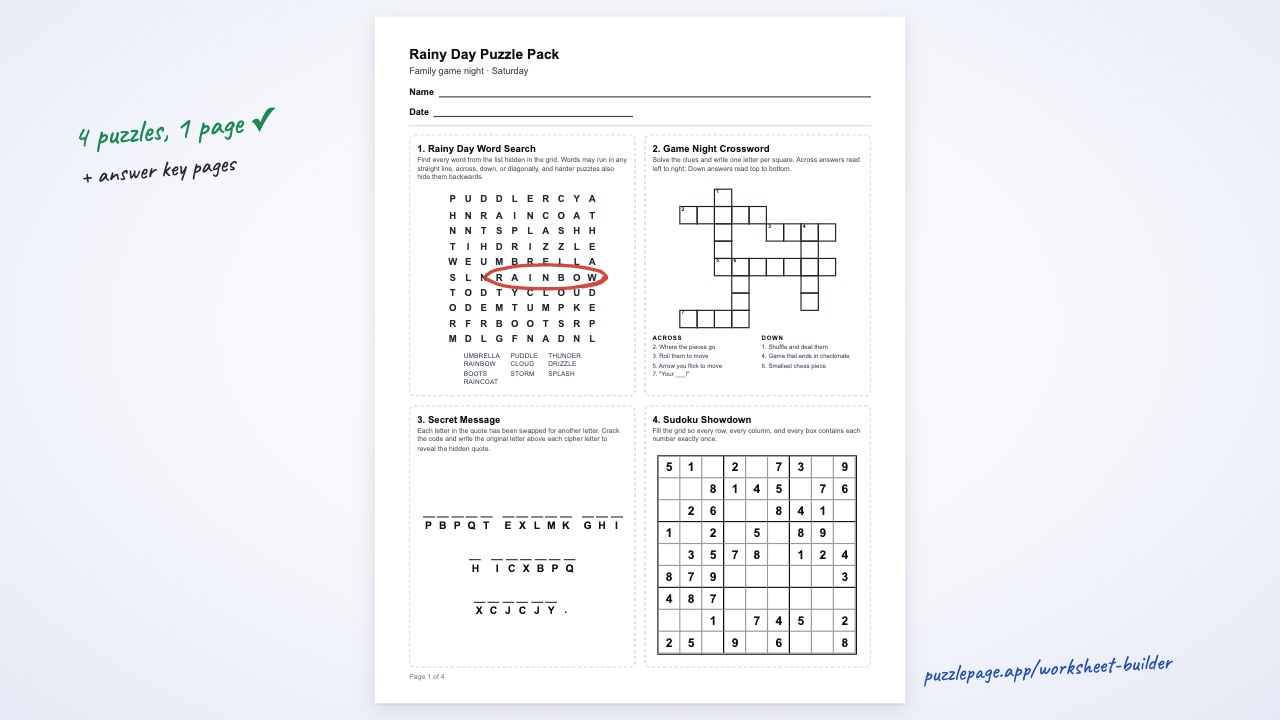 1:00Build a puzzle worksheet
A one-minute walkthrough of the Worksheet Builder: describe a worksheet and let AI build every puzzle, or add puzzles yourself; choose 1, 2 or 4 per page, add a name line and answer key, save it, and download one printable PDF.
1:00 · Includes: AI · Plus extras · Steps & transcript
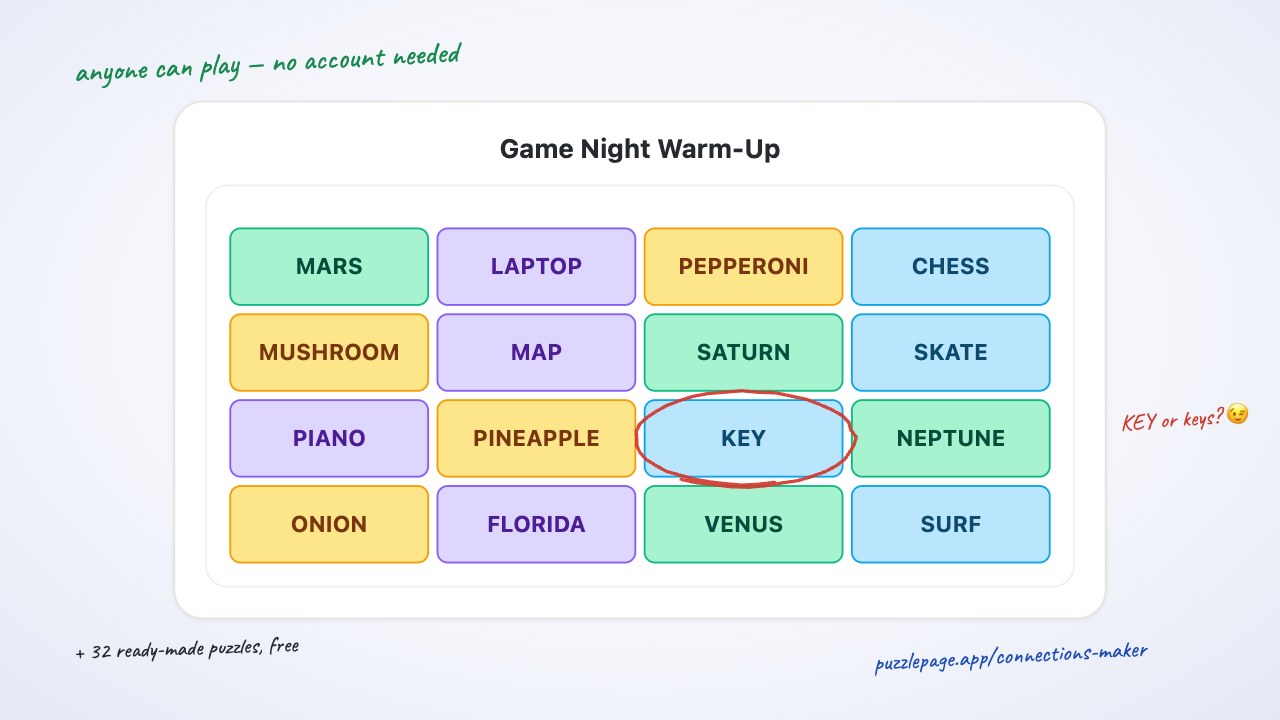 0:51Make a Connections puzzle
A quick walkthrough of the free Connections Puzzle Maker: name four groups of four words, check the colored board, play it yourself, then get a free link anyone can play — no account needed.
0:51 · Steps & transcript
Save, download & share
Getting your puzzle out of the maker and into your hands.
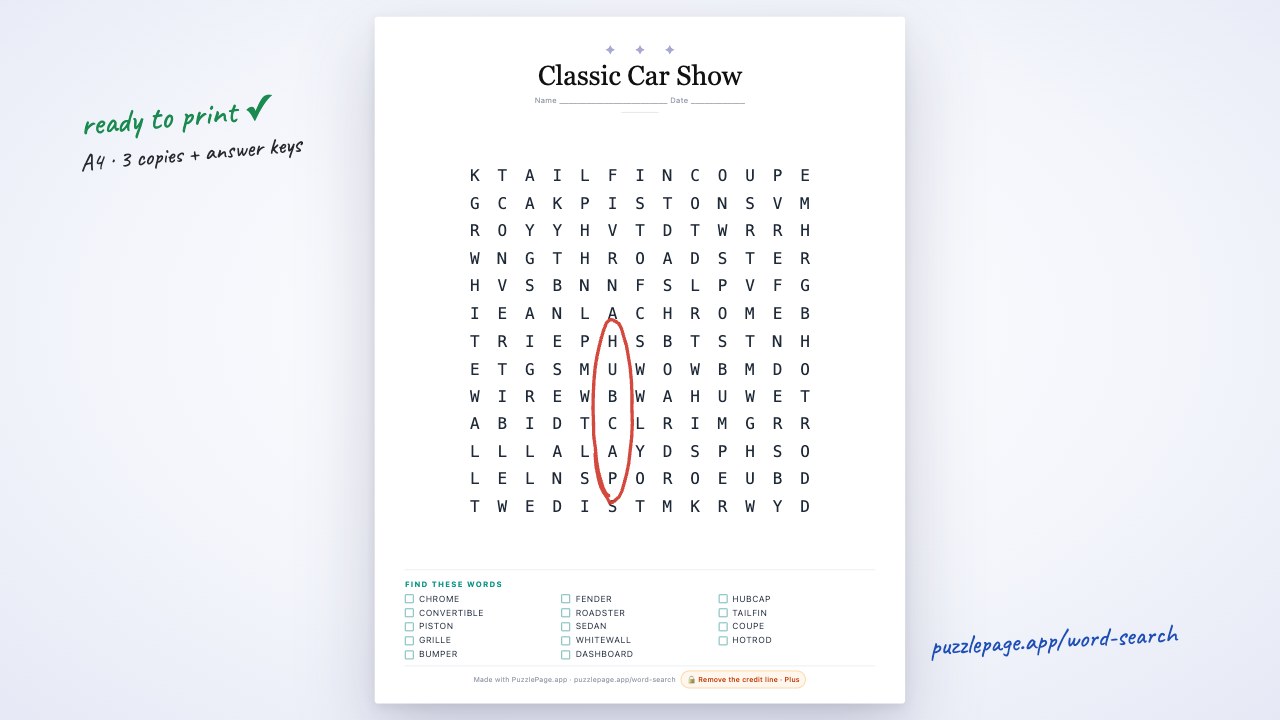 0:39Download & print your puzzle
Choose the paper size and number of copies in the download settings, then download a print-ready PDF with the answer key at the back.
0:39 · Includes: Plus extras · Steps & transcript
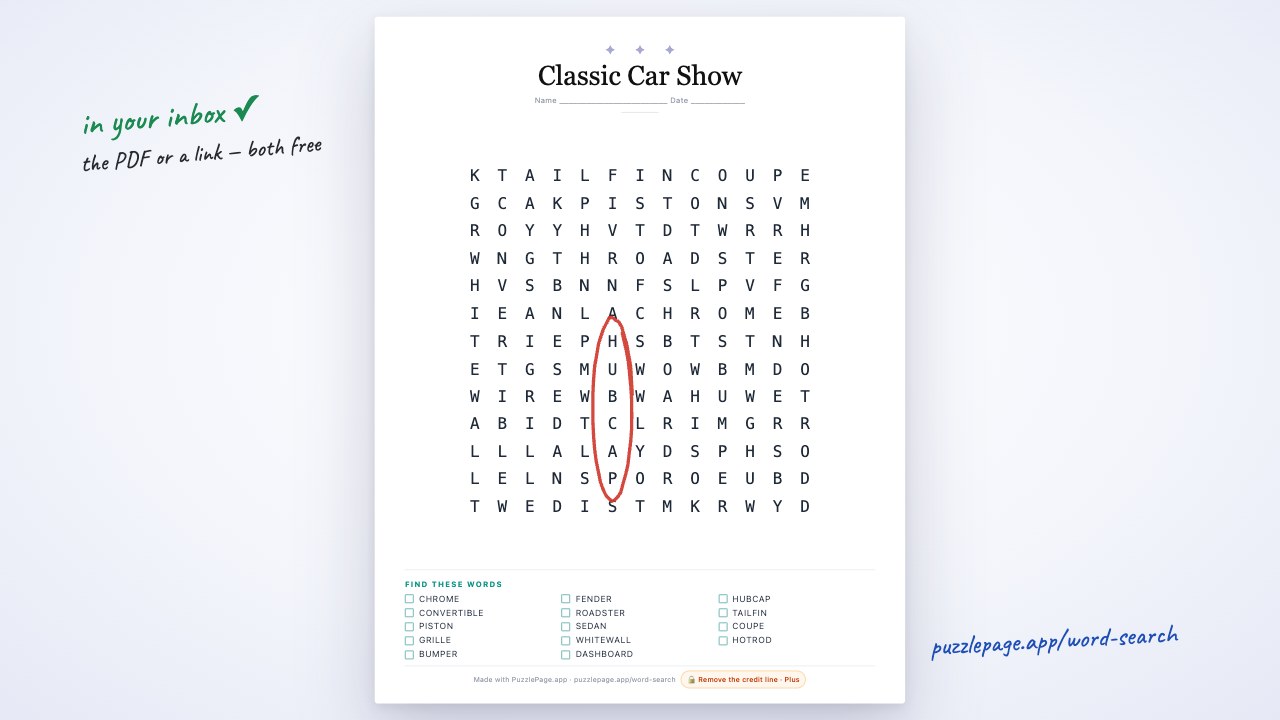 0:36Email a puzzle to yourself
Send the finished PDF straight to your inbox as an attachment — handy when the printer is on another computer — or email yourself a link to play, print or re-download it any time.
0:36 · Steps & transcript
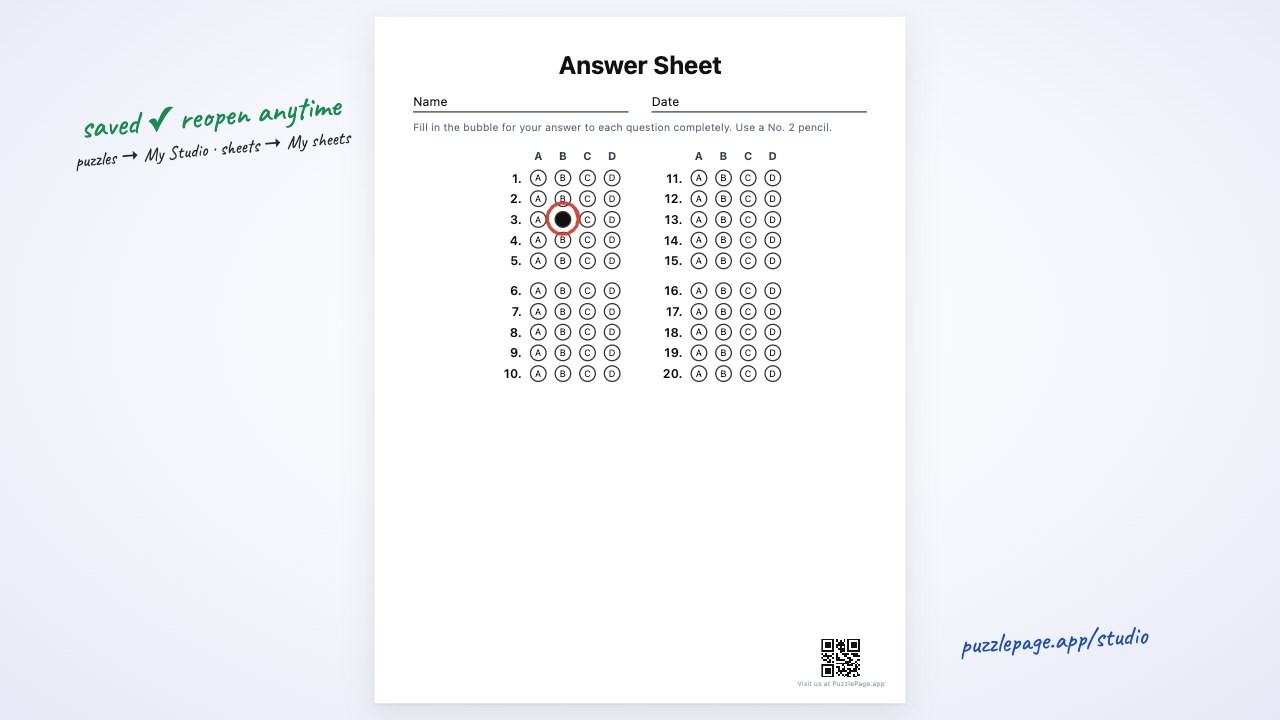 0:38Save your puzzles
Give any puzzle its own free link, create a free account to keep everything in My Studio, and save answer-sheet setups to My sheets.
0:38 · Steps & transcript
Rather read than watch?
Each video has its own page with the steps written out. Or jump straight in — every maker is free to use, and the answer key is always included.