Video course · 10 episodes · about 15 minutes
Make a KDP puzzle book from scratch
Never used the Book Studio — or KDP — before? Start at episode 1. Each video is one to two minutes, shows every click, and explains why it matters for your book on Amazon.
All ten episodes
- 1
Your first look at the Book Studio
open the Book Studio, meet the Start Here walkthrough, and learn what each panel does before you build your first puzzle book for Amazon KDP.
Watch (video: Your first look at the Book Studio)· 1:30Steps & transcript1:30
- 2
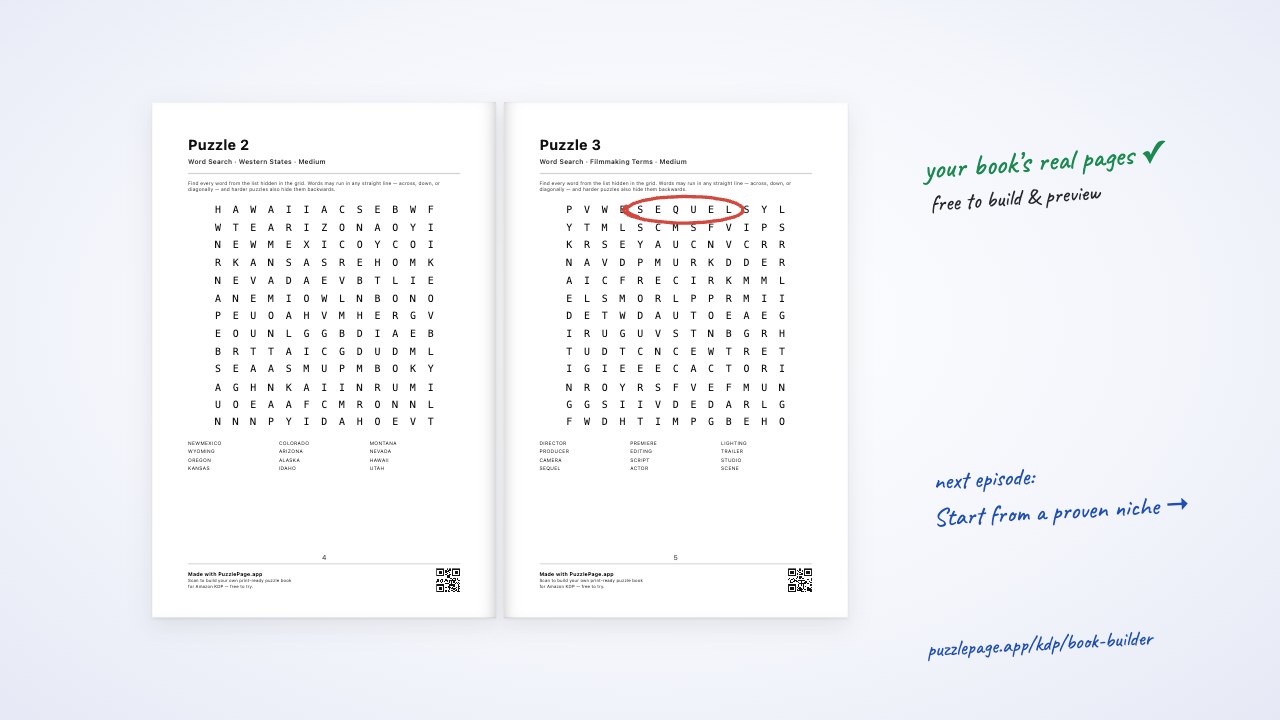
Start from a proven niche
pick one of 37 researched puzzle-book templates, read why it sells and when to publish it, and load a complete starting book — interior and starter cover — in one click.
Watch (video: Start from a proven niche)· 1:25Steps & transcript1:25
- 3
Title, subtitle, author & trim size
write a title and subtitle that sell, add the author name, and choose the right KDP trim size — 6×9 is the cheapest to print, 8.5×11 suits large print — with margins handled for you.
Watch (video: Title, subtitle, author & trim size)· 1:24Steps & transcript1:24
- 4
Add your puzzle sections
fill your book with sections of 18 puzzle types, set counts and difficulty (including easy-to-hard), use a theme or your own word lists, and stay inside KDP's page limits.
Watch (video: Add your puzzle sections)· 1:22Steps & transcript1:22
- 5
Plan & write your book with AIAI
describe the book you want and let AI plan every section, or have it write one section's word lists — then review and edit everything before it prints.
Watch (video: Plan & write your book with AI)· 1:37Steps & transcript1:37
- 6
Make the pages look right
choose one or two puzzles per page, size them, turn on large print for seniors, set the text size, and add a dedication and introduction page.
Watch (video: Make the pages look right)· 1:22Steps & transcript1:22
- 7
Build the outline & edit any puzzle
build the outline to see your real printed pages, flip through spreads, open any puzzle to retitle it, change its difficulty or words, and lock it so rebuilds keep it.
Watch (video: Build the outline & edit any puzzle)· 1:22Steps & transcript1:22
- 8
Proof it, pass the KDP check & download
proof every page in the full-size preview, download your first 10 pages and cover free, build the full interior PDF, read the KDP check, and save your book.
Watch (video: Proof it, pass the KDP check & download)· 1:26Steps & transcript1:26
- 9
Design your full-wrap coverAI
switch to the Cover Studio, start from a starter cover or one of 32 styles, set colours, front and back text, add a background or your own picture, and drag everything into place.
Watch (video: Design your full-wrap cover)· 1:47Steps & transcript1:47
- 10
Cover check, listing & upload to AmazonAI
pass the cover check, download the paperback and ebook covers, get your listing pack or write it with AI, then upload the interior and cover to KDP and publish.
Watch (video: Cover check, listing & upload to Amazon)· 1:25Steps & transcript1:25
What’s free, what’s paid
Building a book, using the templates, designing the cover and previewing the first pages are free, and you can download the first 10 pages and the cover free to test-print. The full interior PDF, the cover print files and the AI features come with the Publisher plan. The videos mark every paid step.
See the Publisher plans →Ready to build?
Open the Book Studio in another tab and follow along, one episode at a time.
Open the Book Studio