How to Grade Printable Bubble Sheets Fast (Free Methods)
Three fast ways to grade a class set of printable bubble answer sheets — an overlay/punch-out answer key, a scan-ready QR sheet, and camera OMR apps. Free, no special forms.

On this site: Make a free bubble answer sheet·Browse 100+ free printables·Play today's puzzles
Printable bubble sheets are free and work anywhere, but grading a stack of them by hand can feel slow. It doesn't have to be. Here are three fast, mostly-free ways to grade a class set — from a zero-tech overlay key to snapping a photo with your phone.
 1:05
1:05Method 1: The overlay / punch-out answer key (fastest, free)
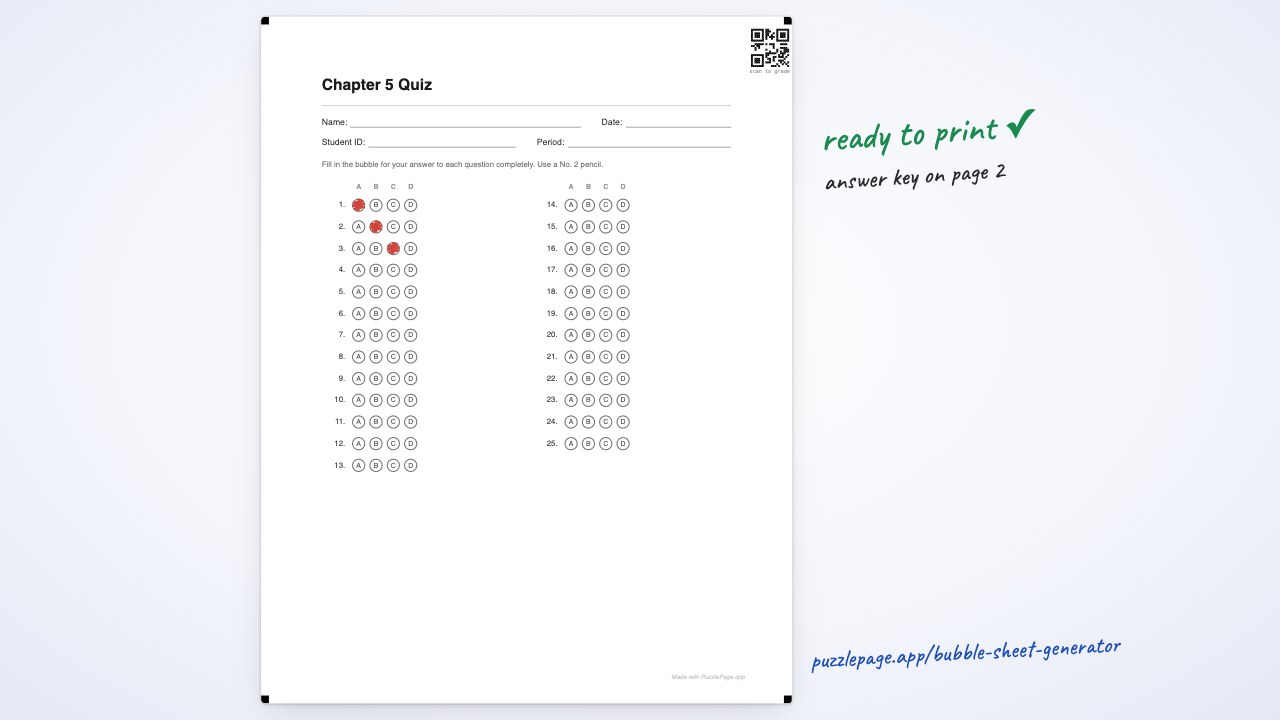
This is the classic teacher trick and it's still the quickest no-app method. When you build a sheet in the bubble sheet generator, paste your correct answers. The PDF adds a filled answer-key page. Print that page on a transparency sheet — or on paper, then hole-punch each filled bubble.
Now lay the key over each student's sheet. Where a student bubbled correctly, their mark shows through the hole or lines up with the filled circle. Wrong answers and blanks are obvious. Count the misses, and you have a score in seconds. A full class set takes a couple of minutes, no batteries required.
Like this? We send 10 of these every month.
Free printable puzzles, answer keys included — same quality as the ones in this post.
One email. Unsubscribe anytime.
Method 2: Scan codes + a camera OMR app
If you'd rather let a camera do the counting, turn on scan codes in the generator. That adds four corner registration markers and a QR code that encodes your answer key onto every sheet — the marks a phone or webcam needs to find the page and read the bubbles.
Apps such as ZipGrade, GradeCam, and Akindi photograph a completed sheet and score it instantly, then export to a spreadsheet or gradebook. Most have a generous free tier (ZipGrade, for example, allows a set number of free scans per month). Because our sheets print on plain paper with standard registration marks, they slot into these camera-based workflows without proprietary forms.
Method 3: A self-score answer strip
For quizzes students grade themselves, print the answer-key page and cut it into a narrow answer strip. Students line the strip up next to their sheet and check their own work — useful for practice tests and test-prep where immediate feedback matters more than security.
Which method should you use?
- One class, right now: the overlay key. Nothing to install, nothing to charge.
- Many classes or repeated tests: scan codes + a camera app, so scores flow straight into a gradebook.
- Practice & test prep: a self-score strip for instant feedback.
Make a gradeable sheet in seconds
Start with the free bubble sheet generator: choose your question count, add name and student-ID fields, paste your answer key, and (optionally) switch on scan codes. Download the PDF and pick whichever grading method fits your day. Need a specific length? Jump straight to a 50-question sheet or a 100-question sheet.
More you can make here
One puzzle is the start. Here is the rest of the kit.
 New
NewWorksheet Builder
Put a word search, a cryptogram and a scramble on one page, or build a whole themed packet. Prints with answer keys.
Build a worksheet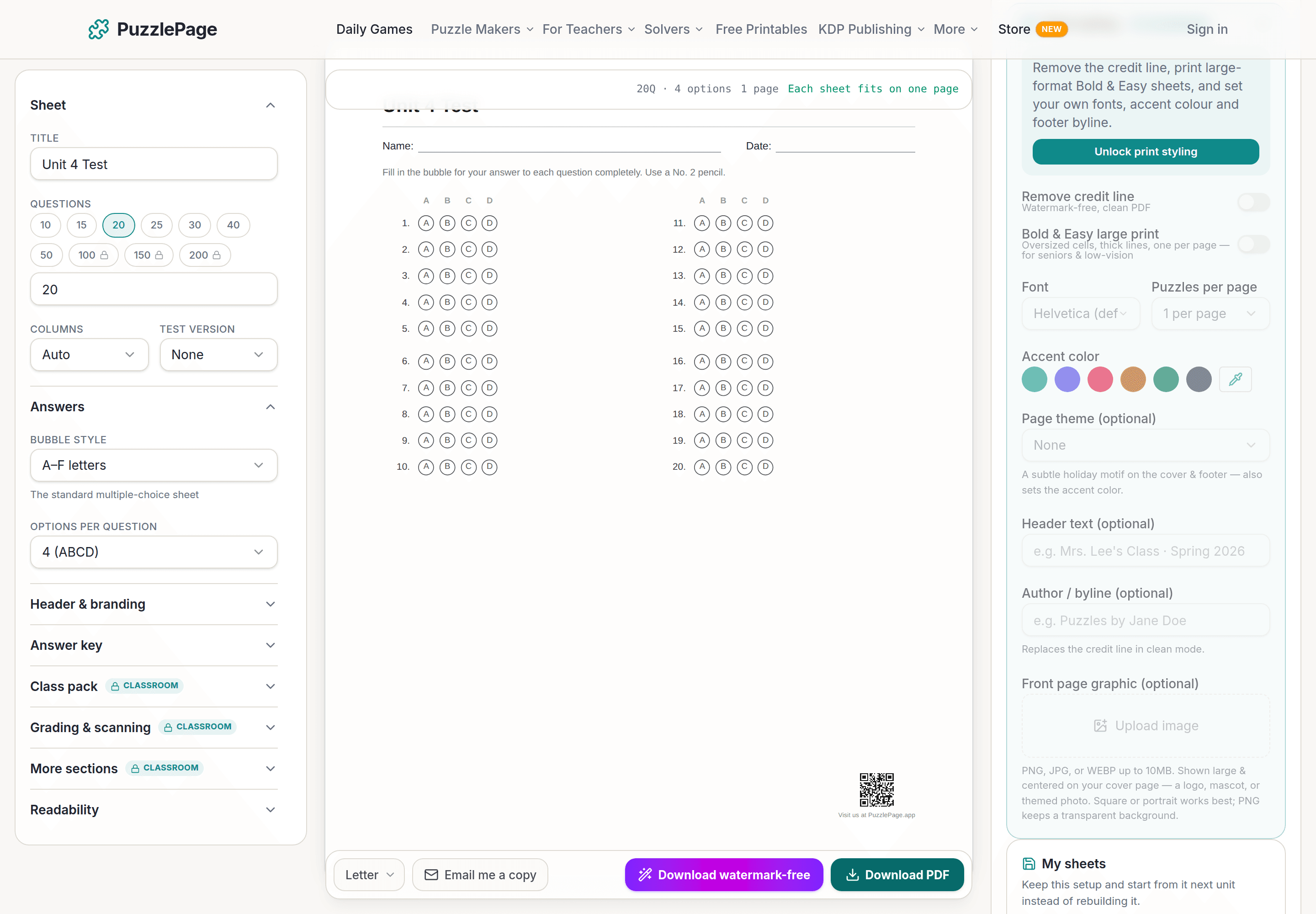
Bubble Sheet Studio
Answer sheets for any test length, with sections, versions, student ID grids and a matching answer key.
Make a bubble sheet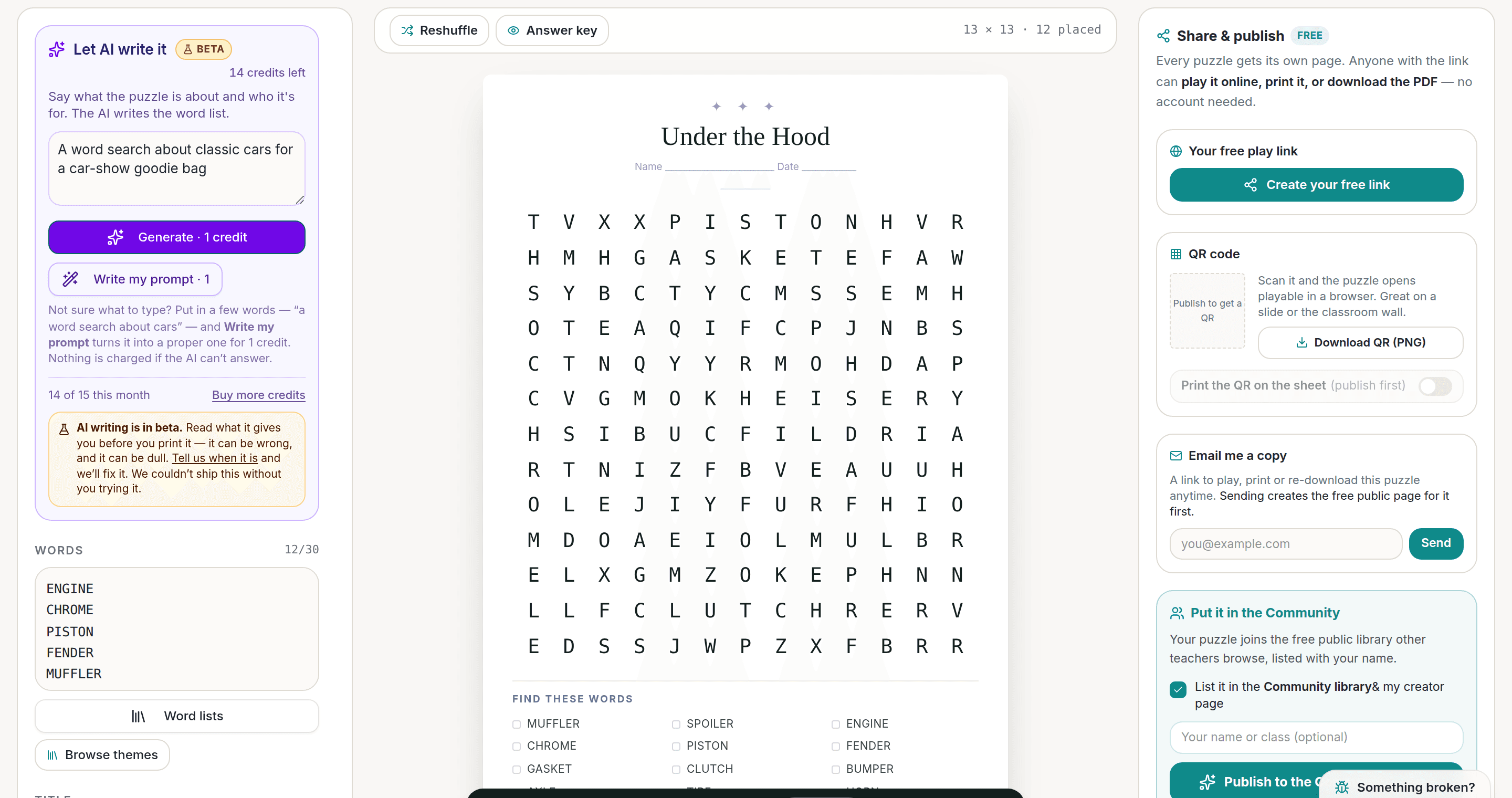
AI Puzzle Generator
Type a topic, get a themed word list and a finished puzzle. Premium also removes the footer credit and adds Word export.
Try the AI generator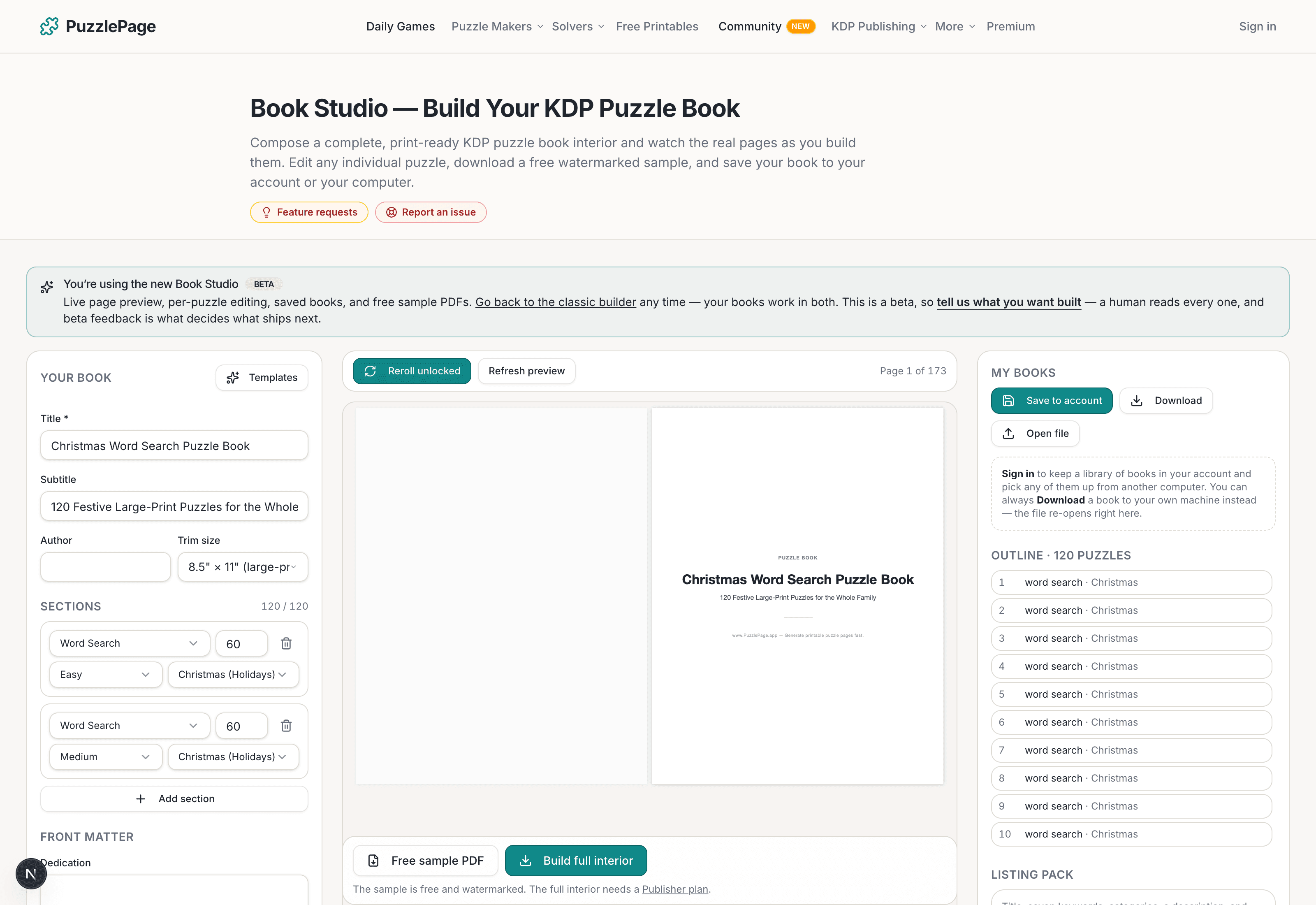
KDP Book Studio
Lay out a full puzzle book for Amazon KDP: templates, trim sizes, page checks and a cover designer.
Start a puzzle bookPremium removes the footer credit, adds Word export and custom styling across every maker.
See plans →Free daily games
Need a two-minute break? Today's puzzles are live.
A new Sudoku and a new Connections board every day. No download, no account.


Keep reading
Get 10 free puzzles
Get the free 10-puzzle pack
Enter your email and we'll send you 10 print-ready puzzles with answer keys, plus a heads-up when we publish new generators and seasonal puzzle packs. Same quality as the ones on this page.
Roughly two emails a month. No spam, unsubscribe anytime.
Enjoyed this? Share the puzzle on X
Like puzzles like this? Follow on Pinterest for a new one every day.