Bubble Sheets Explained: 4 Formats and Which One to Print
A bubble sheet is the answer form students fill in, not the test. Here are the four formats, how many questions fit per column, and a free printable PDF.

On this site: Make a free bubble sheet·Browse 100+ free printables·Play today's puzzles
If it is the night before a test and you just need the sheet, the free bubble sheet generator prints one in about a minute, and our walkthrough of the free bubble sheet generator for teachers covers the tool click by click. This page is the other half: the formats, how many questions fit on a page, and what to do with the stack afterwards.
📌 Key Takeaways
- A bubble sheet is the answer form, not the test — the questions live on a booklet you reuse for years.
- Four formats cover almost every classroom need: lettered multiple choice, True/False, ACT-style letters, and a scannable OMR sheet.
- Question count decides the columns. Over 20 questions, the sheet needs two or more to stay on one page.
- PuzzlePage builds 1 to 200 questions with 2 to 6 options each, on Letter or A4 paper.
- Paste your correct answers and the PDF adds a filled key page for hand-grading.
 1:05
1:05What is a bubble sheet?
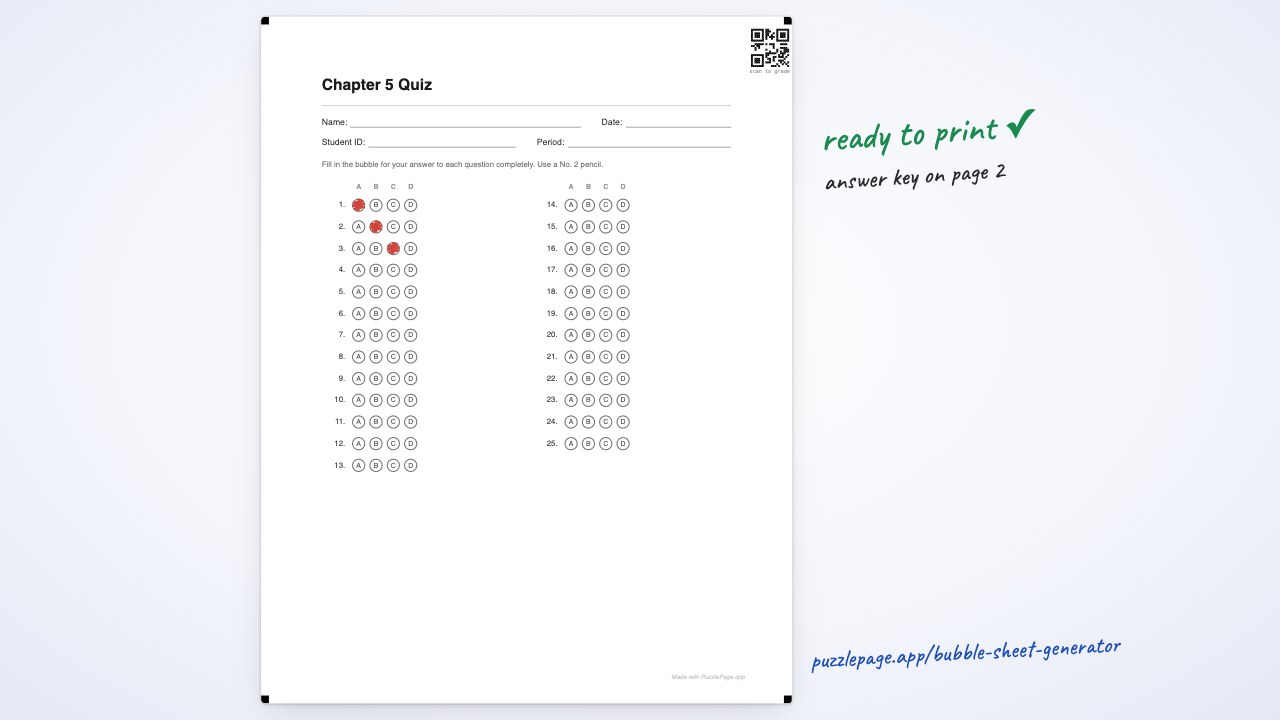
A bubble sheet is a printed grid where each row is one question and each circle in that row is one answer choice. Students shade the circle that matches their answer. Teachers call the same document an answer sheet, a Scantron-style sheet, or an OMR sheet depending on where they trained.
The point of it is separation. The questions sit on a booklet or a projected slide; only the sheet gets collected, so you print one page per student instead of a six-page packet and the booklets survive to next year. The second benefit is speed: because every student's answer to question 14 sits in the same place, your eye stops searching and grading becomes a comparison instead of a read.
Like this? We send 10 of these every month.
Free printable puzzles, answer keys included — same quality as the ones in this post.
One email. Unsubscribe anytime.
The four bubble sheet formats, and which one to print
Nearly every sheet you will hand out is one of four formats. Pick by what your questions look like, not by what sounds official.
- Lettered multiple choice (A–F). The default. Set the option count to match your test — four options gives A–D, five gives A–E.
- True/False. Two bubbles per row, T and F. Better than an A–D sheet for reading checks and exit tickets, because there is no unused circle to shade by accident.
- ACT-style (F–G–H–J). The letter set on real ACT booklets, which skips I so it cannot be mistaken for a 1. Print it only when your booklet uses those letters too.
- OMR / scannable. The same grid plus four corner registration marks and a QR code, so scanning software has something to lock onto. The OMR sheet preset starts you there.
One rule beats all four: the bubbles must match the letters in the booklet. A student who reads choices F, G, H, J and then faces a sheet of A, B, C, D translates in their head, and translation is where marks get lost.
Pro Tip
If your test only uses four choices, set the sheet to four options rather than leaving a spare E bubble on every row. An unused circle is an invitation.
How many questions fit on one bubble sheet?
All of them, up to 200, as long as the rows are split into enough columns. A 60-question test as one long list runs off the bottom of the page; the same 60 in three columns sit on a single side. PuzzlePage picks the columns for you, by this rule.
| Questions | Columns | Typical use |
|---|---|---|
| 1–20 | 1 | Exit ticket, reading check |
| 21–50 | 2 | Unit test, chapter quiz |
| 51–75 | 3 | Midterm, AP-style section |
| 76–120 | 4 | Final exam, full practice test |
| 121–200 | 5 | Entrance-exam mock, OMR paper |
You can override the columns, and two settings do more for legibility than people expect: a small gap every five rows so nobody drifts a line off, and larger bubbles for early grades and low vision. The two counts teachers reach for most are pre-set on their own pages — the 25-question answer sheet and the 50-question answer sheet.
Print a sheet before the bell
Set the count and answer style, paste your key, download a print-ready PDF.
Make a bubble sheet →What goes at the top of the sheet?
The header is the part people skip and the part that costs time later. A sheet with no name on it cannot be entered into a gradebook.
Switch on Name, Date, Student ID, Class or Section, Period, Teacher, and Score, plus your own fields. Add the test-version bubble when students sit close enough to read each other's page: mark one stack A and one B and you can tell at a glance which form a paper belongs to. A free-text line carries the instruction nobody hears in time — “pencil only” — and the printed instruction line comes in English or Spanish.
Bubble sheet, answer sheet, Scantron, OMR — what is the difference?
Mostly geography and habit. They describe the same document.
- Bubble sheet / answer sheet is the plain description, and what most US teachers say out loud.
- Scantron is a company name that became a generic term. Official Scantron forms are proprietary paper read by their own machines; a printable sheet does the same classroom job, but it is a different product and is not guaranteed to feed any proprietary reader.
- OMR sheet — optical mark recognition — names the document by how it is read. Outside North America that is the usual term, on A4 paper.
Paper size matters more than the vocabulary. A4 is 210×297mm; US Letter is 8.5×11in, about 6mm wider and 18mm shorter. Printing one on the other shifts every margin and drags registration marks off the corners where a scanner looks for them, so pick the paper size before you print.
How do you grade a stack of bubble sheets?
By hand, with a key, and faster than you think. Paste your correct answers into the generator and the PDF gains a separate key page with the right bubbles already filled.
- Print the key page on a transparency, or print it on paper and punch out each filled bubble.
- Lay it over a student sheet. Correct answers show through; anything shaded outside a hole is wrong.
- Count the misses, subtract from the total, write the score, next paper.
A class set takes a few minutes once the rhythm sets in. There is a longer walkthrough of this and two other approaches in grading bubble sheets fast.
To scan instead, switch on scan codes: four corner registration marks, a QR of your key, and a coordinate template giving the exact position of every bubble on the page — what third-party grading software needs in order to read the sheet. To be direct: PuzzlePage prints the sheet and describes it precisely enough to be machine-read. It does not photograph, scan, or score anything itself, so pick your grading app first and check it accepts a generic sheet.
If you landed here searching for “captain bubble test generator”
That search usually lands on one of the older free bubble-sheet tools, and the spelling drifts on the way. We cannot speak to what any other tool does today, so rather than compare, here is plainly what this one is.
What it does: builds a printable bubble sheet of 1 to 200 questions with 2 to 6 options per row, in lettered, ACT-style, or True/False formats, on Letter or A4 paper, with the header fields you choose, an optional filled answer-key page, and optional OMR marks plus a bubble-coordinate template. Free PDFs carry a small “Made with PuzzlePage.app” footer credit; a credit-free export, the bubbled student-ID grid, math grid-in columns, and per-student class packs are on the paid plan.
What it does not do: it does not grade for you, does not scan a photo, and is not affiliated with Scantron or any exam board. It also does not hold your questions — that is the quiz maker.
Plenty of tools will print you a sheet tonight. Ours is worth the tab if you want the count past 100, need true A4, or want the key page in the same download.
Frequently Asked Questions
What is a bubble sheet used for?
It records multiple-choice answers on a separate page from the questions, so the test booklet stays clean and reusable and a whole class can be graded against one key. Teachers also use them for surveys and test practice.
How many questions can a bubble sheet have?
PuzzlePage builds sheets from 1 to 200 questions. Rows split into up to five columns automatically so a long test fits on one page, and you can set the columns yourself.
Is a bubble sheet the same as a Scantron?
They do the same job, but Scantron is a brand of proprietary form read by its own machines. A printable bubble sheet works on plain paper for hand-grading or your own scanning tools, and is not guaranteed to feed any specific proprietary reader.
Can PuzzlePage grade my bubble sheets automatically?
No. It prints the sheet, an optional filled key page for hand-grading, and optional registration marks plus a bubble-coordinate template that third-party OMR software can use. It does not scan or score sheets itself.
Is the bubble sheet PDF free?
Yes. Free PDFs carry a small “Made with PuzzlePage.app” footer credit; a credit-free export and extras like the student-ID grid come with the paid plan.
More you can make here
One puzzle is the start. Here is the rest of the kit.
 New
NewWorksheet Builder
Put a word search, a cryptogram and a scramble on one page, or build a whole themed packet. Prints with answer keys.
Build a worksheet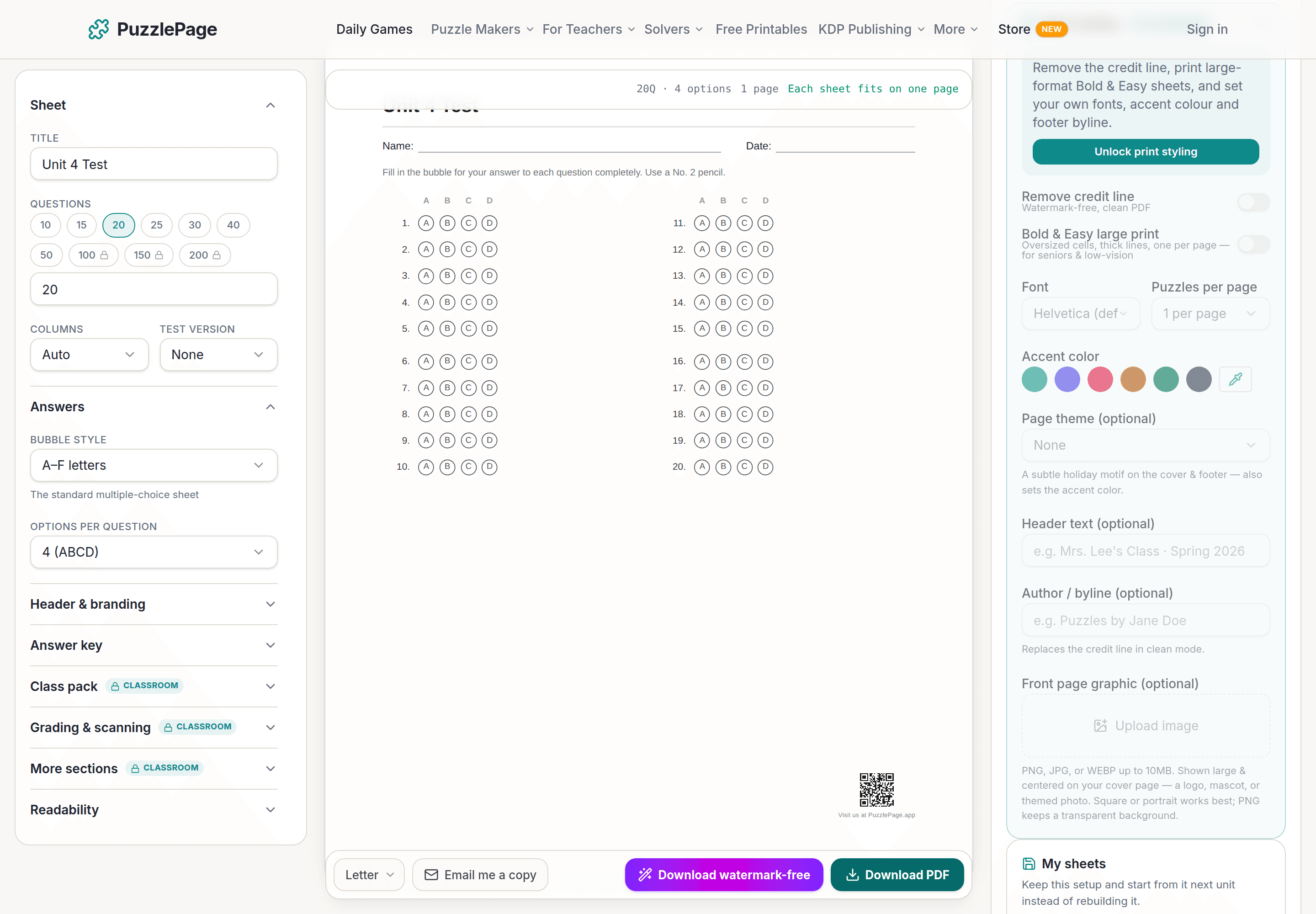
Bubble Sheet Studio
Answer sheets for any test length, with sections, versions, student ID grids and a matching answer key.
Make a bubble sheet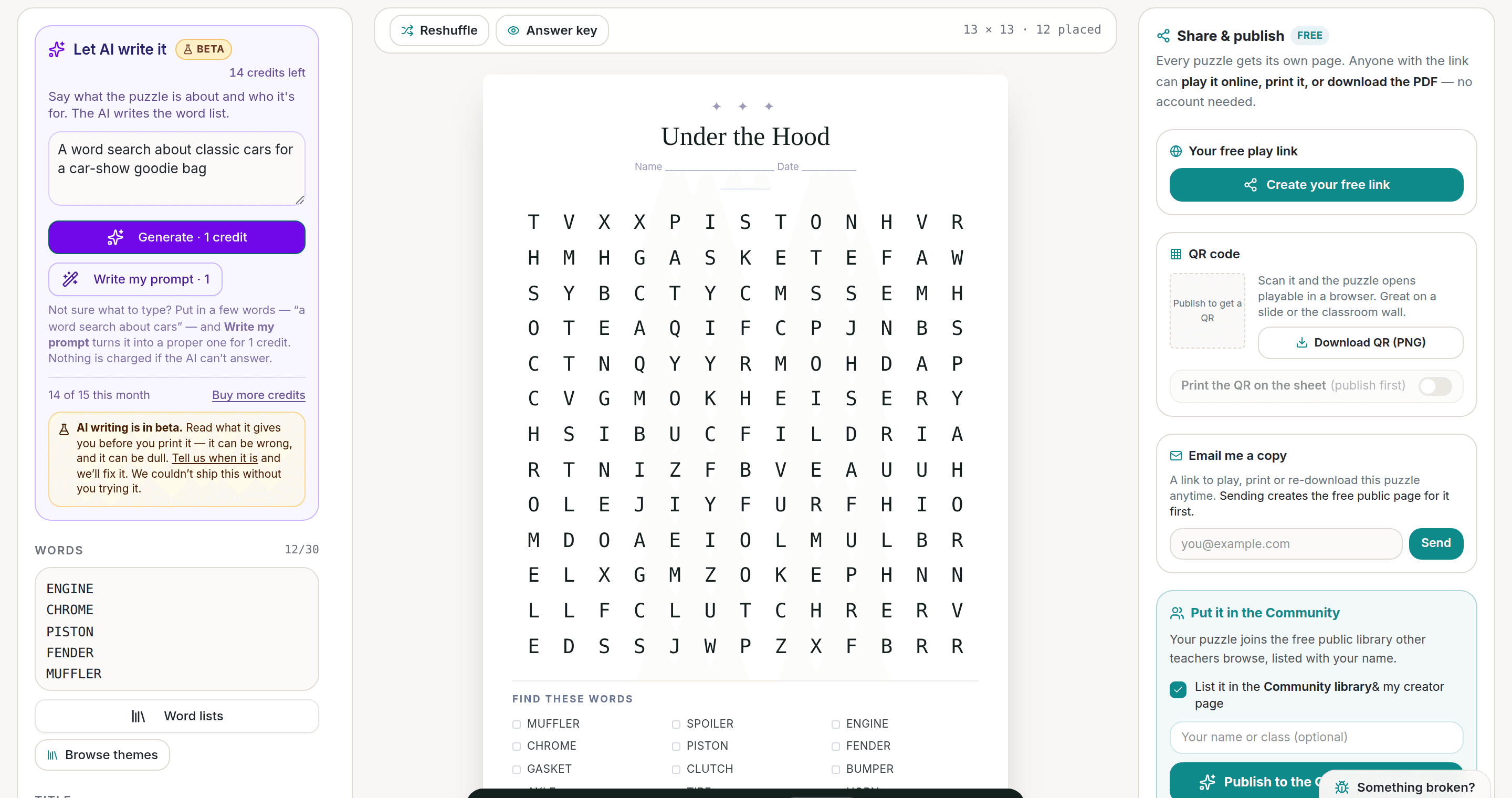
AI Puzzle Generator
Type a topic, get a themed word list and a finished puzzle. Premium also removes the footer credit and adds Word export.
Try the AI generator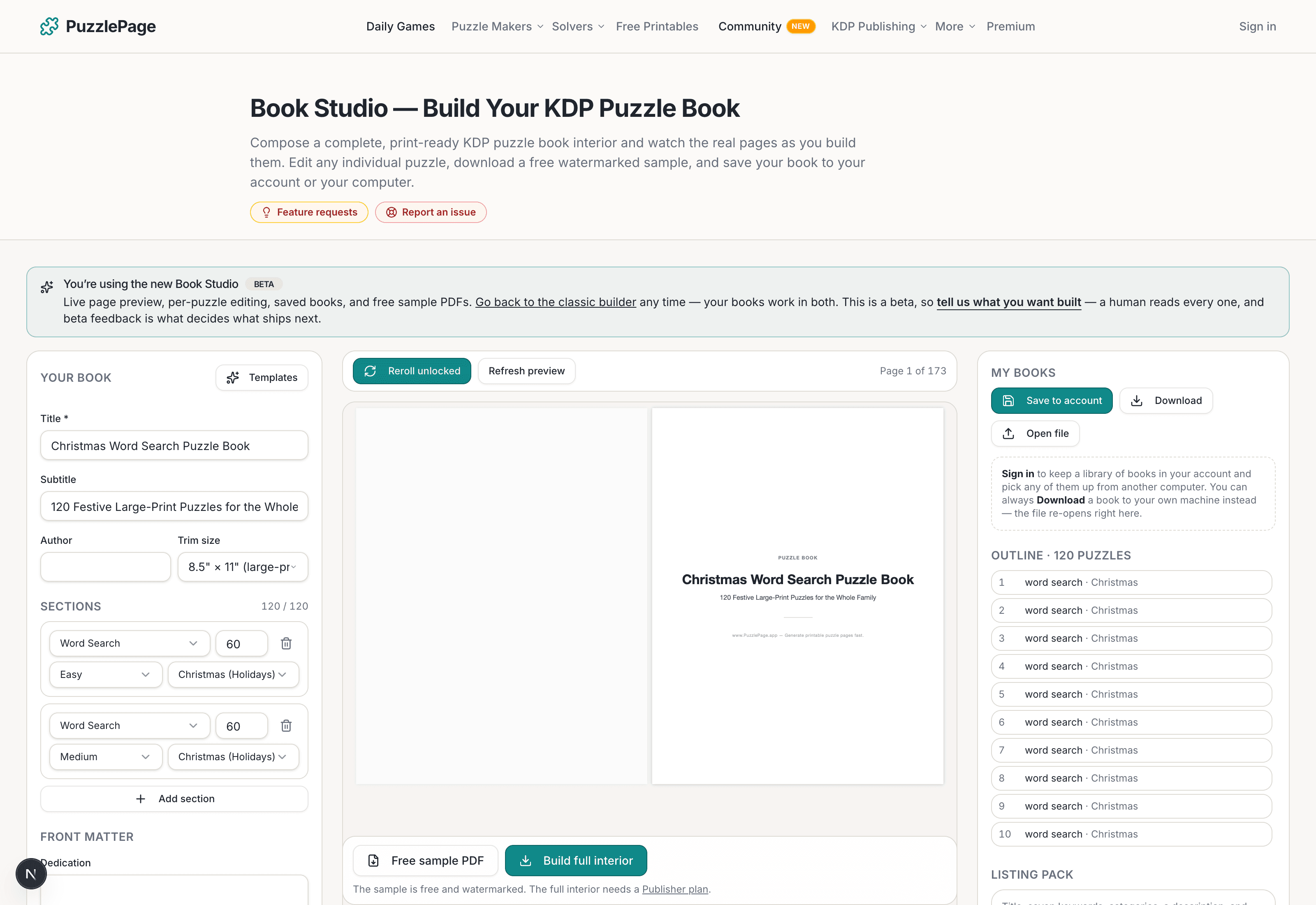
KDP Book Studio
Lay out a full puzzle book for Amazon KDP: templates, trim sizes, page checks and a cover designer.
Start a puzzle bookPremium removes the footer credit, adds Word export and custom styling across every maker.
See plans →Free daily games
Need a two-minute break? Today's puzzles are live.
A new Sudoku and a new Connections board every day. No download, no account.
Keep reading
Get 10 free puzzles
Get the free 10-puzzle pack
Enter your email and we'll send you 10 print-ready puzzles with answer keys, plus a heads-up when we publish new generators and seasonal puzzle packs. Same quality as the ones on this page.
Roughly two emails a month. No spam, unsubscribe anytime.
Enjoyed this? Share the puzzle on X
Like puzzles like this? Follow on Pinterest for a new one every day.