Bubble Sheet vs Scantron vs Grading Apps
What a printable bubble sheet, a Scantron form, and a camera grading app each cost and each do. A plain comparison for teachers deciding how to grade paper tests.

On this site: Make a free answer sheet·Browse 100+ free printables·Play today's puzzles
There are three ways to get thirty multiple-choice tests graded, and they cost wildly different amounts. Here is what each one actually involves.
📌 Key Takeaways
- Official Scantron 882-E forms list at about $117 per 500, which is roughly 23 cents a sheet.
- Camera grading apps are cheap or free at classroom volumes, and read their own forms or ones with corner marks.
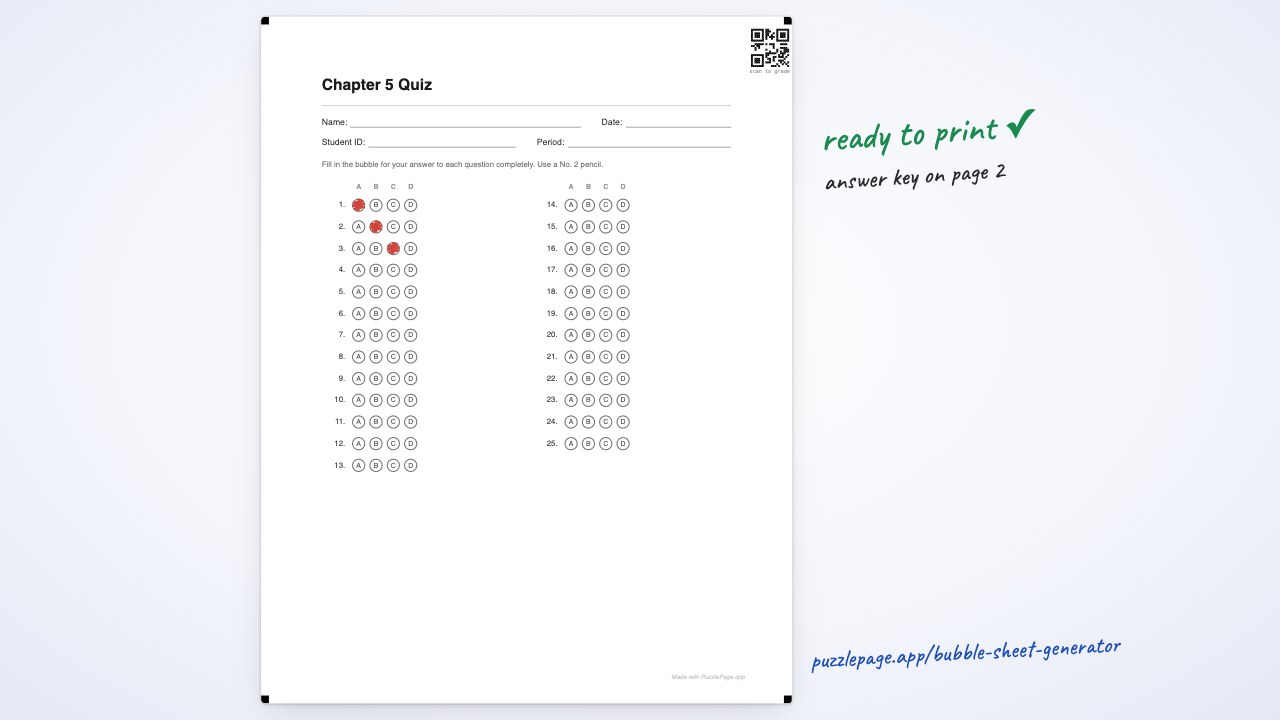
- A printed sheet plus an overlay key costs paper and grades a class set in a few minutes with no account and no app.
 1:05
1:05The three routes
| Route | Cost | Needs | Grading speed | Item analysis |
|---|---|---|---|---|
| Printed sheet, overlay key | Paper only | A printer | A few minutes per class | No |
| Printed sheet, camera app | Free tier, then a few dollars a year | A phone and an account | Seconds per sheet | Usually yes |
| Scantron forms and reader | About 23 cents per form | The machine and its forms | Seconds per sheet | Yes |
At thirty students that is roughly seven dollars a test in Scantron forms, against the cost of thirty sheets of copier paper. Over a year of unit tests the difference is real money out of a classroom budget.
Like this? We send 10 of these every month.
Free printable puzzles, answer keys included — same quality as the ones in this post.
One email. Unsubscribe anytime.
The overlay key, which people underrate
This is the zero-technology option and it is faster than it sounds. Paste your correct answers into the generator and the PDF gains a key page with the right bubbles filled in.
- Print the key page on an overhead transparency, or on card stock and punch out the filled bubbles.
- Lay it over a student's sheet.
- Correct answers line up. Anything showing through in the wrong place is a mistake.
- Count the mismatches and move on.
Pro Tip
Download the key on its own rather than the whole document. One transparency per test beats hunting for page four of a class set. There is more detail in how to grade bubble sheets fast.
Camera apps, and what they need from the paper
ZipGrade, GradeCam and similar apps photograph a sheet and score it in about a second. They are genuinely good, and their free tiers cover a lot of classroom use.
What they need is a sheet the camera can find and square up. That means four corner registration marks, consistent bubble spacing, and enough contrast. Turning on scan marks adds those marks plus a QR code carrying your answer key.
Heads up
Each app is happiest with its own form. If you are committed to one app, use its form. Scan marks are for your own scanning tools and for readers that accept a generic sheet, and we do not claim compatibility with any specific proprietary reader.
How to choose
-
Your school already owns a reader
Use its forms for the tests that need to go through it, and printed sheets for everything else. Most teachers do not need a machine-read form for a Friday quiz.
-
You want per-question data
A camera app is the cheapest route to item analysis. Knowing that eighteen students missed question seven is worth more than the grading time it saves.
-
You just want the stack graded
Print the sheet and the key, and use the overlay. No account, no app, no forms to order, and it works the week your printer is the only thing in the building that does.
You can start with the free route today. Set the question count in the bubble sheet generator, paste your key, and print. If you also need the question paper, the quiz maker produces that side of it.
Frequently Asked Questions
What is the cheapest way to grade multiple choice tests?
Printing your own answer sheets on plain paper and grading with an overlay key costs only the paper. Official Scantron 882-E forms list at about $117 per 500, which works out near 23 cents a sheet, or roughly seven dollars for a class of thirty.
Do I need a Scantron machine?
No. A printable bubble sheet grades by hand with an overlay key, or with a camera app on your phone. The machine only matters if your school already owns one and requires its specific forms for certain tests.
Can I grade a bubble sheet with my phone?
Yes, with an app such as ZipGrade or GradeCam. They read sheets carrying corner registration marks, which our generator can print, although each app also has its own preferred form that it reads most reliably.
Is a printable answer sheet as reliable as a Scantron form?
For hand-grading, yes, and it costs a fraction as much. For machine reading, a proprietary reader expects its own paper stock and mark positions, so a printed sheet is better suited to a camera app or your own scanning tools.
More you can make here
One puzzle is the start. Here is the rest of the kit.
 New
NewWorksheet Builder
Put a word search, a cryptogram and a scramble on one page, or build a whole themed packet. Prints with answer keys.
Build a worksheet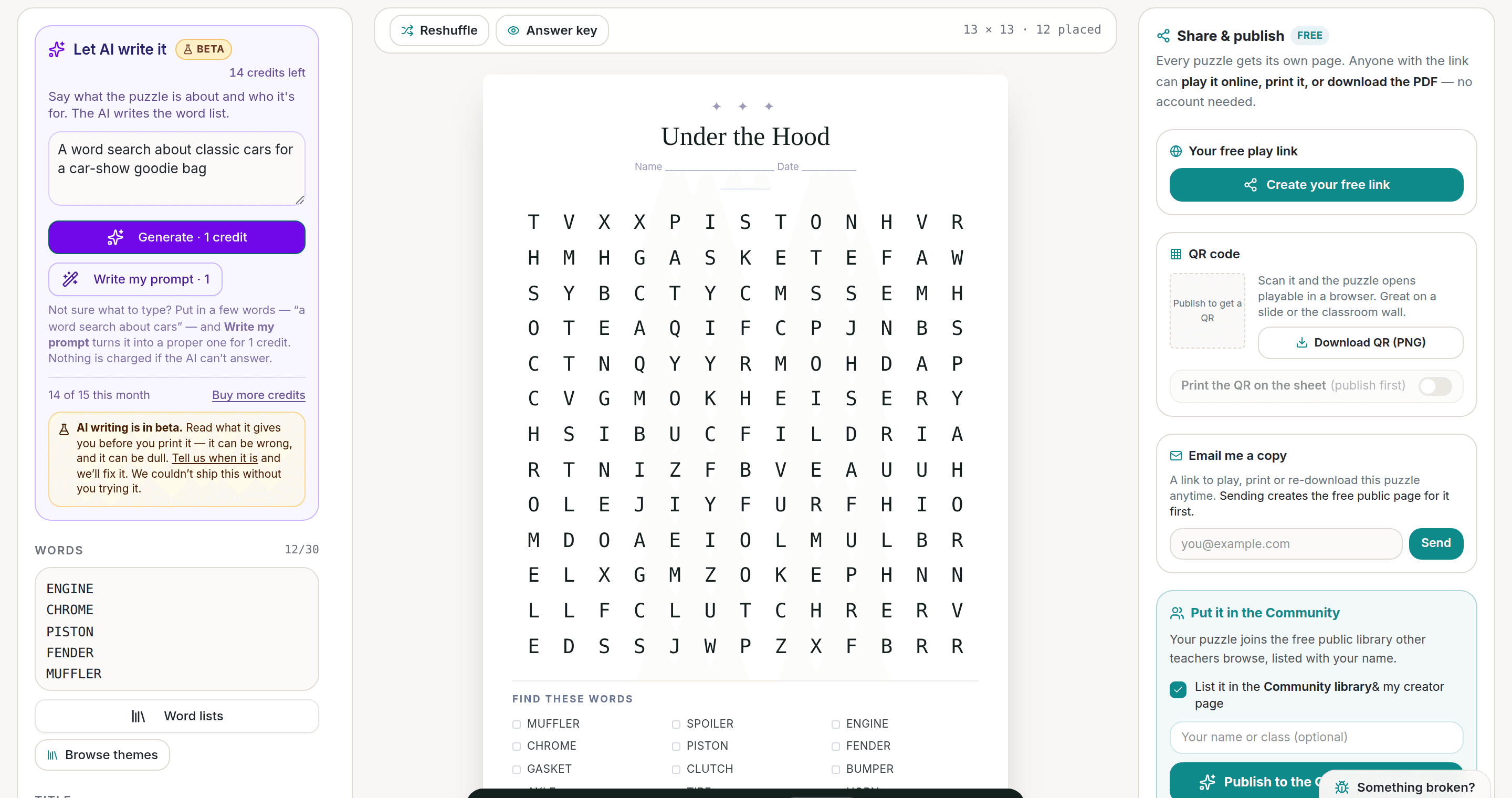
AI Puzzle Generator
Type a topic, get a themed word list and a finished puzzle. Premium also removes the footer credit and adds Word export.
Try the AI generator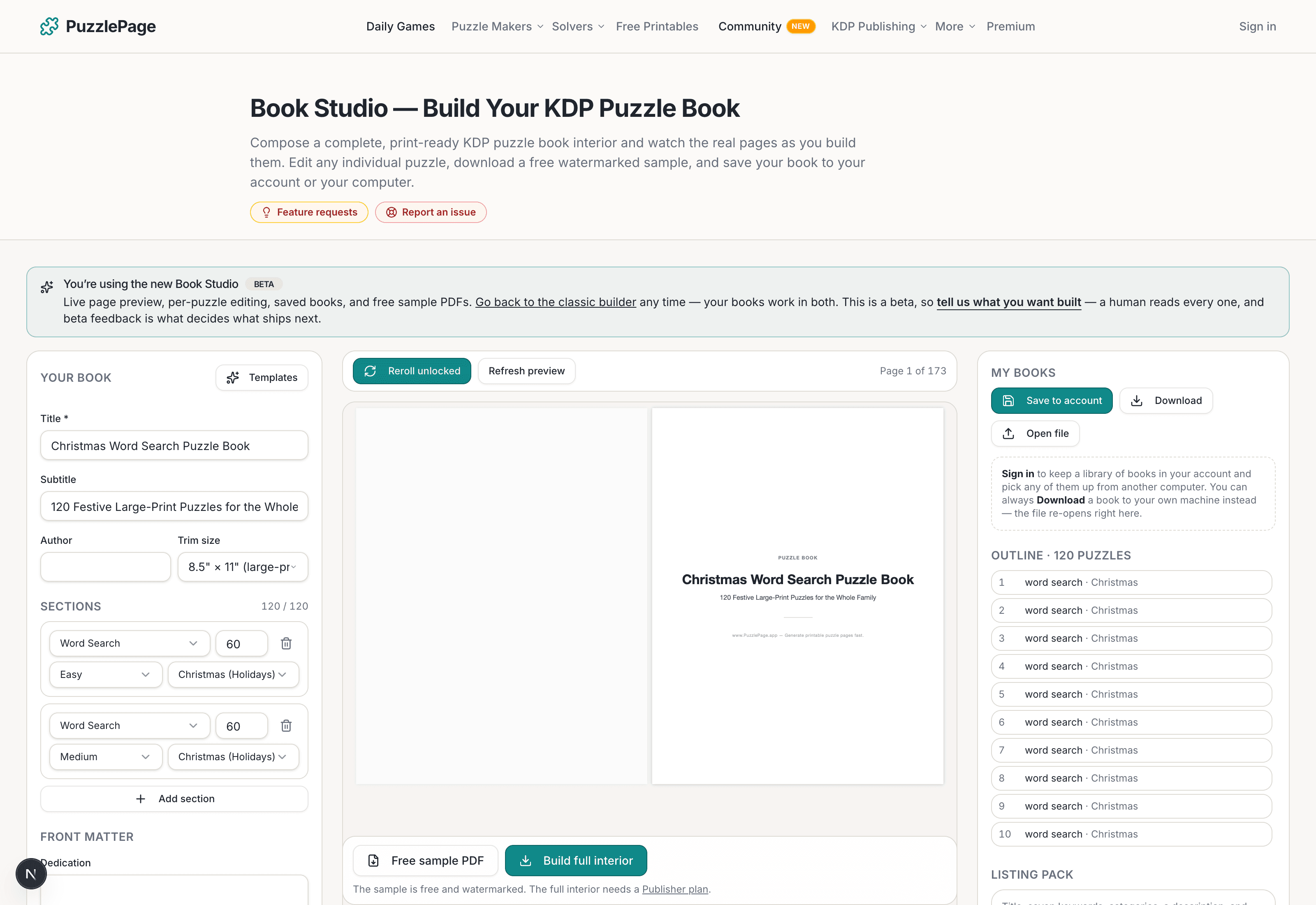
KDP Book Studio
Lay out a full puzzle book for Amazon KDP: templates, trim sizes, page checks and a cover designer.
Start a puzzle book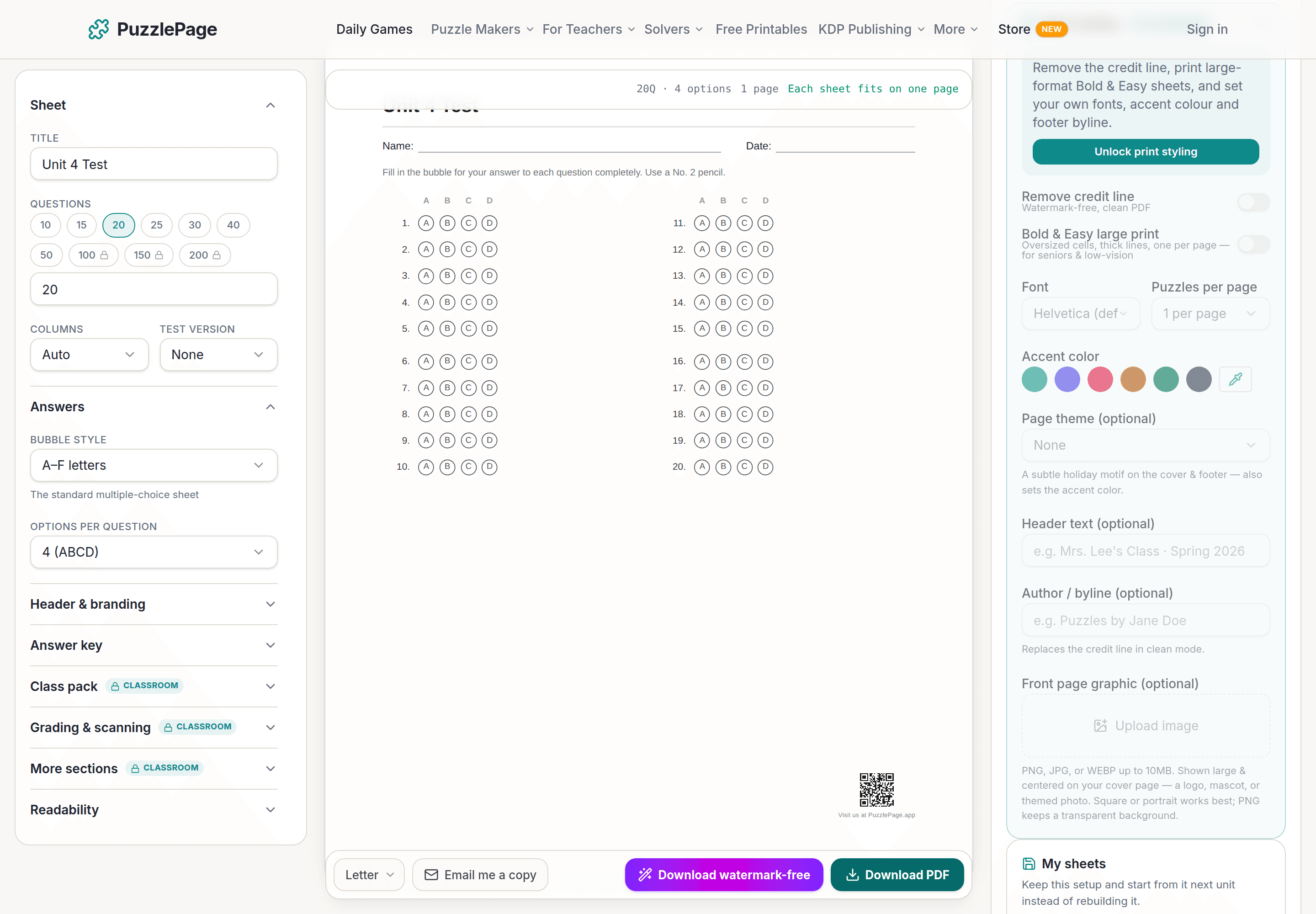
Bubble Sheet Studio
Answer sheets for any test length, with sections, versions, student ID grids and a matching answer key.
Make a bubble sheetPremium removes the footer credit, adds Word export and custom styling across every maker.
See plans →Free daily games
Need a two-minute break? Today's puzzles are live.
A new Sudoku and a new Connections board every day. No download, no account.
Keep reading
Get 10 free puzzles
Get the free 10-puzzle pack
Enter your email and we'll send you 10 print-ready puzzles with answer keys, plus a heads-up when we publish new generators and seasonal puzzle packs. Same quality as the ones on this page.
Roughly two emails a month. No spam, unsubscribe anytime.
Enjoyed this? Share the puzzle on X
Like puzzles like this? Follow on Pinterest for a new one every day.