Free Bubble Sheet Generator for Teachers to Grade Fast
A free bubble sheet generator that prints clean A to E answer sheets in seconds. Pick your question count and choices, then grade a full class in minutes.

On this site: Make a bubble sheet·Browse 100+ free printables·Play today's puzzles
Grading a stack of tests by hand is one of the slower parts of the week, and a tidy answer sheet fixes most of it. A free bubble sheet generator gives every student the same clean layout, so your eyes fall on the same spot for every paper.
You choose the number of questions and how many answer choices each one has, then print. No software to install and no cost; free PDFs carry a small “Made with PuzzlePage.app” credit line. Create a free account to save and reuse your sheets.
📌 Key Takeaways
- Generate a printable multiple-choice answer sheet with bubbles A through E in a couple of clicks.
- Set anywhere from 10 to 200 questions and pick how many choices each item needs.
- Print a clean PDF that standardizes every test and speeds up grading.
- It is free to use, so it works for quizzes, unit tests, and practice standardized exams.
- It pairs neatly with a quiz maker when you want the questions and the answer sheet to match.
 1:05
1:05What is a free bubble sheet generator?
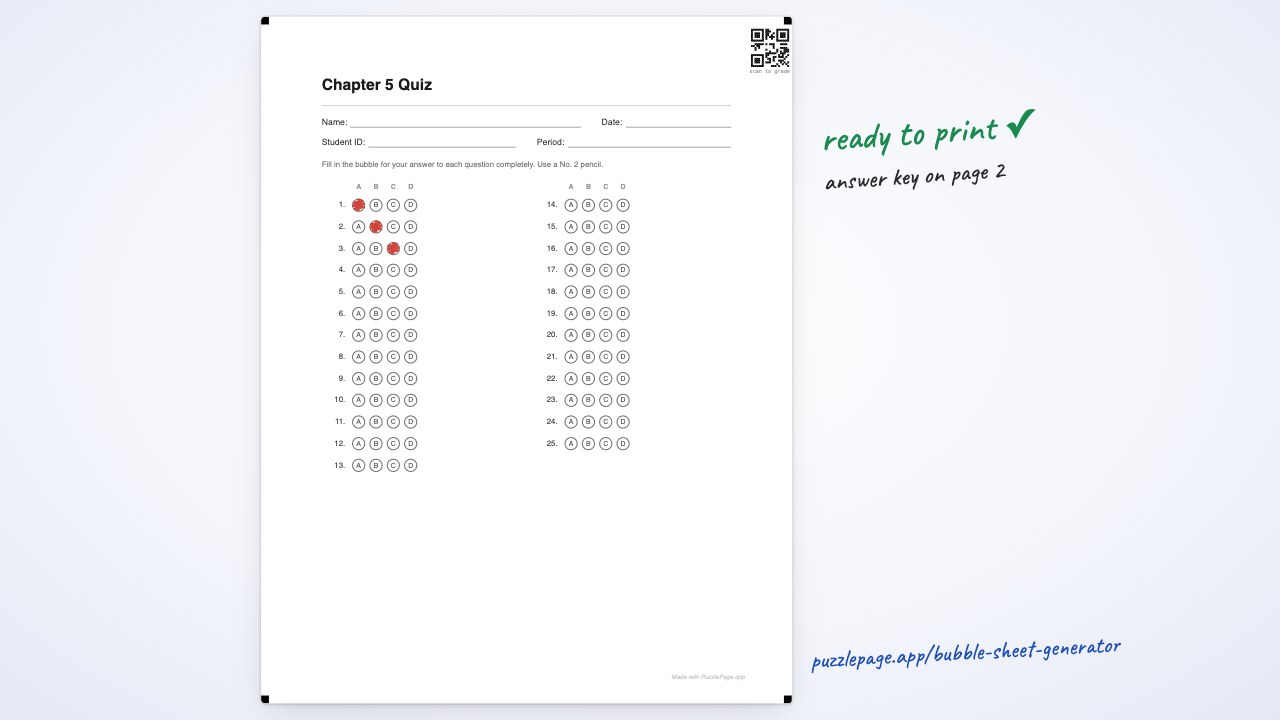
A free bubble sheet generator is a tool that builds a printable answer sheet where students fill in a bubble for each multiple-choice question. You set the size, it lays out the grid, and you print as many copies as your class needs.
The value is consistency. When every answer sits in a fixed column, you can grade down a page in one steady motion instead of hunting for scattered responses.
- Uniform layout. Every sheet looks the same, so a grading key lines up perfectly on top.
- Flexible sizing. A ten-question warm-up and a 200-question practice exam use the same clean template.
- Print and go. The output is a plain PDF that works on any classroom printer.
Pro Tip
Print one extra sheet and fill it in as your answer key. Laying that key beside a stack of student sheets turns grading into a quick side-by-side check.
Like this? We send 10 of these every month.
Free printable puzzles, answer keys included — same quality as the ones in this post.
One email. Unsubscribe anytime.
How do you make a printable bubble answer sheet?
You make a printable bubble answer sheet by choosing the number of questions, setting the answer choices, and printing the PDF. The whole process takes under a minute and needs no sign-in.
Build a clean answer sheet in under a minute
Set your question count and choices, then print a PDF that grades in a single pass.
Make a bubble sheet →Steady formatting also supports better assessment habits. Education groups like Edutopia point out that faster grading frees time for feedback, which is where most of the learning actually happens.
- Pick the question count. Choose how many items the test has, from a short quiz to a long practice exam.
- Set the choices. Decide whether each question offers A through D, A through E, or fewer options.
- Print the PDF. Download and print one copy per student, plus one for your key.
How many questions and answer choices can you set?
You can set anywhere from 10 to 200 questions and choose the number of answer choices per item, commonly A through D or A through E. That range covers a bell-ringer quiz and a full mock exam with the same tool.
Grading a set of 30 sheets dropped from most of a prep period to a few minutes once I switched my unit tests to a standard bubble layout. That saved time went straight back into writing comments on the questions students missed most.
Pro Tip
Match the answer choices on your sheet to your actual questions. If a test only uses four options, set the sheet to A through D so students never fill a bubble that has no matching answer.
Why teachers use bubble sheets for tests
Bubble sheets standardize a test so grading is fast, fair, and repeatable across a whole class. They also mirror the format of real standardized exams, which makes them good for practice runs.
Familiarity is a quiet benefit here. When students practice on the same bubble layout all year, the format itself stops being a distraction on the day a high-stakes test arrives.
There is a paper-saving angle too. One reusable answer sheet can pair with a projected or shared question set, so you print a single page per student instead of a full multi-page packet.
Pair the sheet with the questions themselves for a complete set. Build the exam on the quiz maker, or reinforce vocabulary first with the matching worksheet maker, then hand out the answer sheet to record responses.
How do you grade a stack of bubble sheets quickly?
You grade a stack fastest by making a filled-in key and checking each sheet against it in one steady pass. Because every bubble sits in the same spot, your eye lands on the same place for every student.
A punched overlay makes it even quicker. Some teachers mark the correct bubbles on a spare sheet, hold it over each paper, and simply count the mismatches.
- Fill a key. Complete one blank sheet with the correct answers before class hands theirs in.
- Sort the stack. Line every sheet the same way so the columns match your key.
- Scan and tally. Move down the page once, marking only the bubbles that differ from the key.
- Record the score. Count the marks, write the total, and move to the next sheet.
This routine scales well from a small quiz to a full mock exam. The layout does the organizing, so your attention stays on scoring rather than searching.
It also keeps results consistent across sections. When every class fills the same sheet, comparing performance across periods becomes a quick, fair read.
Not sure which layout your test needs? Compare the four bubble sheet formats — plain multiple choice, True/False, ACT-style and the OMR sheet — and how many questions fit per column.
Frequently Asked Questions
How do I make a printable bubble answer sheet?
Open the free bubble sheet generator, choose your number of questions and answer choices, and print the PDF. It takes under a minute, needs no download, and works on any classroom printer.
How many questions can I add?
You can set anywhere from 10 to 200 questions on a single sheet. That covers everything from a short warm-up quiz to a full-length practice standardized exam.
Can I choose the number of answer choices?
Yes. You can pick how many options each question has, commonly A through D or A through E, so the sheet matches your actual test.
Is the bubble sheet generator free?
Yes. You can generate, print and reuse as many answer sheets as your classroom needs at no cost; free PDFs carry a small “Made with PuzzlePage.app” credit line in the footer.
More you can make here
One puzzle is the start. Here is the rest of the kit.
 New
NewWorksheet Builder
Put a word search, a cryptogram and a scramble on one page, or build a whole themed packet. Prints with answer keys.
Build a worksheet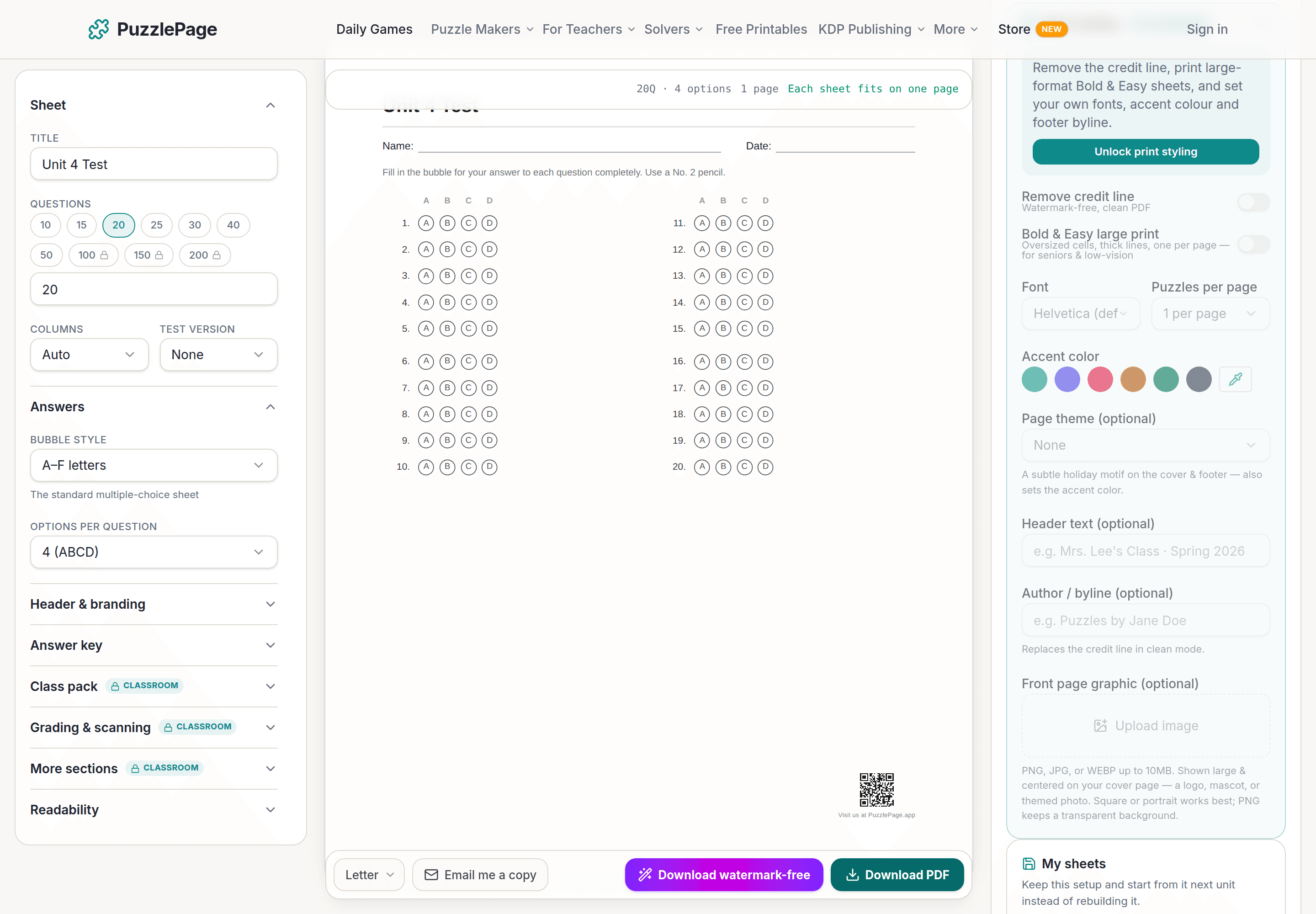
Bubble Sheet Studio
Answer sheets for any test length, with sections, versions, student ID grids and a matching answer key.
Make a bubble sheet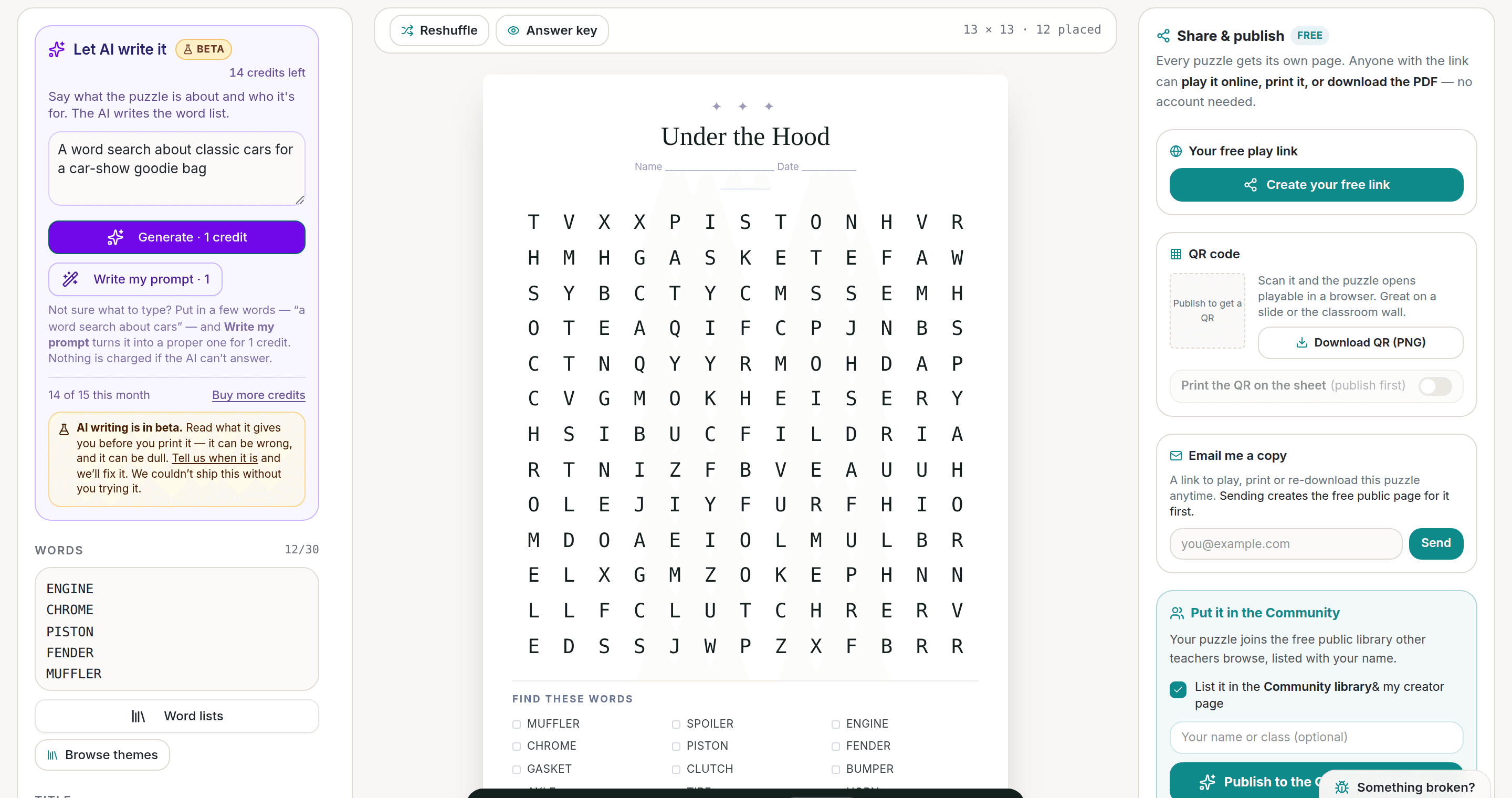
AI Puzzle Generator
Type a topic, get a themed word list and a finished puzzle. Premium also removes the footer credit and adds Word export.
Try the AI generator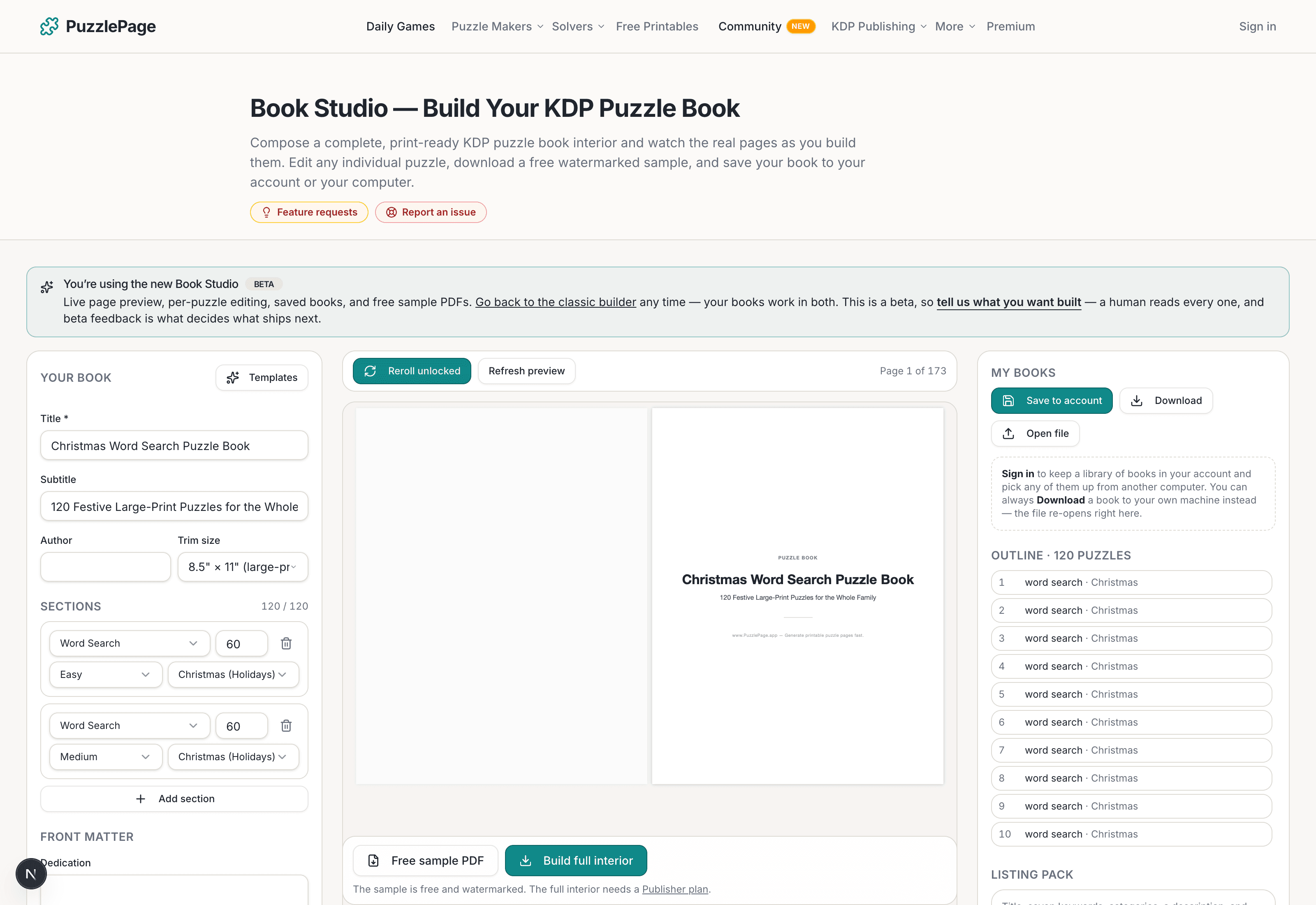
KDP Book Studio
Lay out a full puzzle book for Amazon KDP: templates, trim sizes, page checks and a cover designer.
Start a puzzle bookPremium removes the footer credit, adds Word export and custom styling across every maker.
See plans →Free daily games
Need a two-minute break? Today's puzzles are live.
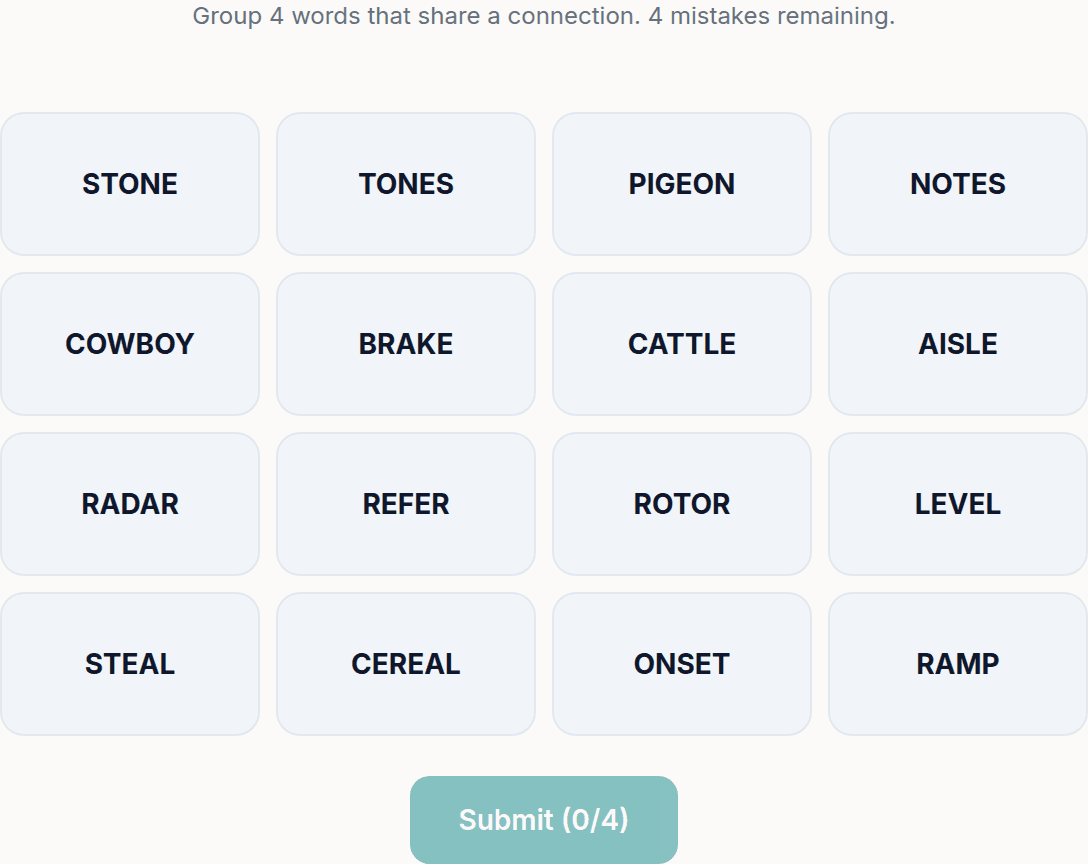
A new Sudoku and a new Connections board every day. No download, no account.
Keep reading
Get 10 free puzzles
Get the free 10-puzzle pack
Enter your email and we'll send you 10 print-ready puzzles with answer keys, plus a heads-up when we publish new generators and seasonal puzzle packs. Same quality as the ones on this page.
Roughly two emails a month. No spam, unsubscribe anytime.
Enjoyed this? Share the puzzle on X
Like puzzles like this? Follow on Pinterest for a new one every day.