Wingdings Translator — Type Text, See Wingdings (and Back)
Type any message and watch it turn into Wingdings symbols instantly — rendered with standard Unicode characters, so it works on every device with no font install. Going the other way? Click the symbols you see on the palette and read the hidden text.
Symbols appear here as you type. Hover any symbol to see its letter.
What Is Wingdings?
Wingdings is a symbol font that Microsoft shipped with Windows in 1990, built from three earlier “Lucida Icons” dingbat fonts by type designers Charles Bigelow and Kris Holmes (the name mashes up “Windows” and “dingbats”). Every key on the keyboard maps to a pictogram: J is a smiley face, N is a skull and crossbones, the lowercase letters run through zodiac signs and geometric shapes. It was meant as clip art you could type — but because typing a sentence in Wingdings produces a wall of mysterious symbols, it immediately became a playground code. Kids pass Wingdings notes, games and ARGs hide clues in it (the character Bill Cipher’s fans know it well, and W.D. Gaster’s dialogue in Undertale is famously set in Wingdings), and “Wingdings decoder” remains one of the most-searched cipher tools on the web.
How This Translator Works
A real Wingdings message is just ordinary text wearing a costume: the letters are normal, the font draws them as symbols. This page uses the standard table of Unicode equivalents for each Wingdings glyph — ☜ for E, 💣 for M, ♏ for e — and renders those characters directly. That has two advantages: the symbols display on phones and systems without the font installed, and the translation is honest about being a one-to-one substitution. Hover any symbol in the output to see which letter it stands for. A few Unicode glyphs differ slightly in style from the original font’s artwork, but the letter-to-symbol correspondence is the standard, widely published one.
Decoding Wingdings You Found Somewhere
- If you can copy the text: paste it into a plain-text editor first. If letters appear, that IS the message — it was normal text displayed in the Wingdings font.
- If it’s an image or screenshot: use the palette above. Click each symbol you see, in order, and the decoded letters build up live.
- If the symbols aren’t on the palette: you may be looking at Wingdings 2, Wingdings 3, or Webdings — sibling fonts with different tables — or at another symbol cipher entirely. Try the cipher identifier for letter-based codes.
Worked Example
Type hello and you’ll get ♒♏●●□ — Aquarius, Scorpio, two black circles, and a white square. Click those same five symbols on the palette in the decode tab and hello comes back. Capitals map to different symbols: HELLO becomes ☟☜☹☹🏳.
Frequently Asked Questions
What is Wingdings?
A symbol typeface Microsoft released in 1990, designed by Charles Bigelow and Kris Holmes. Every keyboard character renders as a pictogram, so typed sentences look like secret code.
Do I need the Wingdings font installed?
No. This page renders standard Unicode symbol equivalents directly, so the translation shows on any modern device.
How do I translate Wingdings back to English?
Click the matching symbols on the palette in order, or paste symbol text into the box — letters appear instantly.
Is Wingdings a cipher?
Effectively yes: a fixed one-to-one symbol substitution whose key is public. Mysterious at a glance, trivially decodable with the table.
Why does copied Wingdings paste as normal letters?
Because the underlying characters are normal letters — the font supplies the symbols. Copying strips the font and reveals the message.
Do these symbols match the font exactly?
They’re the standard Unicode equivalents used by character-reference tables. A few differ slightly in artwork, but the mapping is the accepted one.
Does my text leave my browser?
No — the translation is a client-side lookup table.
Make a Symbol-Code Puzzle
Building a worksheet or party game around hidden messages? The free cryptogram maker creates printable letter-substitution puzzles with answer keys from any quote you choose.
Related cipher tools
Wingdings is a typeface by Microsoft Corporation. This independent tool is not affiliated with or endorsed by Microsoft.
From our own shelf
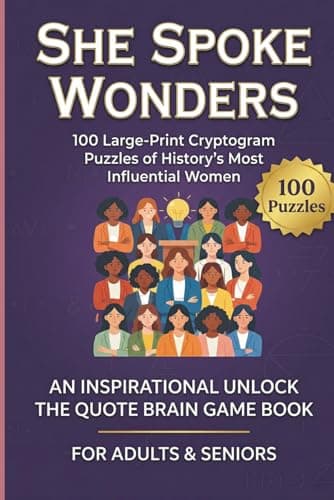
Every title- She Spoke WondersLarge Print Inspirational Cryptograms for Women
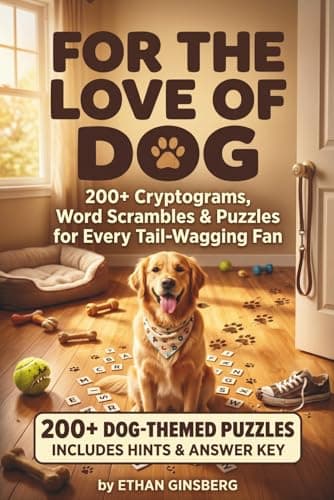
- For the Love of Dog200+ Cryptograms, Word Scrambles & Puzzles for Every Tail-Wagging Fan
- Last Lesson PlanCryptograms for Aggressively Dedicated Teachers
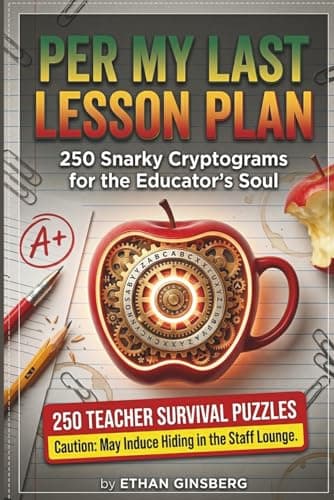
These are Amazon links, and we earn a small commission if you buy through them — at no extra cost to you. They are our own books.
Every free PuzzlePage tool
All free, no signup, and they run in your browser.
Word Solvers & Finders
Daily Game Solvers & Helpers
Logic Puzzle Solvers
Cipher Tools & Decoders
Translators & Converters
Word Lists & Dictionary