KDP Keywords for Puzzle Books: Fill All 7 Boxes the Right Way
How to choose KDP keywords for puzzle books: fill all seven boxes, pick three categories, avoid trademark mistakes, and research with a simple 20-minute method.

Free to try
Build this book free in the PuzzlePage Book Studio
18 puzzle types, KDP margins and a full-wrap cover. Download the first 10 pages and the cover free.
Word list
- BUYER
- COVER
- NICHE
- THEME
- TITLE
- AUTHOR
- BROWSE
- SEARCH
- LISTING
- CATEGORY
- INTERIOR
- KEYWORDS
- SUBTITLE
- PAPERBACK
Book Listing Fill-In
Words from a KDP puzzle book listing: keywords, categories, title and cover
Word List
- 5 letters:
- BUYER, COVER, NICHE, THEME, TITLE
- 6 letters:
- AUTHOR, BROWSE, SEARCH
- 7 letters:
- LISTING
- 8 letters:
- CATEGORY, INTERIOR, KEYWORDS, SUBTITLE
- 9 letters:
- PAPERBACK
Free companion PDF
Book Listing Fill-In
Words from a KDP puzzle book listing: keywords, categories, title and cover. Grab the PDF now and we'll send 10 more printable puzzles, plus a heads-up when new generators or seasonal packs go live. Roughly two emails a month — unsubscribe anytime.
No payment · Letter-size · Answer key included
For publishers: Build a book free in the Studio·Ready-made book templates·KDP calculators·Books made here
Quick answer: Good KDP keywords for puzzle books are seven short buyer phrases that add what your title does not already say: the audience (seniors, adults, kids), the format (large print, pocket size), the occasion (Christmas gift, travel) and the puzzle type. KDP allows seven keyword entries and three categories, and bans brand names you do not own.
Your puzzle book is finished, the PDF passed every check, and now KDP is showing you seven empty boxes labeled "Keywords." Plenty of first-time publishers type "word search, puzzle book, puzzles, fun, brain games" and move on, then wonder why nobody finds the book.
This guide shows how to choose KDP keywords for puzzle books that actually describe how buyers search, which categories to pick, and which words get listings pulled. It ends with a 20-minute research method you can repeat for every book in a series.
📌 Key Takeaways
- KDP gives you seven keyword entries, each a word or short phrase of up to 50 characters.
- KDP lets you choose three categories, and they should be the most accurate shelves, not the busiest.
- Do not repeat words already in your title, subtitle or categories; KDP calls that out as unnecessary.
- Brand names you do not own, other authors' names, and phrases like "Kindle Unlimited" are on KDP's avoid list.
- Puzzle buyers search by audience, format and occasion: "large print word search for seniors" beats "puzzles."
 1:33
How do KDP keywords for puzzle books work?
KDP keywords are seven hidden search terms attached to your book that help Amazon match it to what shoppers type. Each box can hold a single word or a short phrase. Combined with your title, subtitle and description, they tell Amazon who the book is for, so every box should add something the visible listing does not already say.
KDP's own keyword guidance lists what to avoid: subjective quality claims like "best," time-sensitive words like "new" or "on sale," information already in your title or categories, generic terms like "book," misspellings, other authors' names, brands you do not own, and program names like Kindle Unlimited.
| Keyword slot | Weak | Stronger for a large-print word search book |
|---|---|---|
| 1 | word search | large print word search books for adults |
| 2 | puzzles | word find puzzle book for seniors with answers |
| 3 | best puzzle book | relaxing word search for older adults |
| 4 | new 2026 | christmas gifts for grandma who likes puzzles |
| 5 | fun | big font word search for low vision |
| 6 | (brand name) | hidden word puzzles for retirement gift |
| 7 | brain | activity book for older adults 8.5 x 11 |
Notice what the stronger column does. Each box names a buyer or a situation, uses phrases people actually type, and avoids words KDP says to skip. None of them repeat each other.
Pro Tip
Write your title and subtitle first, then list every word in them. Cross those off your keyword ideas. That one step frees up space for the audience and occasion words that bring in shoppers your title does not reach.
Free Word Fill-In PDF — Book Listing Fill-In
Print-ready · answer key included · unsubscribe anytime
Which categories should a puzzle book use?
Pick the three most accurate categories for the book, favoring specific shelves over broad ones. KDP Help on categories confirms you can select three when setting up a book, and warns that misleading categorization is not tolerated. For most puzzle books the right shelves sit under Puzzles and Games.
Word search, fill-in, scramble or cryptogram books
Humor and Entertainment, then Puzzles and Games, then Word Games. This is the natural home for word-based puzzle books.
Sudoku, logic and number puzzle books
Humor and Entertainment, then Puzzles and Games, then Logic and Brain Teasers.
Books for a specific audience or theme
Your third pick can match the theme or buyer, for example a holiday, a hobby or a large-print shelf, if it genuinely describes the book.
Categories and keywords work together. If a category already says "Word Games," you do not need "word game" in a keyword box; spend that box on "for seniors" or "Christmas gift" instead.
What keyword mistakes get puzzle books rejected?
The riskiest mistake is a trademark. Famous game names, newspaper puzzle brands, cartoon characters, and branded holiday parades are all owned by someone, and KDP's rules say not to use brands you are not authorized to use. Keep them out of keywords, titles, subtitles and descriptions.
- Newspaper or app puzzle brand names, even as "like X" comparisons.
- Character or franchise names on a themed book (use the theme instead: "pirate word search" not a movie title).
- Other authors' or publishers' names, including popular puzzle book series.
- Program names such as "Kindle Unlimited" or "KDP Select."
- Quality claims such as "best," "number one" or "top rated."
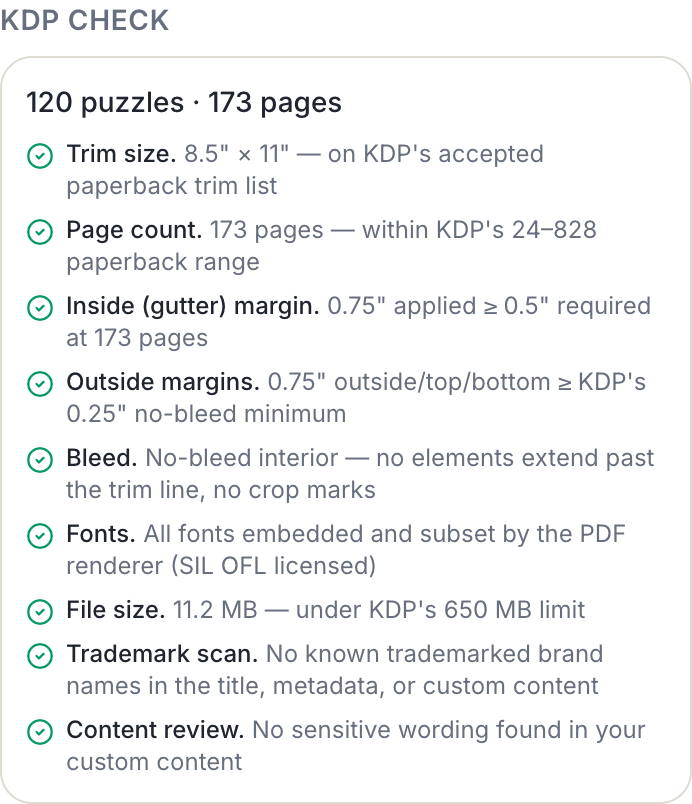
The Book Studio runs a trademark scan on the title, metadata and any custom words in your book before you download, and flags known brand names so you can change them before KDP sees them. It is a safety net, not a guarantee, so still read your own list with fresh eyes.
How do you research puzzle book keywords in 20 minutes?
Research keywords from real buyer behavior on Amazon itself: what the search bar suggests, what shelves exist, and what phrases competing books use. You do not need a paid tool for a first pass. Set a 20-minute timer and work through these five steps with a notepad.
- Open Amazon, choose the Books department, and type your puzzle type slowly: "word search for," "cryptogram books for," "sudoku large." Write down every autocomplete suggestion; those are phrases real shoppers type.
- Repeat with audience words: "puzzle books for seniors," "puzzle books for teens," "travel puzzle book."
- Open the Word Games and Logic and Brain Teasers best-seller lists and note recurring subtitle phrases, such as "with answers," "large print" or "gift for."
- Group what you found into buckets: audience, format, occasion, puzzle type and theme.
- Pick the seven strongest phrases that are not already in your title, subtitle or categories, one per box.
Pro Tip
Save your keyword list with the book. When you publish volume 2 or a holiday edition, start from the same list and swap only the occasion and theme words, so the series stays consistent.
Our own data shows what publishers here are building. In the KDP Book Studio, the two most-applied templates are large-print word search for seniors and Christmas word search, and the median book built holds 100 puzzles. Those are exactly the books where audience and occasion keywords do the heavy lifting.
Can a tool draft your KDP listing for you?
Yes, as a starting point. The Book Studio's Listing Pack drafts your title, seven keyword strings, categories and description from the book you actually built, using its real puzzle types, count and print size, and shows your exact cover spine width. Everything is labeled as a draft you edit, and the keywords come from your book's content, not scraped search volumes.
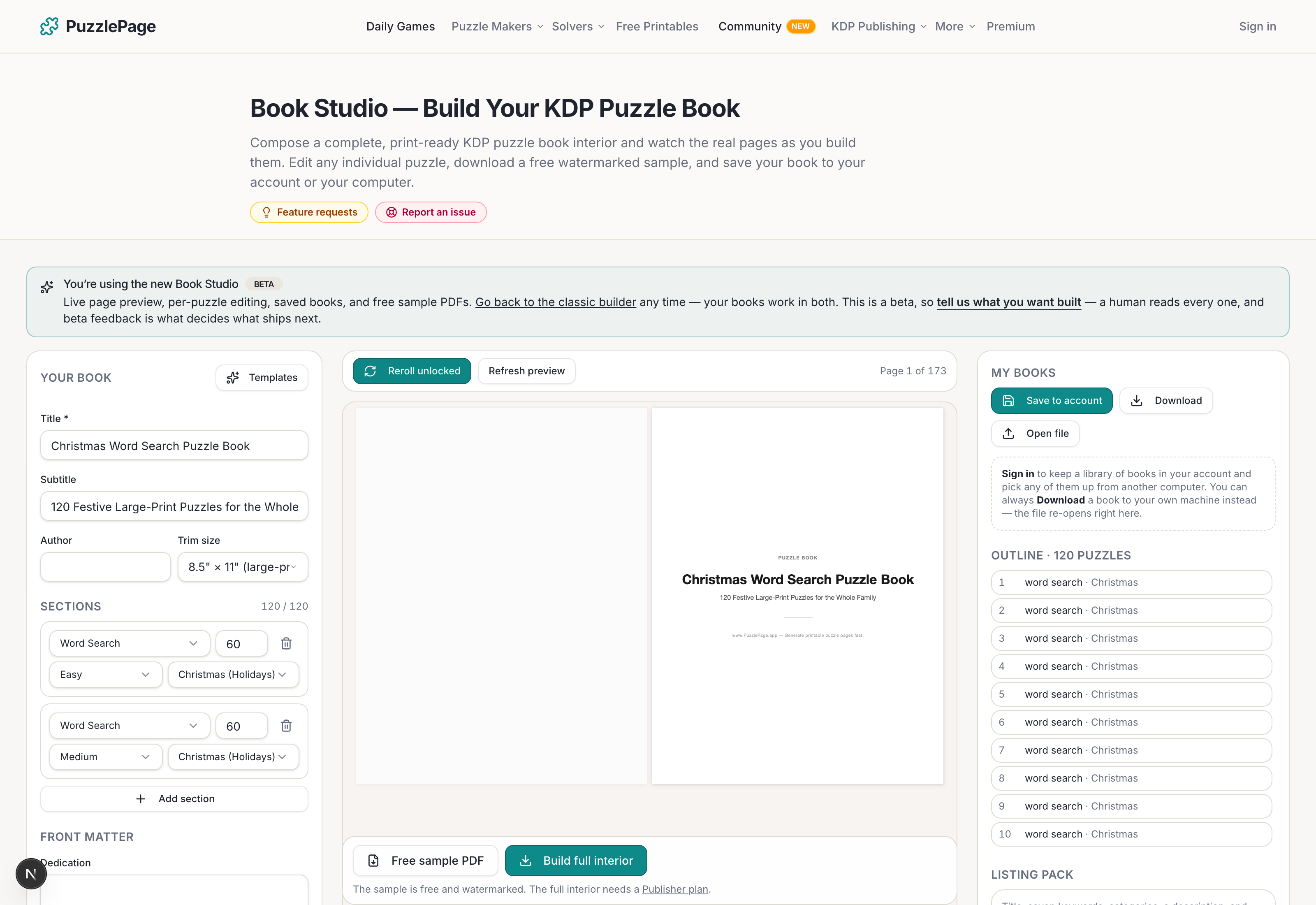
Publisher and Pro plans also include AI credits for writing the back cover and KDP listing: Publisher includes 150 credits a month and Pro 400, text tasks cost 1 credit, and failed generations are refunded automatically.
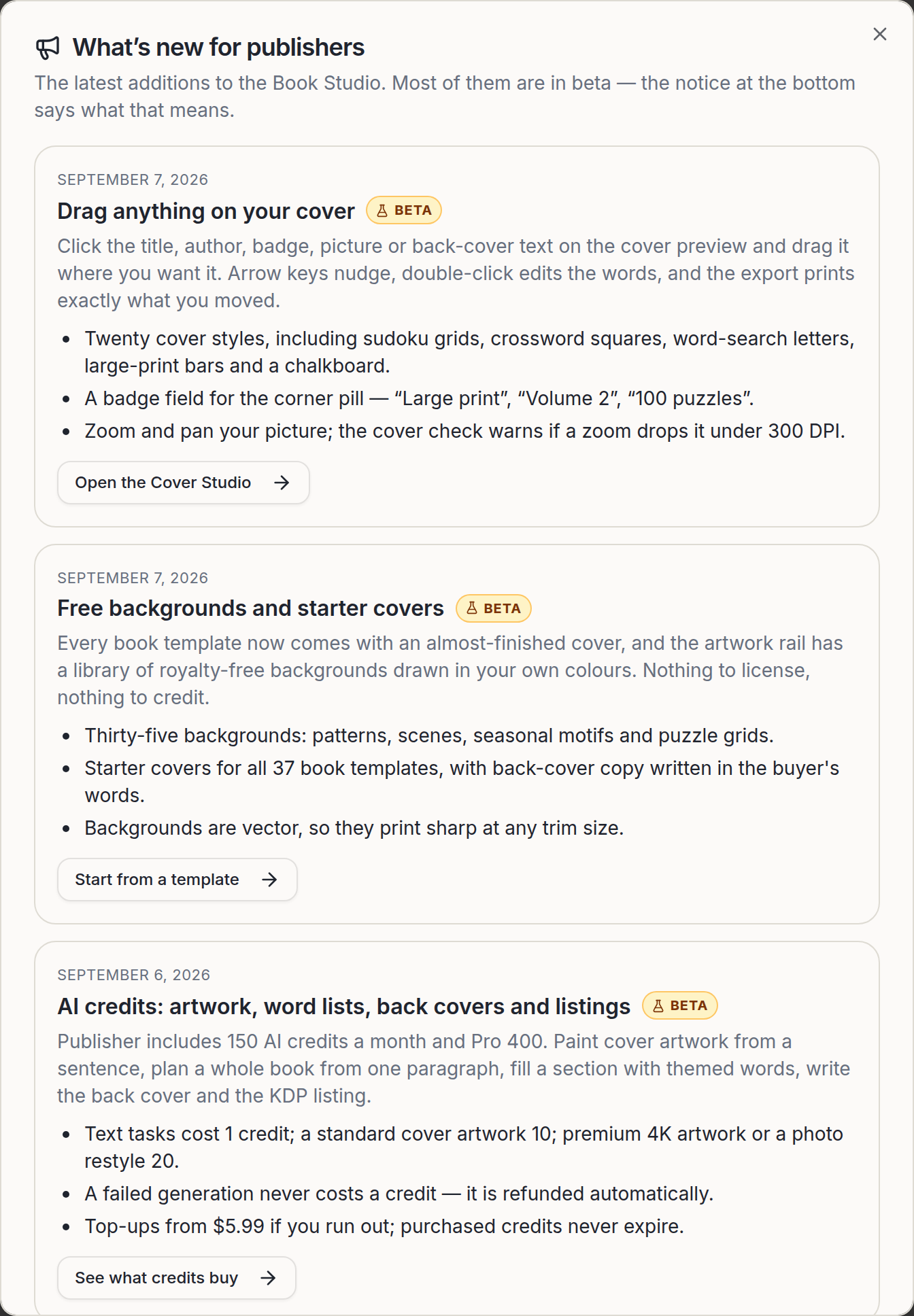
Before you commit to a book, test the format with the free makers: a word search or a word fill-in puzzle from your theme words shows quickly whether the list works. Then build the whole book in the Book Studio, download the free first 10 pages and cover, and fill your seven boxes last.
Free to try
Try the Book Studio free: first 10 pages and cover, no card
Build the whole book in your browser, watch the real printed pages as you go, and download the first 10 pages plus the cover to check them before you decide anything.
- ✓18 puzzle types with difficulty ramps and answer keys
- ✓KDP trim sizes and margins checked as you build
- ✓A matching full-wrap cover, spine included
- ✓Download the first 10 pages and the cover free
Build first, decide later. You only pay when you want the full interior.
Frequently Asked Questions
How many keywords can you use on KDP?
KDP gives you seven keyword entries per book. Each can be a single word or a short phrase of up to 50 characters.
Should KDP keywords repeat words from my title?
No. KDP lists information already in your title, contributors or categories among things to avoid in keywords. Use the boxes for audience, format and occasion words instead.
How many categories can a KDP puzzle book have?
KDP lets you select three categories when you set up a book. For puzzle books, Word Games and Logic and Brain Teasers under Puzzles and Games are the usual starting points.
Can I use trademarked puzzle names in KDP keywords?
No. KDP's keyword guidance says to avoid brands you do not own or are not authorized to use. Describe the puzzle type or theme instead of naming a brand.
Live demo
Make your own word fill-in right here
Swap in your own words (a spelling list, residents' names, a unit's vocabulary) and press Generate. The full maker adds answer keys, size options and PDF export.
More you can make here
One puzzle is the start. Here is the rest of the kit.
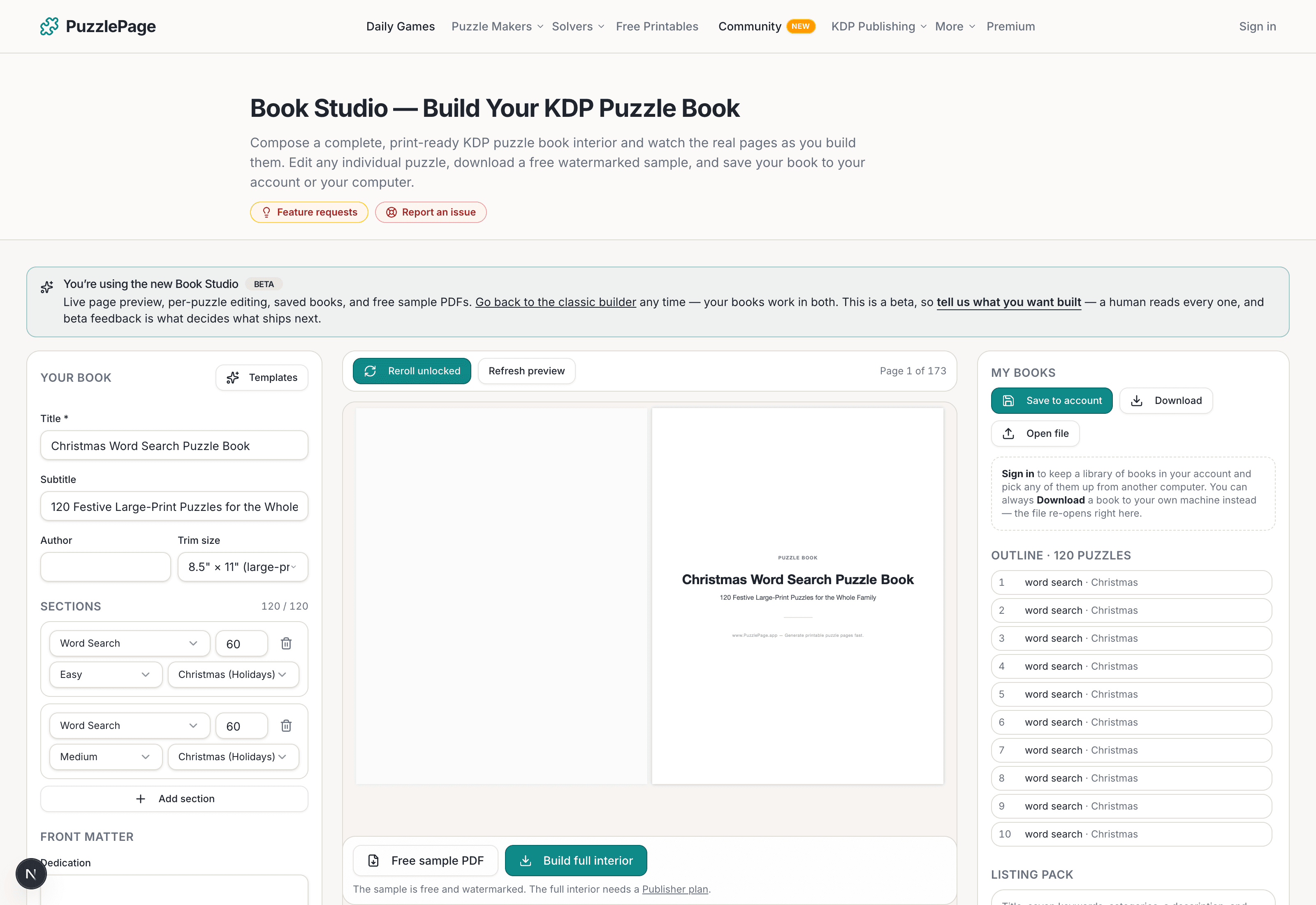
KDP Book Studio
Lay out a full puzzle book for Amazon KDP: templates, trim sizes, page checks and a cover designer.
Start a puzzle book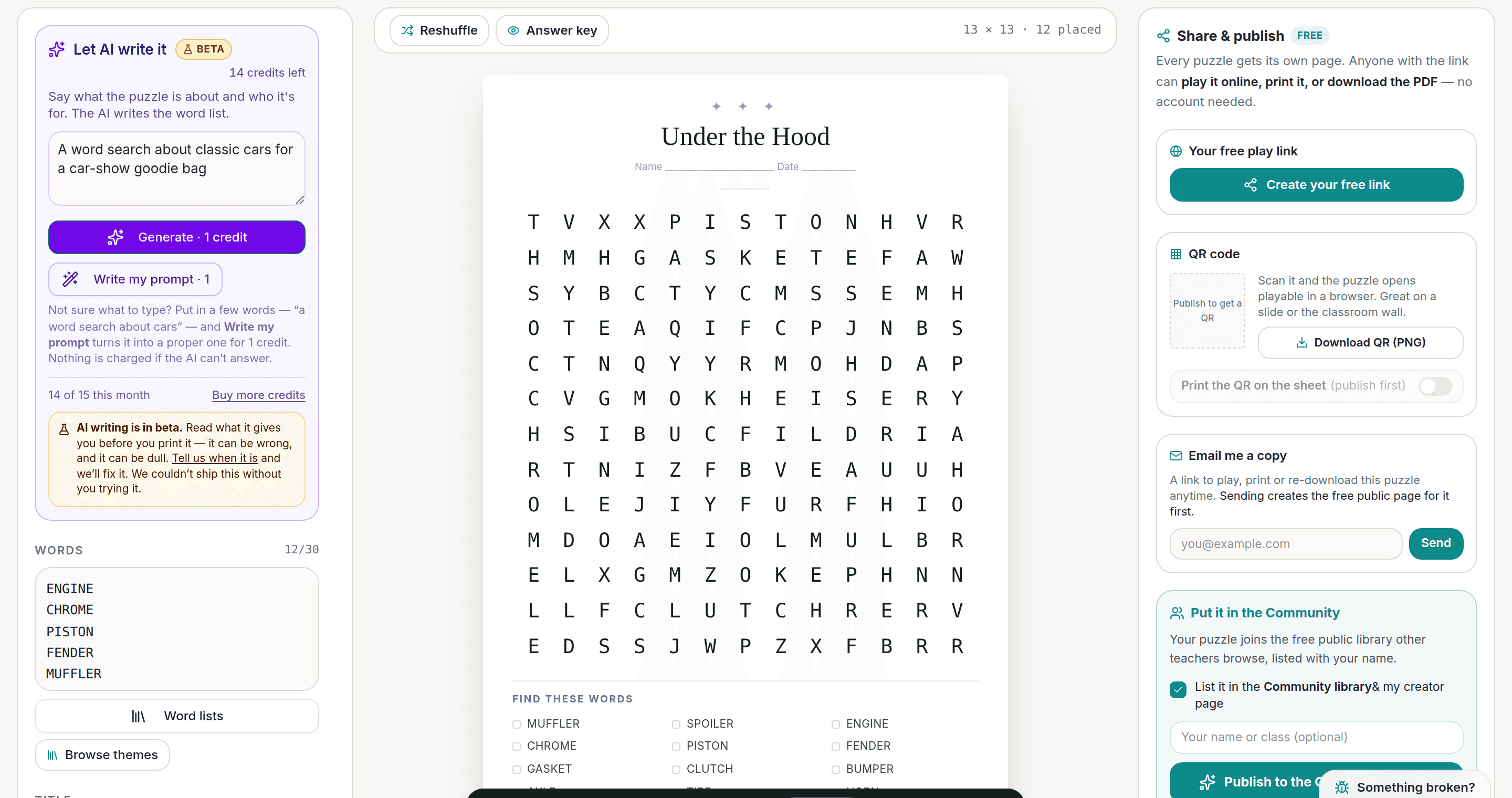
AI Puzzle Generator
Type a topic, get a themed word list and a finished puzzle. Premium also removes the footer credit and adds Word export.
Try the AI generator New
Worksheet Builder
Put a word search, a cryptogram and a scramble on one page, or build a whole themed packet. Prints with answer keys.
Build a worksheet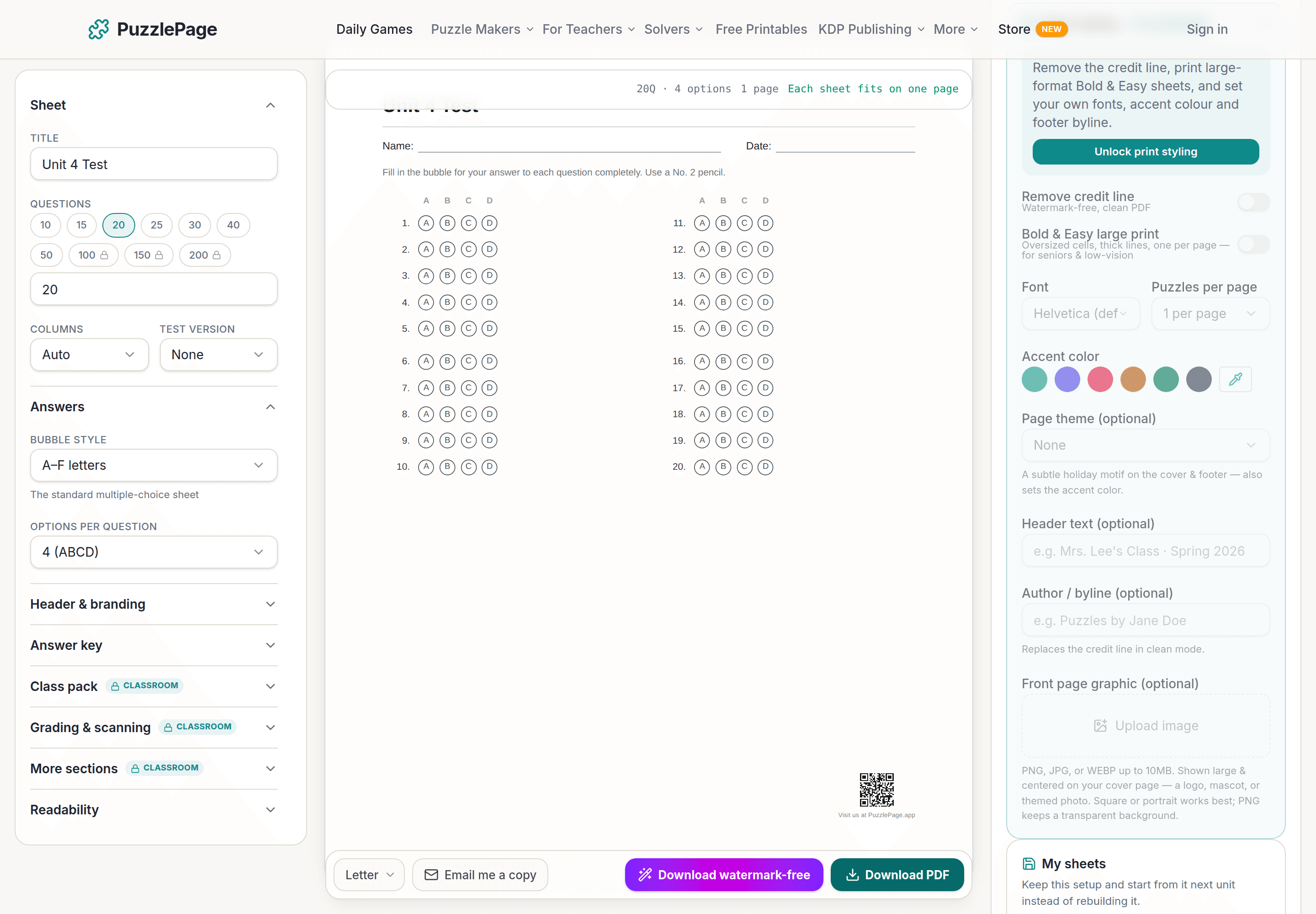
Bubble Sheet Studio
Answer sheets for any test length, with sections, versions, student ID grids and a matching answer key.
Make a bubble sheetPublisher plans unlock full print-ready interiors and covers, with a commercial licence to sell every book.
See plans →Free daily games
Need a two-minute break? Today's puzzles are live.
A new Sudoku and a new Connections board every day. No download, no account.


Keep reading
Take the puzzle with you
Free Word Fill-In PDF — Book Listing Fill-In
Print-ready · answer key included · unsubscribe anytime
Ready to build?
Build this book free in the PuzzlePage Book Studio
18 puzzle types, KDP margins and a full-wrap cover. Download the first 10 pages and the cover free.
Or start from a ready-made book template, or see books other publishers made here.
Enjoyed this? Share the puzzle on X
Like puzzles like this? Follow on Pinterest for a new one every day.