KDP A+ Content for a Puzzle Book: What to Show Buyers
A KDP A+ content puzzle book guide: which modules to use, which interior pages to show, the rules Amazon enforces, and the mistakes that get A+ rejected.

Free to try
Build this book free in the PuzzlePage Book Studio
18 puzzle types, KDP margins and a full-wrap cover. Download the first 10 pages and the cover free.
Hints
Publisher's Desk Cryptograms
Making a puzzle book listing that shows buyers what is inside
Phrase 1
Hint: N = Y
Phrase 2
Hint: L = G
+ 3 more phrases in the PDF
Free companion PDF
Publisher's Desk Cryptograms
Making a puzzle book listing that shows buyers what is inside. Grab the PDF now and we'll send 10 more printable puzzles, plus a heads-up when new generators or seasonal packs go live. Roughly two emails a month — unsubscribe anytime.
No payment · Letter-size · Answer key included
For publishers: Build a book free in the Studio·Ready-made book templates·KDP calculators·Books made here
Most KDP A+ content puzzle book pages fail for one reason: they repeat the cover instead of showing the puzzles. A shopper scrolling past your listing wants one answer: will I be able to read and enjoy these pages?
This guide covers where A+ content lives in KDP, which modules suit a puzzle book, which interior pages to turn into images, and the rules that get A+ content rejected. The cryptogram at the top of this page is a small break from listing work; every message is a listing tip.
📌 Key Takeaways
- A+ content appears in the From the Publisher section of your Amazon book page.
- KDP offers 17 module types and allows up to 5 modules per A+ layout.
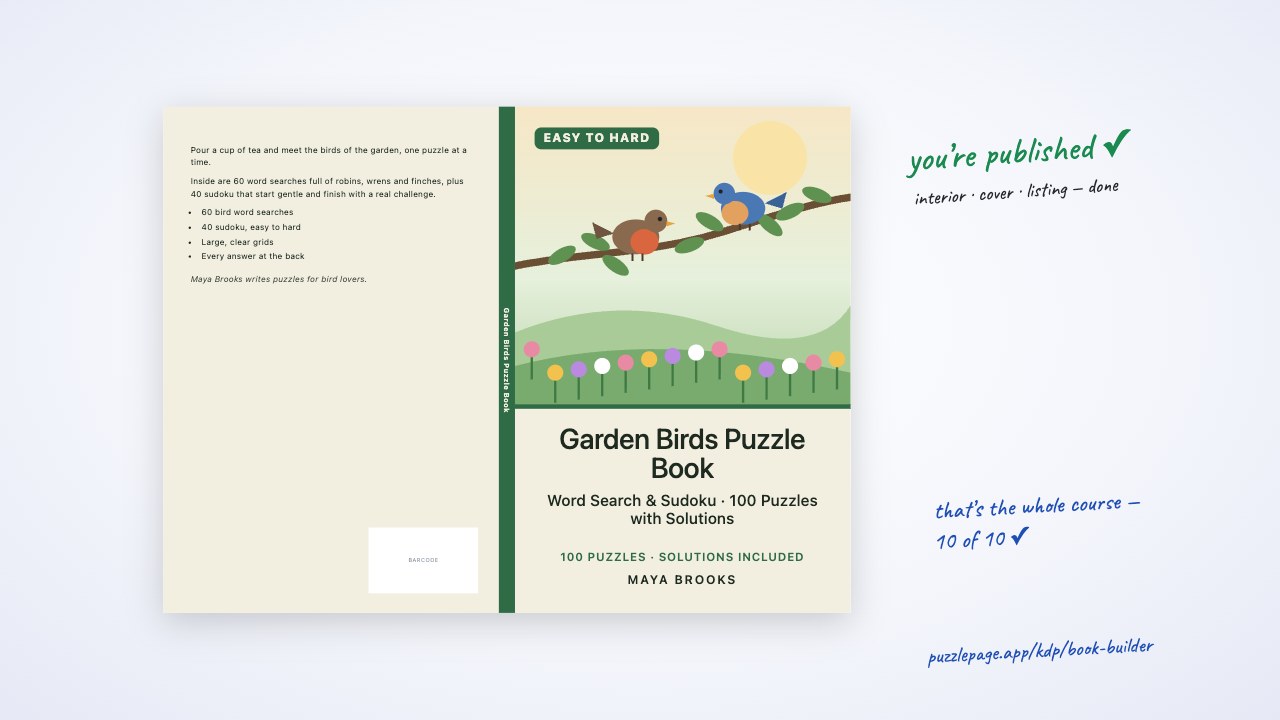
- For puzzle books, real interior pages sell better than decorative graphics: show a full page, a close-up and the answers.
- Amazon prohibits prices, promotions, customer reviews, links, guarantees and time-sensitive words like new or latest.
 1:33
1:33What Is KDP A+ Content and Where Do You Add It?
A+ content is a set of images and text blocks that appear under From the Publisher on your book's Amazon page. You create it from the KDP Marketing page: choose a marketplace in the A+ Content section and click Manage A+ Content.
According to KDP's Create A+ Content help page, you add modules, apply the content to your book's ASINs (several formats can share one project), preview on desktop and mobile, and submit for approval. Compliant content appears within eight business days, and can take longer in busy periods.
- Publish the paperback first so it has an ASIN.
- Go to Marketing, find A+ Content, pick the marketplace and click Manage A+ Content.
- Click Start creating A+ content, name the project and choose the language.
- Add up to five modules and fill each with images and text.
- Apply the content to your book's ASINs, preview on desktop and mobile, and submit for approval.
Pro Tip
Plan for eight business days of review. For a Christmas title, that means submitting A+ content in early November, not the week before the holiday rush.
Free Cryptogram PDF — Publisher's Desk Cryptograms
Print-ready · answer key included · unsubscribe anytime
Which A+ Modules Work Best for a Puzzle Book?
Image-led modules work best because the product is visual. A buyer believes a large-print claim when they can see a large-print page, not when they read the phrase in a banner.
| Module slot | What to show | Text to add | Why it helps |
|---|---|---|---|
| 1. Header banner | Title and one full puzzle page | One line on what the book is | Answers the first question at a glance |
| 2. Close-up image | A cropped corner of the grid at real size | The trim size and print style | Proves the text is readable |
| 3. What's inside | Three small page images, one per puzzle type or level | Puzzle count and types | Shows variety and difficulty range |
| 4. Answer pages | One solution page | Where answers are and how they are laid out | Reassures gift buyers and new solvers |
| 5. Who it's for | A simple lifestyle or table-top image | The audience in plain words | Helps the gift buyer decide |
Exact image sizes differ by module, so check KDP's A+ Content examples page for the module you choose. Images upload as JPG or PNG.
Which Interior Pages Should You Turn Into A+ Images?
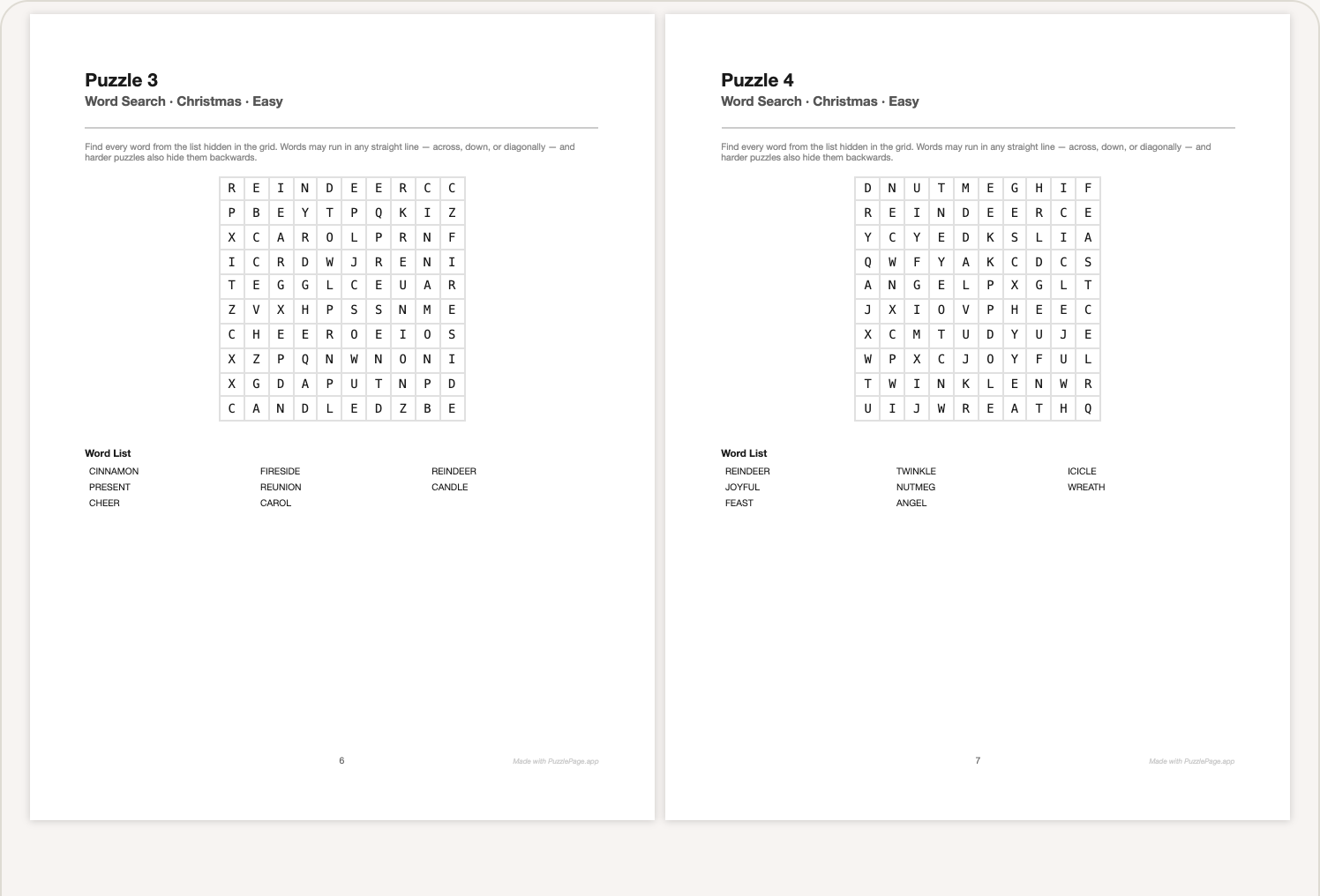
Choose pages that show the book's promise honestly. If the cover says large print, show the largest, clearest page; if it says easy to hard, show one easy page and one hard page side by side.
A typical puzzle page
Not the easiest or the prettiest, just a representative one. Buyers trust what looks real.
A difficulty contrast
An early easy page next to a late hard page, labelled with the level from the page header.
A solution page
Many buyers want to know the answers are included and easy to find.
The contents or intro page
A short, friendly intro tells buyers the book was put together with care.
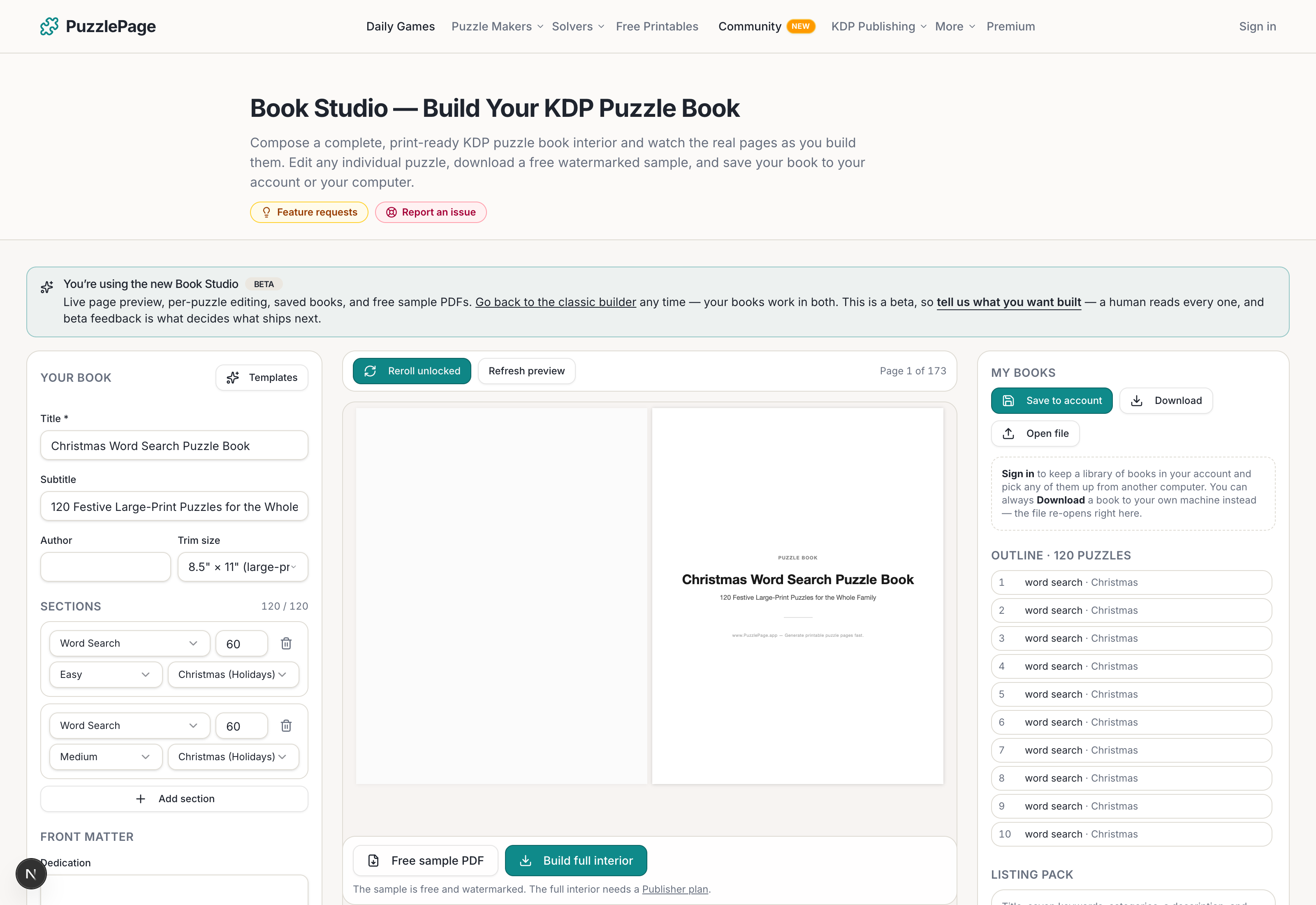
PuzzlePage's KDP Book Studio builds the interior PDF but does not produce A+ images directly. Open your interior PDF, export the pages you want as PNG files (Preview on a Mac and most PDF readers can do this), then crop and place them in your A+ graphics.
Pro Tip
Export pages at a high resolution, then crop. A crisp crop of a real grid looks far more convincing than a whole page shrunk into a thumbnail.
What Do Amazon's A+ Content Rules Prohibit?
Amazon's A+ Content Guidelines list several kinds of content that will get a submission rejected. Most of them are easy to avoid once you know them.
- Prices, discounts and promotions, including phrases like buy now or add to cart.
- Customer reviews or quotes from reviews.
- Time-sensitive words such as now, new, latest or on sale now.
- Links, website addresses, email addresses or phone numbers.
- Guarantees and off-Amazon return or refund policies.
- Comparisons with competitors' products.
Heads up
Seasonal sales copy can trip the time-sensitive rule too. For a Christmas title, let the puzzle pages show the theme and keep phrases like "the perfect gift this season" out of the modules.
What Are Common Mistakes on Puzzle Book Listings?
The most common mistake is showing graphics instead of pages. The second is text that does not match the book: a listing that says 120 puzzles on a book with 100, or large print on a standard-size grid.
- Repeating the cover in the header banner instead of showing a puzzle.
- Using stock photos of pencils and coffee with no actual pages.
- Claiming a puzzle count or page count that is not exact.
- Tiny text inside images that becomes unreadable on a phone.
- Forgetting to apply the A+ content to the book's other formats.
Accurate numbers are easy to get right. The Studio's KDP Check panel shows the exact puzzle count, page count and trim size of your build. For context, the median book built in Book Studio since July 2026 has 100 puzzles.
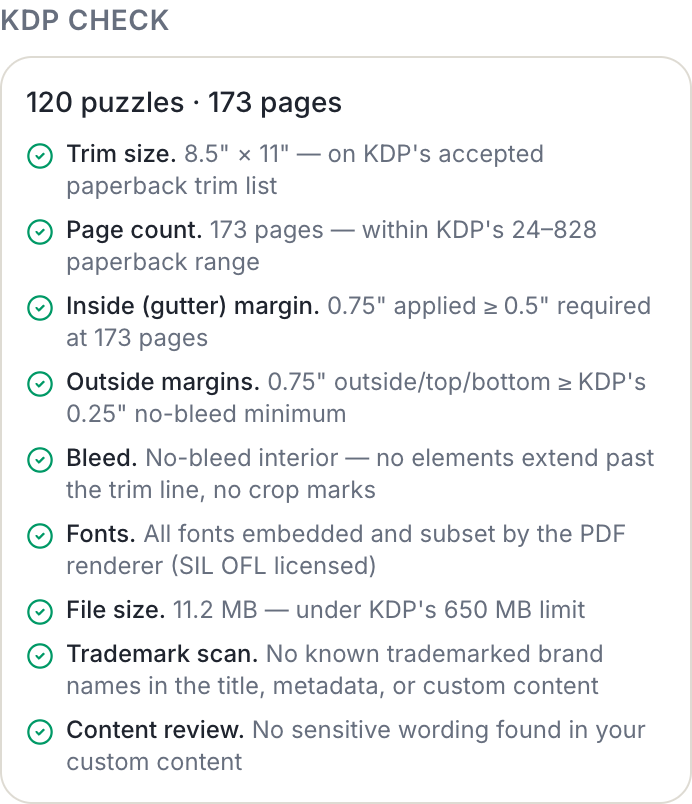
The Studio's Listing Pack drafts the text half of the Amazon upload form: title, subtitle, seven keywords, two category suggestions and a description, as a starting point you edit. KDP now lets you choose three categories, so add a third of your own. Want to test a theme before committing to a whole book? Make a single cryptogram or word search with the free makers and see how it prints.
Free to try
Try the Book Studio free: first 10 pages and cover, no card
Build the whole book in your browser, watch the real printed pages as you go, and download the first 10 pages plus the cover to check them before you decide anything.
- ✓18 puzzle types with difficulty ramps and answer keys
- ✓KDP trim sizes and margins checked as you build
- ✓A matching full-wrap cover, spine included
- ✓Download the first 10 pages and the cover free
Build first, decide later. You only pay when you want the full interior.
Frequently Asked Questions
What is KDP A+ content for a puzzle book?
It is a set of images and text blocks shown under From the Publisher on your Amazon book page. For puzzle books, the strongest A+ content shows real interior pages, print size and the answer section.
How many A+ content modules can I use on KDP?
KDP offers 17 module types, and you can use up to five modules in one A+ layout. Several formats of the same book can share one A+ project.
How long does KDP take to approve A+ content?
KDP says compliant A+ content appears on your detail page within eight business days. It can take longer during busy periods, so submit seasonal titles early.
Can I mention prices or reviews in A+ content?
No. Amazon's A+ Content Guidelines prohibit prices, promotions, customer reviews, links, guarantees and time-sensitive words like new or on sale now.
Live demo
Make your own cryptogram right here
Swap in your own words (a spelling list, residents' names, a unit's vocabulary) and press Generate. The full maker adds answer keys, size options and PDF export.
More you can make here
One puzzle is the start. Here is the rest of the kit.
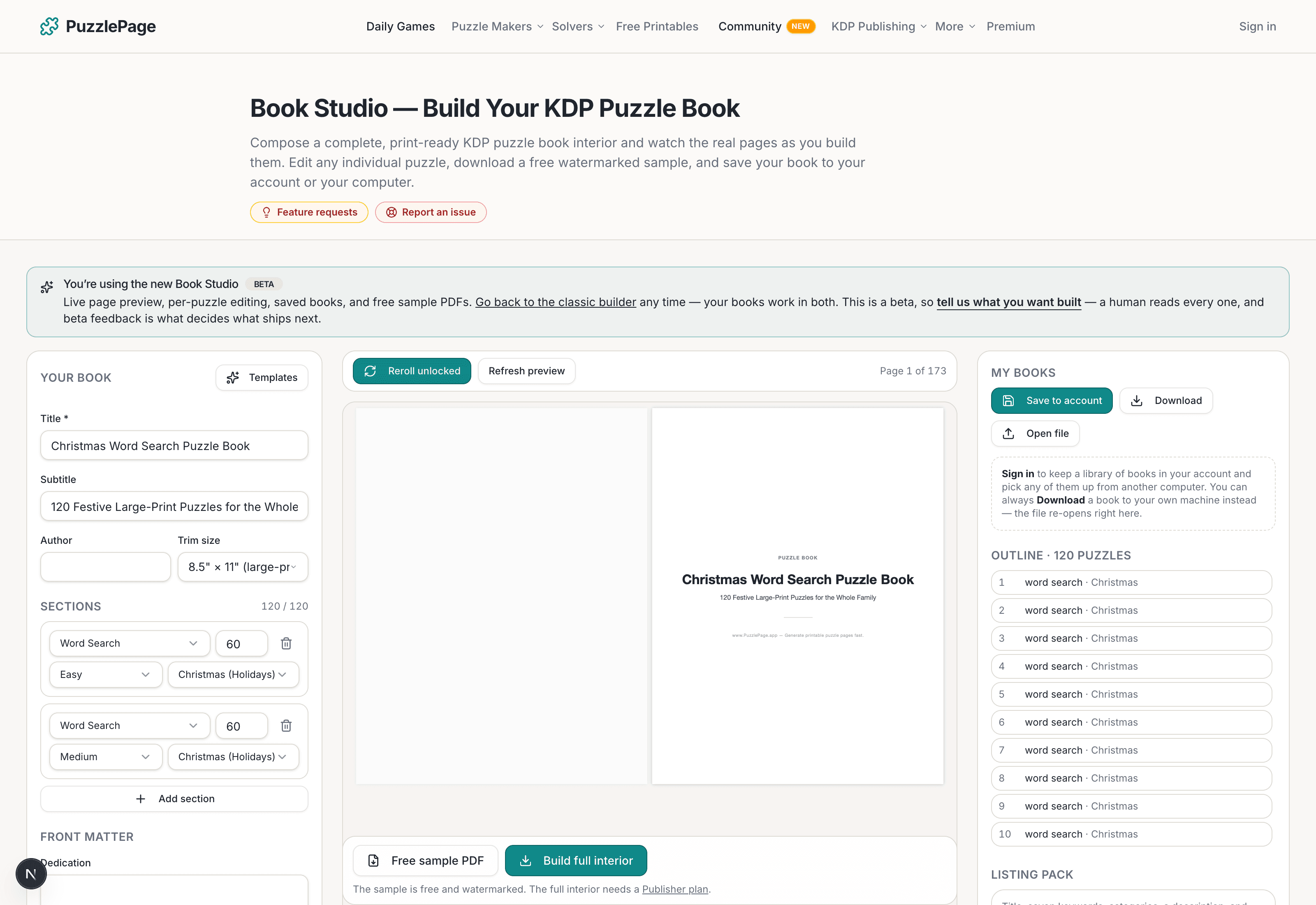
KDP Book Studio
Lay out a full puzzle book for Amazon KDP: templates, trim sizes, page checks and a cover designer.
Start a puzzle book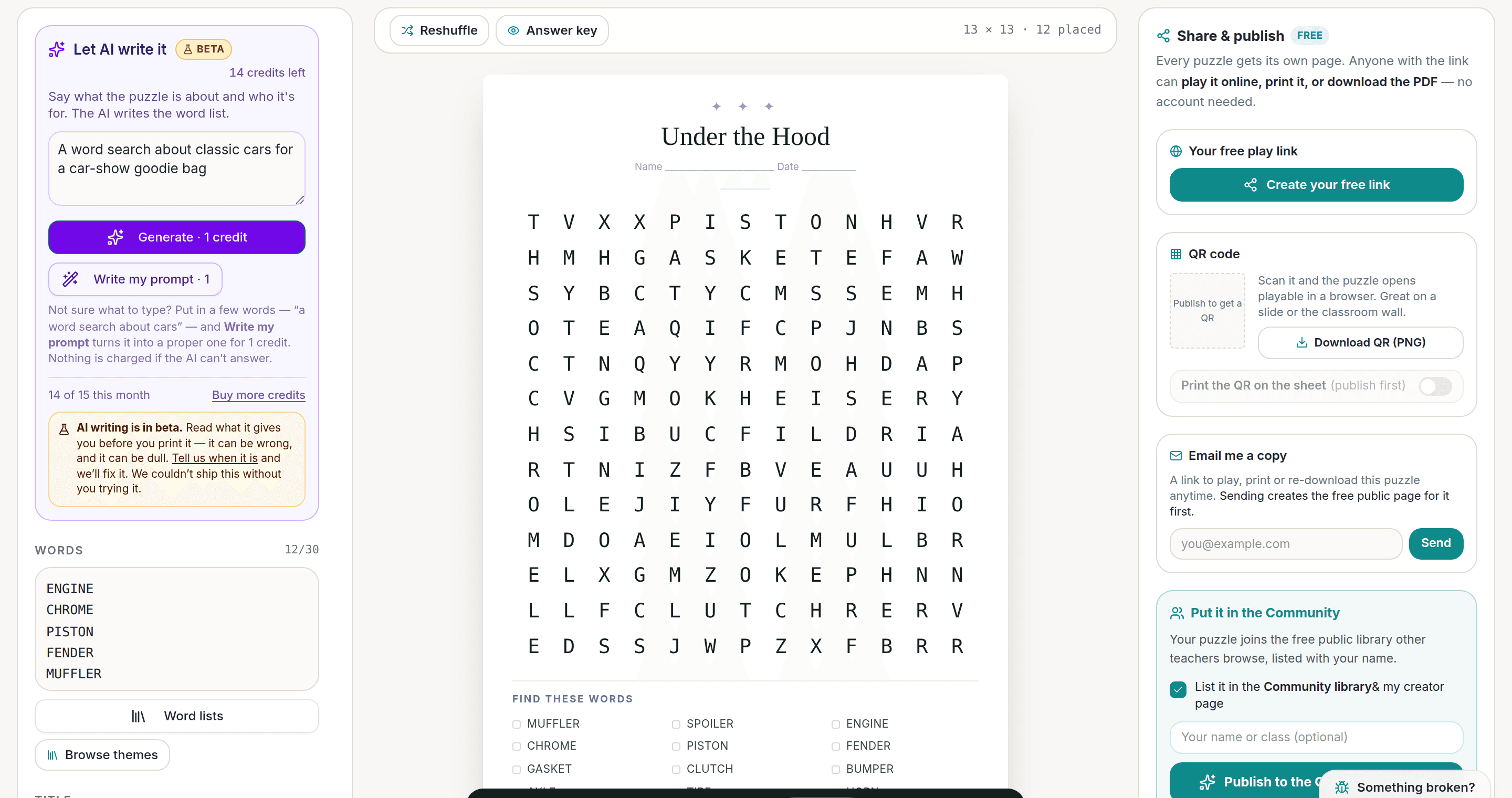
AI Puzzle Generator
Type a topic, get a themed word list and a finished puzzle. Premium also removes the footer credit and adds Word export.
Try the AI generator New
NewWorksheet Builder
Put a word search, a cryptogram and a scramble on one page, or build a whole themed packet. Prints with answer keys.
Build a worksheet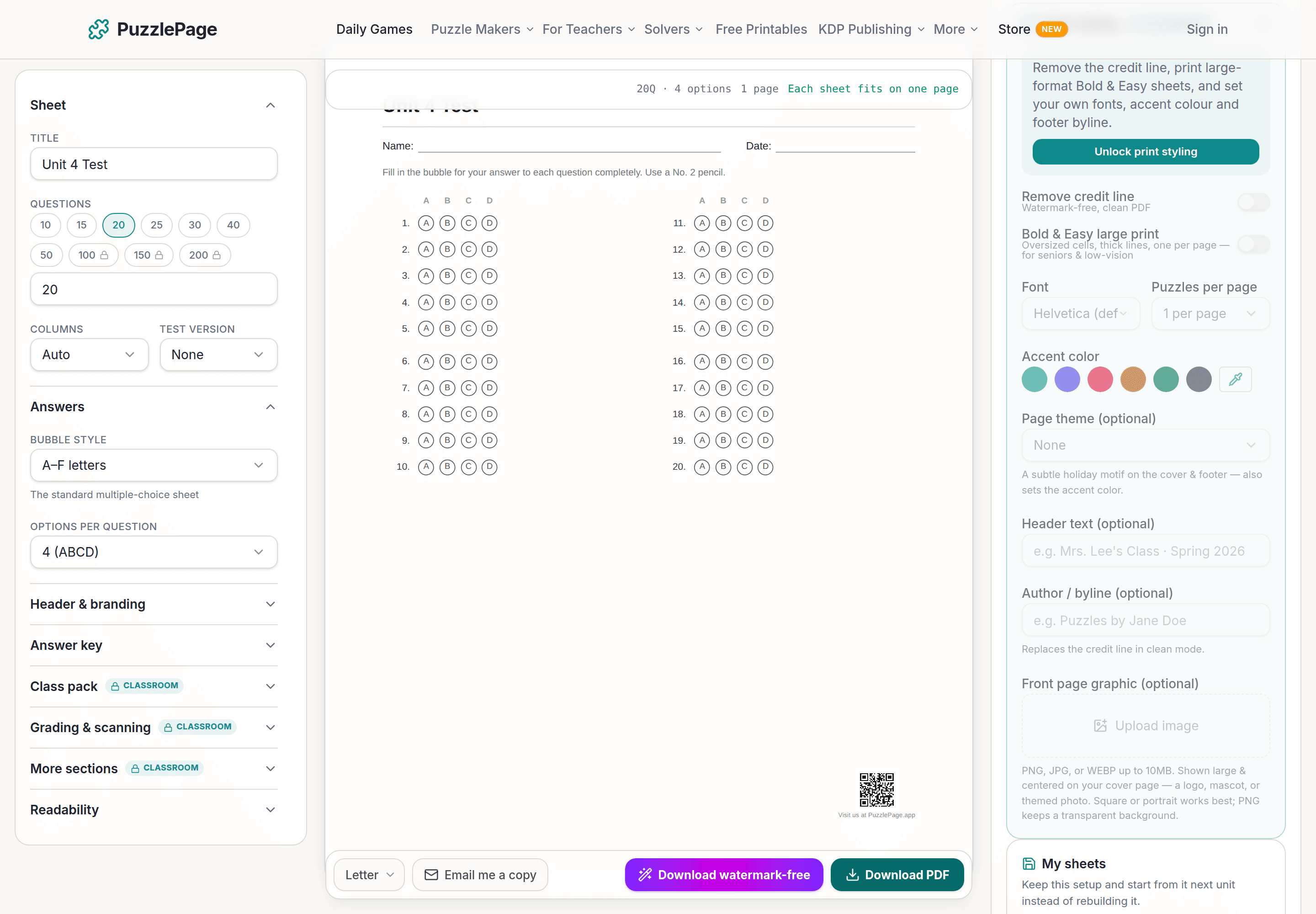
Bubble Sheet Studio
Answer sheets for any test length, with sections, versions, student ID grids and a matching answer key.
Make a bubble sheetPublisher plans unlock full print-ready interiors and covers, with a commercial licence to sell every book.
See plans →Free daily games
Need a two-minute break? Today's puzzles are live.
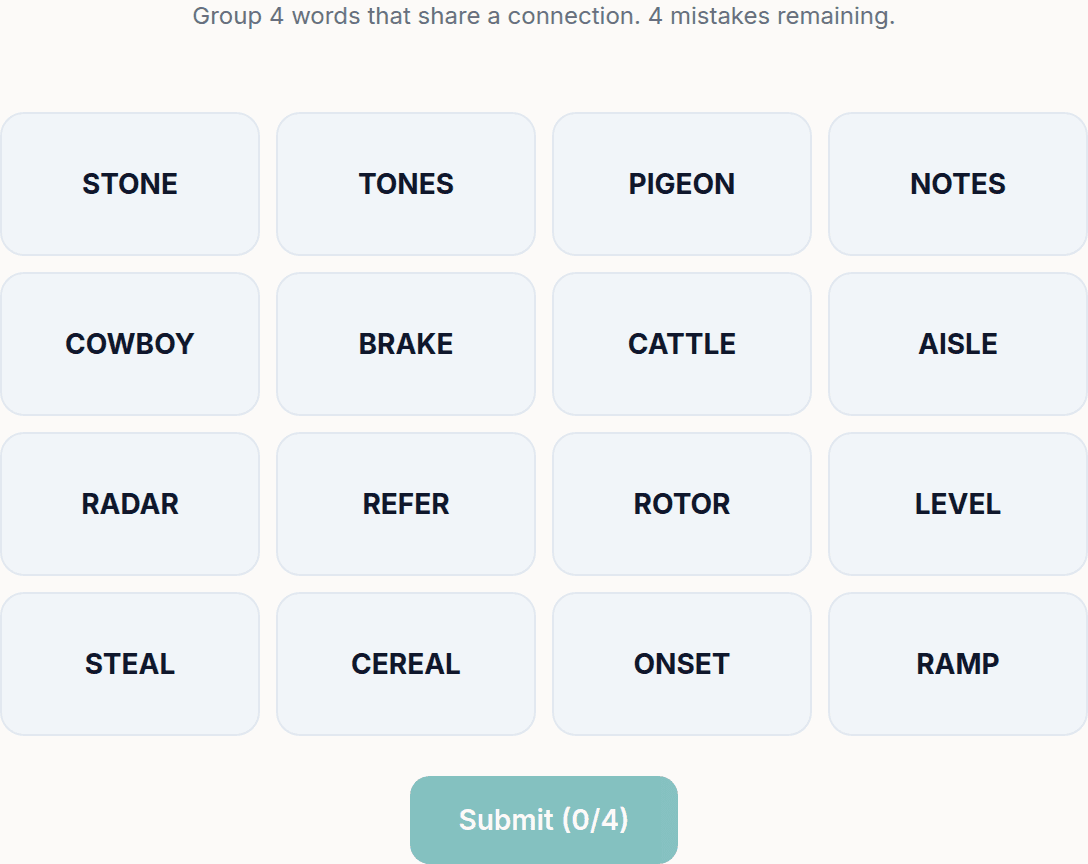
A new Sudoku and a new Connections board every day. No download, no account.


Keep reading
Take the puzzle with you
Free Cryptogram PDF — Publisher's Desk Cryptograms
Print-ready · answer key included · unsubscribe anytime
Ready to build?
Build this book free in the PuzzlePage Book Studio
18 puzzle types, KDP margins and a full-wrap cover. Download the first 10 pages and the cover free.
Or start from a ready-made book template, or see books other publishers made here.
Enjoyed this? Share the puzzle on X
Like puzzles like this? Follow on Pinterest for a new one every day.