Free Scantron Alternative: 5 Ways to Grade Bubble Sheets
Need a free scantron alternative? Compare five ways to grade bubble sheets without a machine, from answer key overlays to phone apps, plus printable sheets.

- 1.
- 2.
- 3.
- 4.
- 5.
- 6.
- 7.
- 8.
- 9.
- 10.
- 11.
- 12.
- 13.
- 14.
- 15.
Word bank
Test Day Scramble
Test-day vocabulary: pencils, bubbles, answers and a calm, confident start
- 1.PELCIN
- 2.RRESAE
- 3.BLBEBU
- 4.EWSRNA
- 5.ETUONSIQ
- 6.RECSO
- 7.WVREEI
- 8.UYTDS
- 9.CFOSU
- 10.EOCICH
- 11.DGERA
- 12.QUZI
- 13.ITERM
- 14.KCCEH
- 15.TENIFNOCD
Word Bank
PENCIL · ERASER · BUBBLE · ANSWER · QUESTION · SCORE · REVIEW · STUDY · FOCUS · CHOICE · GRADE · QUIZ · TIMER · CHECK · CONFIDENT
Free companion PDF
Test Day Scramble
Test-day vocabulary: pencils, bubbles, answers and a calm, confident start. Grab the PDF now and we'll send 10 more printable puzzles, plus a heads-up when new generators or seasonal packs go live. Roughly two emails a month — unsubscribe anytime.
No payment · Letter-size · Answer key included
Prefer to play online? There's a new puzzle every day.
Free daily word games — play instantly. Come back tomorrow for a fresh one.
On this site: Create your own free word scramble puzzle·Browse 100+ free printables·Play today's puzzles
It is Sunday evening, there are 140 unit tests in your bag, and the school's one scanning machine has been broken since September. You need a way to grade multiple choice fast without it.
You have more options than you might think. This guide compares five ways to grade bubble sheets for free, shows what teachers actually print, and explains which free scantron alternative fits your class size.
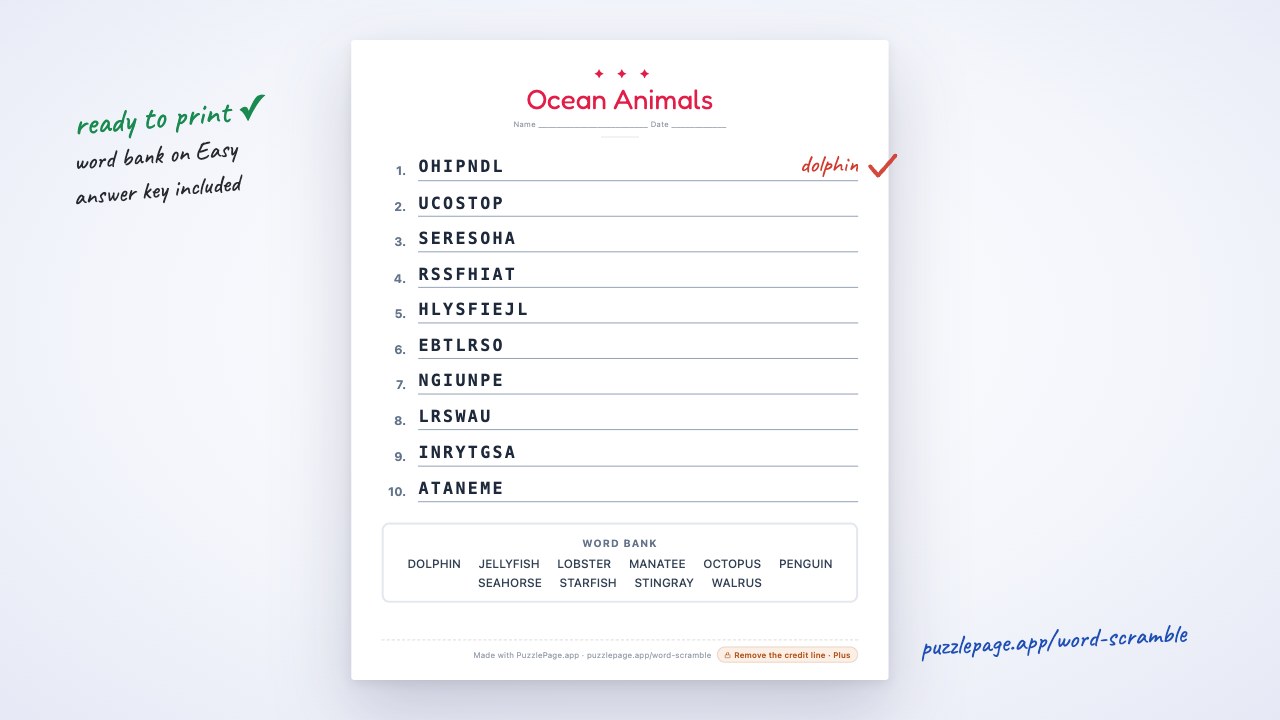
First, a warm-up for test day: the Test Day Scramble at the top of this page is a two-minute calm-down puzzle students can do while you pass out papers. Play it, print it, or download the PDF.
📌 Key Takeaways
- Teachers downloaded 1,758 answer sheets from PuzzlePage's Bubble Sheet Studio in the last 120 days.
- The most-chosen test length is 50 questions, followed by 20 and 40.
- 84% of sheets use four answer choices, 74% print on US Letter and 25% on A4.
- Free grading options range from a paper key overlay to phone-scanning apps with their own forms.
 0:50
0:50What Is the Best Free Scantron Alternative?
The best free option depends on class size. For one or two classes, a printed bubble sheet graded with a hole-punched answer key is fastest and costs nothing. For several classes a week, a phone-scanning app with a free monthly limit saves more time.
Scantron is the brand name many teachers use for machine-graded answer sheets. PuzzlePage is not affiliated with Scantron, and its sheets are not guaranteed to work in any proprietary optical-mark reader; they are standard printable answer sheets you grade by hand or with your own tools.
| Method | Cost | Special paper? | Best for | Trade-off |
|---|---|---|---|---|
| Hole-punched key overlay | Free | No | 1 to 3 classes | You count marks by hand |
| Printable sheet + filled key page | Free up to 50 questions | No | Any class, any test length | Still graded by eye |
| Phone scanning app (such as ZipGrade) | Free tier, paid for more | Uses the app's own forms | Several classes a week | Forms must match the app |
| Online form quiz | Free with an account | No paper | 1:1 device classrooms | Needs a device per student |
| Swap and self-check | Free | No | Quick quizzes | Not for high-stakes tests |
ZipGrade is a good example of the app route. Its pricing page lists 100 graded papers per month free, with a paid plan for unlimited grading, and it prints its own answer forms that the app is built to read.
Free Word Scramble PDF — Test Day Scramble
Print-ready · answer key included · unsubscribe anytime
How Do You Grade Bubble Sheets Without a Scantron?
Make a transparent or hole-punched answer key that lines up exactly with the student sheet, lay it over each paper and count the bubbles that do not show through. It works with any printed bubble sheet, as long as the key and student copies are identical.
- Open the bubble sheet generator and set your number of questions and answer choices.
- Paste your correct answers, such as ABCDA, into the answer key box.
- Download the PDF. The student sheet prints first, then a separate page with the correct bubbles filled in.
- Print the student copies and one extra copy of the key page.
- Punch out the filled bubbles on the key copy, or photocopy it onto a transparency.
- Lay the key over each student sheet and mark any question where the student's bubble does not show through.
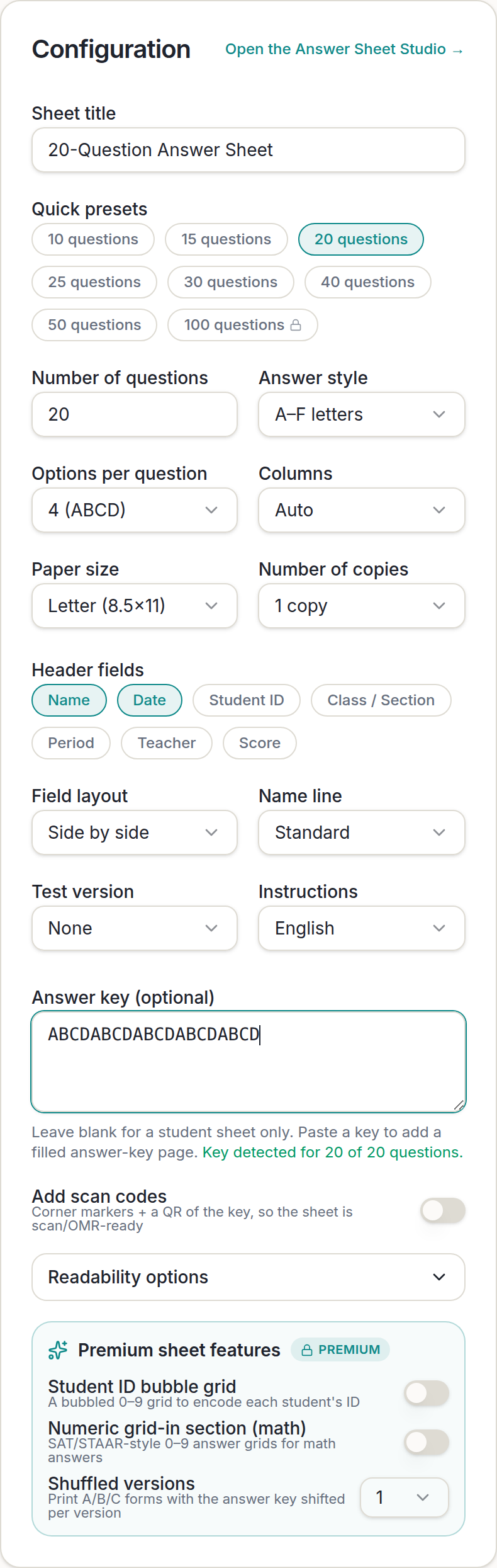
The generator confirms how many answers it read, so you can spot a missing letter before printing. In the screenshot it reads "Key detected for 20 of 20 questions" under the answer box.
Pro Tip
Put a single dot in the top corner of the key page before you punch it. When you lay it over a stack of student sheets, the dot shows at a glance which way up the key goes, and you never grade a sheet upside down.
What Bubble Sheets Do Teachers Actually Print?
Most teachers print a 50-question, four-choice sheet on US Letter paper. That comes from PuzzlePage's own Bubble Sheet Studio downloads: 1,758 answer sheets over the last 120 days.
| Setting | Most common choice | Share or count |
|---|---|---|
| Number of questions | 50 | 292 sheets, then 20 (256) and 40 (226) |
| Answer choices | 4 (A to D) | 84% of sheets |
| Paper size | US Letter | 74% (A4 is 25%) |
| Layout | Two columns | About half of sheets |
Those numbers matter when you pick a free tool. A sheet that caps you at 20 questions, or prints Letter-only for an international school, will not match how most teachers test.
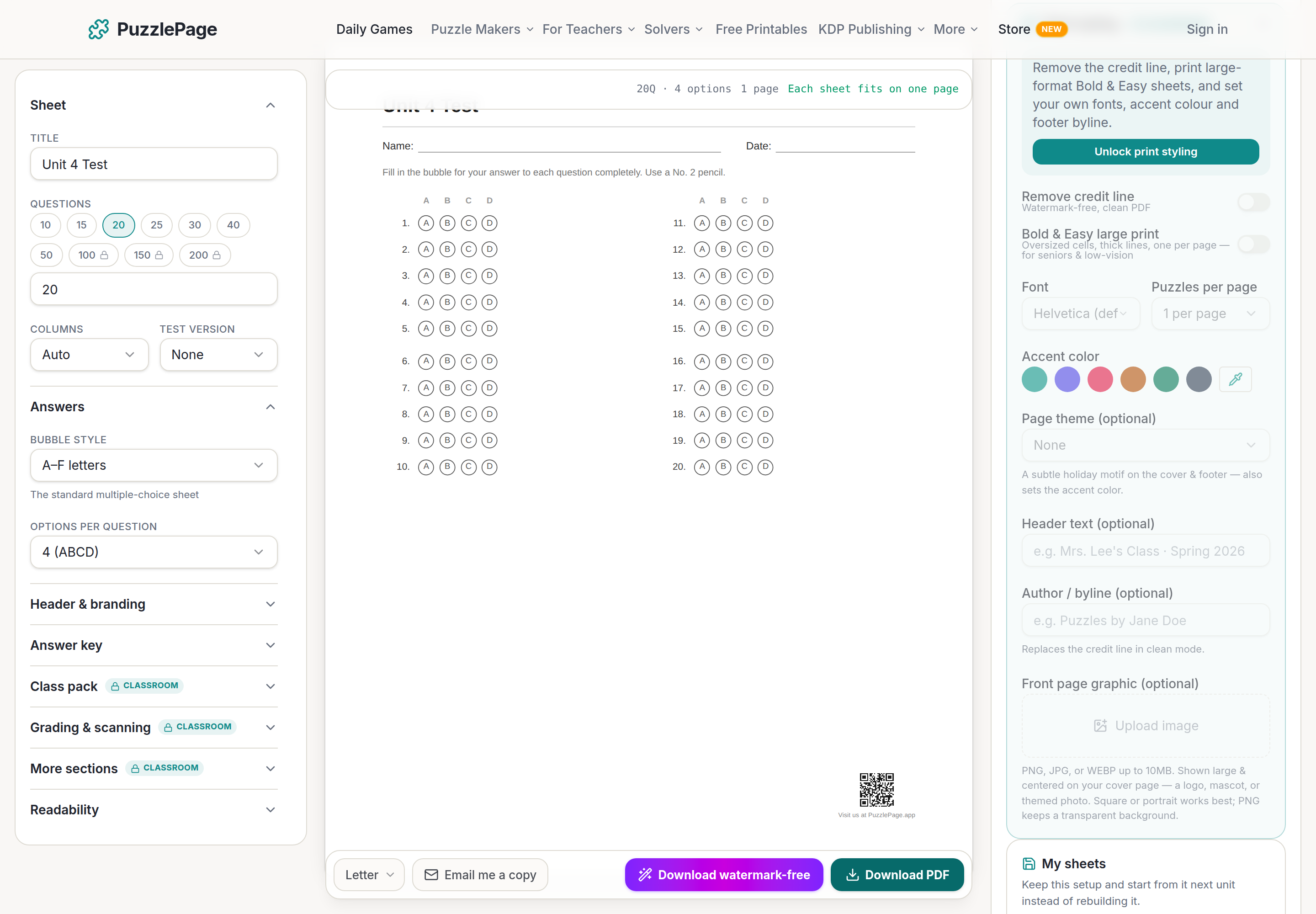
In the Studio, presets from 10 to 50 questions are free. Sheets of 100, 150 and 200 questions, class packs with names printed, extra sections and the grading extras are part of the Classroom plan.
Should You Use Scan Codes or Grade by Hand?
Grade by hand if you teach one or two sections; consider scanning if you grade more than about 100 papers a week. The bubble sheet generator has an optional scan codes switch that adds corner markers and a QR code of the key, so the sheet is ready for OMR tools you already use.
Hand grading with a key
No setup, works with any printer, and the key page does double duty for reteaching. Slower for large stacks.
Your own scanning tool
Turn on scan codes for corner markers and a QR of the key. Check that your tool reads the sheet before test day.
An app with its own forms
Apps like ZipGrade read their own printed forms most reliably. Use their sheets if you commit to that app.
Heads up
Whatever method you choose, run one practice sheet through it before the real test. Ten minutes of checking on Friday beats discovering a misaligned key with 140 papers waiting.
Pro Tip
Print two versions when cheating is a worry. In Bubble Sheet Studio, the Shuffled versions option (a Classroom plan feature) prints up to four forms, each with its own answer key, so neighbors are not on the same pattern.
How Fast Can You Build a Sheet and Key?
About a minute. Open the bubble sheet generator, choose 50 questions and four choices, paste your key and download. That gives you a student sheet and a filled answer key, ready to print.
For the review lesson before the test, the quiz maker builds a printable multiple choice quiz with its own answer key, and the word scramble maker turns this unit's vocabulary into a warm-up. Scroll down to the maker on this page to edit the Test Day Scramble with your own words.
You can also mix a vocabulary word search and a short crossword on one review page with the Worksheet Builder; building and previewing are free, and the combined PDF comes with a Day Pass or a paid plan.
Start publishing today
Build your puzzle book in the KDP Book Builder
Stop assembling puzzle pages by hand. Compose a complete book, watch the real printed pages as you build, and download an interior that is ready to upload to Amazon the same day.
- ✓Complete print-ready interiors, up to 120 puzzles, in one build
- ✓18 puzzle types, difficulty ramps, and every KDP trim size
- ✓Packed answer keys and continuous page numbering, done for you
- ✓A full commercial licence: sell every book you make
Save 10% on your first year
Use code PUBLISH10 on any annual Publisher plan. $149 $134.10 for the first year, a $14.90 saving. Applied automatically at checkout.
Cancel anytime. Every book you build is yours to keep and sell.
Frequently Asked Questions
What is a free alternative to Scantron?
A printable bubble sheet with a matching answer key is the simplest free alternative. You can grade it by hand with a hole-punched key overlay, or use a phone-scanning app with a free monthly limit and its own forms.
Can I grade bubble sheets with my phone?
Yes, with a scanning app such as ZipGrade, which grades 100 papers a month free. These apps work most reliably with the answer forms they print themselves.
How many questions should a bubble answer sheet have?
Match it to your test. On PuzzlePage, 50 questions is the most popular length, followed by 20 and 40, and four answer choices is by far the most common setup.
Are PuzzlePage bubble sheets Scantron compatible?
No. They are standard printable answer sheets for hand grading or your own scanning tools. PuzzlePage is not affiliated with Scantron, and the sheets are not guaranteed to work in any proprietary reader.
Live demo
Make your own word scramble right here
Swap in your own words (a spelling list, residents' names, a unit's vocabulary) and press Generate. The full maker adds answer keys, size options and PDF export.
More you can make here
One puzzle is the start. Here is the rest of the kit.
 New
NewWorksheet Builder
Put a word search, a cryptogram and a scramble on one page, or build a whole themed packet. Prints with answer keys.
Build a worksheet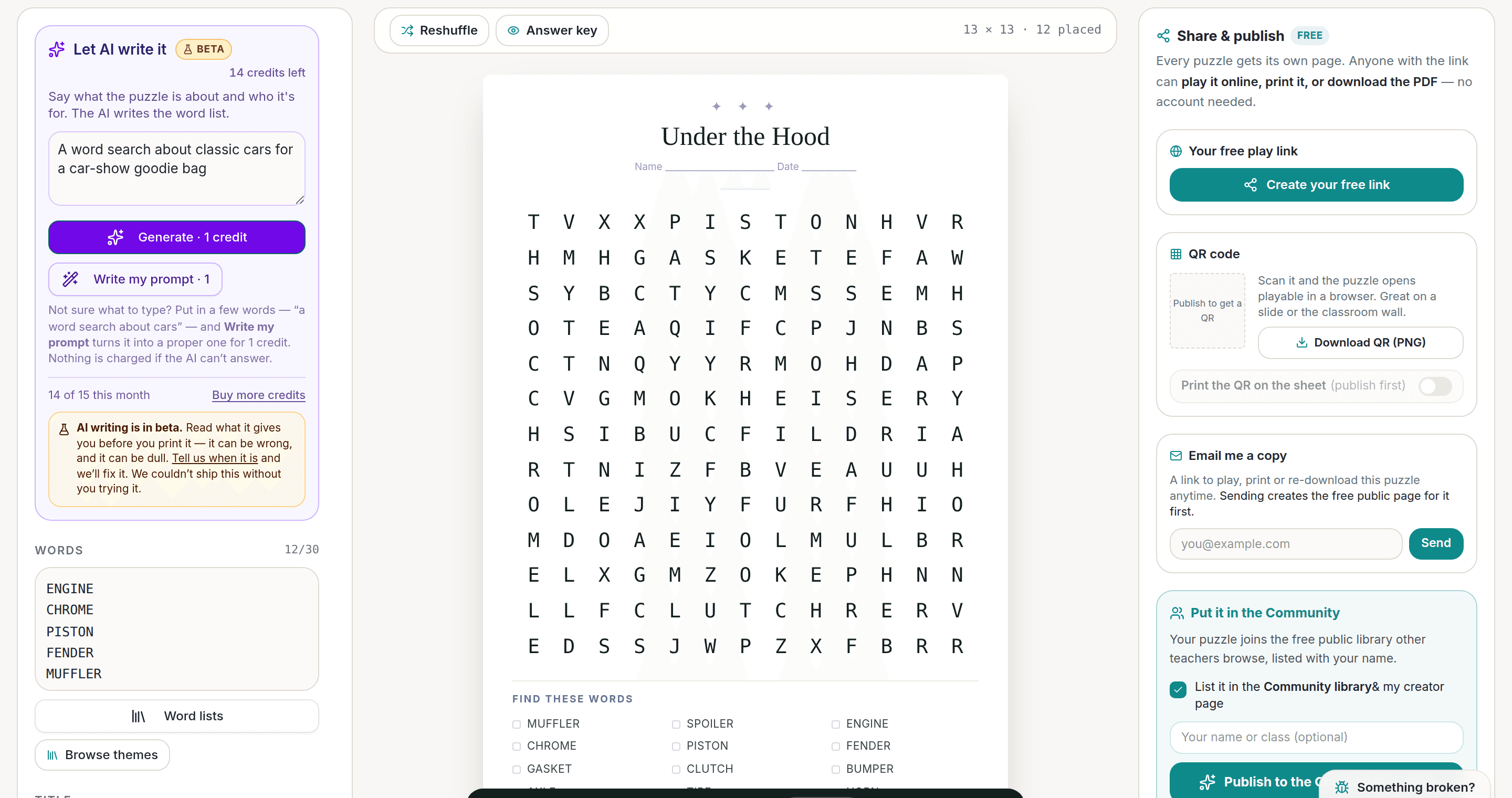
AI Puzzle Generator
Type a topic, get a themed word list and a finished puzzle. Premium also removes the footer credit and adds Word export.
Try the AI generator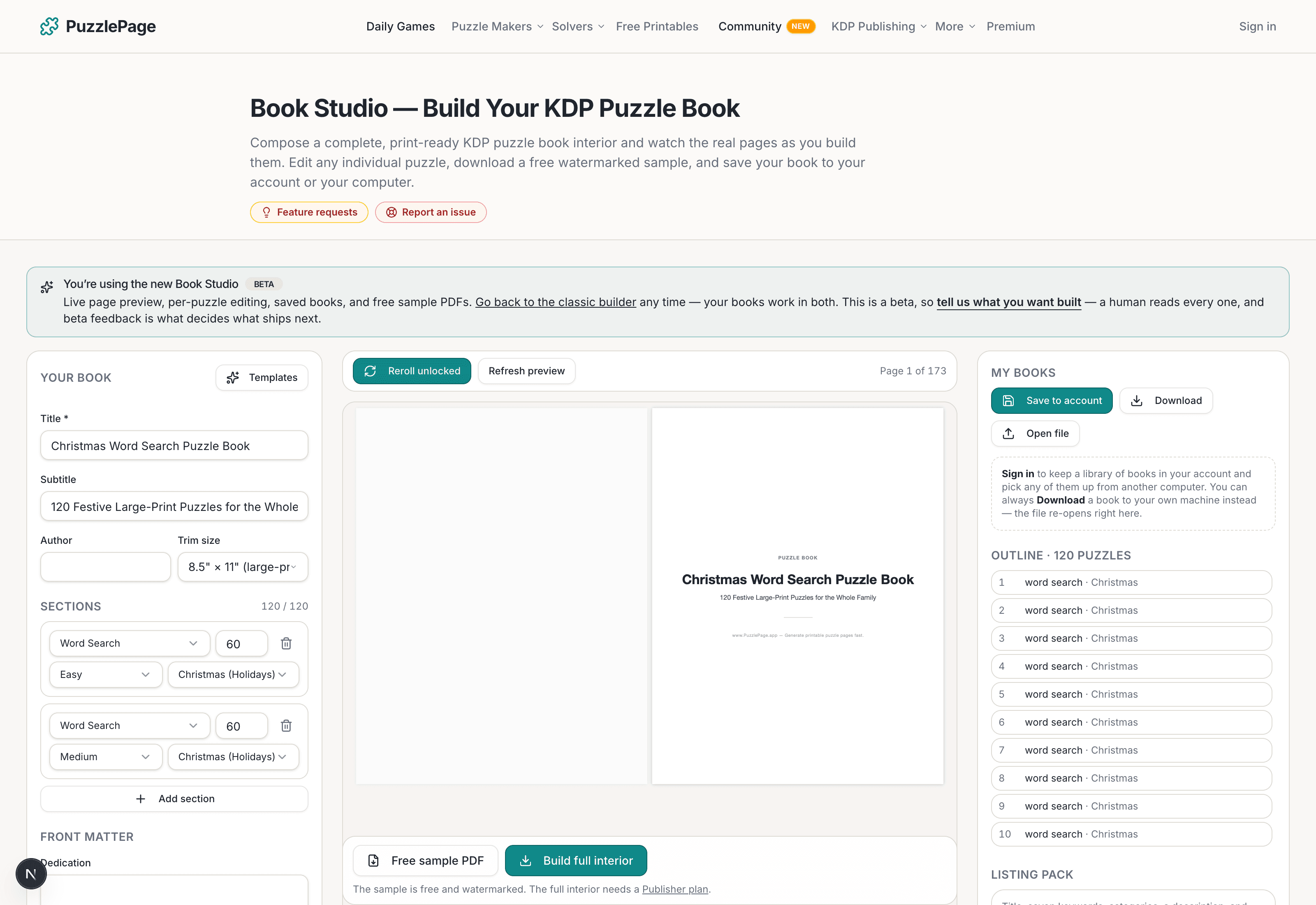
KDP Book Studio
Lay out a full puzzle book for Amazon KDP: templates, trim sizes, page checks and a cover designer.
Start a puzzle book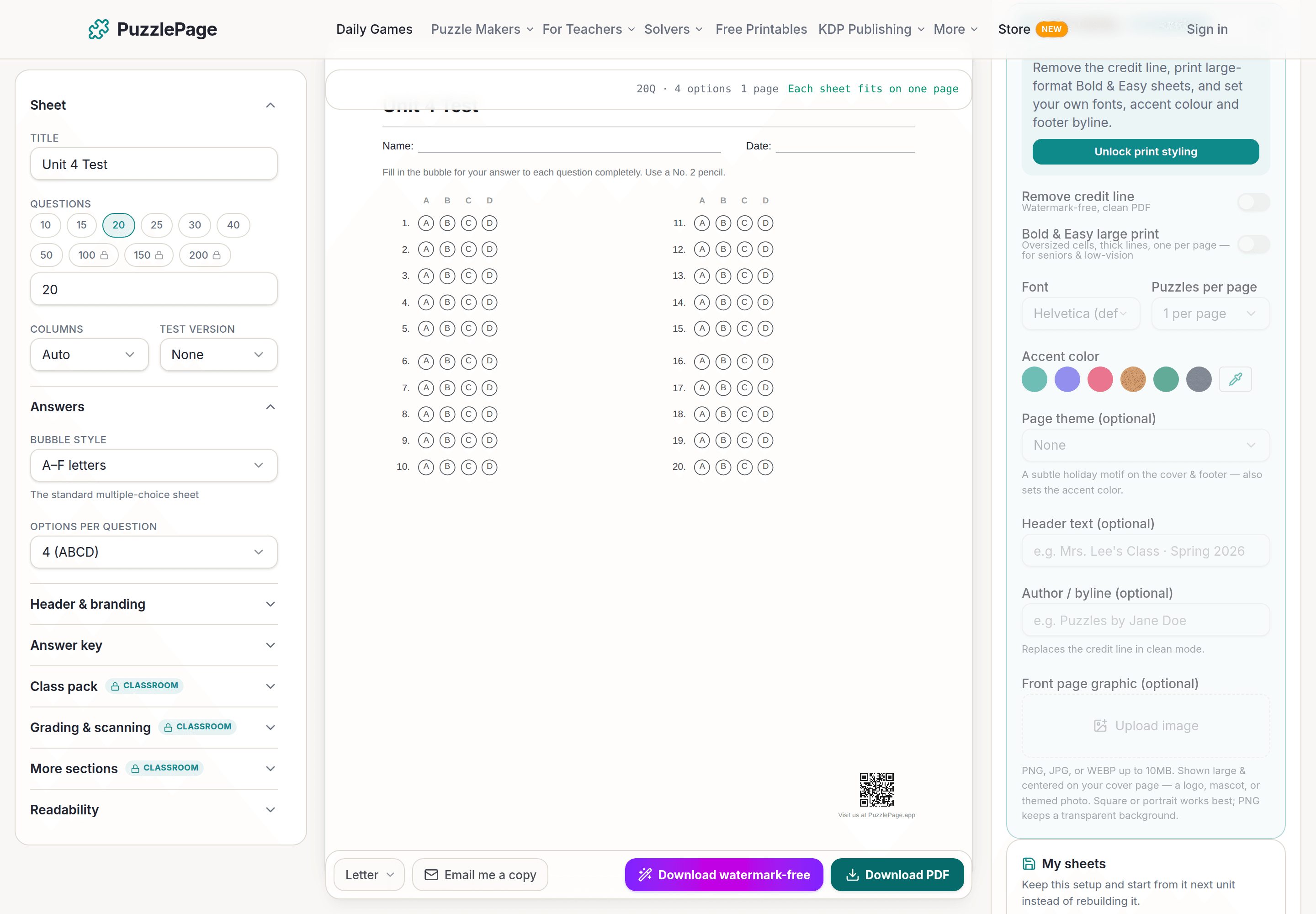
Bubble Sheet Studio
Answer sheets for any test length, with sections, versions, student ID grids and a matching answer key.
Make a bubble sheetPremium removes the footer credit, adds Word export and custom styling across every maker.
See plans →Free daily games
Need a two-minute break? Today's puzzles are live.
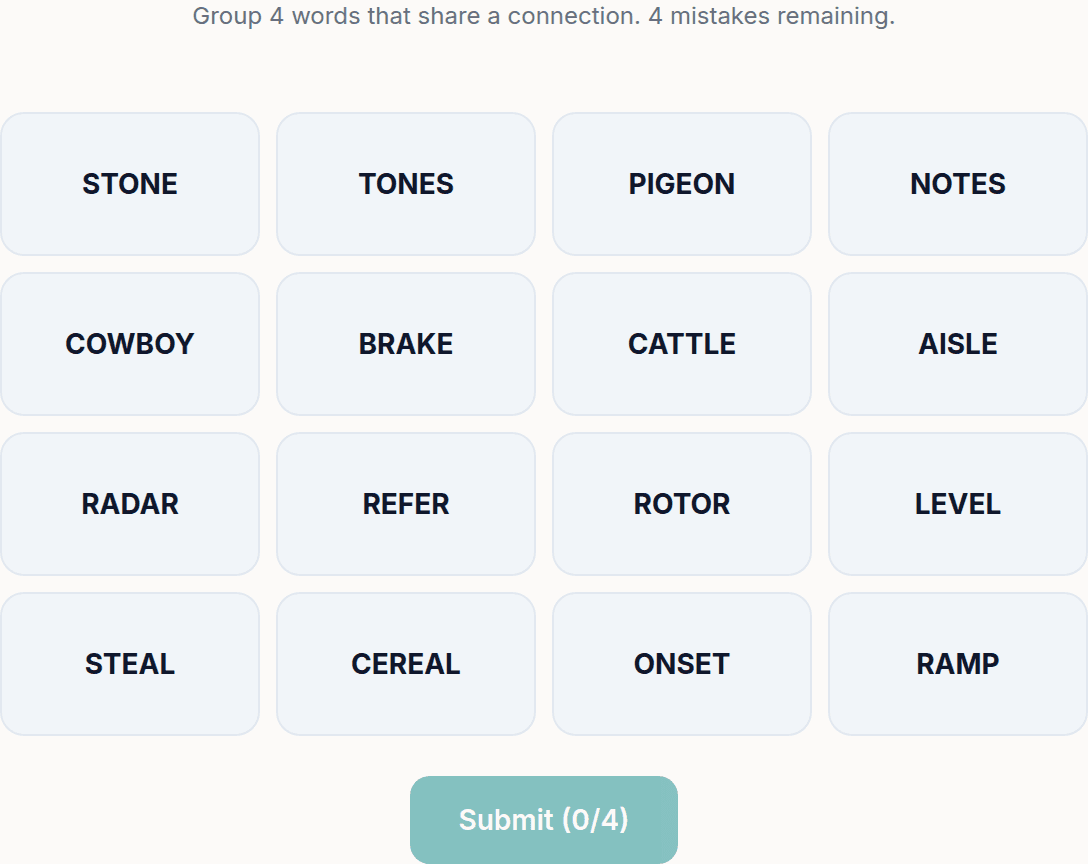
A new Sudoku and a new Connections board every day. No download, no account.


Keep reading
Take the puzzle with you
Free Word Scramble PDF — Test Day Scramble
Print-ready · answer key included · unsubscribe anytime
Enjoyed this? Share the puzzle on X
Like puzzles like this? Follow on Pinterest for a new one every day.