Student ID Bubble Sheet: How the Bubbled ID Grid Works
A student ID bubble sheet adds a 4 to 8 digit grid a scanner can read. How it works, how a class pack pre-fills it from your roster, and what stays free.
On this site: See the Classroom plan·Browse 100+ free printables·Play today's puzzles
Quick answer
A student ID bubble sheet carries a grid of digit columns, 4 to 8 digits wide, where each student fills one bubble per column so a scanner can read the ID without reading handwriting. On PuzzlePage the grid is a Classroom feature, and a class pack can print it already filled from your roster.
A name written at the top of an answer sheet is fine for a person and useless for a machine. If a stack of sheets is ever going to be scanned, the sheet needs an ID grid and the student needs to fill it correctly.
Below is what the grid is, why scanners depend on it, how a class pack fills it in for you, and which parts of that are free.
📌 Key Takeaways
- The ID grid is 4 to 8 digit columns of bubbles 0 to 9, and it widens on its own if a roster has a longer ID.
- A scanner identifies the student from the grid, never from the handwritten name.
- A class pack prints each student's ID already bubbled. The written ID line and the corner scan marks are free; the grid is Classroom or a day pass.
What a student ID bubble sheet looks like
The grid sits in the header area of the sheet. It has one column per digit, each with a small box on top for the written digit and a stack of ten bubbles, 0 to 9, below it.
A student with ID 204817 writes 2, 0, 4, 8, 1, 7 across the boxes, then fills the 2 bubble in the first column, the 0 bubble in the second, and so on. The written digits are for a person checking the sheet; the bubbles are for the machine.
You choose 4, 5, 6, 7 or 8 digits. If a roster comes with an ID longer than that, the grid widens to fit the longest one rather than cutting digits off.
Like this? We send 10 of these every month.
Free printable puzzles, answer keys included — same quality as the ones in this post.
One email. Unsubscribe anytime.
Why does a scanner read the grid and not the name?
Because a scanner does not read handwriting; it measures whether a known spot on the page is dark or light. The grid gives it a fixed set of spots with one meaning each, and a filled bubble in the 4 row of column three means "third digit is 4" every time.
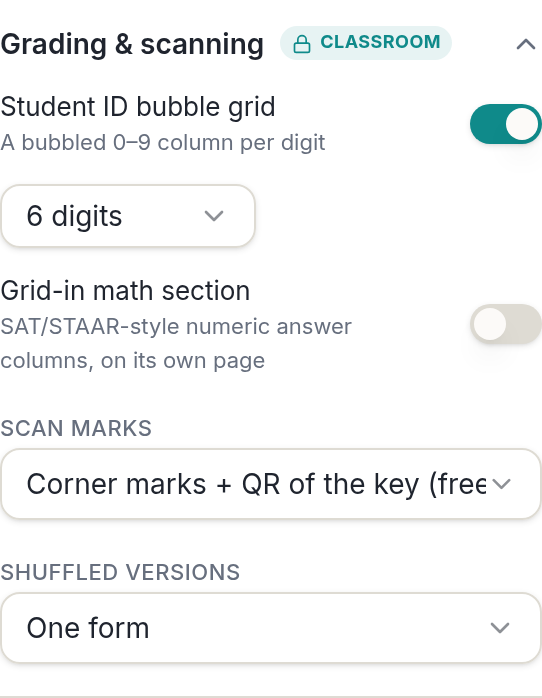
The name line stays on the sheet. It is how you sort the stack by hand and how a student knows the sheet is theirs, but the grid is the only part of the header that grading software uses.
That split is the whole reason an ID grid exists. The bubbles in the answer rows tell the reader what was answered; the bubbles in the ID grid tell it who answered.
It is also why a wrongly bubbled ID stops a sheet matching a student at all. Careful bubbling at the start of every test, or a class pack that does it in advance, is the difference between a clean scan and a sheet you match by hand.
Pro Tip
Match the digit count to your school's IDs exactly. A six-digit ID in an eight-column grid leaves two empty columns, and how a reader treats those blanks depends on the software and on where the student started writing.
How do you pre-fill the ID grid from a roster?
Paste the roster into a class pack and every sheet prints with the ID already written in the boxes and the matching bubbles filled. The student only has to check it.
- Open Class pack in the free answer sheet generator.
- Paste the roster one student per line. First Last and Last, First both work, and a column of ID numbers is picked up automatically.
- Or import a CSV from a gradebook, or import a Google Classroom roster.
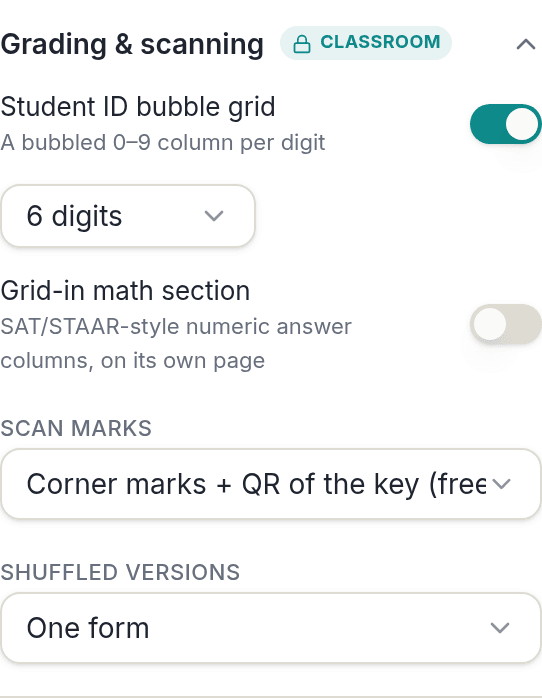
- Switch on the Student ID grid under Grading & scanning if it is not already on.
- Preview. Each sheet has the name printed on the name line and the ID bubbled, and the pack ends with a roster page listing every student, ID and form.
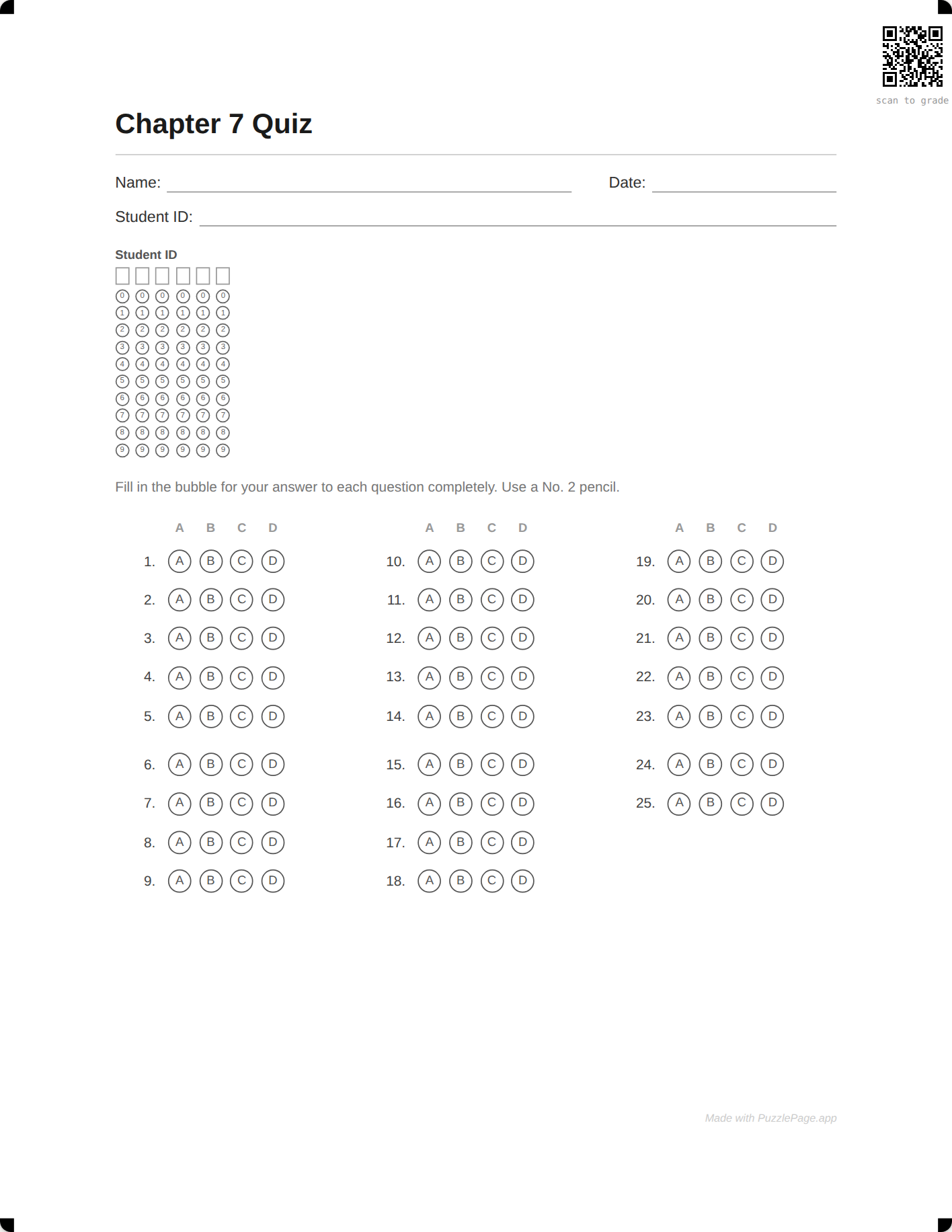
Turn the grid on without a roster and you get the empty version, which is what a make-up test or a new student needs. The full class pack workflow, including reprints for absentees, is in class pack answer sheets with names already printed.
Free scan marks, OMR Pro and the scan template
The grid is only useful if something reads it, so the sheet has to be findable by a camera or a scanner. There are two levels of scanning geometry, and one of them is free.
| Option | Who fills the ID | Readable by a scanner | Plan |
|---|---|---|---|
| Written Student ID line | Student, by hand | No | Free |
| Empty ID grid plus free scan marks | Student, one bubble per digit | Yes, corners and a QR code of the key | Classroom or day pass |
| Pre-filled grid plus OMR Pro | The class pack, from the roster | Yes, with a timing track and a scan template | Classroom or day pass |
Free scan marks are the corner registration marks plus a QR code carrying your answer key. OMR Pro adds a left-edge timing track, locks the bubble pitch, and lets you download a scan template: a small file giving the page size, the marks, and the exact centre of every bubble in points.
With that template, software such as FormScanner or Remark, or your own OpenCV script, can go from a photograph to a score. PuzzlePage prints the geometry and publishes the template; it does not read the sheets itself, and it does not claim compatibility with any particular proprietary reader.
Pro Tip
If you grade by hand with an overlay key, you do not need the grid at all. The written ID line and the free key page do the job, and how to grade bubble sheets fast shows the overlay method.
What stays free
The answer sheet itself, the written Student ID header line, the filled key page, and the corner scan marks with the QR code are free at any count up to 50 questions. Free PDFs carry one small "Made with PuzzlePage.app" line in the footer.
Classroom, at $19 for the school year, covers the bubbled ID grid, the class pack that pre-fills it, and OMR Pro with the scan template, and all three are in the $2.99 day pass. You can switch the grid on and preview it before spending anything, and the Classroom page lists everything else the plan includes.
Testing days go better when the routines are settled beforehand, and Edutopia's classroom management articles are a good source for those routines. For the other paperwork of a new class, the name tag maker and the parent letter maker sit alongside the answer sheet on the teacher hub.
Frequently Asked Questions
What is a student ID bubble sheet?
A student ID bubble sheet is an answer sheet with a grid of digit columns near the header. Each column has bubbles 0 to 9, and the student writes one digit of their ID in each box and fills the matching bubble. A scanner reads the bubbles to identify the student.
How many digits can the ID grid hold?
You choose 4 to 8 digits. If a roster contains an ID longer than the grid, the grid widens to fit the longest ID rather than dropping digits.
Can the ID be filled in before printing?
Yes. Paste your roster into a class pack and each student's sheet prints with their name on the name line and their ID already written in the boxes and bubbled. An ID column in the roster is picked up automatically.
Is the student ID grid free?
The written Student ID header line is free. The bubbled grid is a Classroom feature, $19 a year, and is included in the $2.99 day pass. You can switch it on and preview it free before deciding.
More you can make here
One puzzle is the start. Here is the rest of the kit.
 New
NewWorksheet Builder
Put a word search, a cryptogram and a scramble on one page, or build a whole themed packet. Prints with answer keys.
Build a worksheet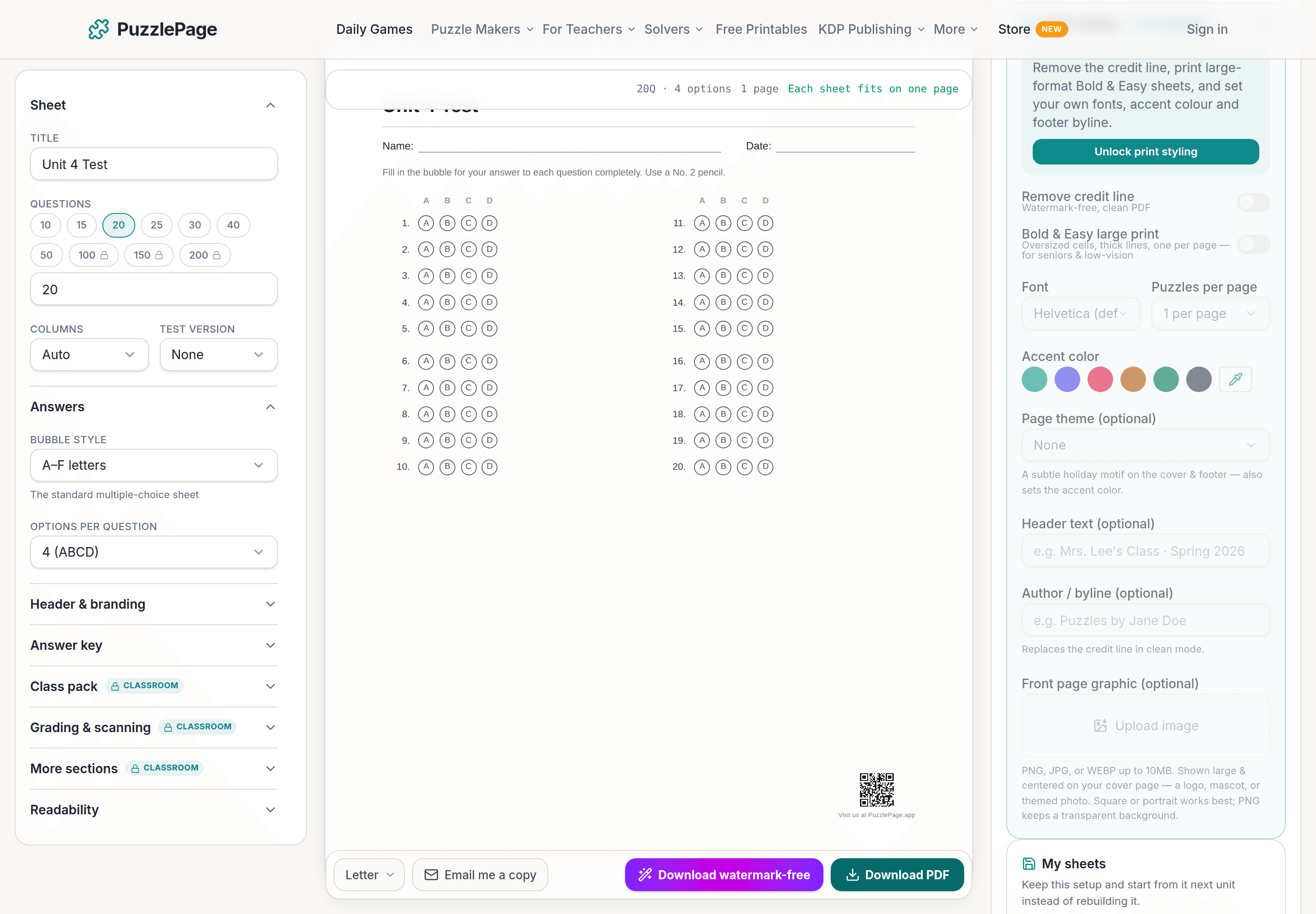
Bubble Sheet Studio
Answer sheets for any test length, with sections, versions, student ID grids and a matching answer key.
Make a bubble sheet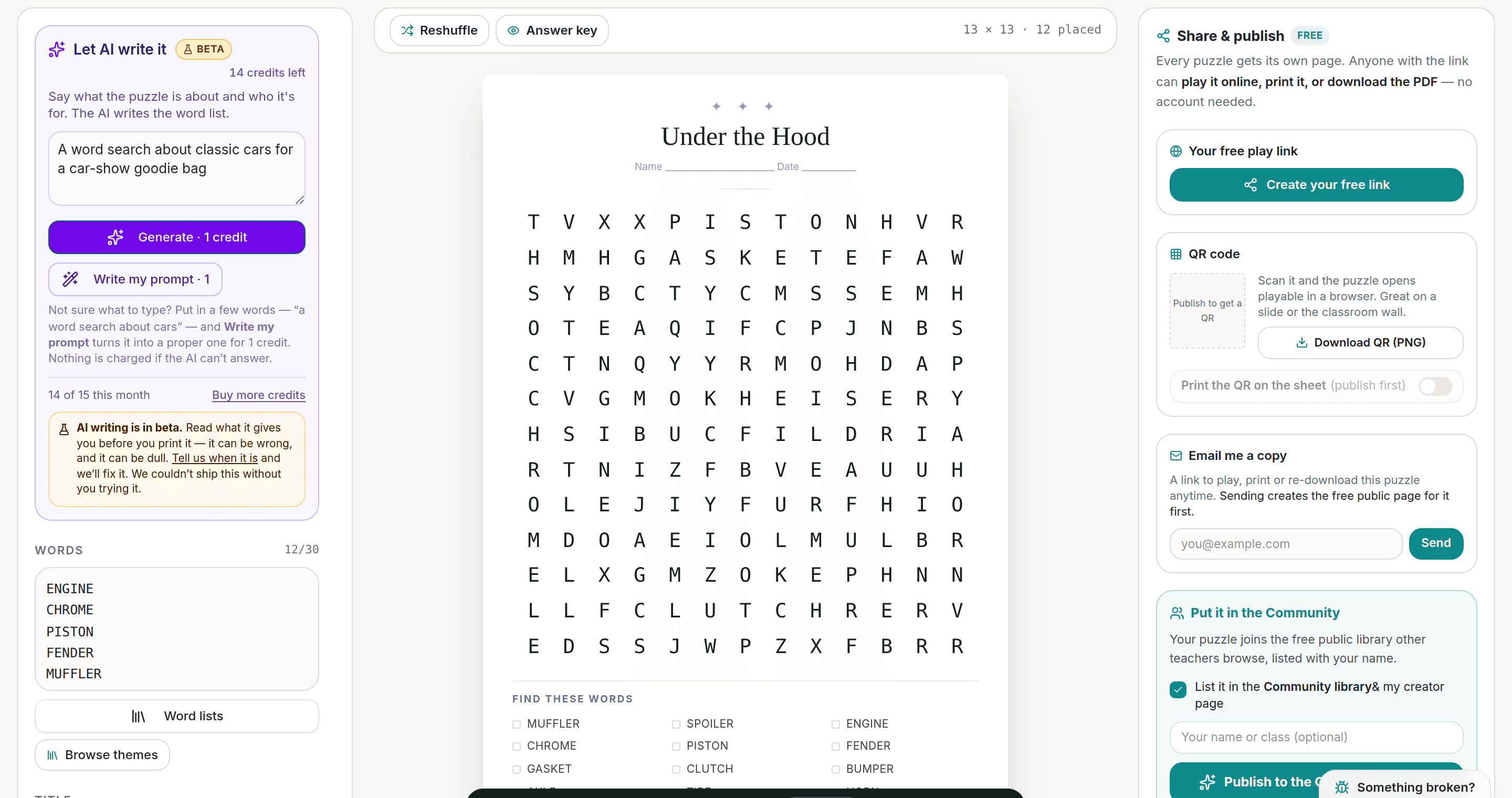
AI Puzzle Generator
Type a topic, get a themed word list and a finished puzzle. Premium also removes the footer credit and adds Word export.
Try the AI generator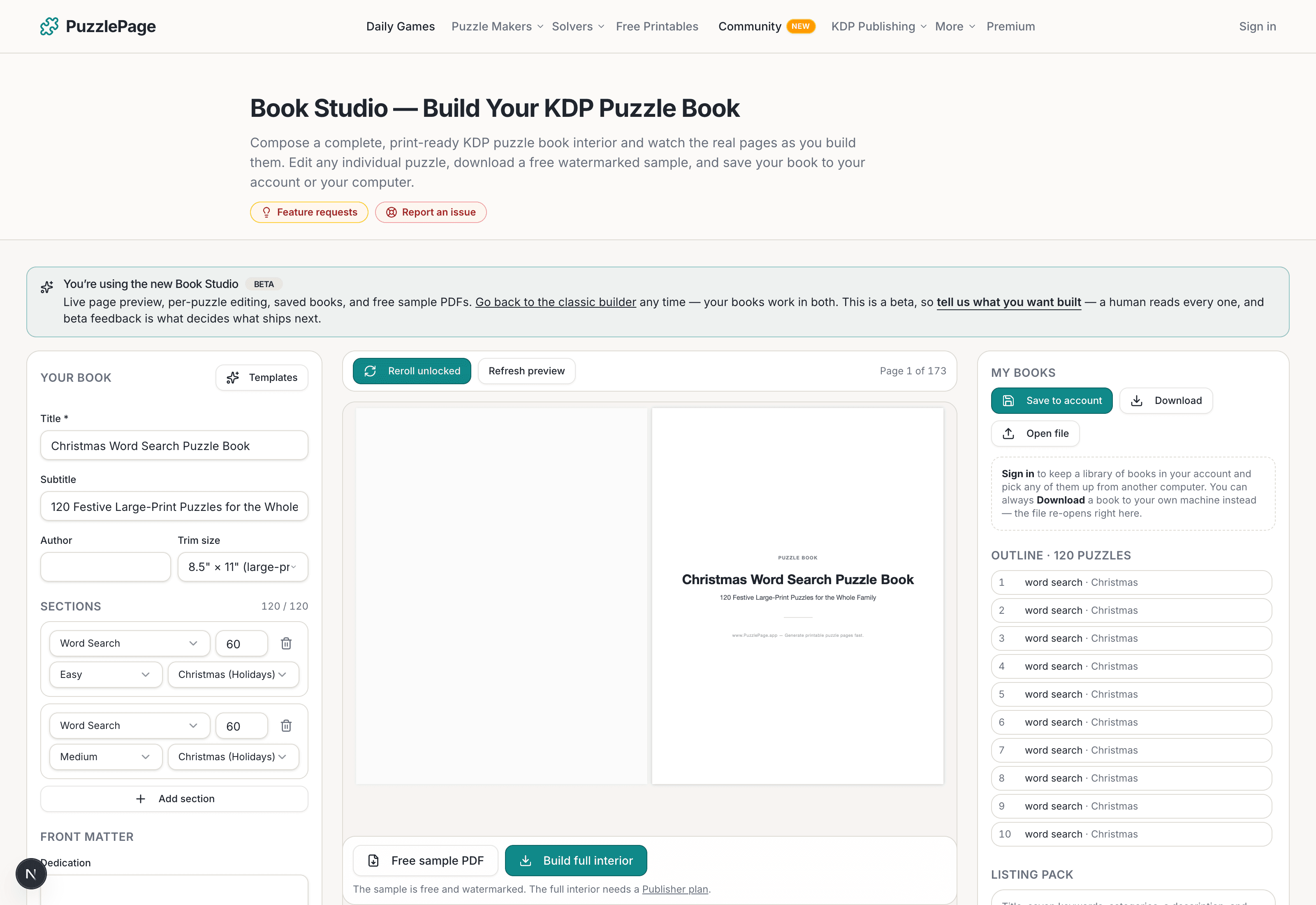
KDP Book Studio
Lay out a full puzzle book for Amazon KDP: templates, trim sizes, page checks and a cover designer.
Start a puzzle bookPremium removes the footer credit, adds Word export and custom styling across every maker.
See plans →Free daily games
Need a two-minute break? Today's puzzles are live.
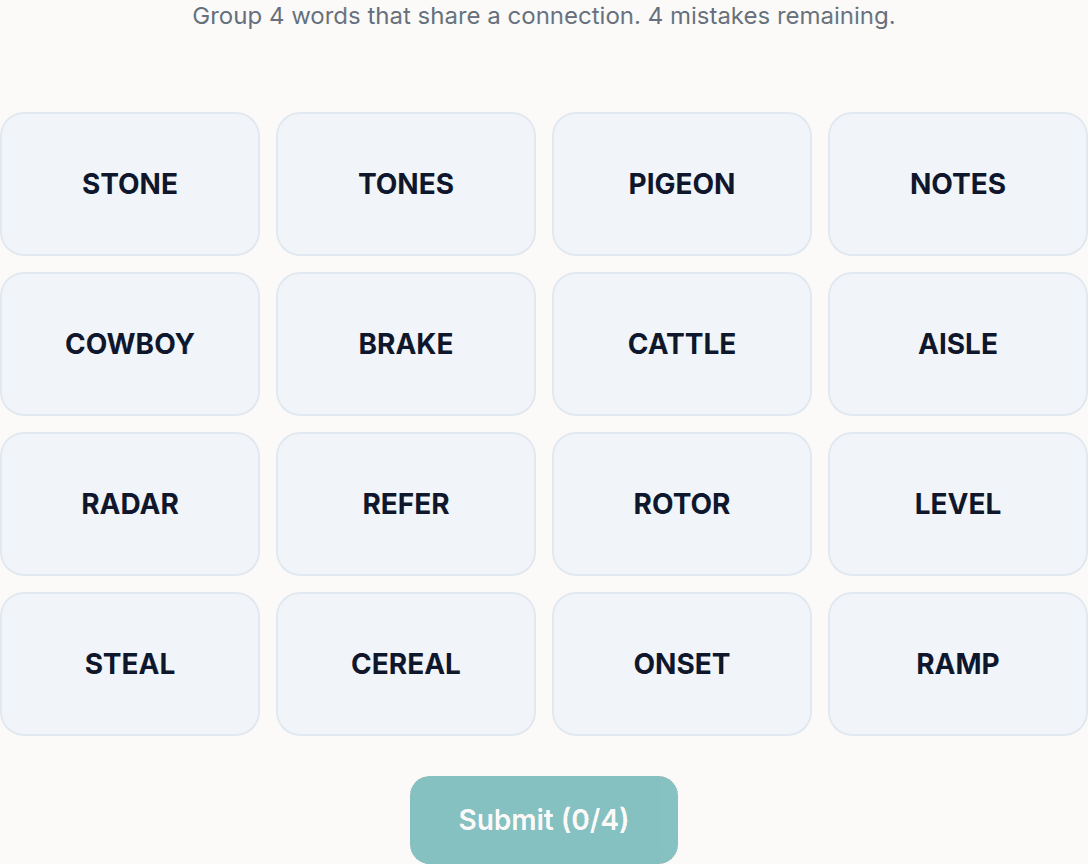
A new Sudoku and a new Connections board every day. No download, no account.
Keep reading
Get 10 free puzzles
Get the free 10-puzzle pack
Enter your email and we'll send you 10 print-ready puzzles with answer keys, plus a heads-up when we publish new generators and seasonal puzzle packs. Same quality as the ones on this page.
Roughly two emails a month. No spam, unsubscribe anytime.
Enjoyed this? Share the puzzle on X
Like puzzles like this? Follow on Pinterest for a new one every day.