Answer Sheet With Multiple Sections on One Printed Form
Build an answer sheet with multiple sections: multiple choice, true/false, grid-in math, short answer, essay and rubric, each under its own printed heading.
On this site: See the Classroom plan·Browse 100+ free printables·Play today's puzzles
Quick answer
An answer sheet with multiple sections puts up to six blocks on one form, each under its own printed heading: multiple choice, true/false, grid-in math, short answer lines, an essay box and a scoring rubric. Question numbers run straight through, the key page fills the main grid, and sections are a Classroom feature.
A real unit test is rarely all multiple choice. It is twenty bubbles, then ten true or false, then four problems whose answer is a number, then a paragraph.
The answer sheet should follow that shape instead of pushing the paragraph onto the back of a bubble grid. Below are the six section types, how they are numbered, where the key page fits, and what is free.
📌 Key Takeaways
- Up to six sections per sheet, each with a printed heading and a rule above it so students can see where one ends.
- Six kinds: multiple choice, true/false, grid-in math, short answer lines, essay box, scoring rubric.
- Numbering runs straight through. Building and previewing is free; the download is Classroom or a $2.99 day pass.
The six section types
Part 1 is always the main grid. Everything below is a block you add after it, and each block has its own small set of settings.
| Section | What prints | Settings | Graded from |
|---|---|---|---|
| Multiple choice | Numbered bubble rows | Question count, 2 to 6 options | The sheet |
| True / False | Numbered T and F bubbles | Question count | The sheet |
| Grid-in (math) | Digit columns of 0 to 9 per question | Question count | The sheet |
| Short answer lines | Numbered ruled lines | Number of lines | By hand |
| Essay box | Ruled lines with no numbers | Number of ruled lines | By hand |
| Scoring rubric | One row per criterion with a 1 to 4 scoring strip | Number of criteria | By hand, on the rubric |
Grid-in blocks are the SAT and STAAR style numeric answer: the student writes a number across the boxes and bubbles each digit below. There is also a separate Grid-in math section under Grading & scanning, with 4 to 12 questions of 3 to 6 digits, which prints on its own page.
An essay box is a run of ruled lines, as many as you choose, and the rubric block prints one row per criterion with a 1 to 4 scoring strip beside it. Together they let a written response and its marking scheme sit on the same form as the bubbles.
Like this? We send 10 of these every month.
Free printable puzzles, answer keys included — same quality as the ones in this post.
One email. Unsubscribe anytime.
How do you build an answer sheet with multiple sections?
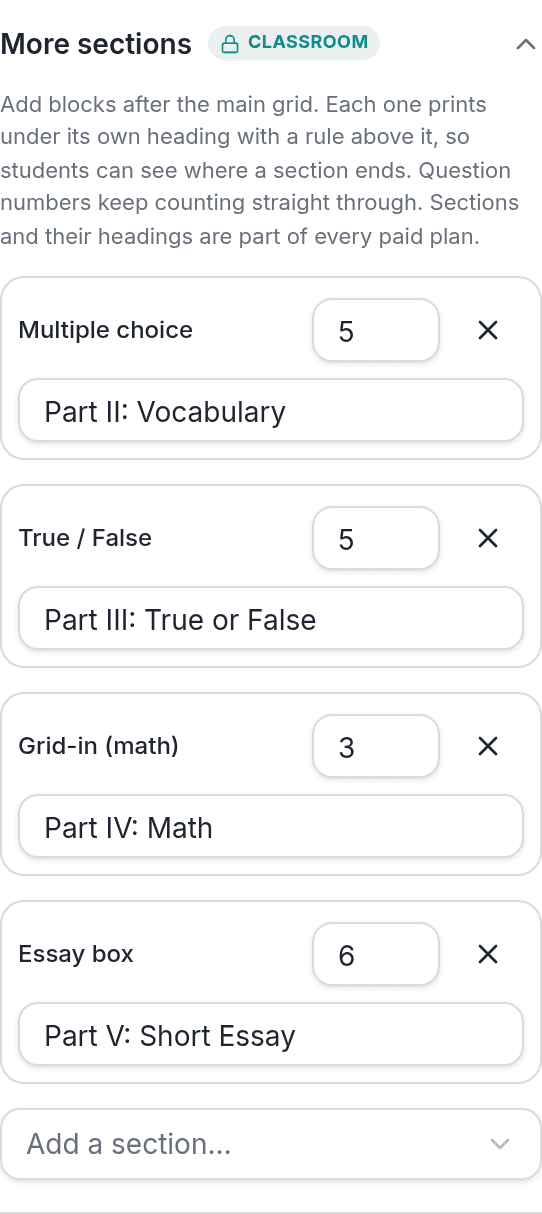
Set up the main grid as usual, then open More sections in the Studio rail and add blocks one at a time. Each block appears in the preview as soon as you add it.
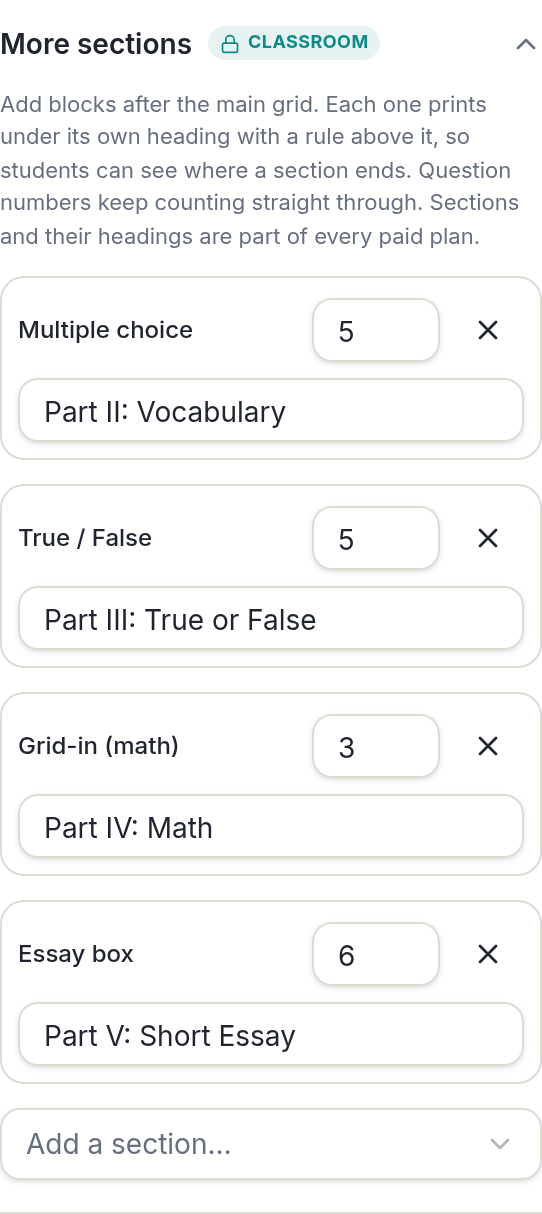
- Set the question count and options for Part 1 in the free answer sheet generator.
- Open More sections and pick a block type. It arrives with a heading already written, such as "Part 2: True / False".
- Rename the heading to match your test paper and set the count: a true/false block might be 10 questions, an essay box 8 lines.
- Add the next block. Up to six sections fit on one sheet.
- Paste your key for the main grid, page through the preview, and download.
Every block prints under a rule and its heading, with space above it. Without the heading and the gap, students cannot tell where one section ends and the next begins, and a true/false row gets bubbled as if it were multiple choice.
Pro Tip
Put the written blocks last. Bubble and grid-in sections are quick to check, so keeping them together at the top of the sheet means the part you grade by hand is always in the same place on every page.
How are the sections numbered, and where does the key go?
Question numbers run straight through every block, so a sheet whose main grid ends at 20 starts its true/false block at 21. That matches how an exam booklet numbers Part I and Part II, and it means question 27 on the sheet is question 27 on the test paper.
The answer key page comes after the sheet, or after the roster page in a class pack. It fills the bubbles for the main multiple-choice grid in the same order and layout, so an overlay lines up.
Written blocks have nothing to bubble, so there is no key for them. You grade short answers and essays on the sheet itself, and a rubric block already has its scoring strip printed beside each criterion.
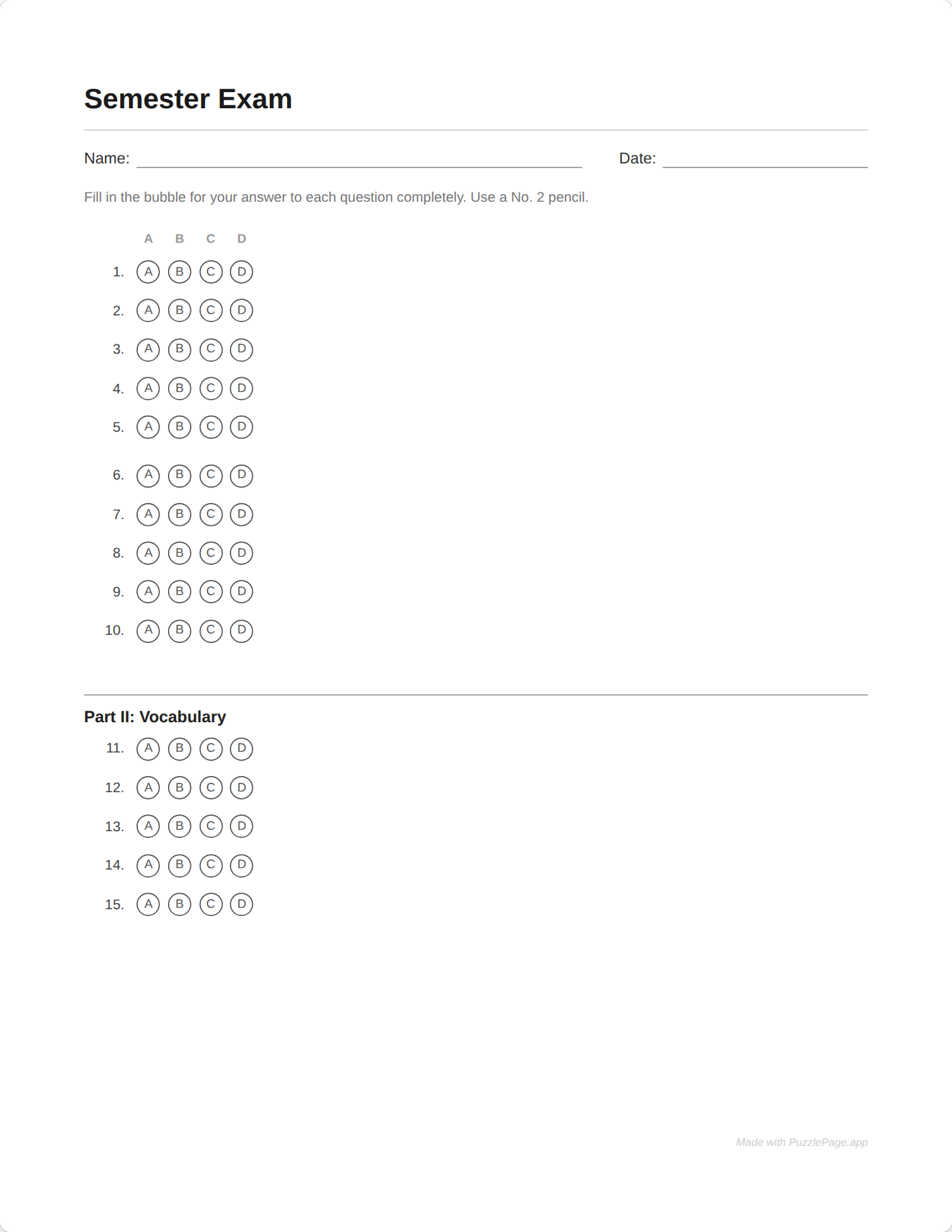
Sections are not squeezed the way the main grid can be. An essay box or a grid-in column has a minimum honest size, so the blocks take whatever room is left under the grid and then flow onto their own pages.
Plan for that when you print. A sheet that runs to two pages needs both pages stapled, with the name field on page one only, so a page-two essay is matched to its student by the staple and not by memory.
Pro Tip
For a math test, pair a grid-in block with the free scan marks, so the bubbled digits scan the same way the multiple-choice bubbles do. The National Council of Teachers of Mathematics is the place to look for guidance on balancing numeric and open-response items.
What stays free, and the Classroom page
Adding sections and previewing the whole sheet is free, so you can lay out the full test before deciding. A plain multiple-choice sheet of up to 50 questions, with header fields, a key page and scan marks, downloads free with one small credit line in the footer.
Downloading a sheet with extra sections is part of Classroom, $19 for the school year, alongside long sheets, class packs, the student ID grid, shuffled versions, OMR Pro, Word export and 200 saved sheets. All of it is also in the $2.99 day pass if you need it once.
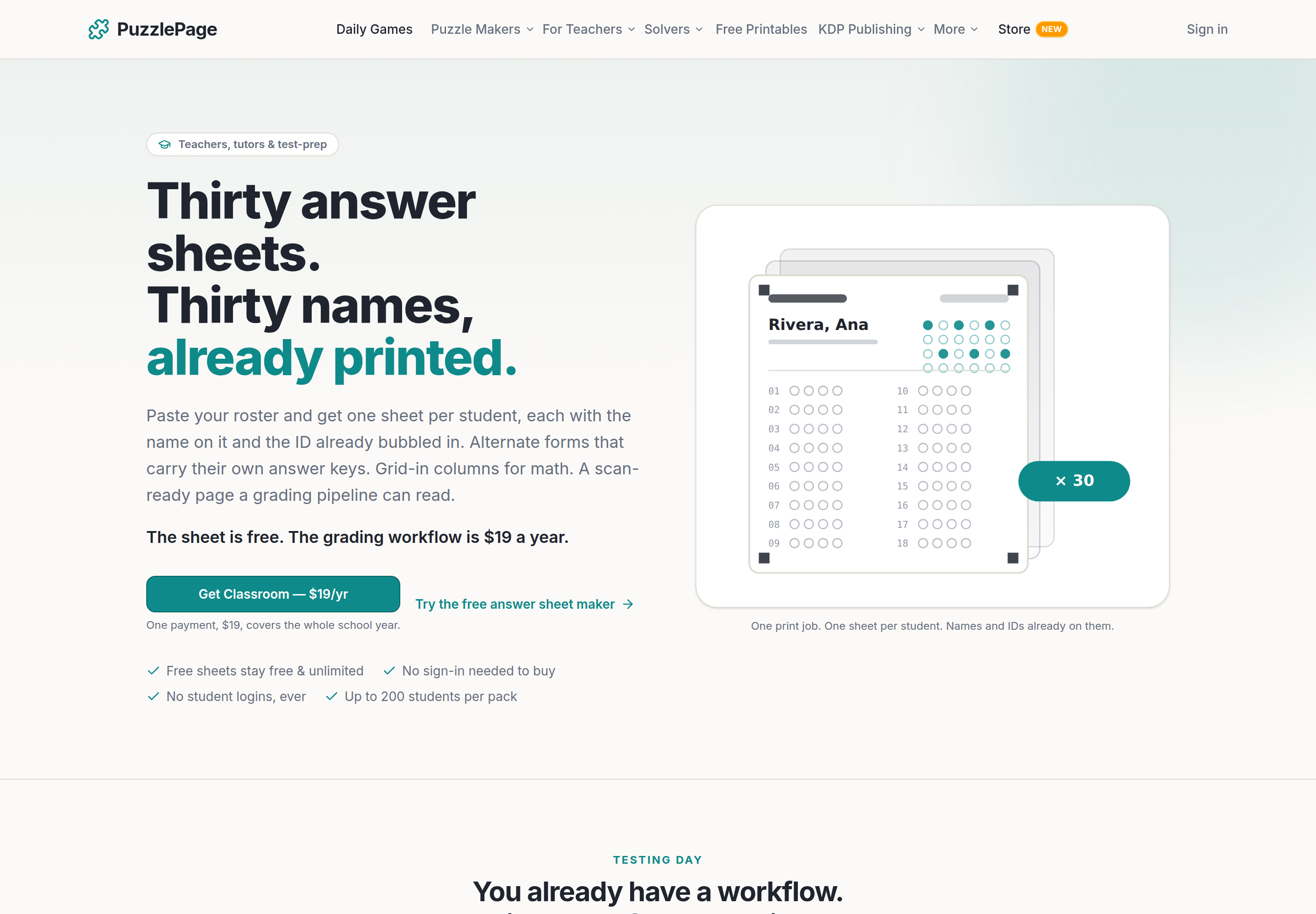
Classroom covers the classroom makers only: the answer sheet generator, the quiz maker, the worksheet maker, the matching worksheet maker and the teacher resources. It does not open the puzzle makers, which stay free to use as they are for everyone.
If you are still deciding whether a printed sheet is the right way to run the test at all, bubble sheet vs Scantron vs grading apps compares the three routes plainly.
Frequently Asked Questions
Can one answer sheet have multiple choice and short answer sections?
Yes. An answer sheet with multiple sections starts with the main multiple-choice grid as Part 1, and you can add up to six sections after it: more multiple choice, true/false, grid-in math, short answer lines, an essay box or a scoring rubric. Each prints under its own heading.
How are the questions numbered across sections?
Straight through. If the main grid ends at question 20, a true/false block that follows starts at 21, the way an exam booklet numbers Part I and Part II continuously, so question 21 on the sheet is question 21 on the test.
Does the answer key cover every section?
The key page fills the bubbles for the main multiple-choice grid in the same order as the sheet. Written blocks such as short answer, essay and rubric have nothing to bubble, so you grade those on the sheet, using the rubric rows if you added them.
Are mixed sections free?
You can add sections and preview the whole sheet free. Downloading a sheet with extra sections is part of Classroom, $19 a year, and is included in the $2.99 day pass. A plain multiple-choice sheet up to 50 questions stays free.
More you can make here
One puzzle is the start. Here is the rest of the kit.
 New
NewWorksheet Builder
Put a word search, a cryptogram and a scramble on one page, or build a whole themed packet. Prints with answer keys.
Build a worksheet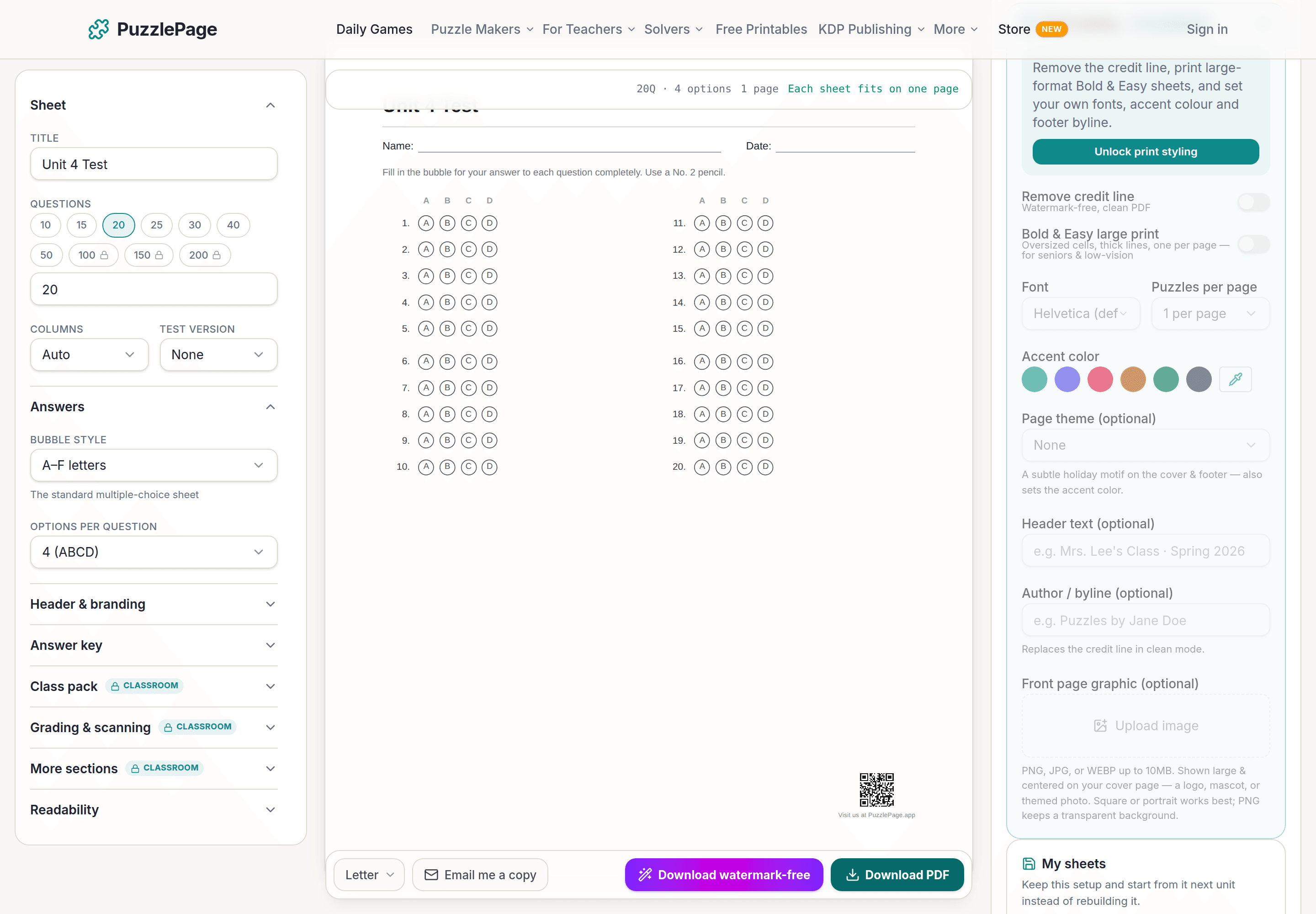
Bubble Sheet Studio
Answer sheets for any test length, with sections, versions, student ID grids and a matching answer key.
Make a bubble sheet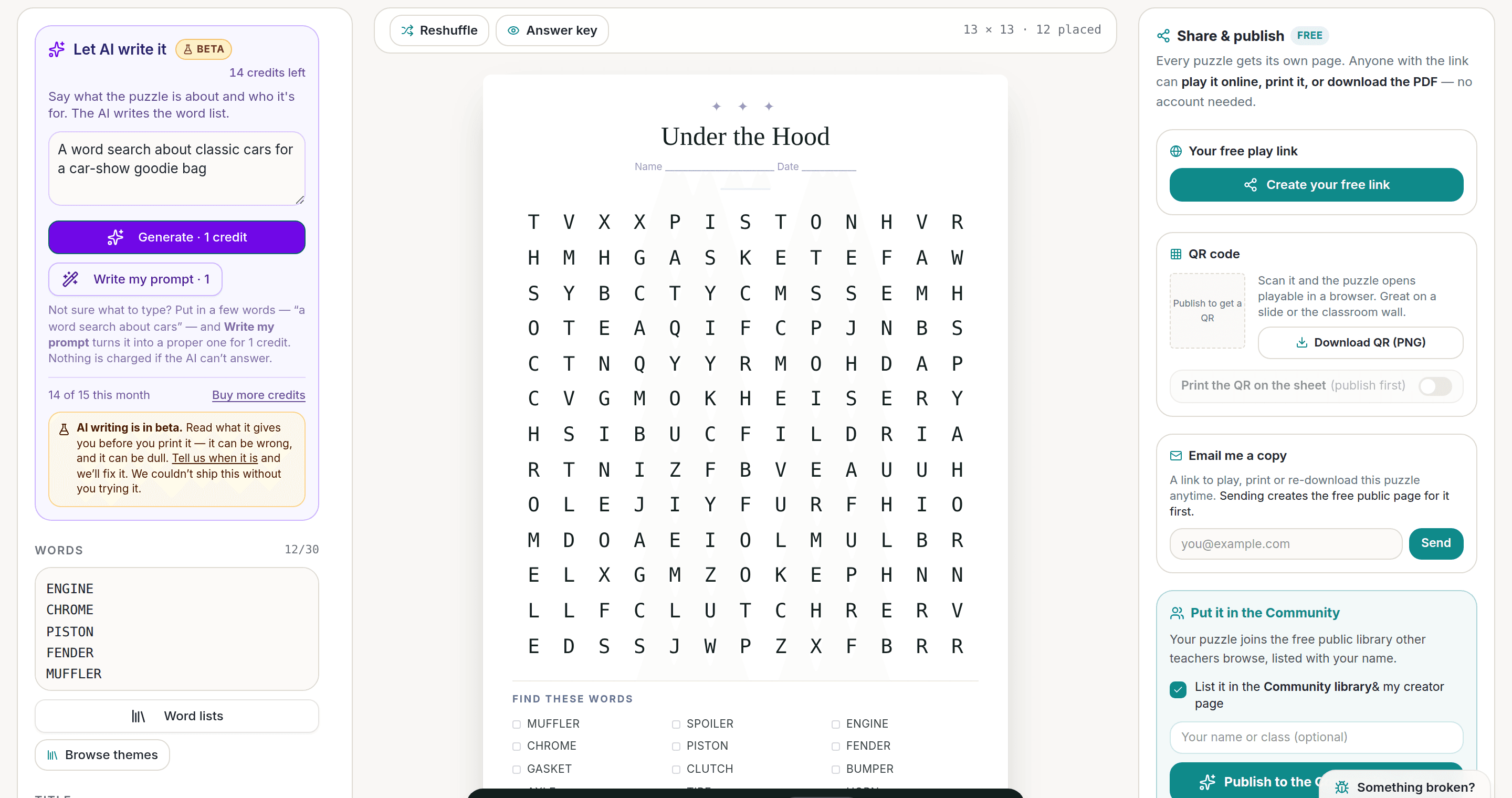
AI Puzzle Generator
Type a topic, get a themed word list and a finished puzzle. Premium also removes the footer credit and adds Word export.
Try the AI generator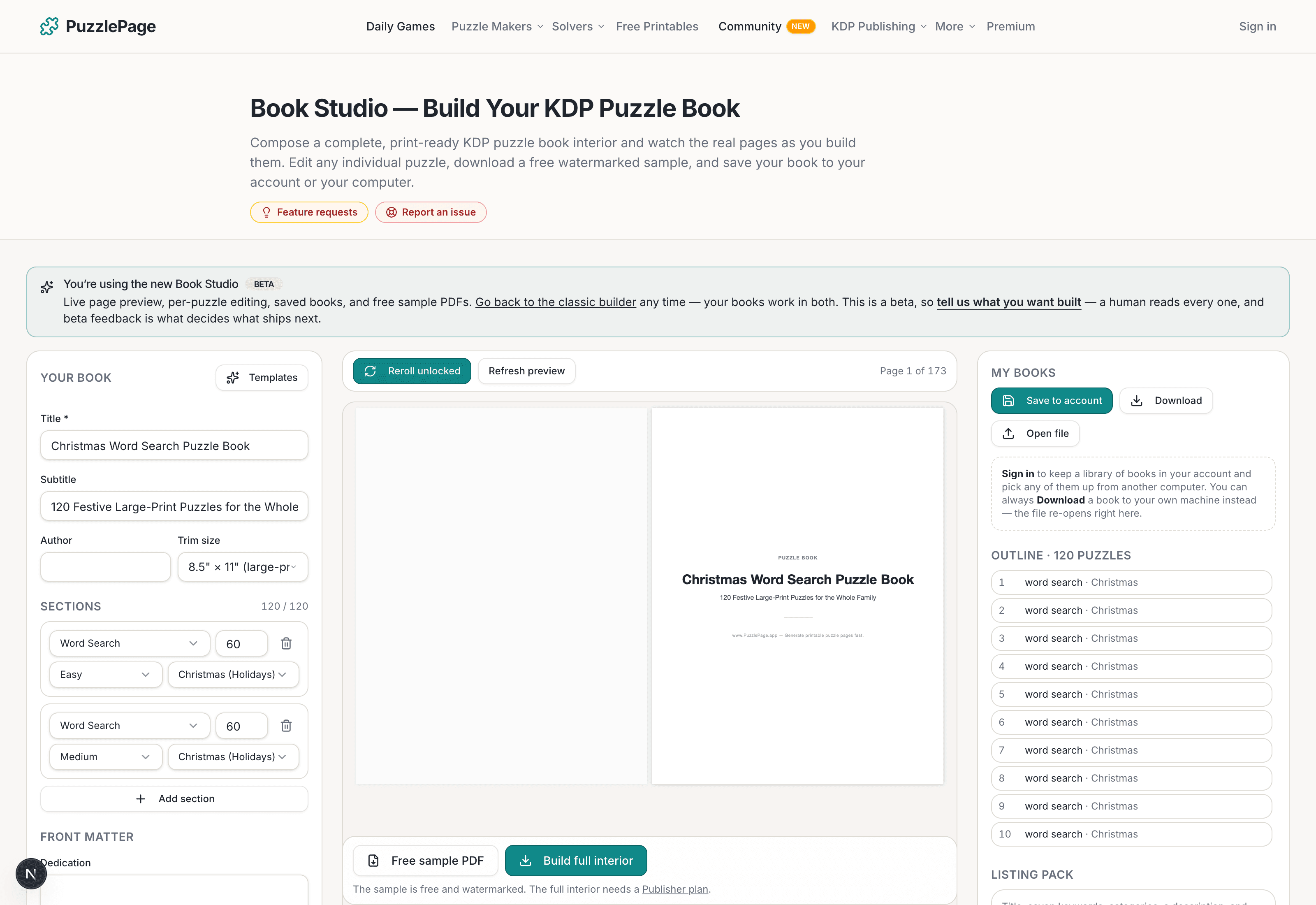
KDP Book Studio
Lay out a full puzzle book for Amazon KDP: templates, trim sizes, page checks and a cover designer.
Start a puzzle bookPremium removes the footer credit, adds Word export and custom styling across every maker.
See plans →Free daily games
Need a two-minute break? Today's puzzles are live.
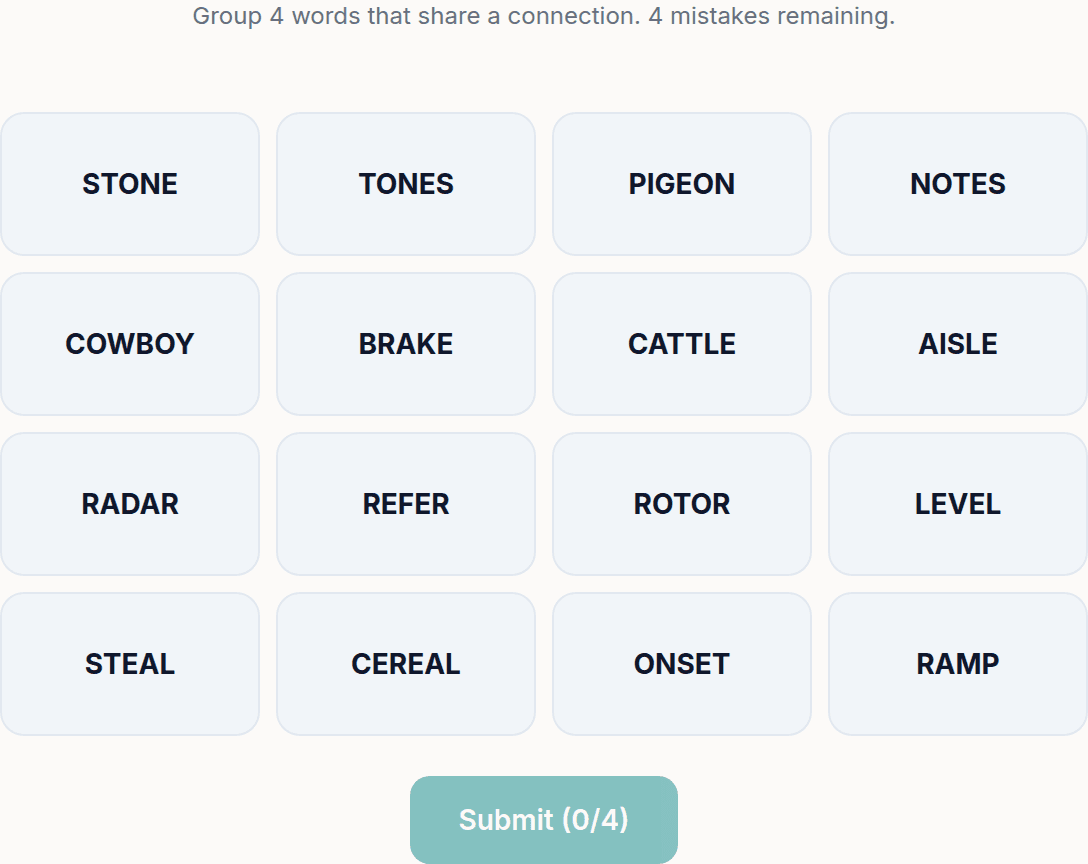
A new Sudoku and a new Connections board every day. No download, no account.
Keep reading
Get 10 free puzzles
Get the free 10-puzzle pack
Enter your email and we'll send you 10 print-ready puzzles with answer keys, plus a heads-up when we publish new generators and seasonal puzzle packs. Same quality as the ones on this page.
Roughly two emails a month. No spam, unsubscribe anytime.
Enjoyed this? Share the puzzle on X
Like puzzles like this? Follow on Pinterest for a new one every day.