Multiple Versions of a Test With Answer Keys, Forms A to D
Make multiple versions of a test with answer keys: forms A to D, each with its own key page and version letter, alternating down a class pack roster.
On this site: See the Classroom plan·Browse 100+ free printables·Play today's puzzles
Quick answer
Multiple versions of a test with answer keys come from the Shuffled versions setting in the answer sheet generator. Pick 2, 3 or 4 forms; each prints its version letter and its own key page. The correct answers move to different bubbles on forms B, C and D; the questions keep their order.
Two students sitting side by side with the same test will, sooner or later, glance at each other's bubbles. The usual fix is a second form of the test, and the usual cost is a second key and a note about who got which.
The answer sheet generator does that bookkeeping. Below is what the Shuffled versions setting does, what it deliberately leaves alone, and how the forms spread across a class.
📌 Key Takeaways
- Up to four forms, A to D. Version A is your original; B, C and D move the correct answers to other bubbles.
- Questions are not reordered. The sheet and the key change; your question paper's option order follows the key.
- Every sheet prints its version letter, every form gets its own key page, and a class pack can alternate A B down the roster.
What shuffling does, and what it leaves alone
Shuffling moves the correct answer. On version A the answer to question 1 might be C; on version B it sits on another letter, and the B key records where.
The questions themselves stay put. Question 12 is question 12 on every form, which keeps the test readable when you go over it with the class and keeps the item numbers in your gradebook meaning the same thing.
Each shift follows a fixed pattern rather than a random one. The same key with the same settings always produces the same forms, so a reprint next week matches the copies you handed out today.
Heads up
The generator makes the answer sheets and the keys, not the question papers. For form B you arrange the options on the question paper so the correct one sits on the letter the B key names. That editing is yours to do, and it is the honest limit of the feature.
Like this? We send 10 of these every month.
Free printable puzzles, answer keys included — same quality as the ones in this post.
One email. Unsubscribe anytime.
How do you make multiple versions of a test with answer keys?
Paste the key for your original test, then set Shuffled versions to the number of forms you want. The generator builds the rest.
- Set the question count and the options per row in the free answer sheet generator.
- Paste the correct answers into the Answer key box. This is version A.
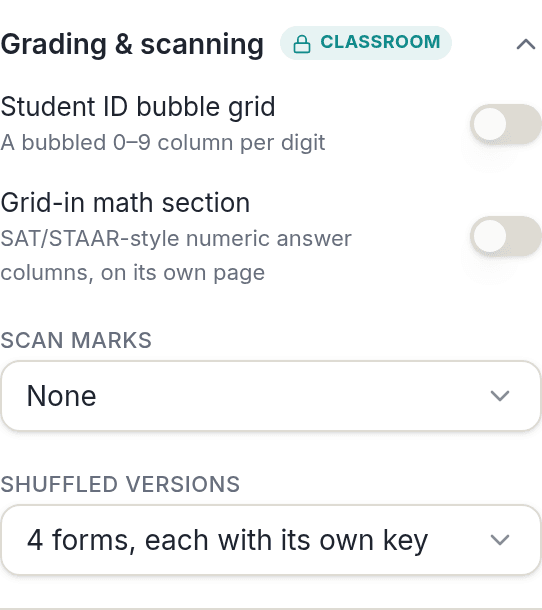
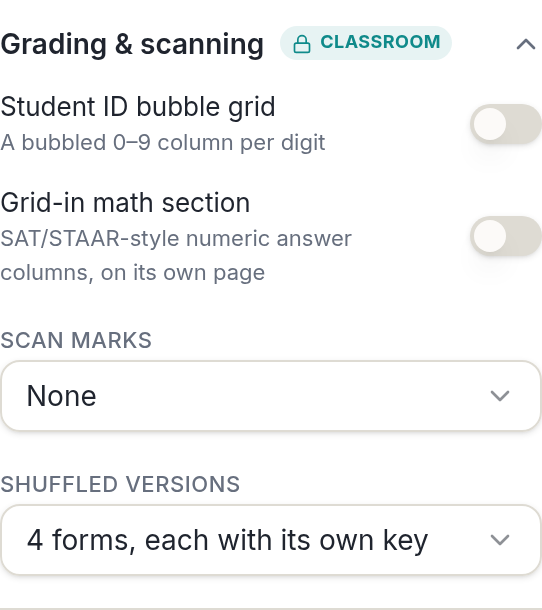
- Open Grading & scanning and set Shuffled versions. The choices are one form, or 2, 3 or 4 forms, each with its own key.
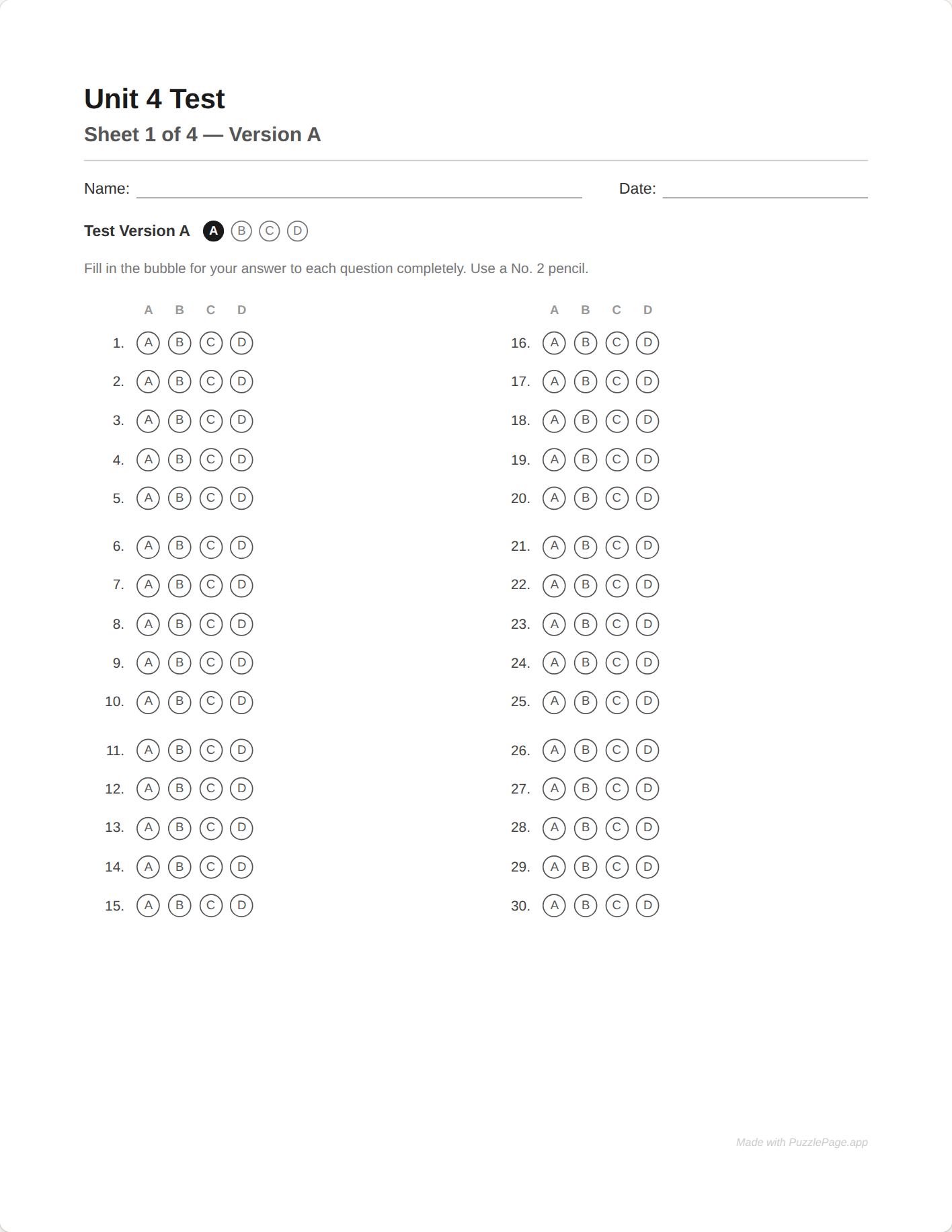
- Page through the preview. Each form is its own sheet with a Test Version strip, and each has its own key page.
- Download. Print the answer key on its own if you grade with an overlay, one per version.
The whole thing previews free, so you can see all four forms and all four keys before deciding whether to buy. Only the download of the extra forms is a Classroom feature.
Pro Tip
Two forms is usually enough. Handed out A B A B along a row, no student sits next to a copy of their own form, and you only have two question papers to edit and two keys to keep straight.
Where the version letter appears
Every sheet prints a Test Version strip: the words "Test Version B", say, beside a row of lettered bubbles with the B bubble filled. A student can see which form they have, and so can you when the stack comes back.
Each form's key page is titled with its version letter, so the B key is never mistaken for the A key. In a class pack, the teacher's roster page at the end lists every student, their ID and their form.
When the stack comes back, sort it by the version strip first and grade each pile against its own key. With an overlay that is one key per form; with a camera app it is one key entered per form.
How do the forms spread across a class?
In a class pack, the Forms setting decides who gets which version, and the pack prints the sheets in roster order so the pattern happens by itself. There are three settings.
| Forms setting | Who gets which form | Neighbours share a pattern | On a reprint |
|---|---|---|---|
| One form | Everyone gets A | Yes | Same sheet |
| Alternate A / B down the seating order | A, B, A, B in roster order | No, if you hand out in order | Same form for the same student |
| Shuffle forms across the class | Forms mixed through the roster | Possible | Same form for the same student |
Reprints are deterministic. An absentee who needs a sheet next week gets the same form they would have had on the day, because assignment is worked out from the roster rather than reshuffled. There is more on how packs work in class pack answer sheets with names already printed.
Pro Tip
If you seat the class alphabetically, the alternate setting already matches your room. Hand the pack out from the top of the pile and every desk has a different form from the one beside it.
What is free, and where Classroom starts
One form with its key is free at any count up to 50 questions, with one small credit line in the footer. Forms B, C and D are part of Classroom, $19 for the school year, and are also in the $2.99 day pass if you only need them once.
The preview holds nothing back. You can set four forms, page through every sheet and every key, and only at the download does the unlock bar name shuffled versions as the feature that made the sheet a Classroom download.
Multiple forms are one piece of a fair testing setup rather than the whole of it. Edutopia's teacher-written articles on assessment are a good place for the rest.
If you need the question paper too, the quiz maker prints a multiple-choice quiz with its own key, and the matching worksheet maker makes a vocabulary check with a shuffled answer column. Neither reorders options to match a bubble sheet form, so that arranging stays yours to do.
Frequently Asked Questions
How do I make multiple versions of a test with answer keys?
Paste your key into the answer sheet generator, then set Shuffled versions to 2, 3 or 4 forms. Each form prints with its version letter on the sheet and its own answer key page. Version A is your original.
Does shuffling change the order of the questions?
No. Question 1 stays question 1 on every form. What changes is which bubble is correct: on forms B, C and D the correct answers sit on different letters, and the key for that form shows the new positions.
How do students know which version they have?
Each sheet prints a Test Version strip with the letter written out and the matching bubble filled. In a class pack the teacher's roster page at the end also lists every student and the form they were given.
Are shuffled versions free?
One form with its key is free at any question count up to 50. The extra forms B, C and D are part of Classroom, $19 a year, and are also included in the $2.99 day pass.
More you can make here
One puzzle is the start. Here is the rest of the kit.
 New
NewWorksheet Builder
Put a word search, a cryptogram and a scramble on one page, or build a whole themed packet. Prints with answer keys.
Build a worksheet
Bubble Sheet Studio
Answer sheets for any test length, with sections, versions, student ID grids and a matching answer key.
Make a bubble sheet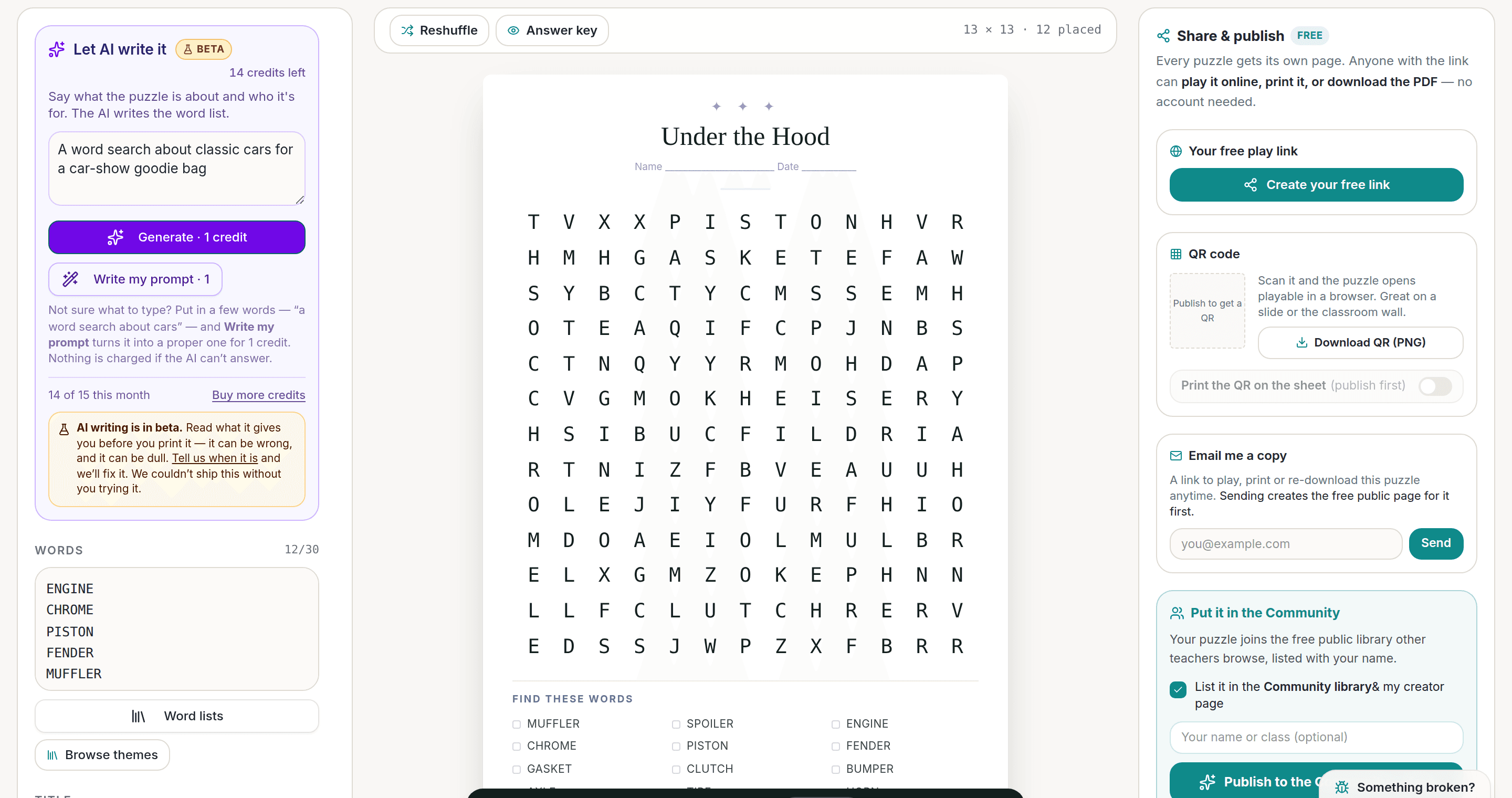
AI Puzzle Generator
Type a topic, get a themed word list and a finished puzzle. Premium also removes the footer credit and adds Word export.
Try the AI generator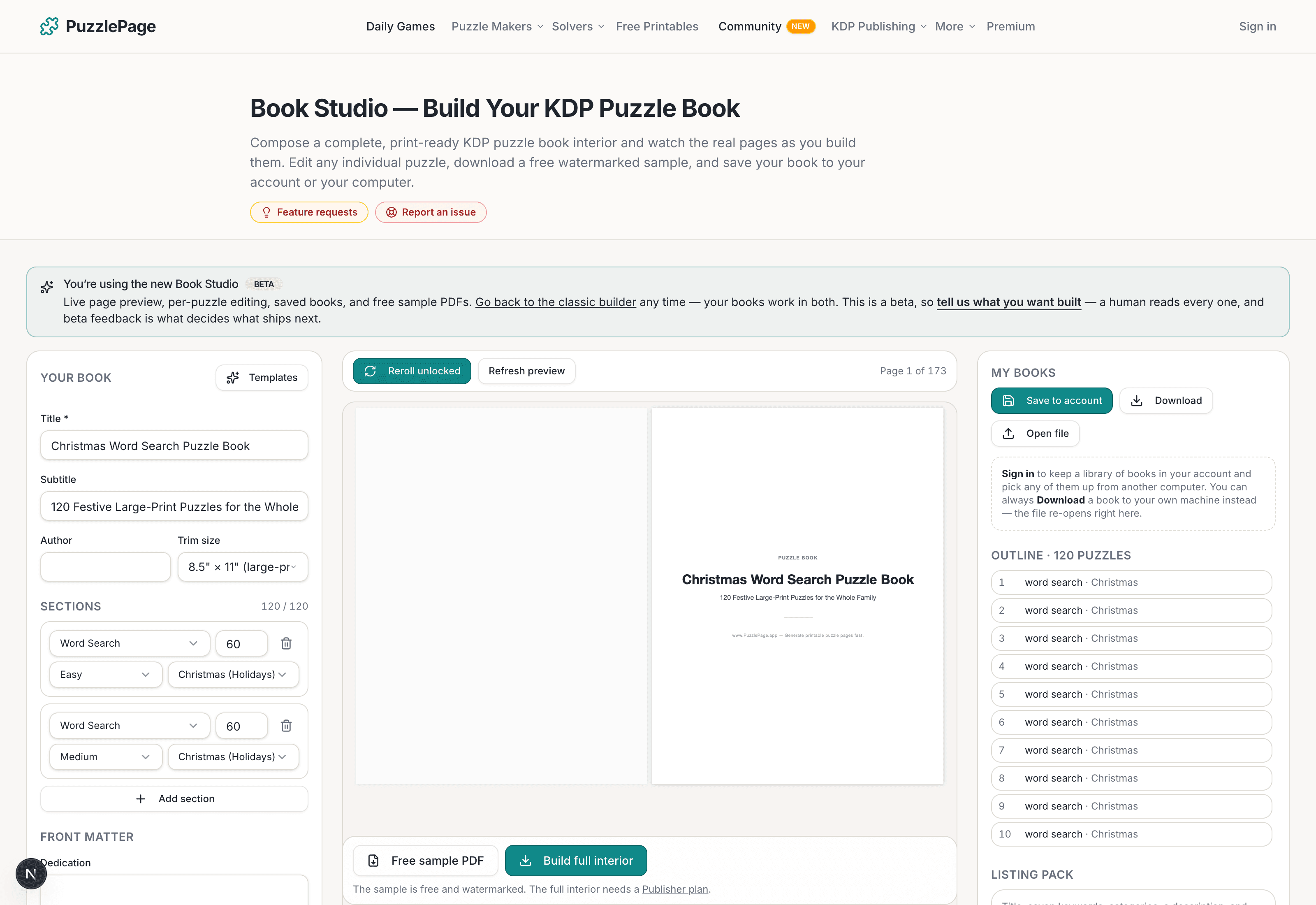
KDP Book Studio
Lay out a full puzzle book for Amazon KDP: templates, trim sizes, page checks and a cover designer.
Start a puzzle bookPremium removes the footer credit, adds Word export and custom styling across every maker.
See plans →Free daily games
Need a two-minute break? Today's puzzles are live.
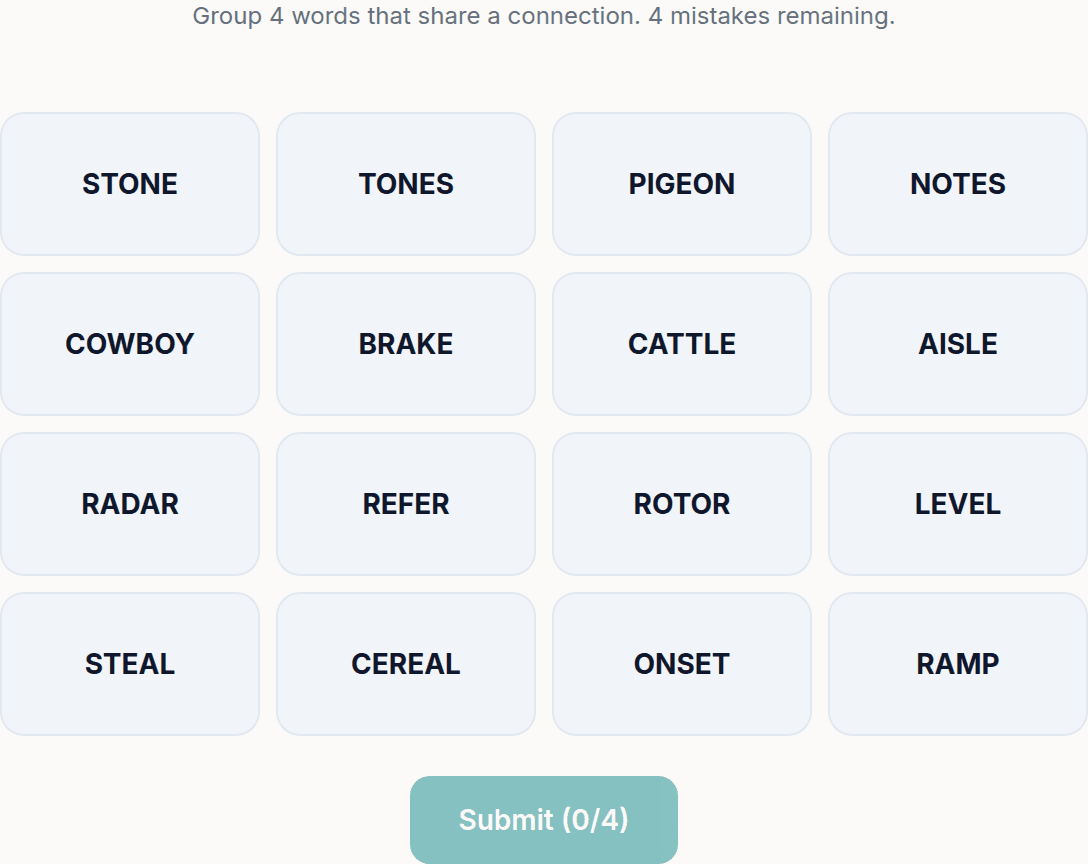
A new Sudoku and a new Connections board every day. No download, no account.
Keep reading
Get 10 free puzzles
Get the free 10-puzzle pack
Enter your email and we'll send you 10 print-ready puzzles with answer keys, plus a heads-up when we publish new generators and seasonal puzzle packs. Same quality as the ones on this page.
Roughly two emails a month. No spam, unsubscribe anytime.
Enjoyed this? Share the puzzle on X
Like puzzles like this? Follow on Pinterest for a new one every day.