Free Printable Quiz Maker With Answer Key and Bubble Sheet
A quiz maker free printable workflow: type questions, mark answers with an asterisk, print the quiz and key, then add a matching bubble answer sheet.

Word list
- QUIZ
- GRADE
- SCORE
- STUDY
- ANSWER
- BUBBLE
- LETTER
- OPTION
- PENCIL
- RECALL
- REVIEW
- CORRECT
- PRACTICE
- QUESTION
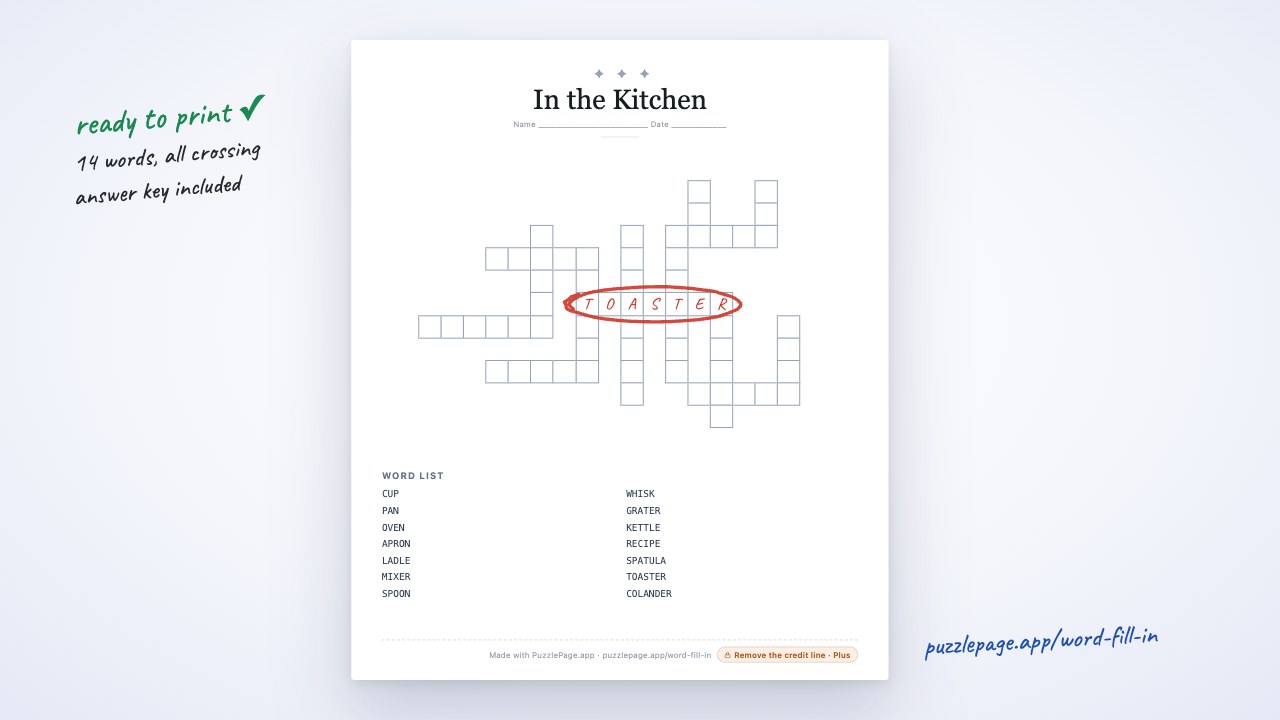
Quiz Day Vocabulary Fill-In
Test and quiz vocabulary for review day
Word List
- 4 letters:
- QUIZ
- 5 letters:
- GRADE, SCORE, STUDY
- 6 letters:
- ANSWER, BUBBLE, LETTER, OPTION, PENCIL, RECALL, REVIEW
- 7 letters:
- CORRECT
- 8 letters:
- PRACTICE, QUESTION
Free companion PDF
Quiz Day Vocabulary Fill-In
Test and quiz vocabulary for review day. Grab the PDF now and we'll send 10 more printable puzzles, plus a heads-up when new generators or seasonal packs go live. Roughly two emails a month — unsubscribe anytime.
No payment · Letter-size · Answer key included
Prefer to play online? There's a new puzzle every day.
Free daily word games — play instantly. Come back tomorrow for a fresh one.
On this site: Create your own free word fill in puzzle·Browse 100+ free printables·Play today's puzzles
You have ten good questions scribbled in a planning notebook and a test on Friday that still does not exist as a document. A quiz maker free printable tool should turn those notes into a clean, lettered quiz with its answer key in the time it takes the kettle to boil.
This guide walks through the PuzzlePage Quiz Maker from blank box to printed quiz, then pairs it with a bubble answer sheet so grading takes minutes instead of an evening. The companion fill-in puzzle at the top of the page is a quick vocabulary warm-up for review day.
📌 Key Takeaways
- The Quiz Maker turns plain typed text into a lettered multiple-choice quiz with a separate answer-key page.
- Mark the correct option with a leading asterisk, such as *Mars. Unmarked questions default to the first option.
- Each quiz holds up to 30 questions with 2 to 6 options each, on Letter or A4.
- Pair the quiz with a bubble answer sheet and grade by laying the key over each sheet.
 0:52
0:52What Is the Fastest Quiz Maker Free Printable Option?
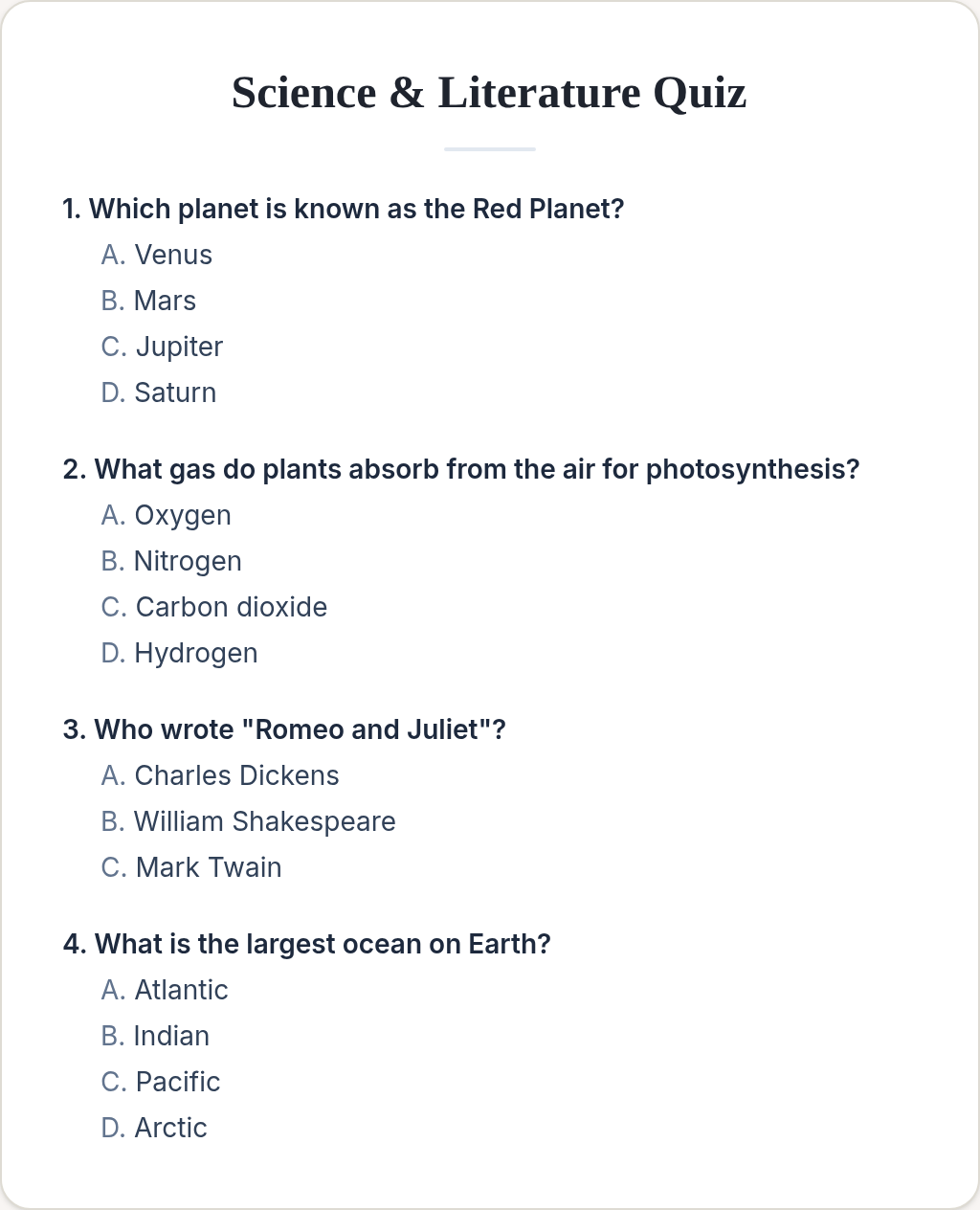
The fastest option is one where you type, not click. PuzzlePage's Quiz Maker reads a plain block of text: the question on one line, each option on the lines below, and a blank line before the next question. There are no per-question forms to fill in.
Because it reads plain text, you can paste straight from your lesson notes or a document. Fix the formatting once and the whole quiz builds in one pass.
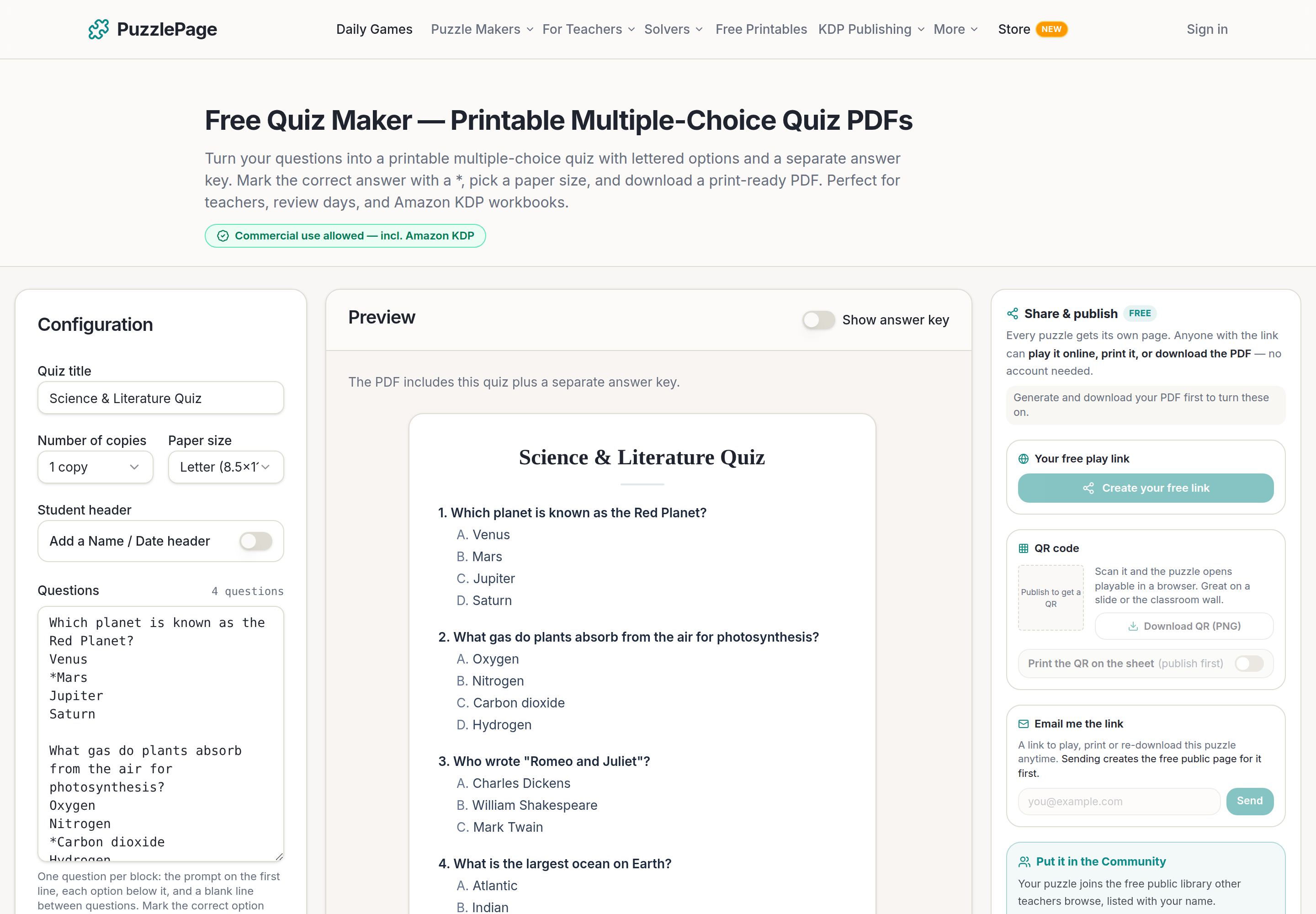
The editor above shows the sample quiz: four questions typed on the left, the printed layout in the middle, and a Show answer key switch at the top of the preview.
Free Word Fill-In PDF — Quiz Day Vocabulary Fill-In
Print-ready · answer key included · unsubscribe anytime
How Do You Make a Printable Multiple-Choice Quiz Step by Step?
You make one in six steps: title, paper size, questions, correct answers, preview, download. Most teachers finish a 10-question quiz in under five minutes once the questions are written.
- Open the free Quiz Maker and type a title, such as Unit 4 Review.
- Pick Letter or A4 and choose how many copies to include in the PDF.
- Type each question on its own line with its options on the lines below. Leave a blank line between questions.
- Put an asterisk in front of the correct option, for example *Carbon dioxide.
- Turn on the Name / Date header if students need to write their names on the sheet.
- Check the live preview, then click Generate and download the PDF with its answer key.
Pro Tip
Write your wrong options from real mistakes. If students often confuse weather and climate, make the other one a distractor. The quiz then tells you something useful instead of just producing a score.
| Setting | Quiz Maker | Why it matters |
|---|---|---|
| Questions per quiz | Up to 30 | 8 to 12 fits a single page cleanly |
| Options per question | 2 to 6 (A to F) | True/false through six-way questions |
| Answer key | Separate page | Never prints on the student copy |
| Paper sizes | Letter, A4 or 6×9 (KDP) | Handouts or workbook pages |
| Name / Date header | Optional switch | Off by default |
Why Pair a Printable Quiz With a Bubble Answer Sheet?
A bubble answer sheet moves every answer into one column, so you grade by glancing down a row instead of flipping pages. Students still read the questions on the quiz; they just record answers on the sheet.
That setup also lets you reuse the question pages. Print one class set of quizzes, collect them back, and only the one-page answer sheets need fresh copies next period.
Teachers already work this way at scale. In the last 120 days, PuzzlePage's Bubble Sheet Studio produced 1,758 answer-sheet downloads. Four answer choices appeared on 84% of them, and the most-chosen length was 50 questions, followed by 20 and 40.
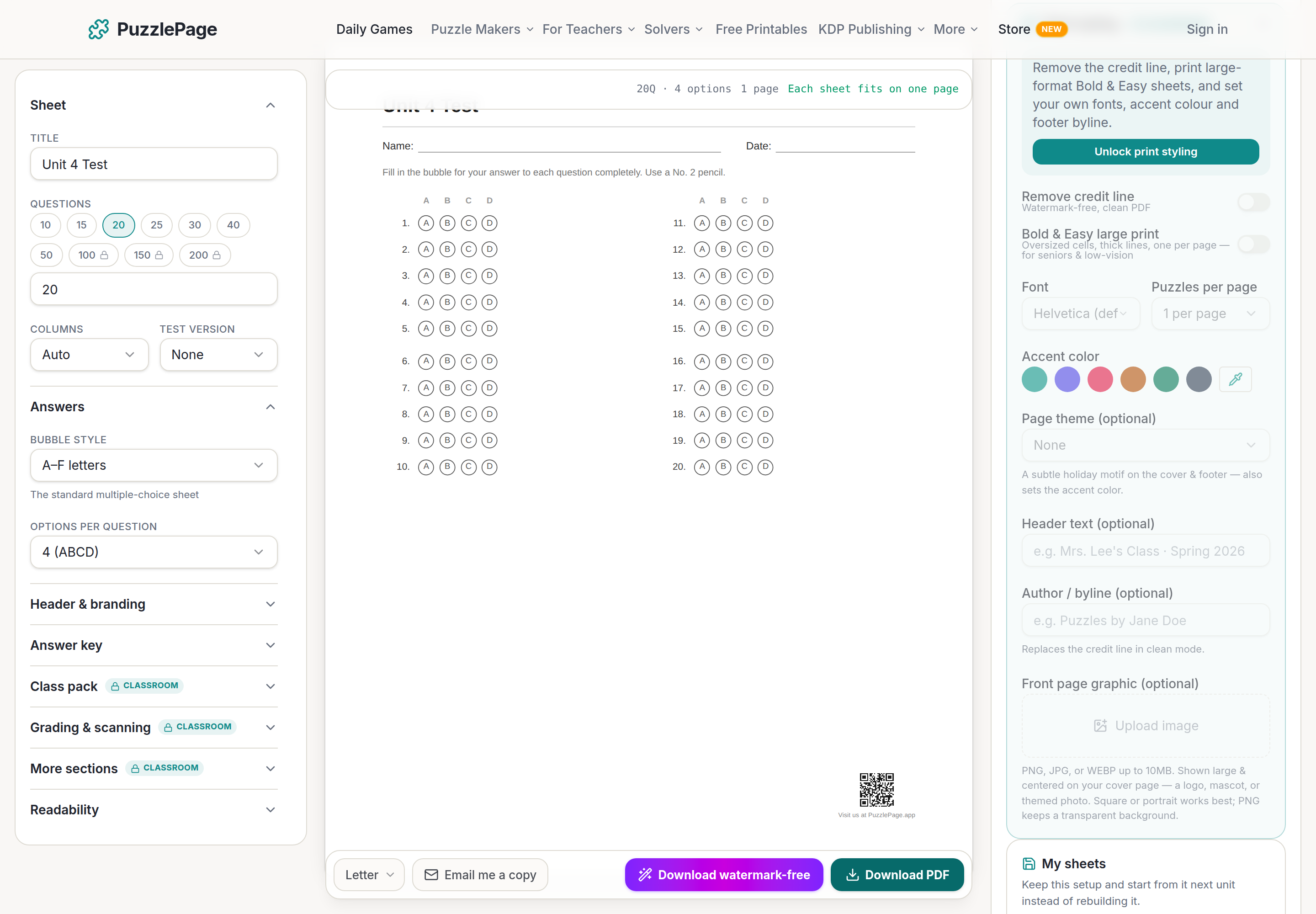
- Count the questions in your quiz, for example 20.
- Open Bubble Sheet Studio and pick the matching preset.
- Set options per question to match your quiz (4 for A to D).
- Paste the answer letters from your quiz key, such as ABDCA, into the Answer key section.
- Download and print one answer sheet per student, plus the filled-in key for you.
Pro Tip
Keep options per question identical on the quiz and the bubble sheet. If one question has five options and the sheet only has A to D, a student with the right answer has nowhere to put it.
For research on why short, low-stakes quizzes help students remember, RetrievalPractice.org collects classroom-friendly summaries of the studies. A weekly five-question quiz is one of the simplest ways to put that into practice.
What Else Can You Build From the Same Questions?
The same content can feed several printables. Your key terms can become a fill-in puzzle, a word search or a set of flash cards, so review day has variety without new prep.
Vocabulary warm-up
Drop the unit's key terms into the word fill-in maker for a five-minute start to class. The puzzle at the top of this page shows the format.
Early-finisher sheet
Turn the same terms into a word search for students who finish the quiz early.
Review packet
The Worksheet Builder puts several puzzle types on one page with answer keys at the end. Building and previewing are free; the PDF download is paid.
Exit ticket
A three-question exit ticket checks the one idea you most need students to leave with.
Start publishing today
Build your puzzle book in the KDP Book Builder
Stop assembling puzzle pages by hand. Compose a complete book, watch the real printed pages as you build, and download an interior that is ready to upload to Amazon the same day.
- ✓Complete print-ready interiors, up to 120 puzzles, in one build
- ✓18 puzzle types, difficulty ramps, and every KDP trim size
- ✓Packed answer keys and continuous page numbering, done for you
- ✓A full commercial licence: sell every book you make
Save 10% on your first year
Use code PUBLISH10 on any annual Publisher plan. $149 $134.10 for the first year, a $14.90 saving. Applied automatically at checkout.
Cancel anytime. Every book you build is yours to keep and sell.
Frequently Asked Questions
Is the PuzzlePage quiz maker free to print?
Yes. You can build, preview and download a multiple-choice quiz PDF with its answer key for free. Free PDFs include a small PuzzlePage credit line, and a watermark-free export comes with Premium.
How do I mark the correct answer in the quiz maker?
Put an asterisk at the start of the correct option's line, for example *Mars. If you do not mark an option, the first one is treated as correct, and each question keeps exactly one correct answer.
How many questions can a printable quiz have?
Each quiz holds up to 30 questions with 2 to 6 options each. For a clean one-page quiz, 8 to 12 questions works well.
Can I use a bubble answer sheet with my printed quiz?
Yes. Make a bubble sheet with the same number of questions and options, paste your answer letters into the answer key, and students record their answers on the sheet while reading the quiz.
Live demo
Make your own word fill-in right here
Swap in your own words (a spelling list, residents' names, a unit's vocabulary) and press Generate. The full maker adds answer keys, size options and PDF export.
More you can make here
One puzzle is the start. Here is the rest of the kit.
 New
NewWorksheet Builder
Put a word search, a cryptogram and a scramble on one page, or build a whole themed packet. Prints with answer keys.
Build a worksheet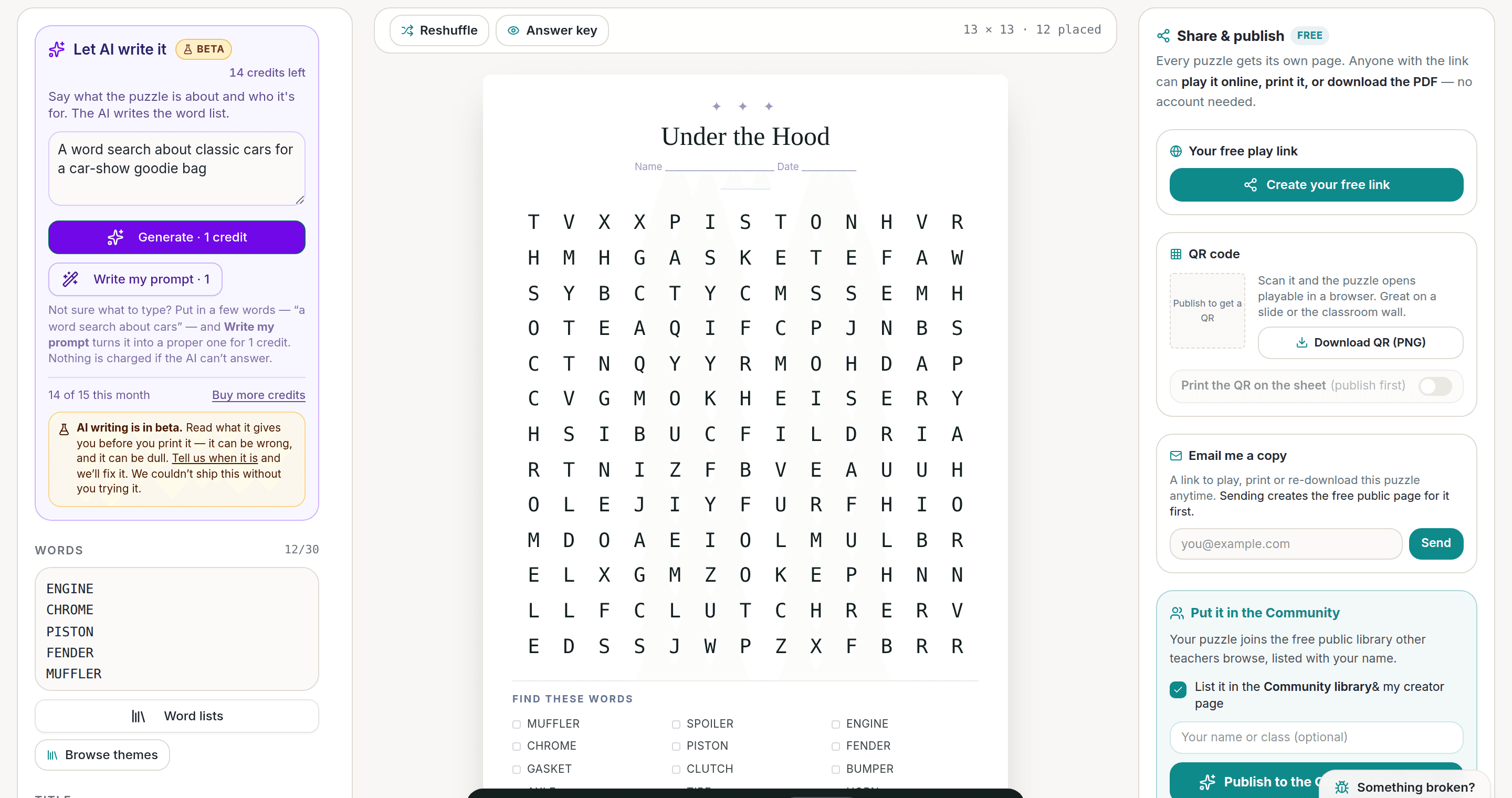
AI Puzzle Generator
Type a topic, get a themed word list and a finished puzzle. Premium also removes the footer credit and adds Word export.
Try the AI generator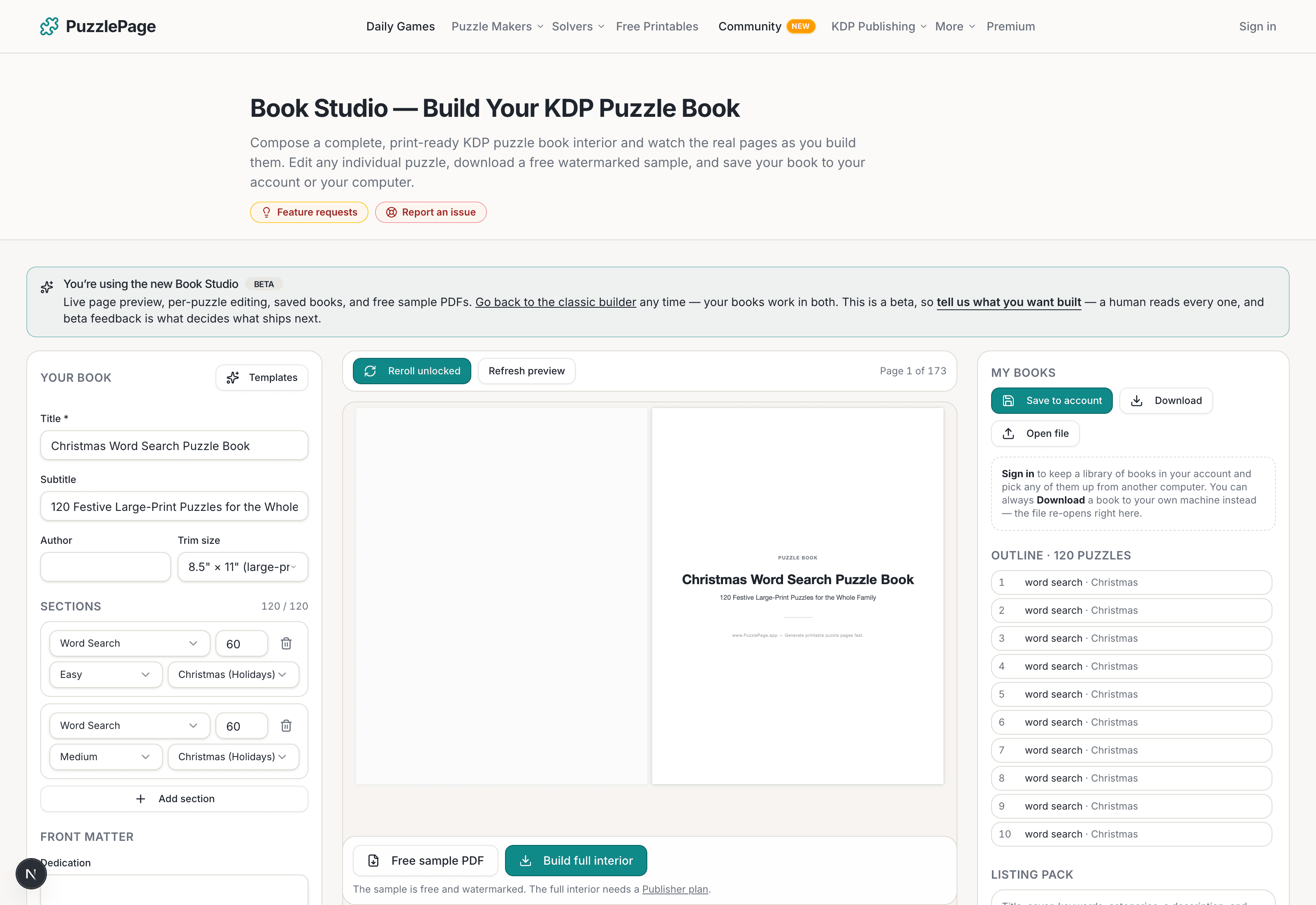
KDP Book Studio
Lay out a full puzzle book for Amazon KDP: templates, trim sizes, page checks and a cover designer.
Start a puzzle book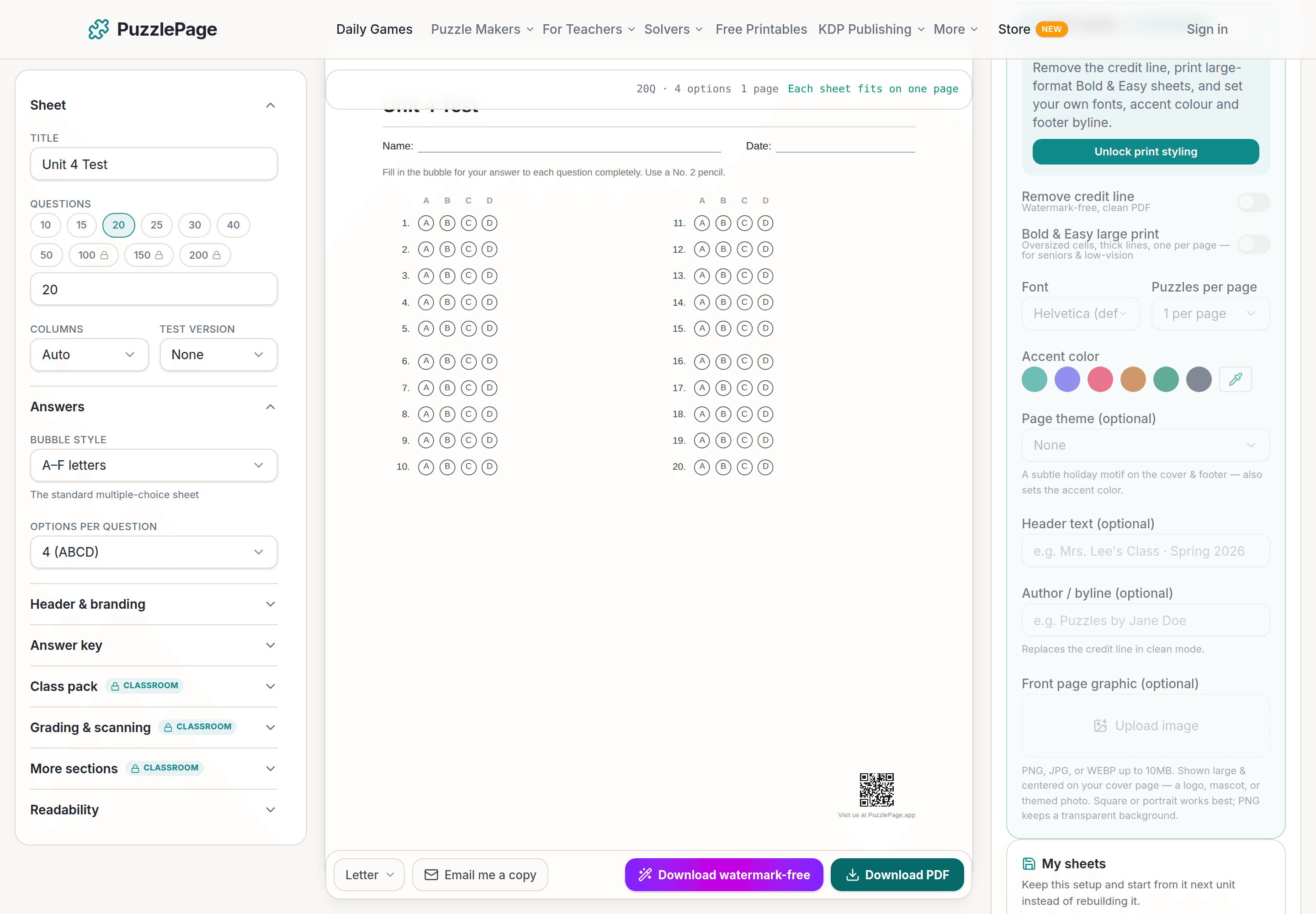
Bubble Sheet Studio
Answer sheets for any test length, with sections, versions, student ID grids and a matching answer key.
Make a bubble sheetPremium removes the footer credit, adds Word export and custom styling across every maker.
See plans →Free daily games
Need a two-minute break? Today's puzzles are live.
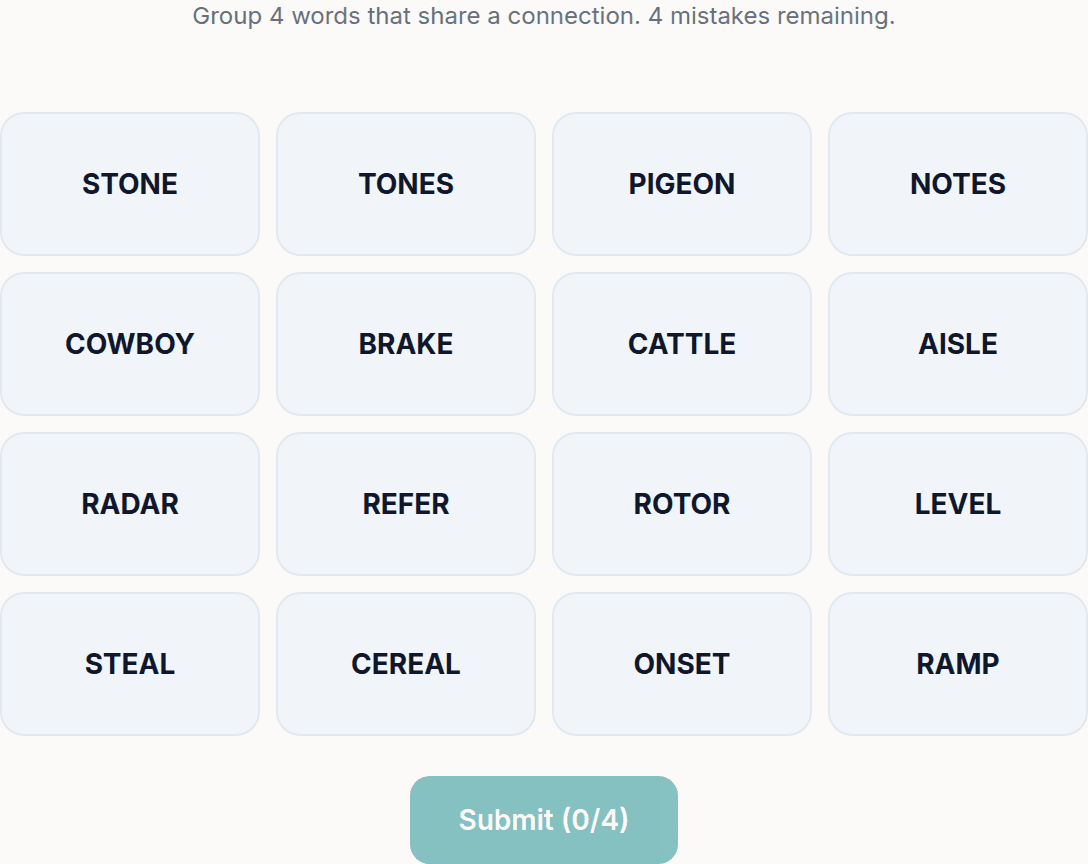
A new Sudoku and a new Connections board every day. No download, no account.


Keep reading
Take the puzzle with you
Free Word Fill-In PDF — Quiz Day Vocabulary Fill-In
Print-ready · answer key included · unsubscribe anytime
Enjoyed this? Share the puzzle on X
Like puzzles like this? Follow on Pinterest for a new one every day.