Free Quiz Maker for Teachers to Build Custom Worksheets
A free quiz maker for teachers builds printable multiple-choice or short-answer quizzes with an answer key in a minute. 100% free, ready for review day.

On this site: Make a free quiz·Browse 100+ free printables·Play today's puzzles
A free quiz maker for teachers solves a very ordinary problem: you need ten solid questions on paper before the bell rings. Typing them into a document, formatting the choices, and hand-writing a key eats a prep period you do not have. A generator hands you the whole set, key included, in the time it takes to sip your coffee.
📌 Key Takeaways
- A free quiz maker builds printable multiple-choice or short-answer worksheets with a matching answer key.
- A 10-question review quiz prints in under a minute, with nothing to install.
- Low-stakes quizzing, also called retrieval practice, is one of the most evidence-backed ways to boost memory.
- Use it for exit tickets, review days, and sub plans that a guest teacher can run without prep.
- Pair each quiz with a bubble answer sheet so grading a full class takes minutes.
What is a free quiz maker for teachers?
A free quiz maker for teachers is a browser tool that turns a list of questions into a formatted, printable quiz with an answer key attached. You choose the question types, paste your content, and it handles the layout, numbering, and spacing.
The value is not fancy features, it is speed and reuse. Once your questions are in, you can reprint a fresh copy for every section, swap a few items, or save the set for next year without rebuilding anything.
Because it lives in the browser and needs no download, a student teacher or a substitute can open it on any school computer. That matters on the mornings when your plan changes an hour before class.
You stay in control of the content, which is the part that really counts. A generator sets the type and spacing, but the questions come from your standards, your vocabulary list, and the mistakes you saw in yesterday's lesson.
Like this? We send 10 of these every month.
Free printable puzzles, answer keys included — same quality as the ones in this post.
One email. Unsubscribe anytime.
How do you make a printable quiz for free?
To make a printable quiz for free, open the quiz maker, add each question with its choices or a short-answer blank, mark the correct answer, and print. A clean student copy and a separate answer key generate together, so there is nothing left to format.
The steps stay the same whether you are building a five-item exit ticket or a full review sheet.
- Pick your question types. Mix multiple-choice, true or false, and short-answer items to match how you plan to grade.
- Enter each question and answer. Type or paste the prompt, add the choices, and mark the correct option so the key stays accurate.
- Set the layout. Choose a title, add a name and date line, and decide how much writing space each item needs.
- Print the student copy. A 10-question review quiz prints in under a minute, ready to photocopy for the whole class.
- Keep the answer key. Print or save the matching key so grading is a quick side-by-side check.
Build your next quiz in a minute
Add your questions, mark the answers, and print a clean class set with a key. Free, right in your browser. Create a free account to save and edit your quizzes.
Make a free quiz →Pro Tip
Build one bank of 20 questions, then print two shuffled versions for seatmates. It keeps eyes on their own paper without doubling your prep, since both copies pull from the same set.
Does low-stakes quizzing really help students learn?
Yes, low-stakes quizzing genuinely helps students learn, because the act of pulling an answer from memory strengthens it more than rereading does. Researchers call this retrieval practice, and it is one of the most reliable findings in learning science, summarized well by Edutopia.
The key word is low-stakes. A quick quiz worth a point or two, or none at all, gives students useful feedback without the pressure of a graded test, so they show up willing to try.
In a class of 25, a 10-question exit quiz took about eight minutes from handout to collection, and the misses told me exactly what to reteach the next morning. That eight-minute check saved me a whole review day later that unit.
Quizzes also pair well with other quick worksheets. Use a matching worksheet maker for vocabulary warm-ups, and hand out a bubble sheet generator answer form so a stack of multiple-choice quizzes grades in a couple of minutes.
Pro Tip
Slip a quiz into your sub plan. A guest teacher can hand out a printed quiz and key with no software or passwords, and you walk back into real data about what the class remembered.
When should teachers use a quick quiz?
Teachers get the most from a quick quiz at three moments: as an exit ticket to close a lesson, on a review day before a bigger test, and inside a sub plan a guest teacher can run alone. Each one turns a few minutes into clear data on what stuck.
An exit ticket is the smallest of the three. Three to five questions in the last five minutes tell you whether today's idea landed, so you know how to open tomorrow.
- Exit tickets. A short set at the end of class that flags who needs a second look before you move on.
- Review days. A 10-question sweep across a unit that shows the whole class which topics still feel shaky.
- Sub plans. A printed quiz and key that a substitute can hand out with no devices and no fuss.
Rotating the same questions across all three uses saves even more time. A prompt you write for an exit ticket can reappear on review day and again on the unit test, which quietly builds the repetition that helps memory stick.
Frequently Asked Questions
How do I make a printable quiz for free?
Open a free quiz maker for teachers, add each question with its choices or a short-answer blank, mark the correct answers, and print. A student copy and a matching answer key generate together, so a 10-question quiz is ready in under a minute.
Can I include an answer key?
Yes, the answer key is created automatically as you mark each correct choice. You can print it alongside the student copy or save it, so grading is a fast side-by-side check.
What question types can I add?
You can add multiple-choice, true or false, and short-answer questions, and mix them within one quiz. That range covers everything from a quick exit ticket to a fuller unit review.
How do I grade the quizzes quickly?
Pair the quiz with a printed bubble answer sheet so students bubble their choices in one column. You then scan a whole class against the key in a couple of minutes instead of flipping through pages.
More you can make here
One puzzle is the start. Here is the rest of the kit.
 New
NewWorksheet Builder
Put a word search, a cryptogram and a scramble on one page, or build a whole themed packet. Prints with answer keys.
Build a worksheet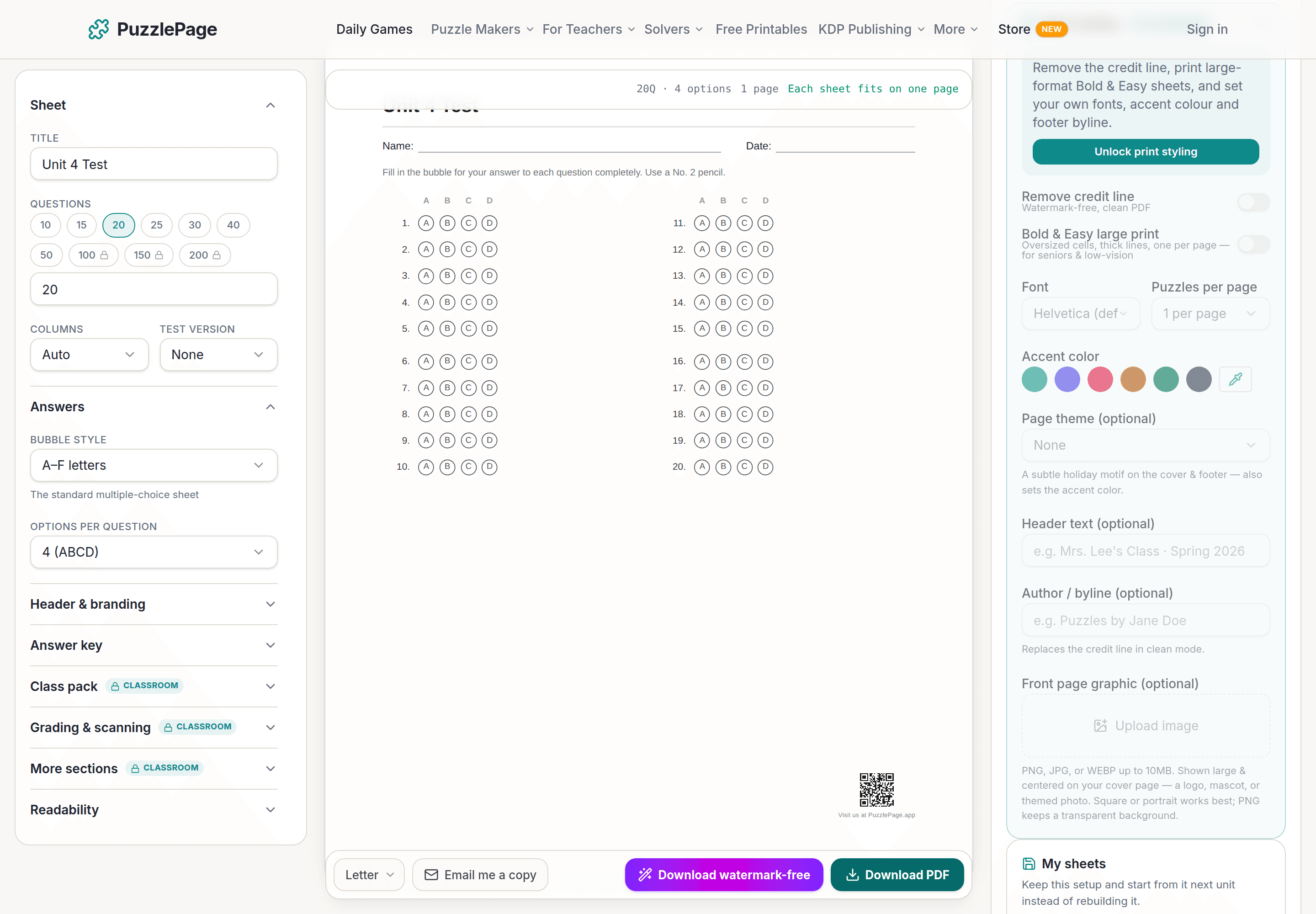
Bubble Sheet Studio
Answer sheets for any test length, with sections, versions, student ID grids and a matching answer key.
Make a bubble sheet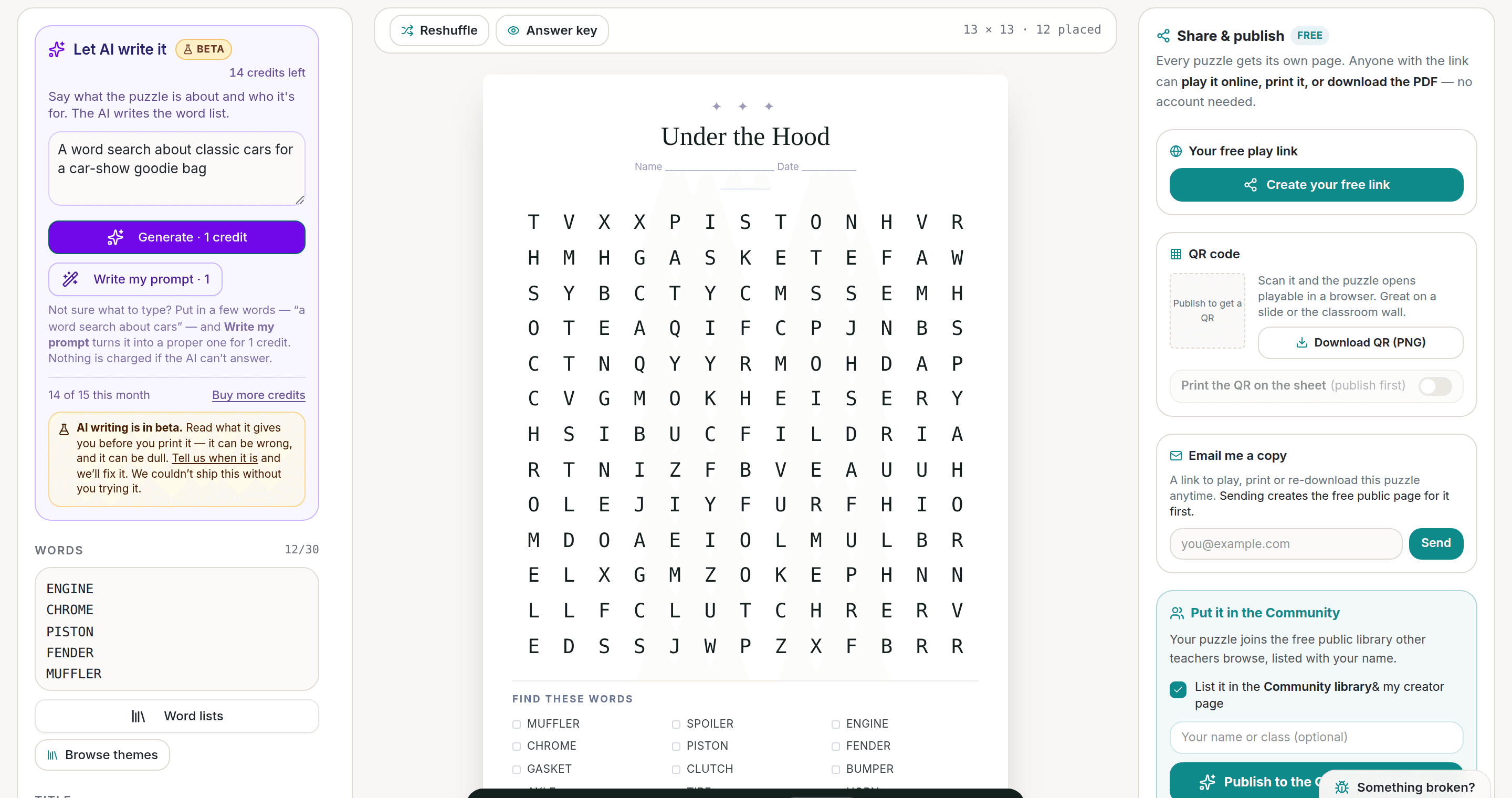
AI Puzzle Generator
Type a topic, get a themed word list and a finished puzzle. Premium also removes the footer credit and adds Word export.
Try the AI generator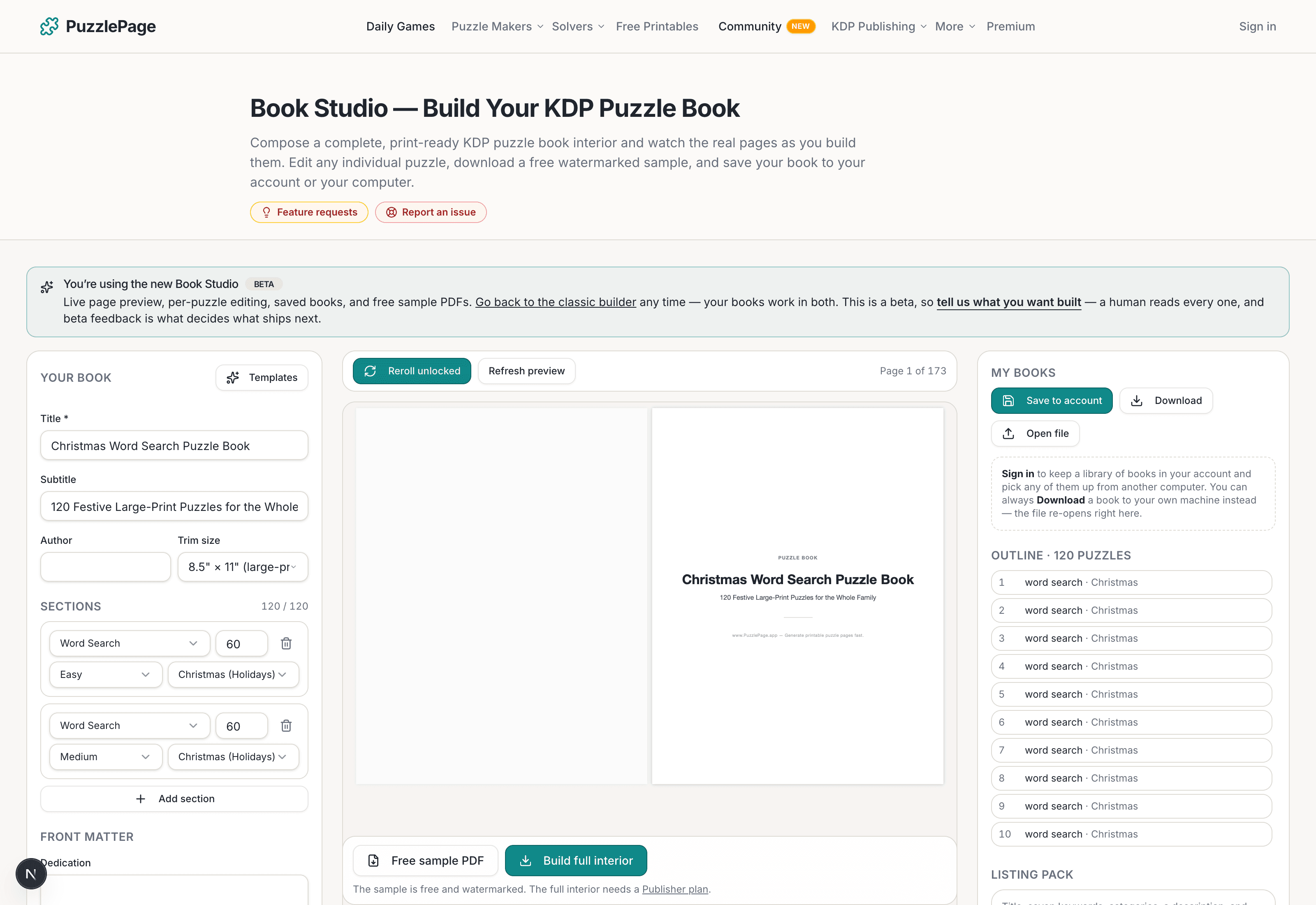
KDP Book Studio
Lay out a full puzzle book for Amazon KDP: templates, trim sizes, page checks and a cover designer.
Start a puzzle bookPremium removes the footer credit, adds Word export and custom styling across every maker.
See plans →Free daily games
Need a two-minute break? Today's puzzles are live.
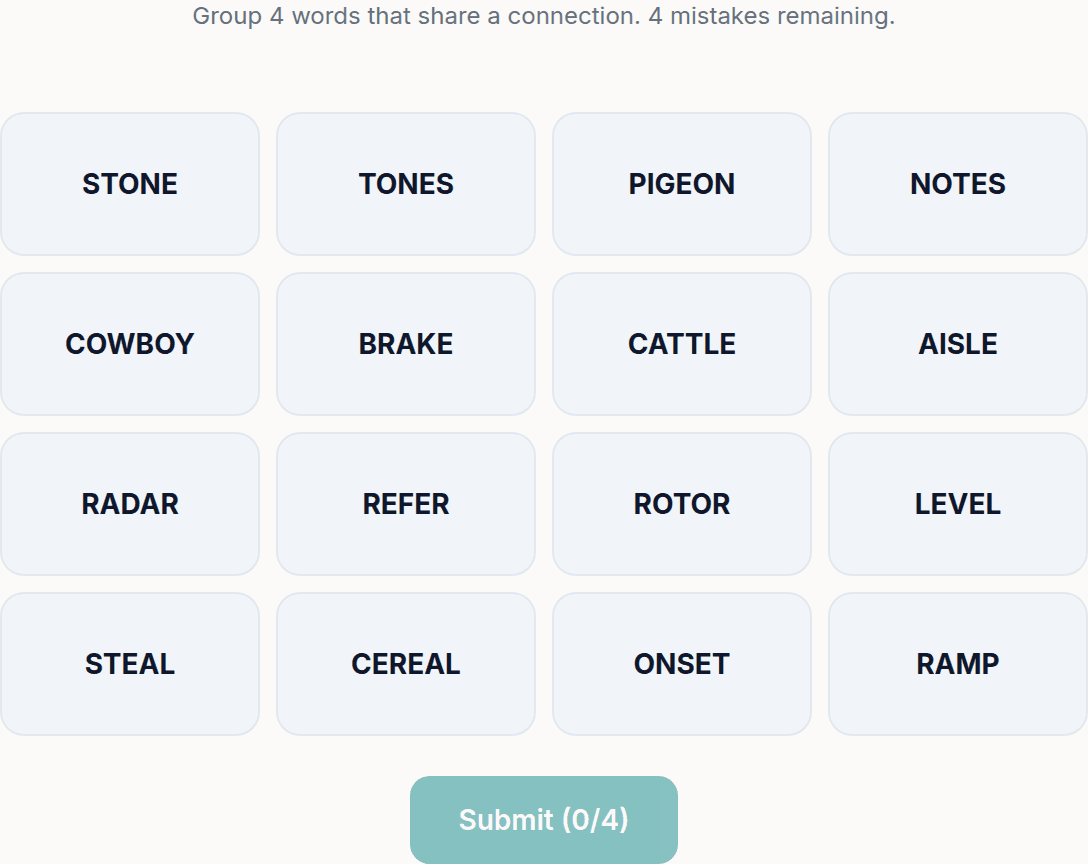
A new Sudoku and a new Connections board every day. No download, no account.
Keep reading
Get 10 free puzzles
Get the free 10-puzzle pack
Enter your email and we'll send you 10 print-ready puzzles with answer keys, plus a heads-up when we publish new generators and seasonal puzzle packs. Same quality as the ones on this page.
Roughly two emails a month. No spam, unsubscribe anytime.
Enjoyed this? Share the puzzle on X
Like puzzles like this? Follow on Pinterest for a new one every day.