Printable Flash Cards Maker for Any Subject, Free PDF
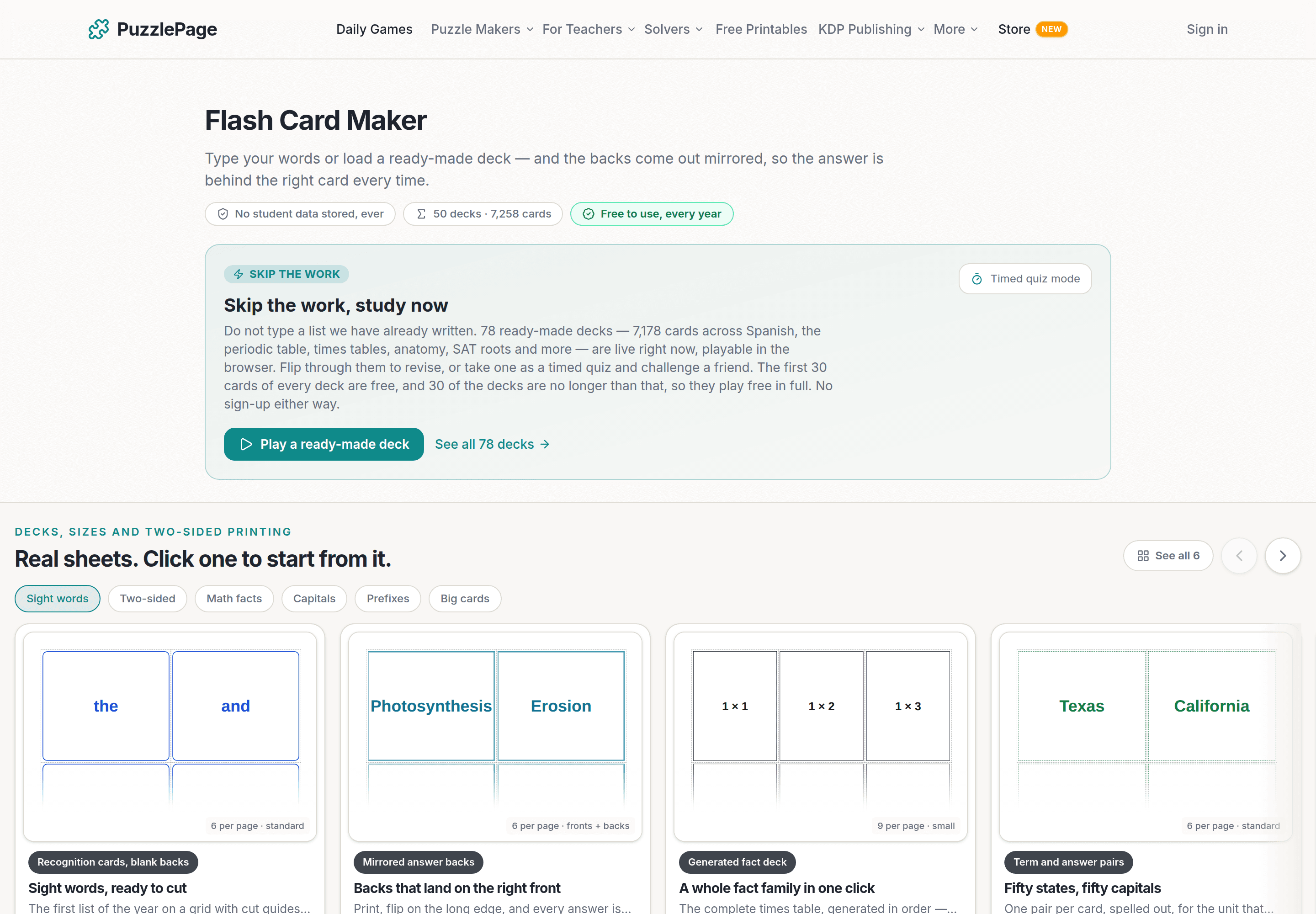
Free printable flash cards maker: type words or load a deck, pick 2 to 9 cards a page, and print double-sided with answers mirrored behind the right cards.
On this site: Make printable flash cards·Browse 100+ free printables·Play today's puzzles
Quick answer
A printable flash cards maker lays typed words out on a page of cards and prints the answers on a mirrored back sheet, so each answer lands behind its card after double-sided printing. The free PuzzlePage flash card maker takes up to 240 cards, 2 to 9 a page, and can generate math fact decks.
Flash cards are simple until you print the backs. Print fronts on one side and answers on the other in the same order and every answer lands behind the wrong card, a mistake that usually shows up after the deck is already cut apart.
The free printable flash cards maker at PuzzlePage mirrors the back sheet for you. This post covers that fix, how to build a deck from your own list or a preset, which card size suits which job, and how to generate a whole fact family without typing it.
📌 Key Takeaways
- Type one card per line as front = back, up to 240 cards, or load a ready-made deck.
- Choose 2, 4, 6, 8 or 9 cards a page. The back sheet is mirrored, so print double-sided and flip on the long edge.
- The Math facts tab builds addition, subtraction, multiplication or division decks for any range from 0 to 20.
Why do the backs come out mirrored?
Because a sheet flipped on its long edge swaps left and right. The card at top-left on the front comes out at top-right on the back, so the back sheet reverses each row and the answers land where they should.
The setting is called Print answer backs and it is on by default. Each front sheet in the PDF is followed by its own back sheet, so a 24-card deck at 6 per page is 4 front sheets and 4 back sheets, in the right order for a duplex printer.
Pro Tip
Print the first sheet on its own, hold one card up to the light, and check the answer sits behind it before you print the rest. If a printer flips on the short edge by default, that one test sheet is where you find out.
Like this? We send 10 of these every month.
Free printable puzzles, answer keys included — same quality as the ones in this post.
One email. Unsubscribe anytime.
How do you make a deck in the printable flash cards maker?
Type one card per line with the front and back separated by an equals sign, a tab, a colon, or a spaced dash. A line with no separator becomes a card with a blank back, which is what a sight-word deck wants.
- Stay on the "My own list" tab and give the deck a name. It prints as the sheet title.
- Type or paste the cards, such as Photosynthesis = How plants make food, one per line. The counter shows how many cards you have, up to 240.
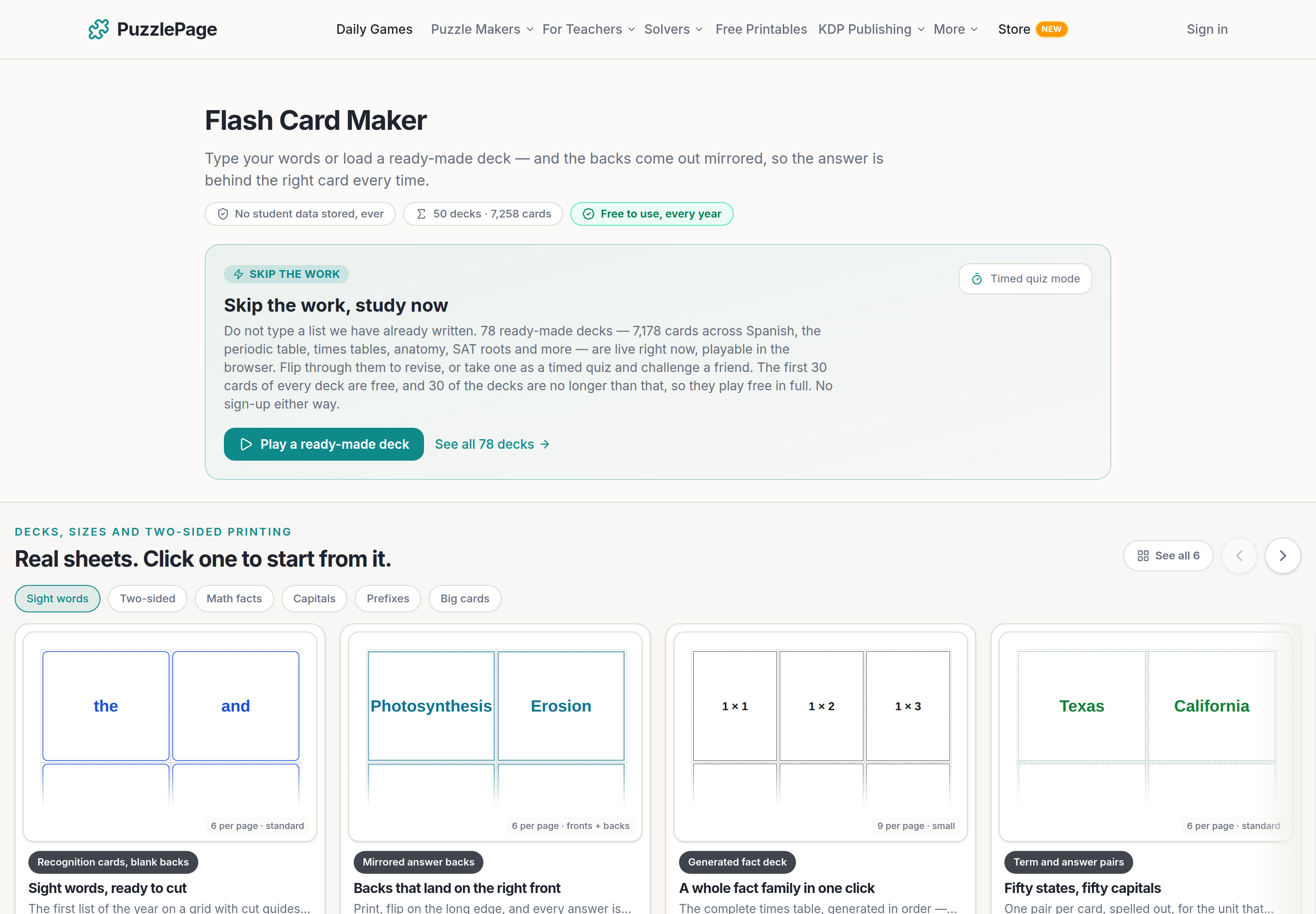
- Or click a preset: Kindergarten sight words, Science vocabulary, States and capitals, or Prefixes and meanings. The words land in the box and stay editable.
- Pick cards per page and a theme, leave answer backs on, and choose a cut guide.
- Download, print double-sided, and cut.
The deck library on the same panel holds ready-made decks by subject, and the first 30 cards of any deck load free so you can read the wording before you decide. Once a deck is in the box it is yours to edit: drop the cards you do not teach, reword a definition, add your own.
For sight words, the blank-back trick matters. A word like "said" has no answer, so the card is just the word, large, and the deck is fast to flip through. Switch answer backs off for a deck like that and the PDF is half as long.
Which card size suits which job?
Five layouts, from two huge cards a page for the front of the room to nine small ones for a big deck where paper matters.
| Layout | Cards per page | Good for |
|---|---|---|
| Extra large | 2 | Whole-class flashing from the front of the room |
| Large | 4 | Small group work and pocket charts |
| Standard | 6 | The usual choice, fits a rubber band |
| Compact | 8 | Fact decks and word rings |
| Small | 9 | Big decks where paper matters |
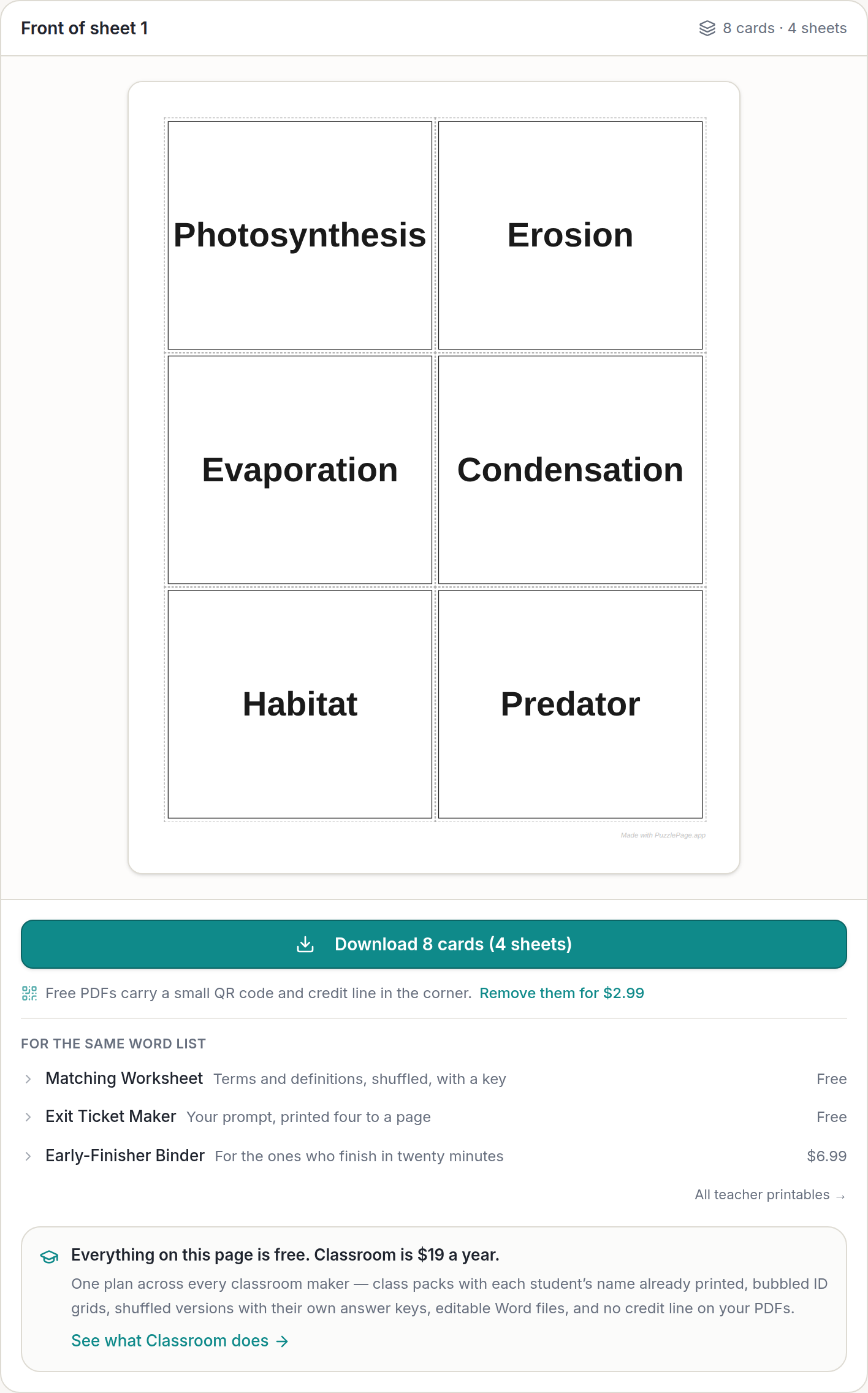
Cut guides come as dashed lines for scissors, faint solid lines, corner marks for a paper trimmer, or none. Eight themes, from a plain Classic to Chalkboard, change the border, heading band and typeface; the card text stays the same size for a given layout whichever theme you pick.
Pro Tip
Print the same deck twice at different sizes: 2 per page for you to hold up, 8 per page for students to take home on a ring. The list is typed once and only the layout changes between downloads.
How do you generate a math fact deck?
Switch to the Math facts tab, pick an operation, and set two ranges. The deck writes itself, in order, with no duplicates and no gaps.
- Choose addition, subtraction, multiplication or division.
- Set "Tables from" and "Tables to", anywhere from 0 to 20. For the full multiplication table that is 1 to 12.
- Set "Paired with, from" and "Paired with, to", usually 0 to 12.
- Read the card count under the ranges, pick 8 per page, and download.
Subtraction and division are built from their inverses. A subtraction card is an addition fact run backwards and a division card is a multiplication fact run backwards, so no card ever has a negative answer or a remainder, and division by zero is skipped rather than printed.
Fact fluency is meant to sit on top of understanding rather than replace it, and a deck of cards is the practice half of that, not the teaching half. The National Council of Teachers of Mathematics is the place to read about the balance.
What is free, and where does Classroom come in?
Every layout, theme and deck size downloads free, with no account, and one small "Made with PuzzlePage.app" line on the sheet. The paid extras are a logo printed on the back of every card, your own accent color and header, and the credit line removed.
Those come with a $2.99 day pass or with the Classroom plan at $19 a year, which also covers the answer sheet generator and the other classroom makers, and includes 15 AI credits a month for AI-written decks while that feature is in beta. The cards themselves never sit behind it.
The same front = back list works in the matching worksheet maker for a review sheet, and when the unit ends, a 20-question sheet from the free bubble answer sheet generator takes the test. How to grade bubble sheets fast covers the overlay method for marking it.
Frequently Asked Questions
How do I print flash cards double-sided so the answers line up?
Turn on Print answer backs, print the PDF double-sided, and flip on the long edge. The back sheet is mirrored, so each answer lands behind its own card. Check one card before cutting the stack.
How many flash cards can I make at once?
Up to 240 cards in one deck. At 6 cards per page that is 40 front sheets, and each front sheet is followed by its own back sheet when answer backs are on.
Can the flash cards maker make multiplication cards for me?
Yes. Switch to Math facts, pick addition, subtraction, multiplication or division, and set the tables and the numbers they pair with, from 0 to 20. Subtraction and division are built from their inverses, so no card has a negative answer or a remainder.
Is the printable flash cards maker free?
It is. Every layout, theme and deck size in the printable flash cards maker downloads free with no account, with one small Made with PuzzlePage.app line on the sheet. A logo on the backs and a clean sheet with no credit line are the paid extras.
More you can make here
One puzzle is the start. Here is the rest of the kit.
 New
NewWorksheet Builder
Put a word search, a cryptogram and a scramble on one page, or build a whole themed packet. Prints with answer keys.
Build a worksheet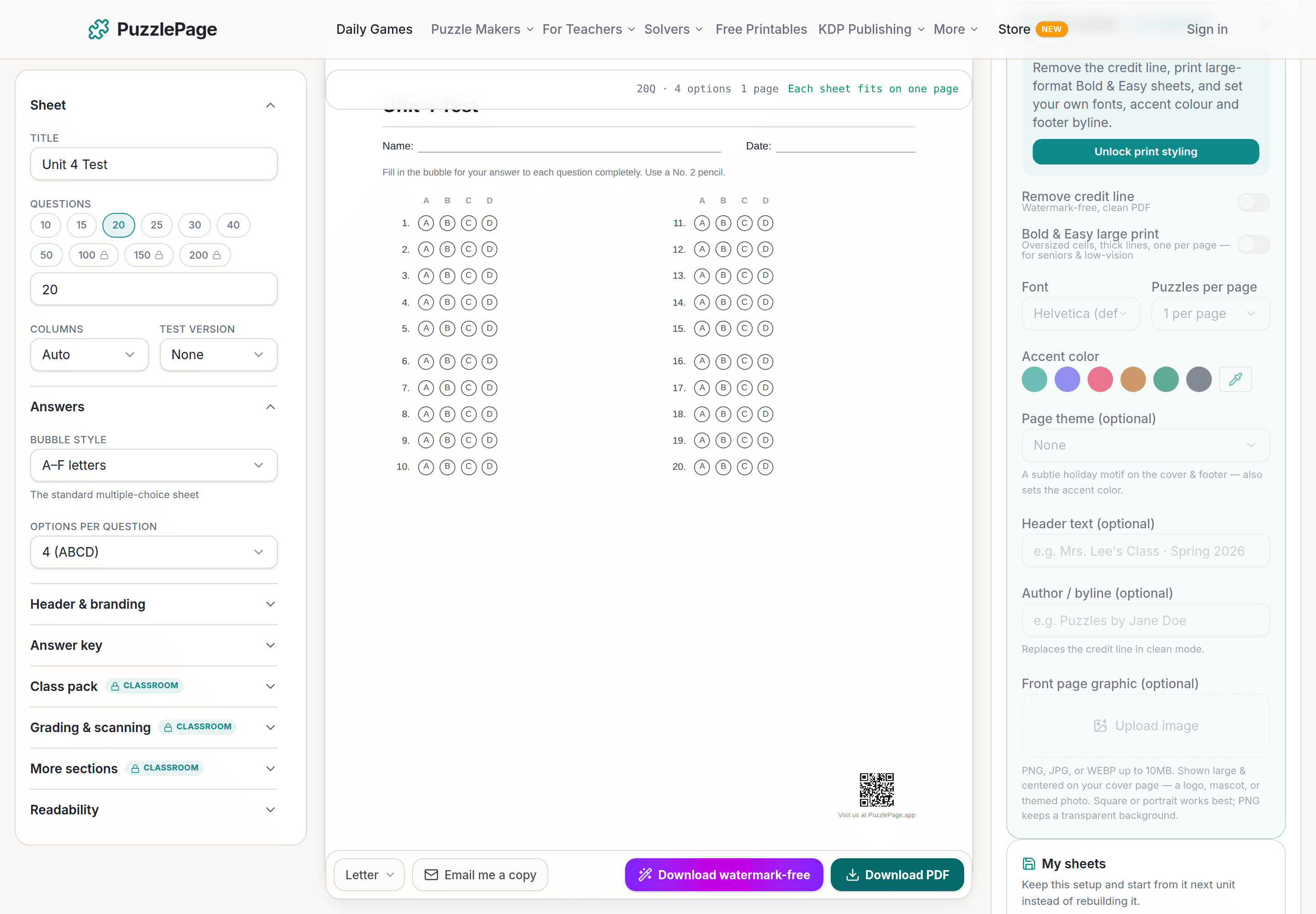
Bubble Sheet Studio
Answer sheets for any test length, with sections, versions, student ID grids and a matching answer key.
Make a bubble sheet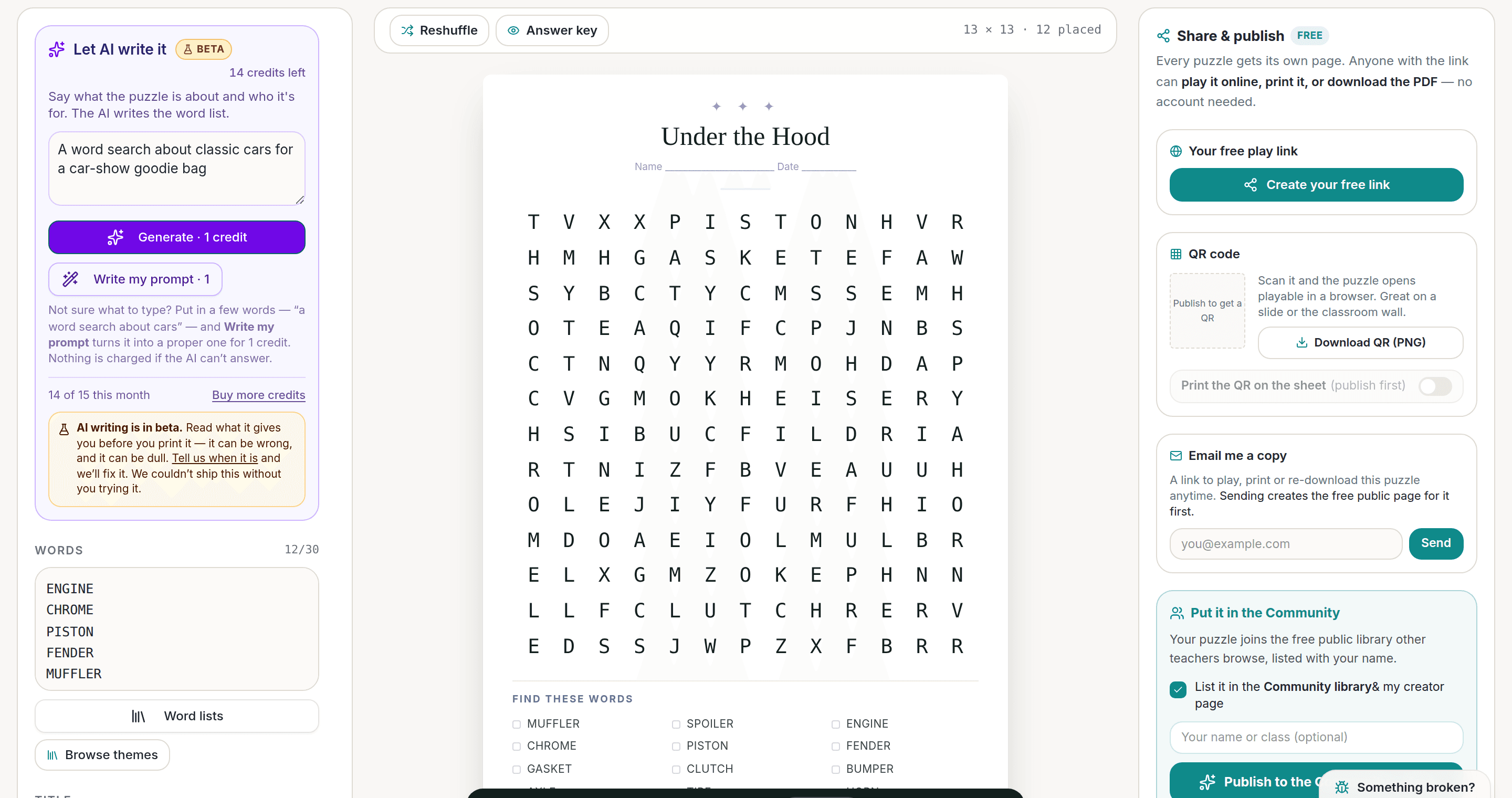
AI Puzzle Generator
Type a topic, get a themed word list and a finished puzzle. Premium also removes the footer credit and adds Word export.
Try the AI generator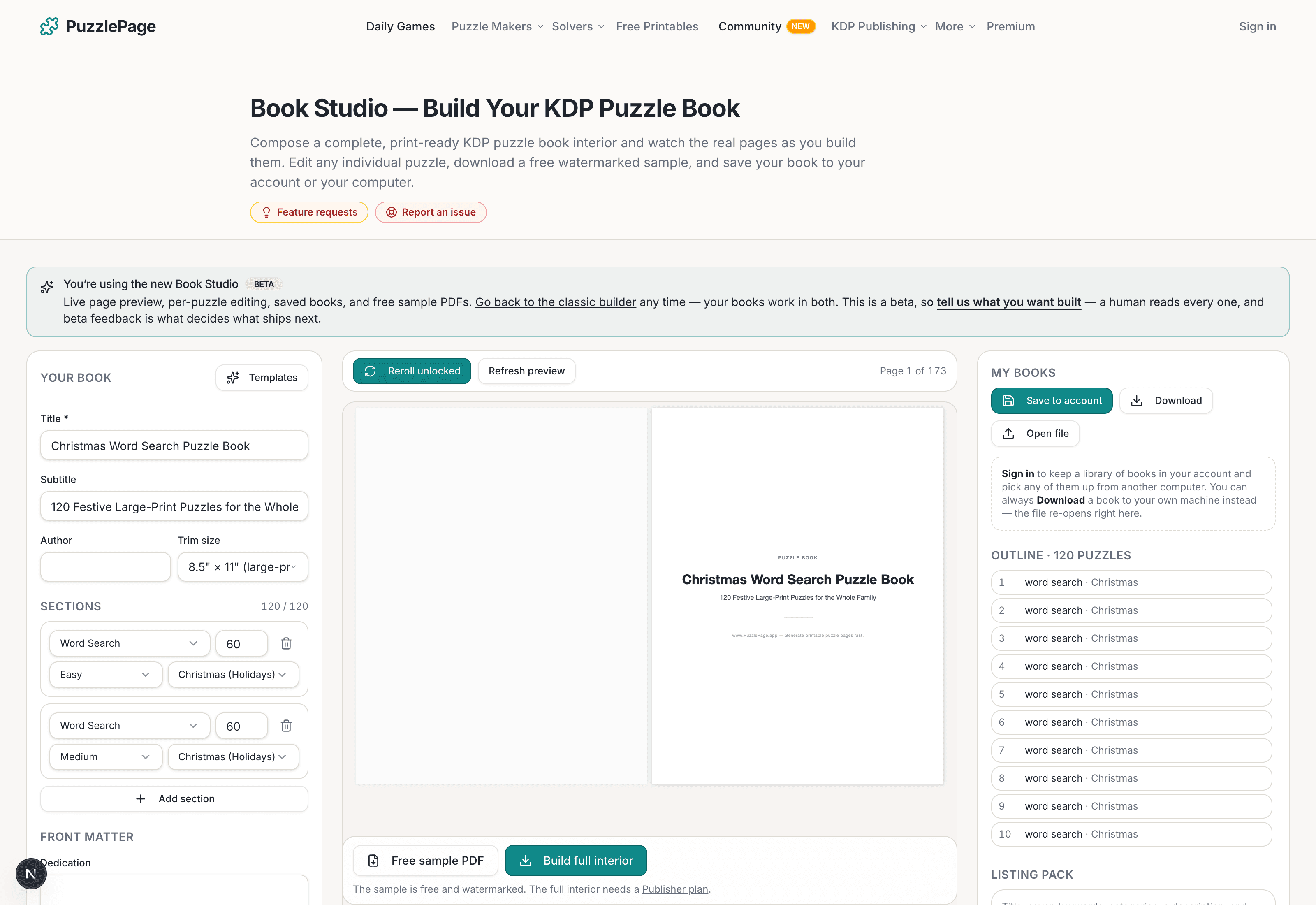
KDP Book Studio
Lay out a full puzzle book for Amazon KDP: templates, trim sizes, page checks and a cover designer.
Start a puzzle bookPremium removes the footer credit, adds Word export and custom styling across every maker.
See plans →Free daily games
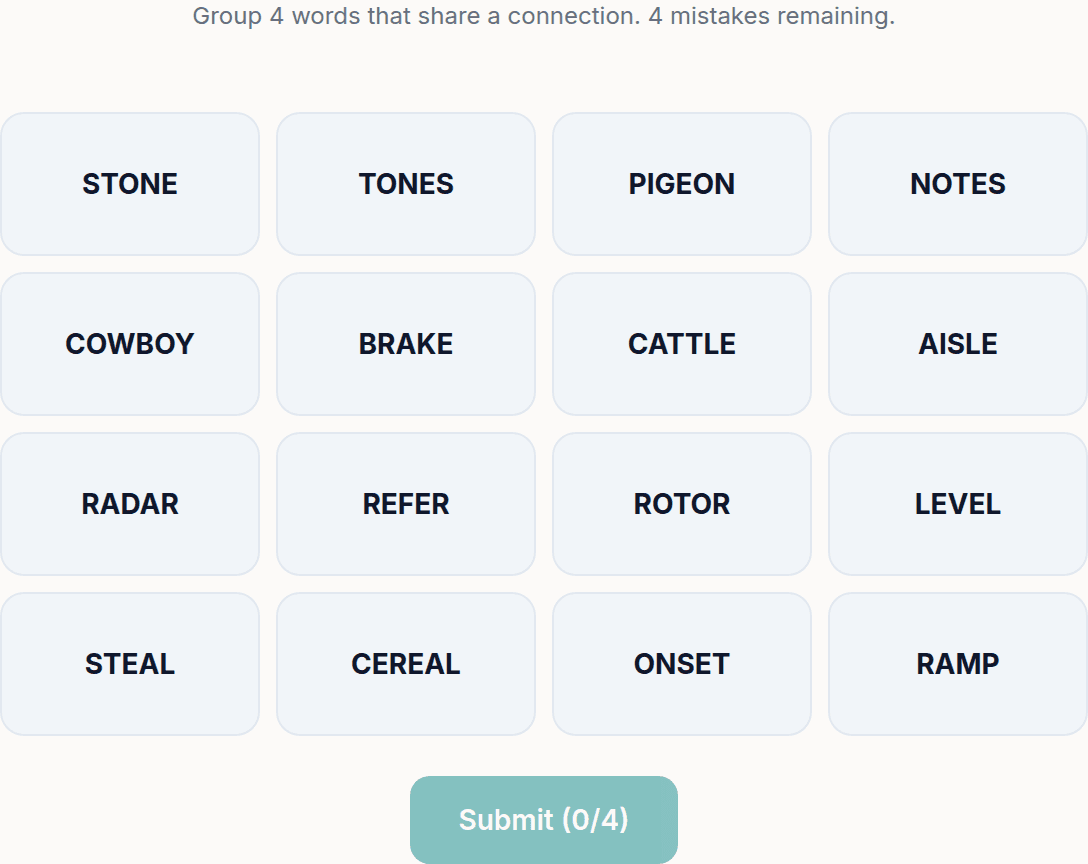
Need a two-minute break? Today's puzzles are live.
A new Sudoku and a new Connections board every day. No download, no account.
Keep reading
Get 10 free puzzles
Get the free 10-puzzle pack
Enter your email and we'll send you 10 print-ready puzzles with answer keys, plus a heads-up when we publish new generators and seasonal puzzle packs. Same quality as the ones on this page.
Roughly two emails a month. No spam, unsubscribe anytime.
Enjoyed this? Share the puzzle on X
Like puzzles like this? Follow on Pinterest for a new one every day.