AI Flash Card Maker: A Whole Deck From One Sentence
Print-ready vocabulary decks in seconds with the AI flash card maker, now in beta. Say the subject and grade, and it writes both sides. $19 a year for teachers.
On this site: Try the AI flash card maker·Browse 100+ free printables·Play today's puzzles
Quick answer
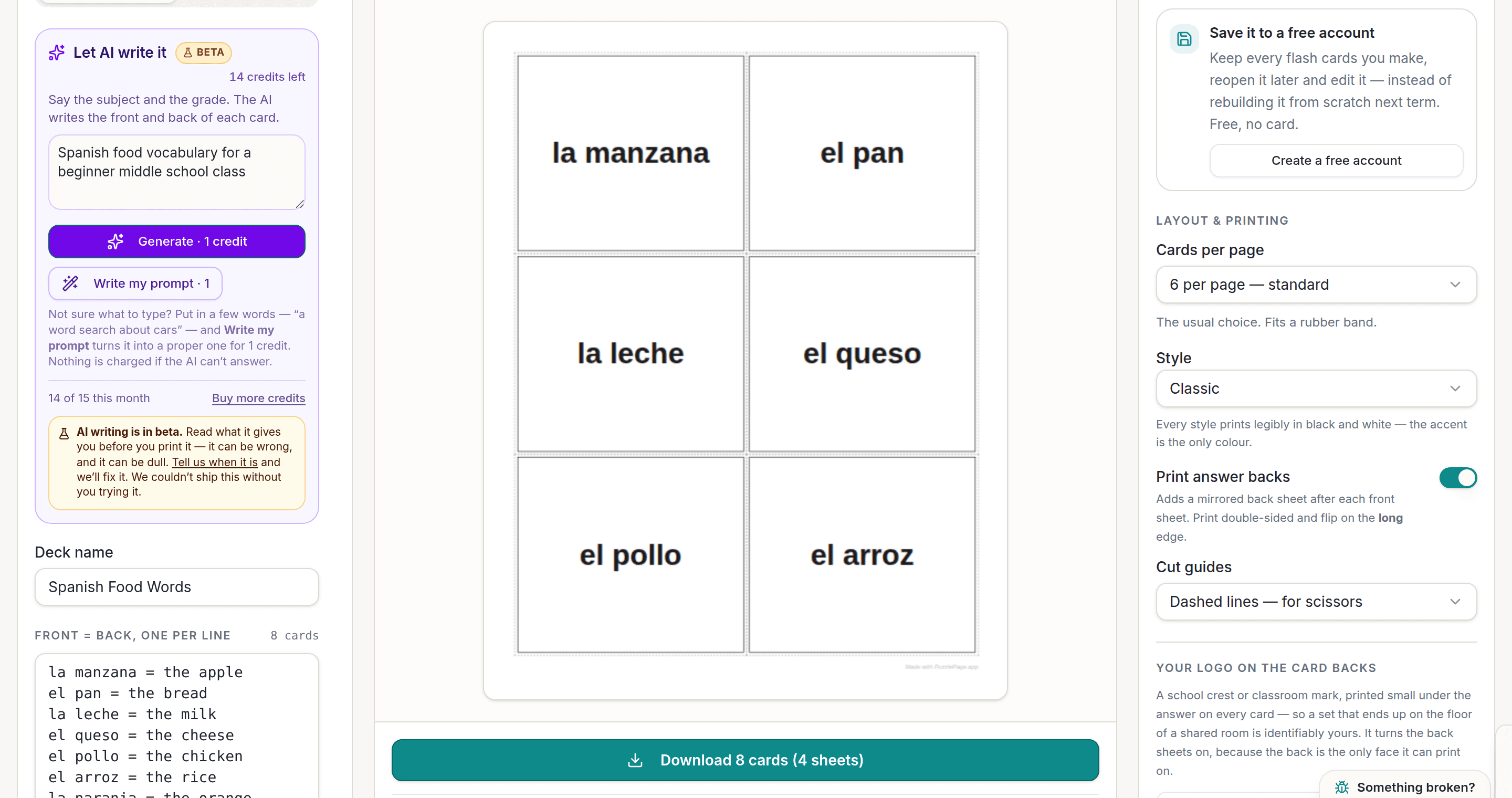
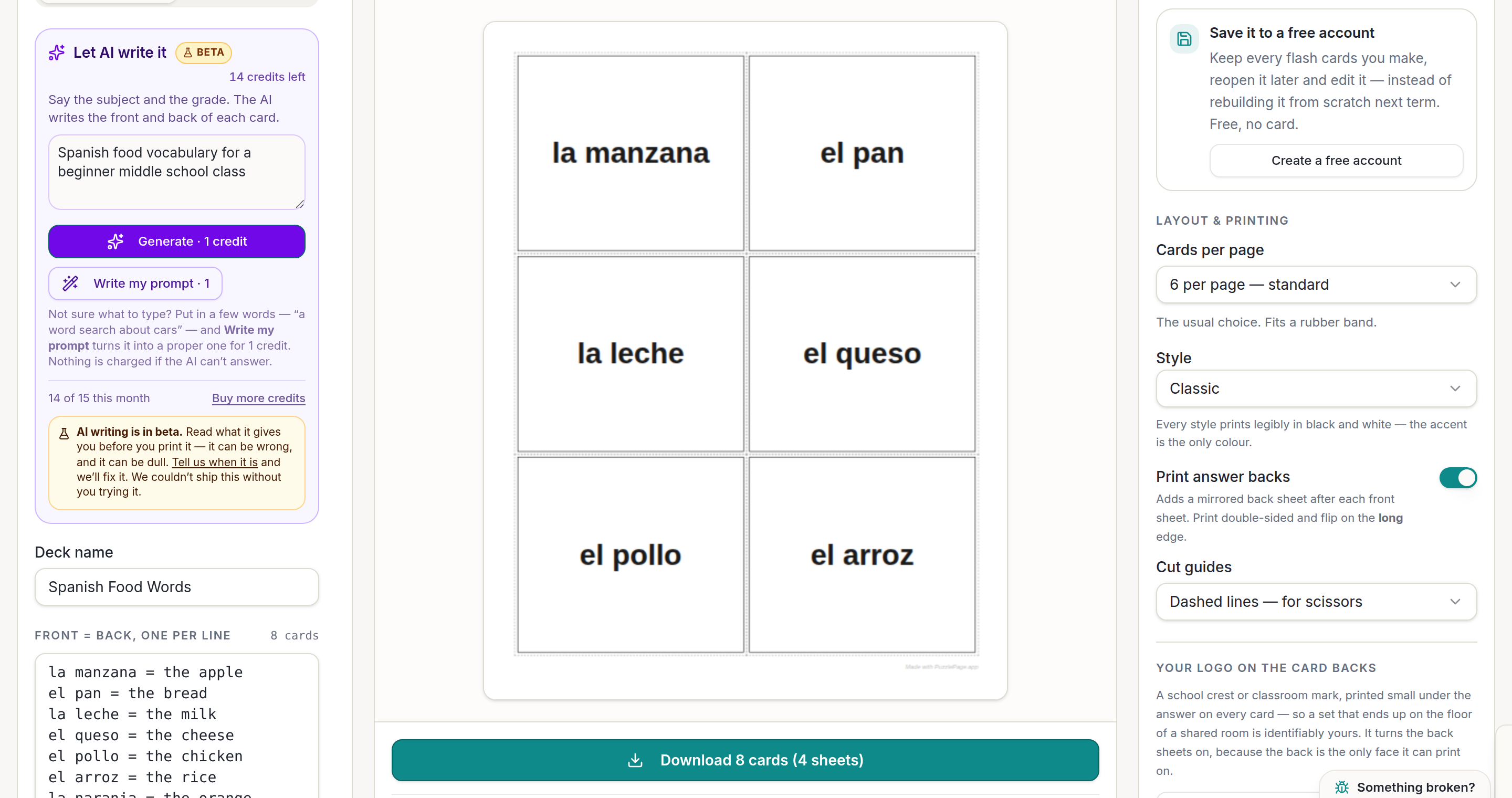
An AI flash card maker writes both sides of every card from a plain description. Say the subject and the grade on the PuzzlePage flash card maker, and one credit returns a named deck with a front and a back for each card, ready to print six to a page with mirrored answer backs.
Typing forty vocabulary cards is the part of the job nobody has ever enjoyed. It is also the part that gets skipped on a Sunday night, which is how a class ends up reviewing from the board instead.
The AI flash card maker is now in beta on the free PuzzlePage flash card maker, for teachers on the Classroom plan and anyone else on a paid plan.
📌 Key Takeaways
- Describe the deck. The AI names it and writes the front and back of every card.
- The Classroom plan is $19 a year and includes 15 AI credits every month.
- Cards land in the maker's own list, so you can fix a translation before printing.
- Answer backs still print mirrored, so the right answer lands behind the right front.
How do you make a flash card deck with AI?
Describe the class, not the cards. The panel sits at the top of the controls rail, above the box where you would normally type your list.
- Type the subject and who it is for. "Spanish food vocabulary for a beginner middle school class" is enough.
- Press Generate, which costs 1 credit.
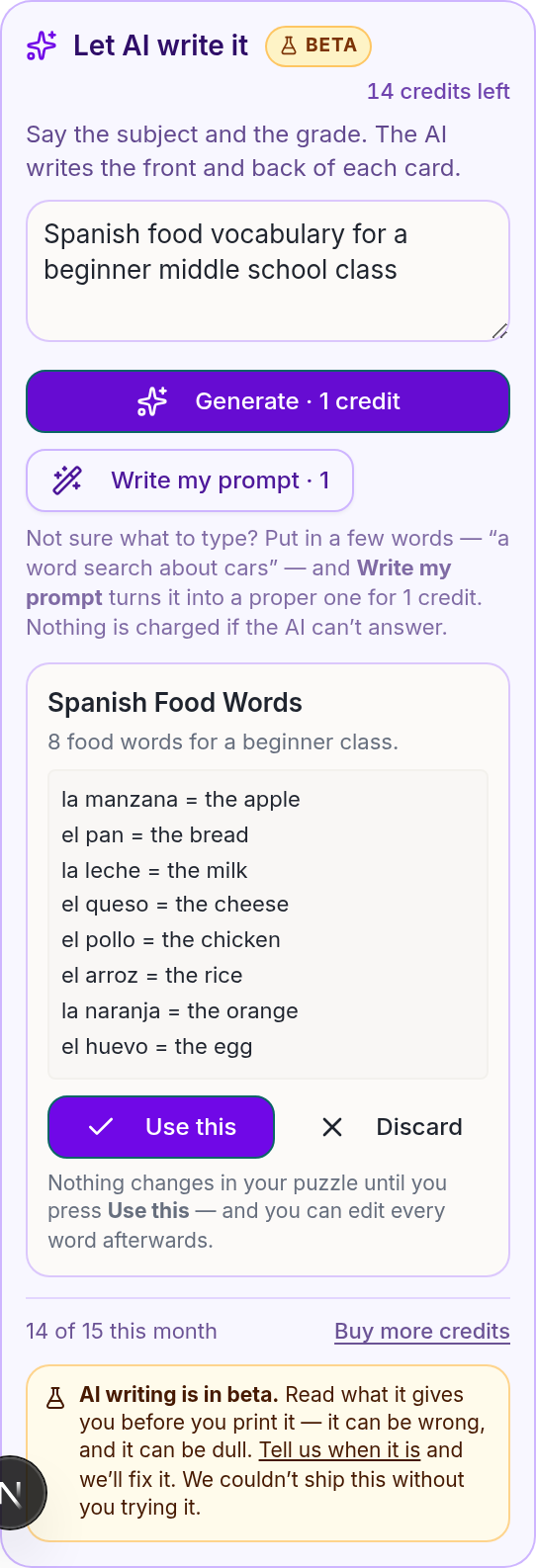
- Read the deck. Every card shows as front and back so you can spot a wrong translation before it prints.
- Press Use this, then set your cards per page and cut guides as usual.
Like this? We send 10 of these every month.
Free printable puzzles, answer keys included — same quality as the ones in this post.
One email. Unsubscribe anytime.
Why is it worth a credit when you could type the list?
Because a 40 card deck is roughly 20 minutes of typing, and the AI writes it in about eight seconds. On the Classroom plan at $19 a year, 15 credits a month is 15 decks a month, every month.
The first deck we made this way, eight Spanish food words for a beginner class, printed six to a page with mirrored backs and needed one edit. That is the honest ratio to expect.
The saving is not the typing itself. It is that the deck gets made at all on the week you are behind.
Pro Tip
Ask for a card count. "Twenty cards" gets you twenty; leaving it out gets you the maker's default of sixteen, which is fine for a warm-up and thin for a unit.
What should a teacher check before printing?
Translations and definitions, in that order. A word search can only be dull, but a flash card states a fact thirty times over.
Reading eight cards takes about thirty seconds and it is the whole difference between a drafted deck and a checked one. This is a beta, and we would rather say that plainly than have you find out at the photocopier.
Retrieval practice works because the answer on the back is right. Reading Rockets has a good summary of why vocabulary needs repeated, accurate exposure rather than volume.
Pro Tip
Read the backs first, not the fronts. An error in a definition or a translation always shows up on the answer side, and scanning one column is faster than reading pairs.
One more habit worth building. Keep the first deck you generate on a topic and edit it next term rather than regenerating, because the second version is rarely better and it costs another credit.
Heads up
No student data goes anywhere near this. The AI sees your description of the deck and nothing else, and the flash card maker still stores no student information at all.
Which subjects make the best AI decks?
The test is whether a card has exactly one back. If the answer could reasonably be three things, a flash card is the wrong format and no amount of prompting fixes it.
-
World languages
Word to translation, with the article included where the language uses one. Say the level, because a beginner deck and a third year deck share almost no vocabulary.
-
Science and maths terms
Term to definition, or formula to name. Ask for definitions written at your grade level or you will get textbook phrasing aimed at adults.
-
Reading and root words
Prefixes, suffixes and Greek or Latin roots have one meaning each, which is exactly the shape a card wants.
-
Skip: opinion questions and multi-step problems
"Why did the war start" has no back. Use the word fill-in maker or a worksheet for anything that needs working out.
For pure arithmetic, do not use AI at all. The maker already has a Math facts tab that generates a complete times table in order, for free, and a generated fact family is always right.
What else does the Classroom plan cover?
The same 15 credits a month work across all seven makers in the beta, so a themed week can come out of one plan.
Pair a deck with a matching word search for the warm-up and a word scramble for the exit ticket. Each takes one credit and the same sentence works for all three with a word changed.
That is the case for using the AI flash card maker as a planning tool rather than a novelty. One description, three printables, and about ninety seconds of reading to check them.
Frequently Asked Questions
Can AI make flash cards for any subject?
Any subject with a clear front and back works well: vocabulary, translations, definitions, formulas, dates and terms. Open-ended discussion prompts do not, because a flash card needs one answer rather than a conversation.
Is the AI flash card maker included in the teacher plan?
Yes. The Classroom plan is $19 a year and includes 15 AI credits every month, which is 15 decks. The $2.99 day pass also works and includes 10 credits with no account needed.
Do the AI cards still print with answer backs?
Yes, exactly as typed cards do. The backs print mirrored so that when you print double-sided and flip on the long edge, each answer lands behind its own front.
Can I edit the cards the AI writes?
Yes, every one. The deck lands in the maker's ordinary front and back list, so you can correct a translation, delete a card or add ten of your own before printing.
More you can make here
One puzzle is the start. Here is the rest of the kit.
 New
NewWorksheet Builder
Put a word search, a cryptogram and a scramble on one page, or build a whole themed packet. Prints with answer keys.
Build a worksheet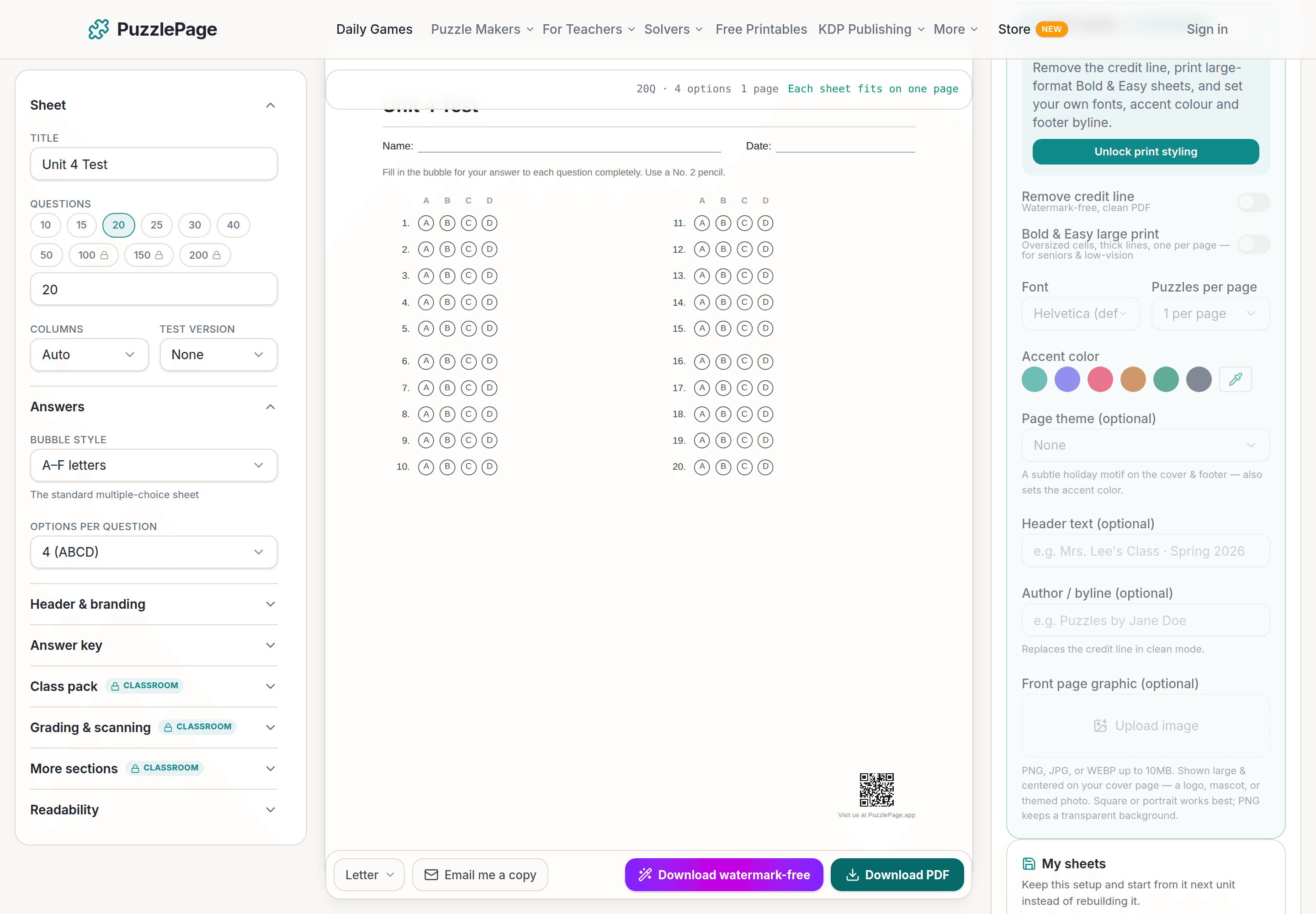
Bubble Sheet Studio
Answer sheets for any test length, with sections, versions, student ID grids and a matching answer key.
Make a bubble sheet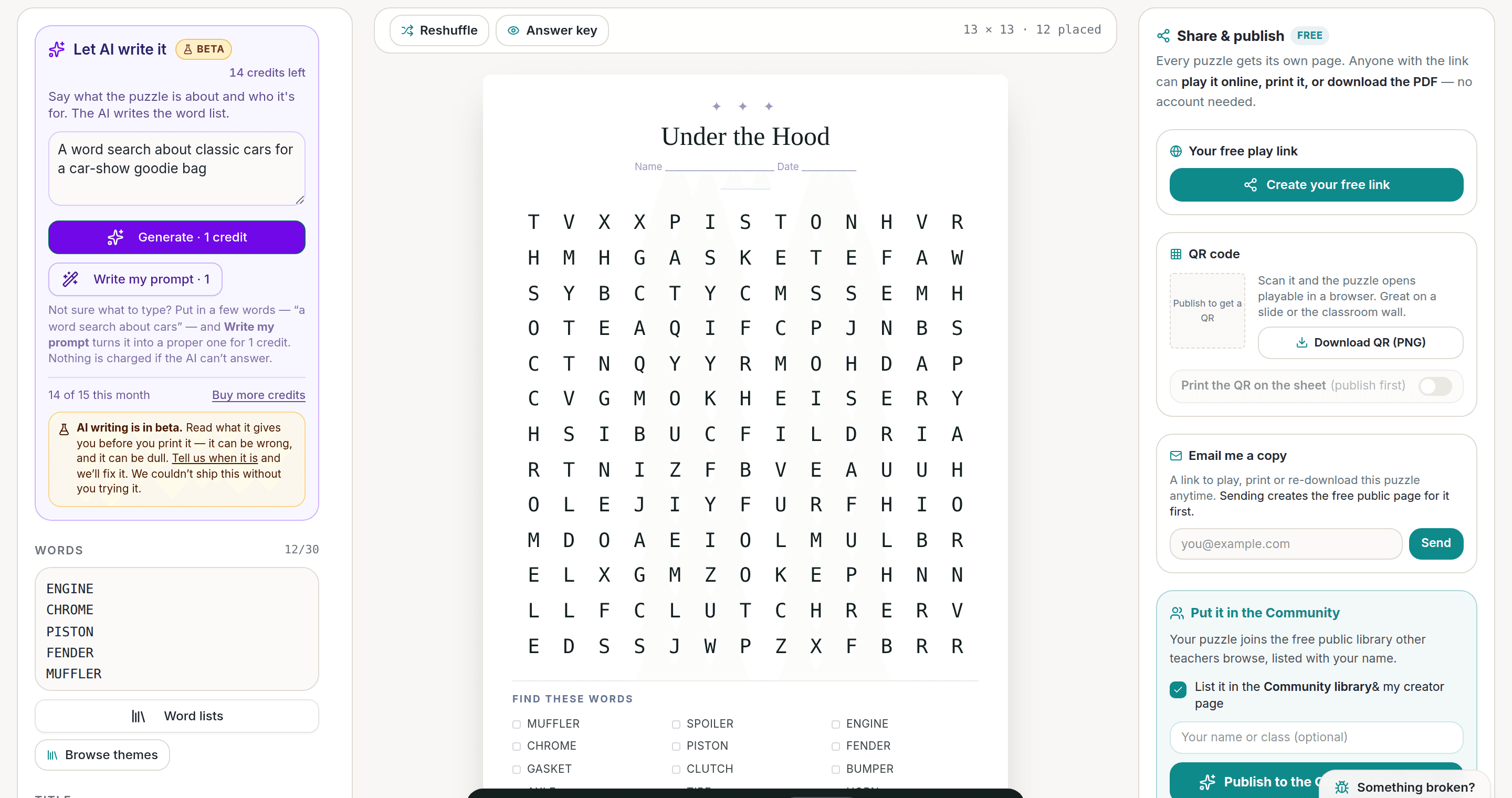
AI Puzzle Generator
Type a topic, get a themed word list and a finished puzzle. Premium also removes the footer credit and adds Word export.
Try the AI generator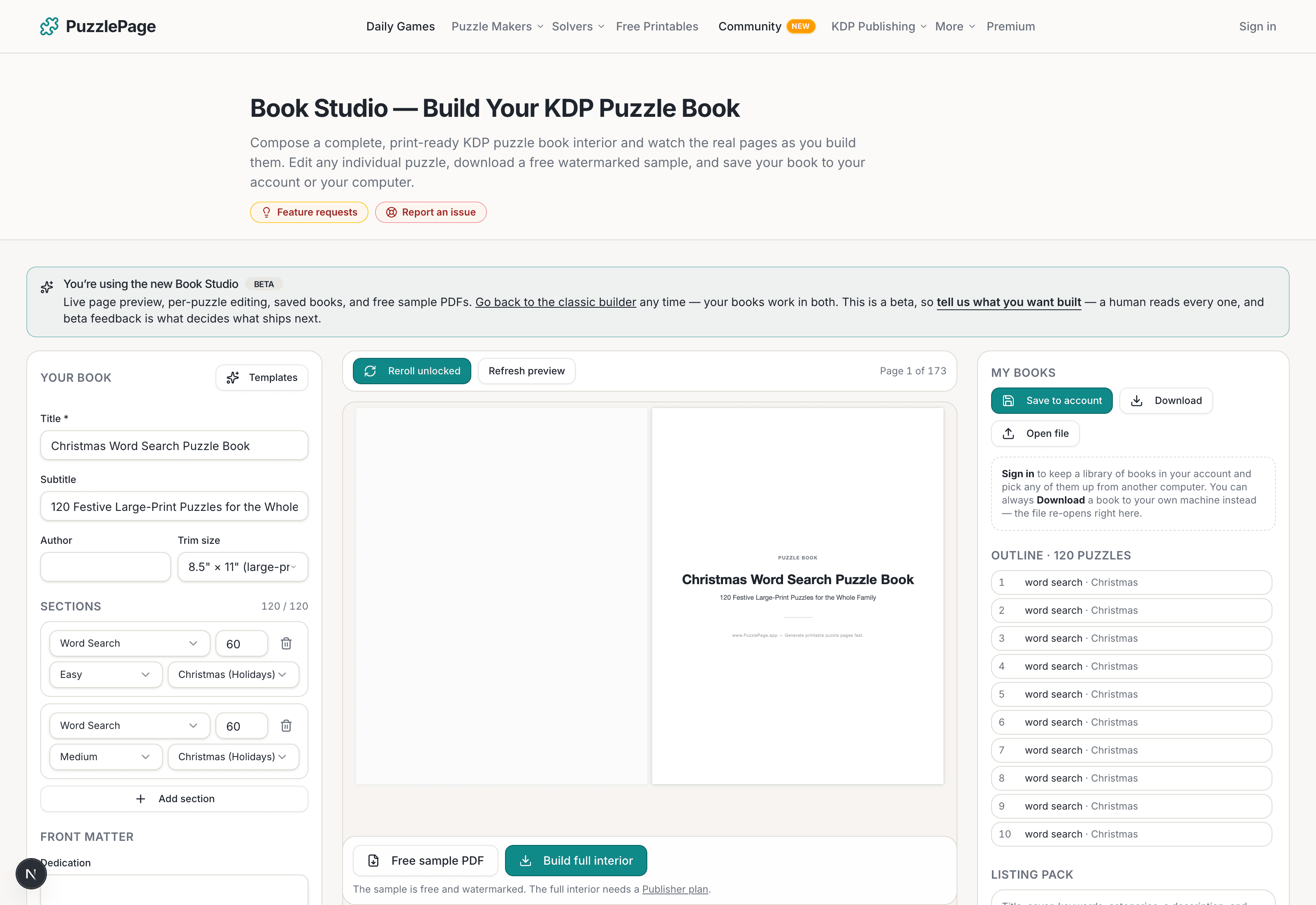
KDP Book Studio
Lay out a full puzzle book for Amazon KDP: templates, trim sizes, page checks and a cover designer.
Start a puzzle bookPremium removes the footer credit, adds Word export and custom styling across every maker.
See plans →Free daily games
Need a two-minute break? Today's puzzles are live.
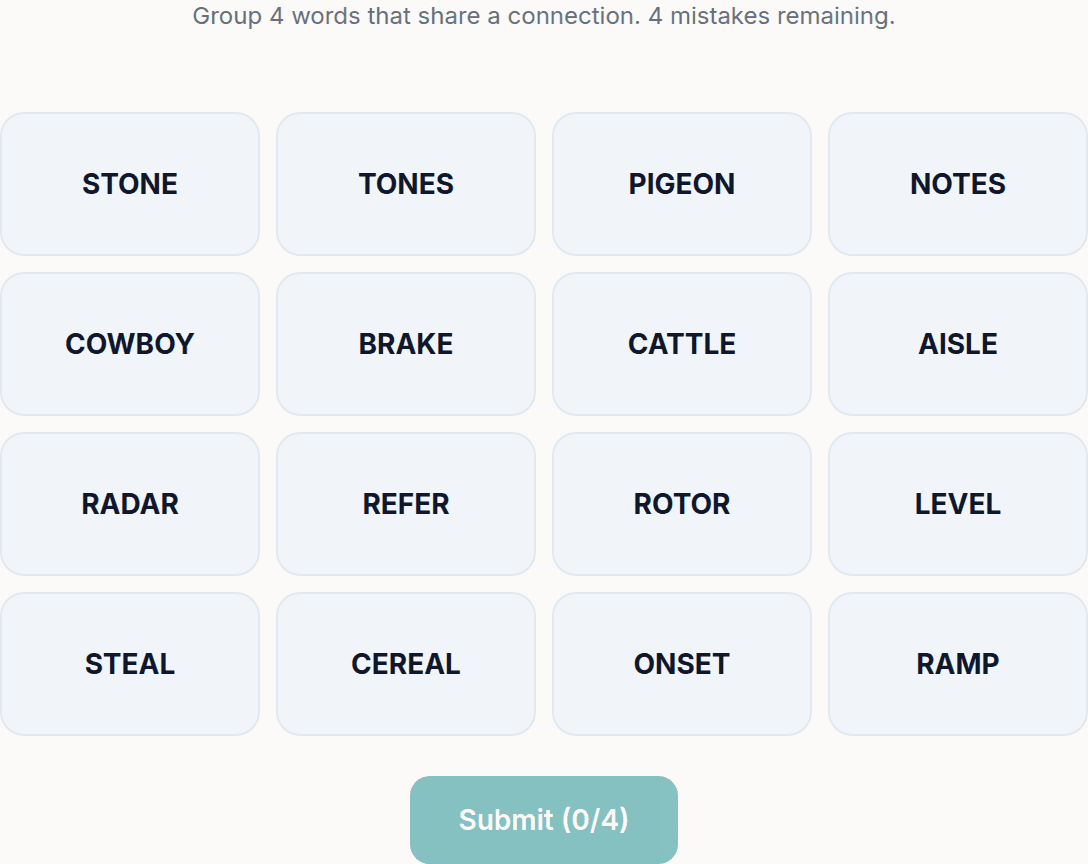
A new Sudoku and a new Connections board every day. No download, no account.


Keep reading
Get 10 free puzzles
Get the free 10-puzzle pack
Enter your email and we'll send you 10 print-ready puzzles with answer keys, plus a heads-up when we publish new generators and seasonal puzzle packs. Same quality as the ones on this page.
Roughly two emails a month. No spam, unsubscribe anytime.
Enjoyed this? Share the puzzle on X
Like puzzles like this? Follow on Pinterest for a new one every day.