KDP Book Cover Designer: Drag, Free Backgrounds, AI (Beta)
Step-by-step guide to the KDP book cover designer in the Book Studio: starter covers, 35 free backgrounds, drag-to-move editing and AI art, all in beta.
Free to try
Build this book free in the PuzzlePage Book Studio
18 puzzle types, KDP margins and a full-wrap cover. Download the first 10 pages and the cover free.
For publishers: Build a book free in the Studio·Ready-made book templates·KDP calculators·Books made here
Until this month, a KDP book cover designer was the one thing our publishers still had to open another tool for. You could build a print-ready interior here, then you left for Canva with a spine width scribbled on a sticky note.
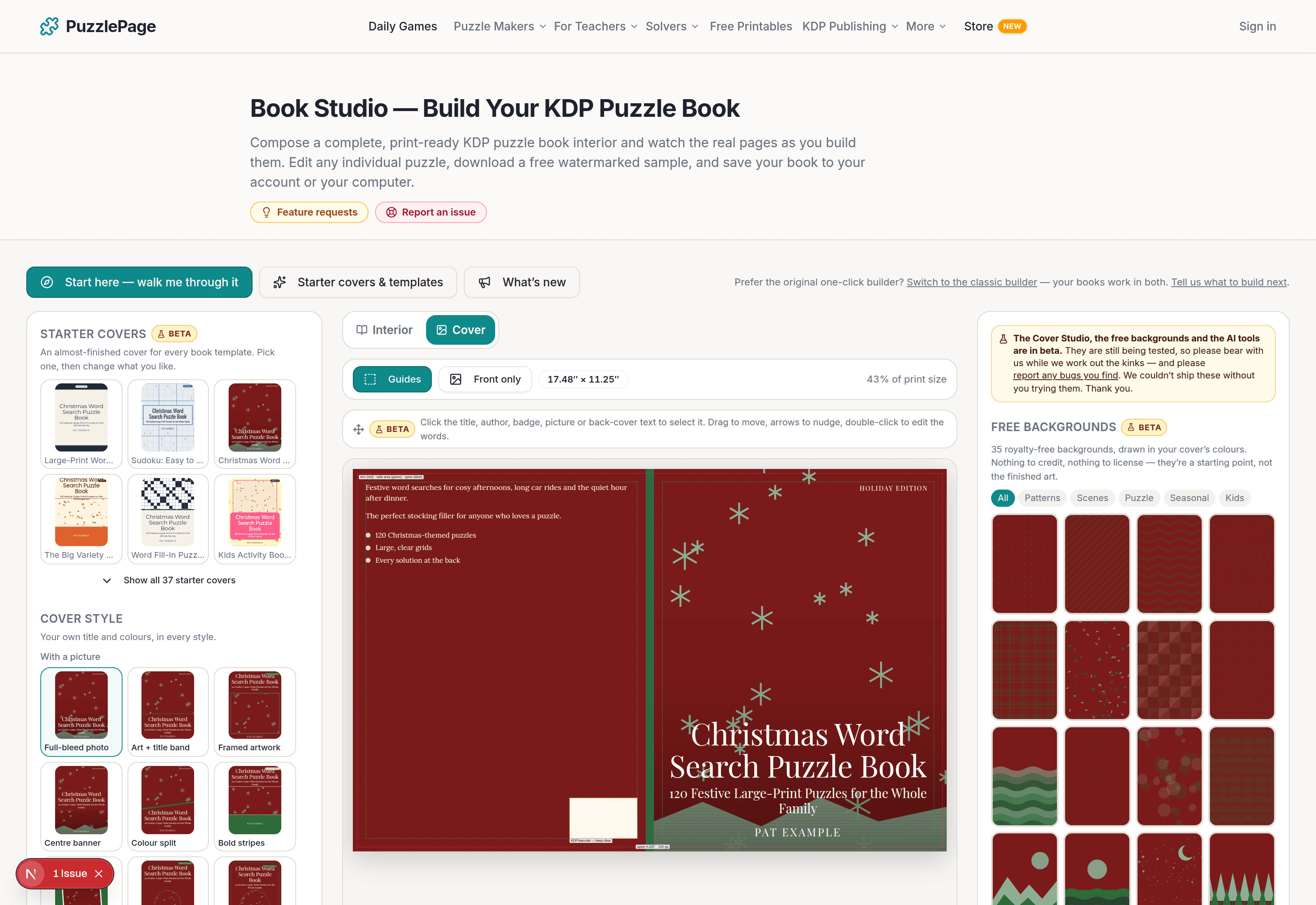
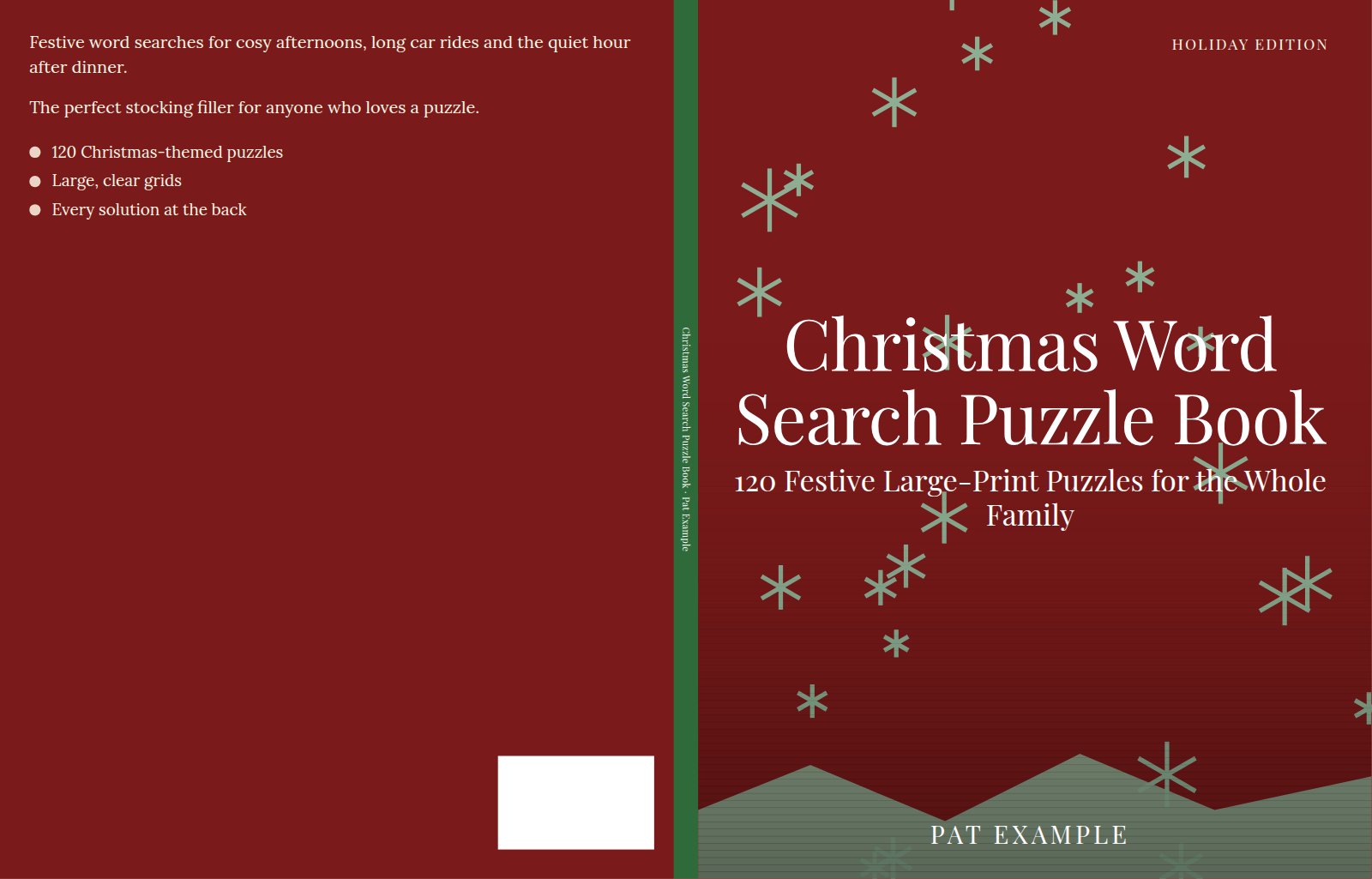
That gap is closed, in beta. The Cover Studio lives inside the Book Studio, reads the page count from the interior you just built, and draws the spine, bleed, safe areas and barcode zone for you. This guide walks through it step by step, with real screenshots.
📌 Key Takeaways
- Every one of the 37 book templates now comes with an almost-finished starter cover, so you never start from a blank page.
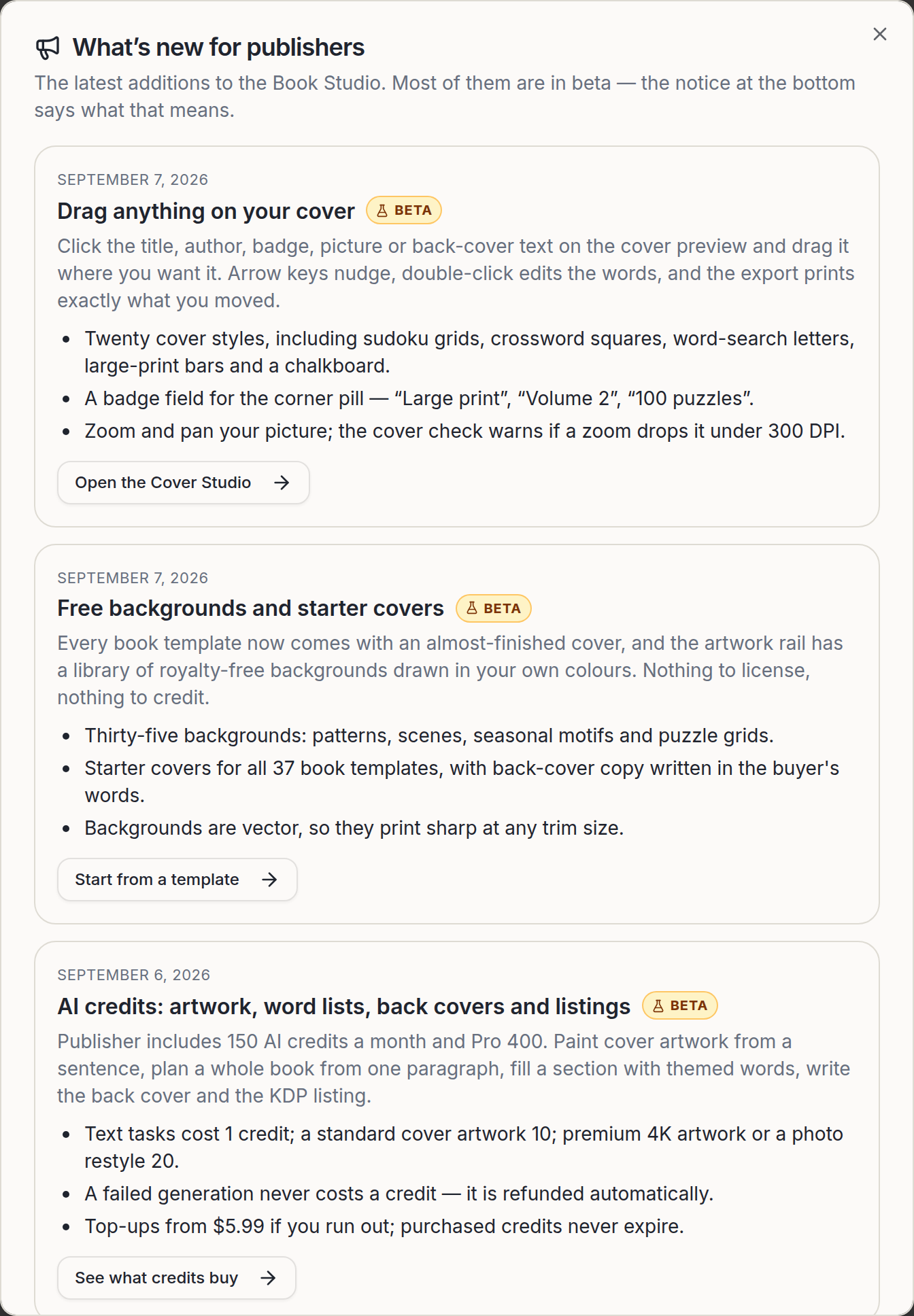
- Click anything on the cover preview and drag it. Title, author, badge, picture and back-cover text all move by hand.
- 35 free, royalty-free backgrounds are drawn in your own colours and print as vector, so they stay sharp at any trim size.
- AI artwork costs 10 credits (standard) or 20 credits (premium 4K); Publisher includes 150 credits a month, Pro 400.
- All of this is beta. Please report anything odd, and thank you for testing it.
 1:48
1:48What does the KDP book cover designer do?
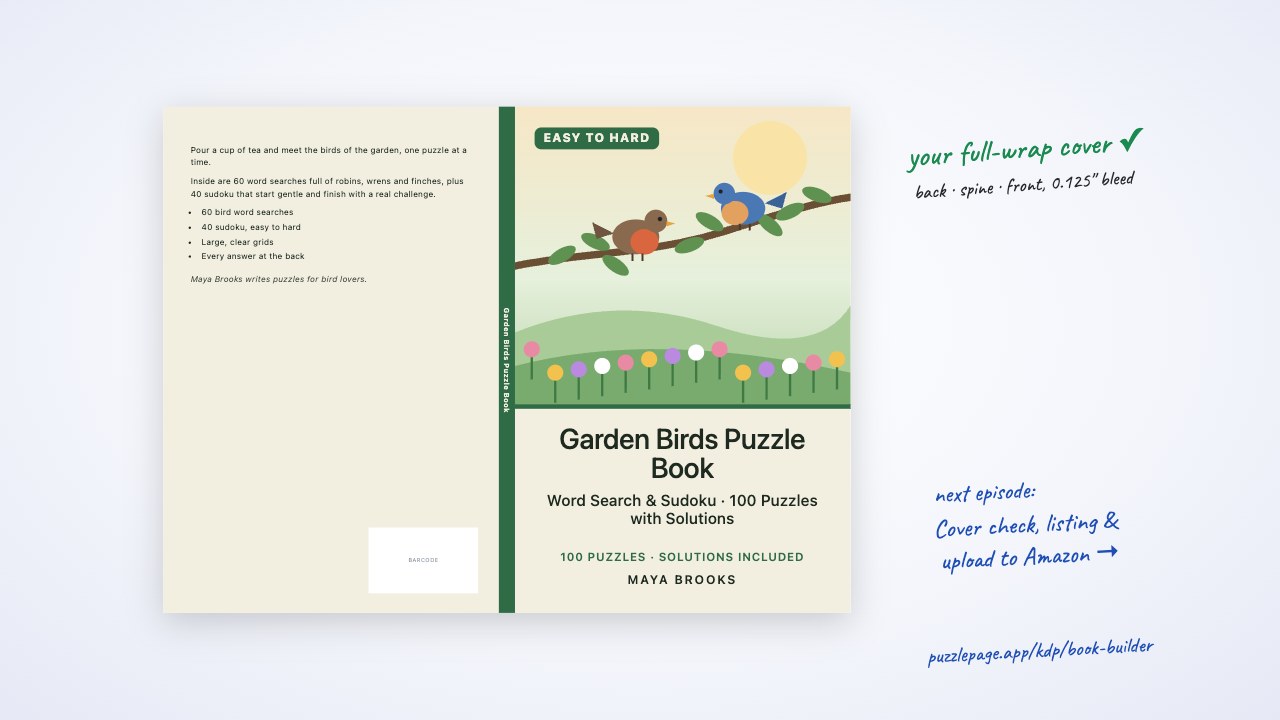
It produces the two files Amazon asks for: a full-wrap paperback cover PDF at the exact size KDP's calculator expects, and a 1600 by 2560 pixel ebook cover JPG. The preview on screen is the same file the printer receives, so what you see is what KDP gets.
The spine is the part most covers get wrong. KDP sizes it from page count and paper type, and a spine that is out by a few pages is the most common reason a cover is rejected, which is why the Studio refuses to export until the interior has been built and the count is real.
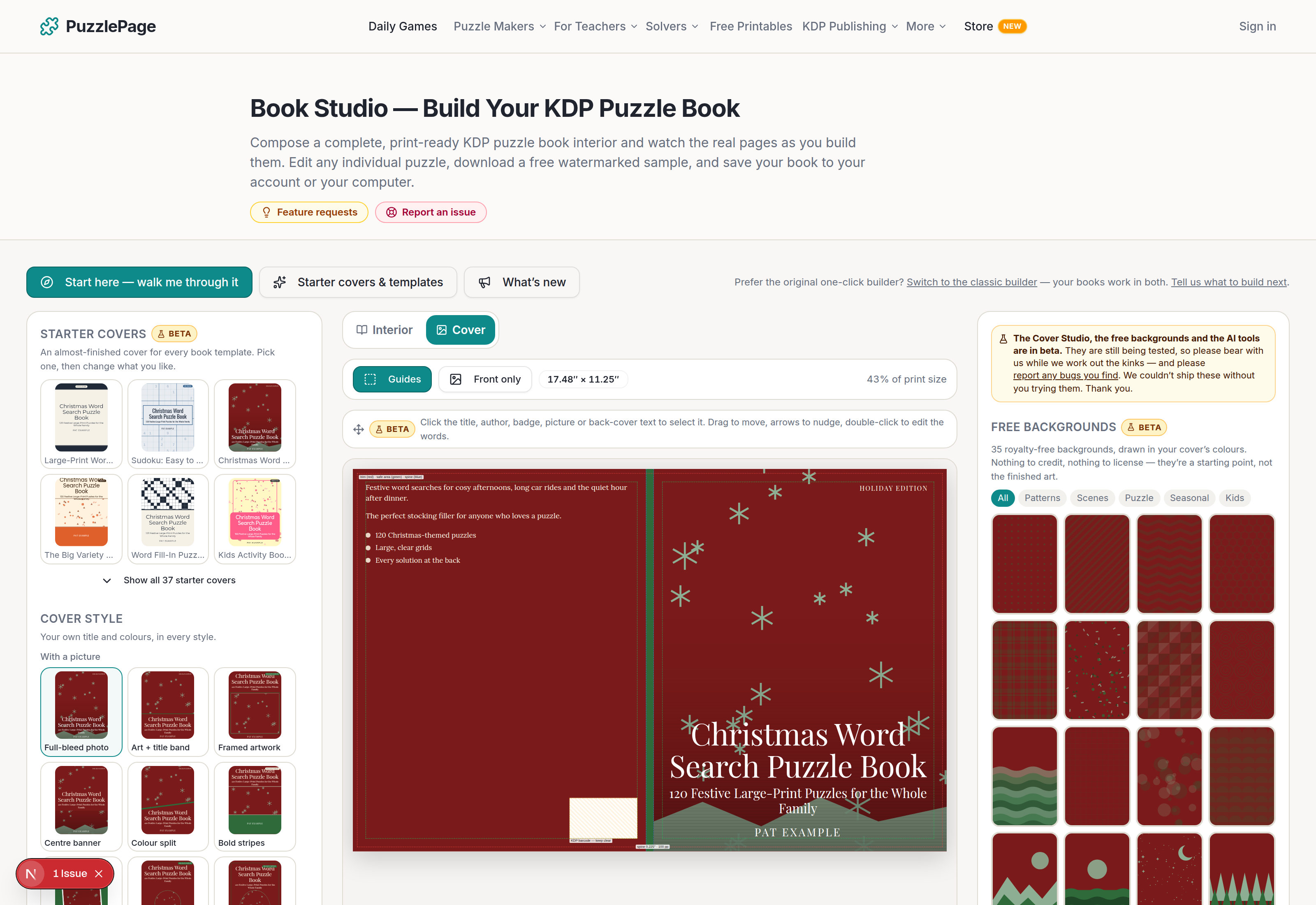
When we ran the first draft past four publishers in August, three of them said the same thing: too many sliders, not enough picking. So the panel now leads with pictures. You choose a starter cover or a style from thumbnails of your own book, and the fine controls live under a Fine-tune drawer.
Like this? We send 10 of these every month.
Free printable puzzles, answer keys included — same quality as the ones in this post.
One email. Unsubscribe anytime.
How do you design a cover in seven steps?
Start with the interior, finish with the upload. Twenty minutes is realistic for a first cover if you take a starter and change the words.
- Build the interior first. The spine width comes from the real page count, so build the interior PDF before you touch the cover.
- Switch to Cover. Click Cover at the top of the centre panel. If you started from a template, a starter cover is already there.
- Pick a starter cover or a style. Six starters show first, all 37 on request, and the 20 styles below them render your own title and colours.
- Add a picture. A free background, your own image at 300 DPI, or AI artwork from a sentence.
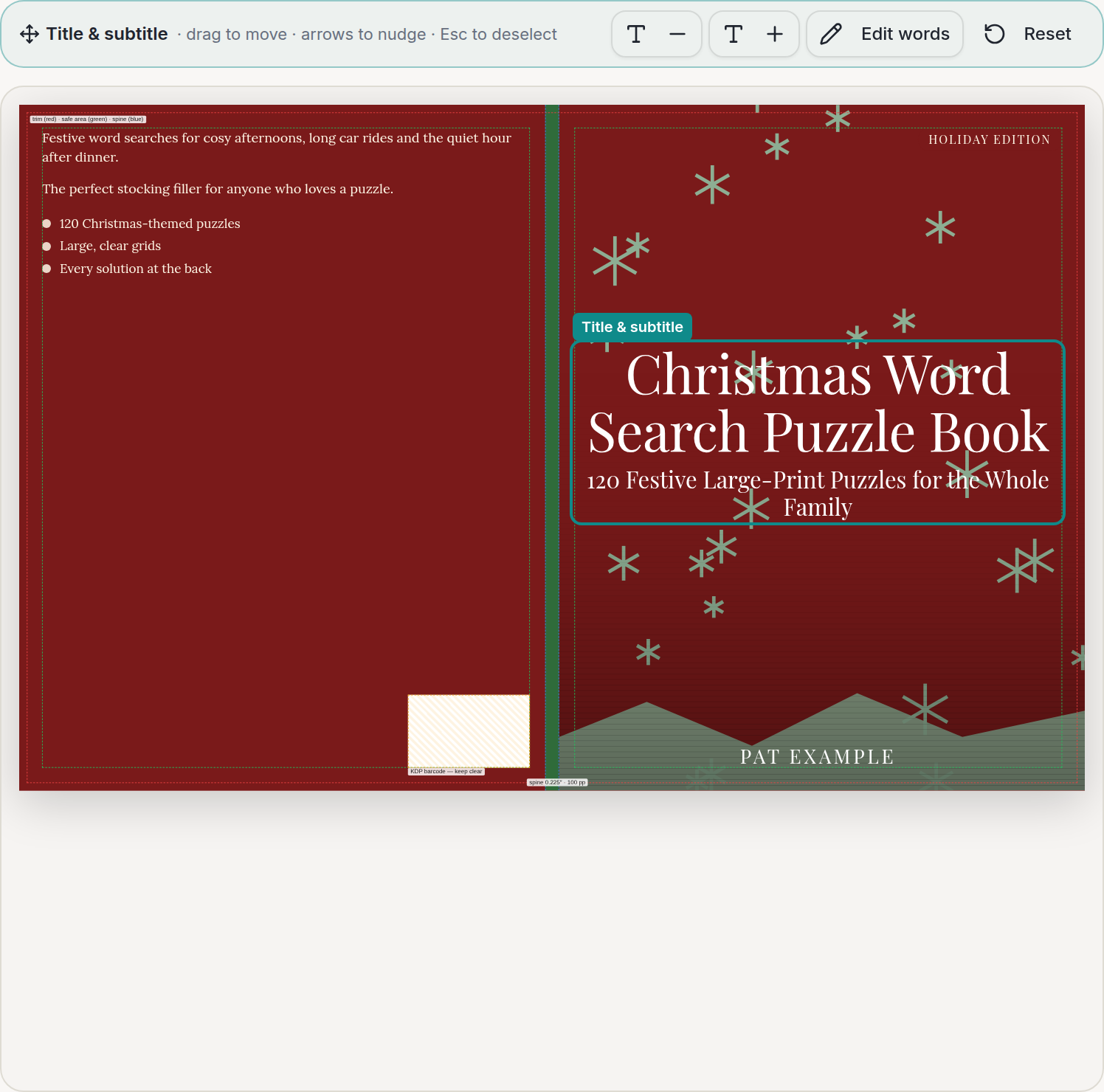
- Drag things where you want them. Click the title, the author, the badge, the picture or the back-cover text and move it. Arrow keys nudge; double-click opens the words.
- Write the back cover. A blurb, up to five what's-inside lines, an author line and a website. Or have the AI write them from your own sections for 1 credit.
- Read the cover check and download. Wrap size, spine, artwork resolution, back-cover fit and the barcode zone are checked before the paperback PDF and ebook JPG download.
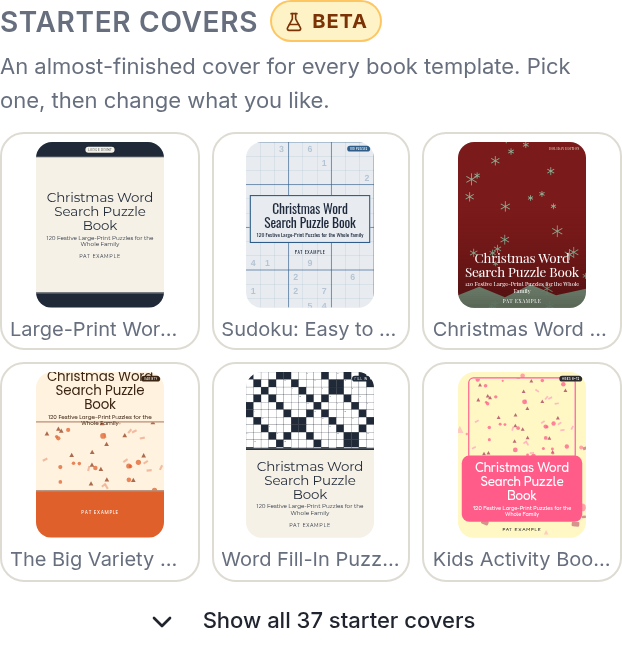
The drag step is the one to try first. Everything you move is written into the cover as inches from where the template put it, and the export prints exactly that, so there is no screen-only position that could differ from the file.
Pro Tip
Keep Guides switched on while you drag. The green box is KDP's safe area; anything past it can be trimmed off in print, and the cover check will remind you if something moved.
Where do the free backgrounds come from?
We drew them. All 35 are made in-house, in code, so they are royalty-free for any commercial use, including KDP, with nothing to credit and no licence to read.
They are deliberately plain: polka dots, plaid, mountains, a night sky, snowflakes, pumpkins, a sudoku grid, a letter grid. The point is the same one Book Bolt's image library makes: it is far easier to finish a cover that is already 80 percent there than to start one from white.
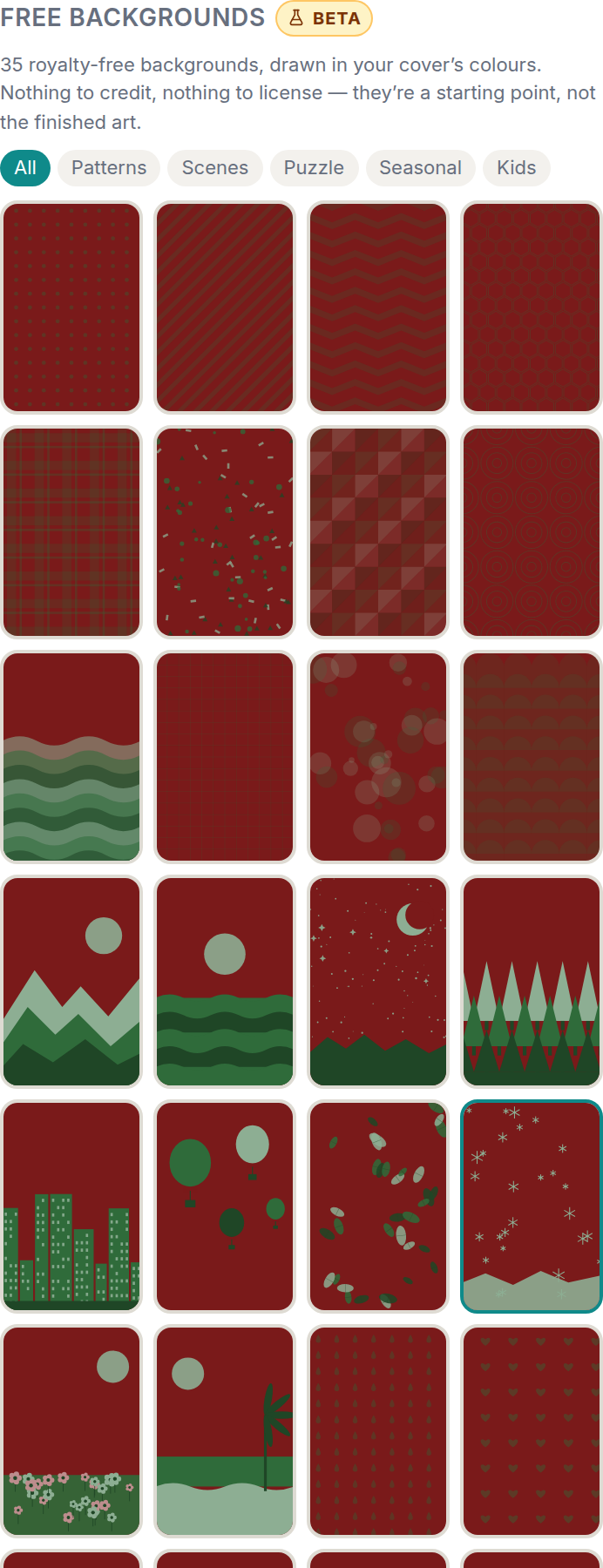
Two details matter for print. Each background follows your colour palette, so it always matches the type laid over it, and each one is vector rather than a photo, so a 6 by 9 cover and an 8.5 by 11 cover both print pin-sharp from the same drawing.
How do AI credits work for cover artwork?
Publisher includes 150 credits a month and Pro includes 400, refreshed on the first of the month. A failed generation is refunded automatically, so a picture that never came back never costs you anything.
| What the AI does | Credits | Roughly how many a month on Publisher |
|---|---|---|
| Write the back cover, a listing, a word list or an art prompt | 1 | 150 |
| Standard cover artwork | 10 | 15 |
| Premium 4K artwork, or restyling your own photo (Pro feature) | 20 | 2 tries, then Pro only |
The model paints the picture only. Your title, subtitle and author name are typeset over it by the Studio, so they stay sharp at print size and are spelled the way you wrote them. A title an image model "spelled" is the single most common reason an AI cover gets rejected.
Heads up
KDP asks at upload whether AI made the images or the text. The Studio remembers which you used and says so next to the print files; answer the form honestly and the listing goes through. KDP's paperback cover guidelines cover the dimensions side of the same form.
What does beta mean for you?
It means the features are live for every Publisher and Pro member, and they are still being tested. Please bear with us while we work out the kinks, and please be patient if something misbehaves.
If you hit a bug, an odd export or anything that looks wrong, please let us know through Report an issue at the top of the Studio. Every report is read by a person, and most of the ones from the first week were fixed within days.
We are really excited to be offering this to all of our customers, and we could not deliver it without all of you testing it. Thank you.
Pro Tip
Click Start here, walk me through it and jump to the Cover step. It explains the starter covers, dragging and the AI in plain words, then opens the Cover Studio for you.
Try It Yourself
Open the Book Studio, load a template and click Cover. Drag the title somewhere unexpected, put it back with Reset, and download the proof JPG to see the whole wrap at once.
If you are still choosing what to publish, our guide to creating puzzle books for KDP covers the niche and pricing decisions, and the word search generator and sudoku generator are where most of our publishers' interiors start.
Free to try
Try the Book Studio free: first 10 pages and cover, no card
Build the whole book in your browser, watch the real printed pages as you go, and download the first 10 pages plus the cover to check them before you decide anything.
- ✓18 puzzle types with difficulty ramps and answer keys
- ✓KDP trim sizes and margins checked as you build
- ✓A matching full-wrap cover, spine included
- ✓Download the first 10 pages and the cover free
Build first, decide later. You only pay when you want the full interior.
Frequently Asked Questions
Is the KDP book cover designer free to use?
Designing is free: anyone can pick a starter cover, add a free background and drag things about. Downloading the print files, the full-wrap paperback PDF and the ebook JPG, is part of the Publisher plan at $14.99 a month, which also includes the interior builder and 150 AI credits.
Can I sell a book that uses one of the free backgrounds?
Yes. Every background in the library was drawn by PuzzlePage, so it is royalty-free for commercial use, including Amazon KDP paperbacks and ebooks. There is nothing to credit and nothing to license.
Does KDP accept AI-generated cover artwork?
Yes, and it asks you to say so. The KDP upload form has an AI-generated content question, and the Cover Studio reminds you which applies when you used AI for the picture or the words. The title is always typeset, never painted, so it is spelled exactly as you wrote it.
What does beta mean for the cover designer?
It is live for every Publisher and Pro member and still being tested. Please bear with us while we work out the kinks, and please report any bugs you find through the Report an issue link in the Studio. Every report is read by a person and most are fixed within days.
More you can make here
One puzzle is the start. Here is the rest of the kit.
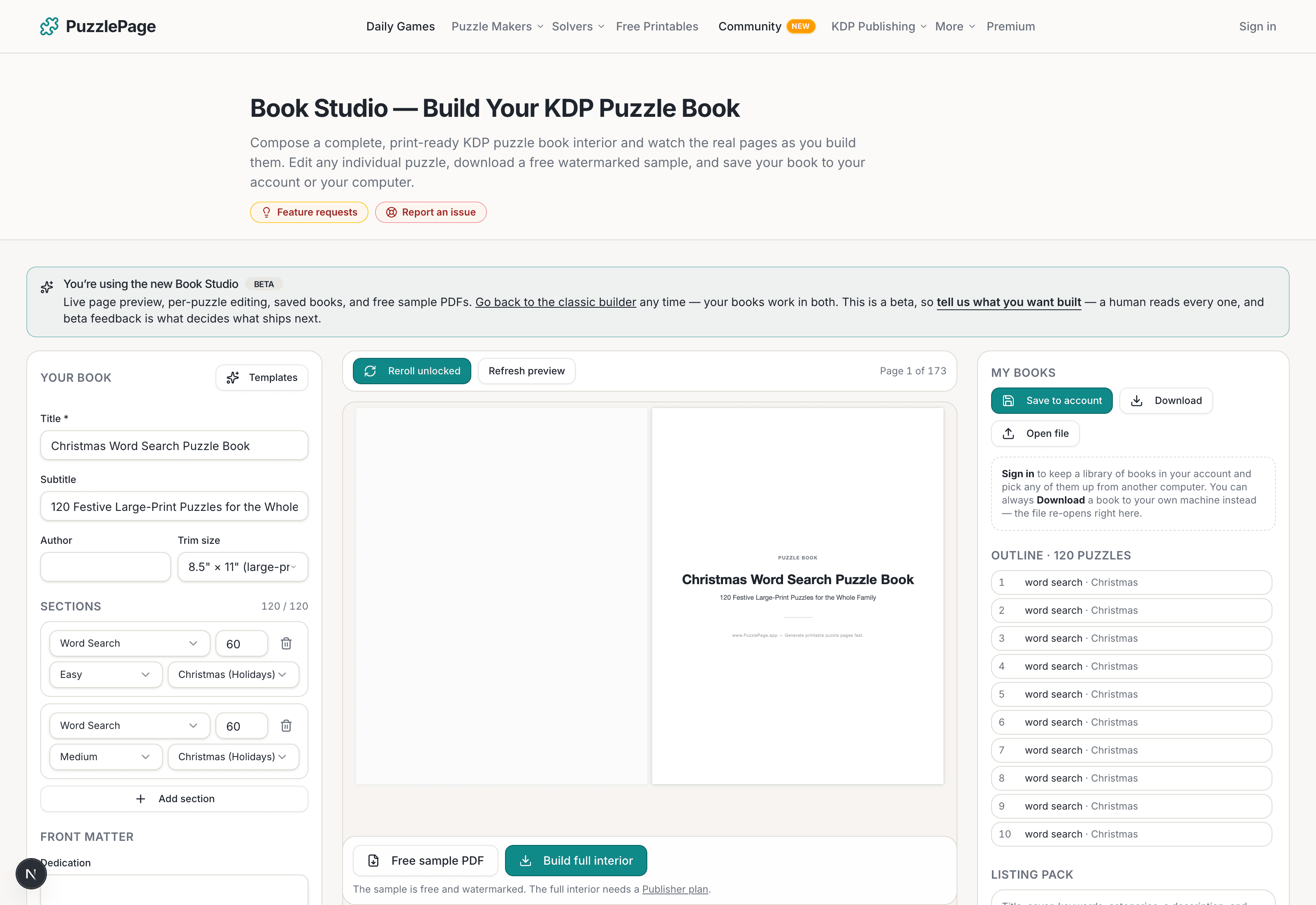
KDP Book Studio
Lay out a full puzzle book for Amazon KDP: templates, trim sizes, page checks and a cover designer.
Start a puzzle book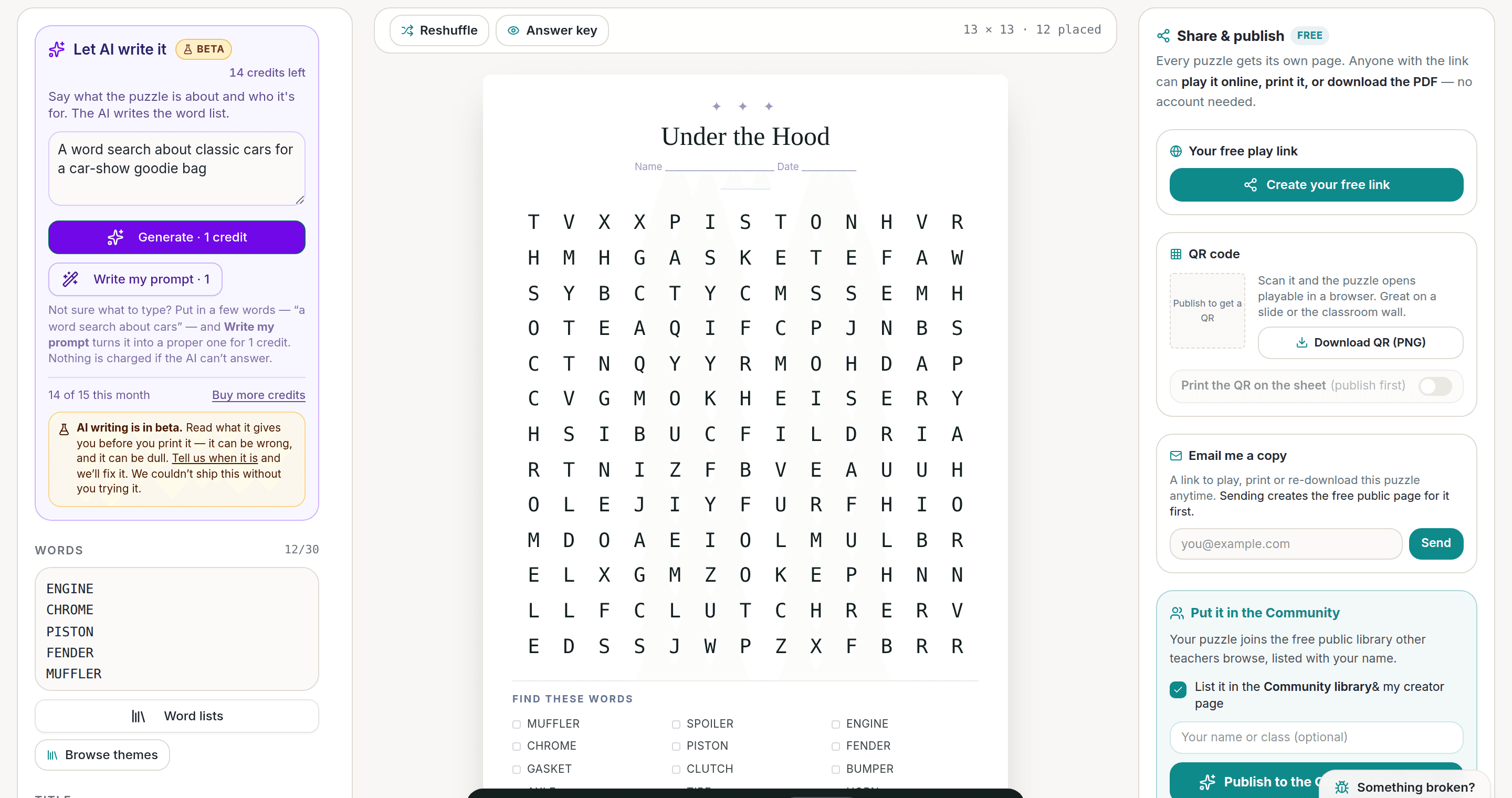
AI Puzzle Generator
Type a topic, get a themed word list and a finished puzzle. Premium also removes the footer credit and adds Word export.
Try the AI generator New
NewWorksheet Builder
Put a word search, a cryptogram and a scramble on one page, or build a whole themed packet. Prints with answer keys.
Build a worksheet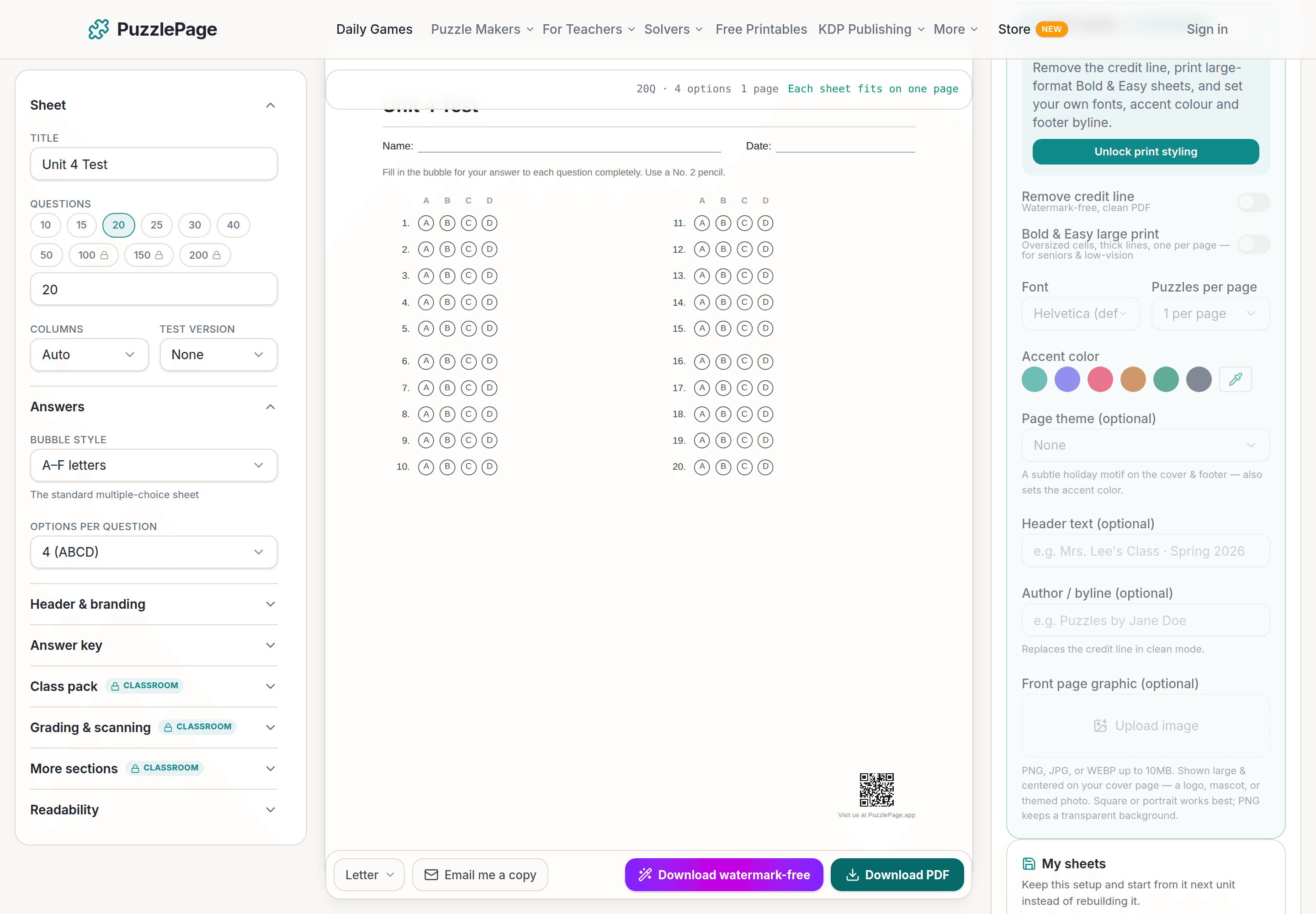
Bubble Sheet Studio
Answer sheets for any test length, with sections, versions, student ID grids and a matching answer key.
Make a bubble sheetPublisher plans unlock full print-ready interiors and covers, with a commercial licence to sell every book.
See plans →Free daily games
Need a two-minute break? Today's puzzles are live.
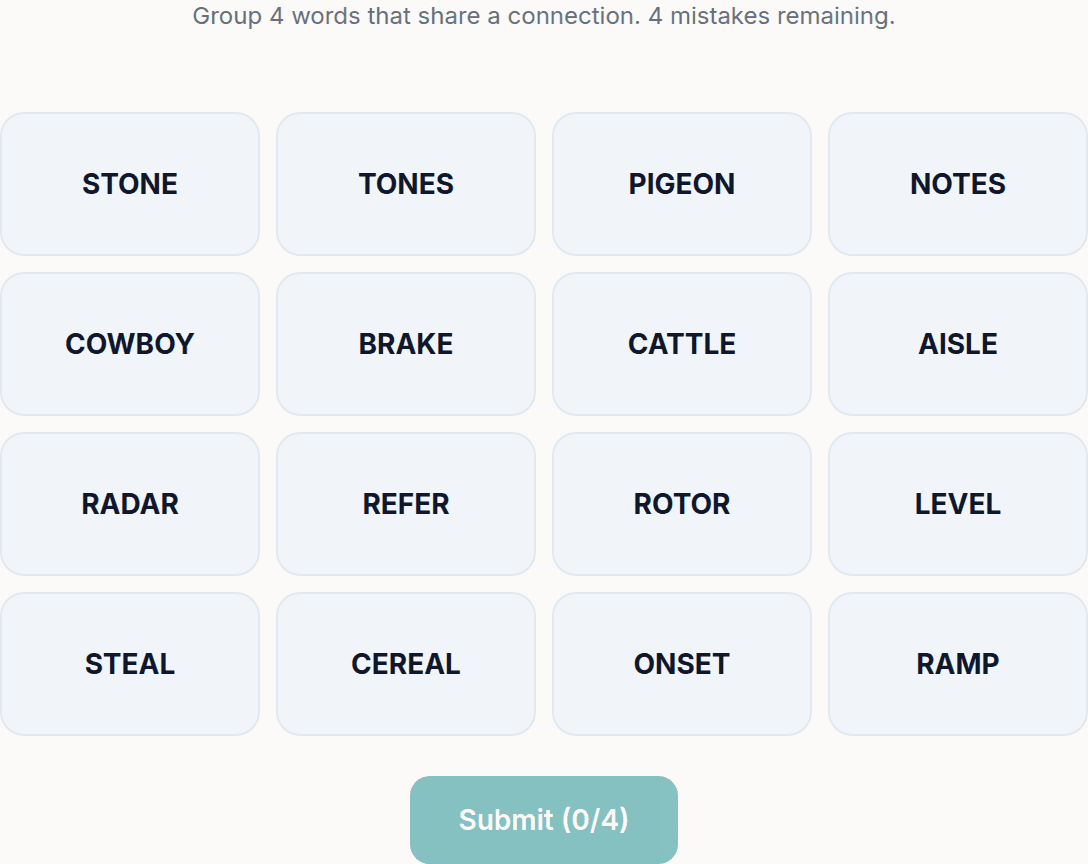
A new Sudoku and a new Connections board every day. No download, no account.


Keep reading
Get 10 free puzzles
Get the free 10-puzzle pack
Enter your email and we'll send you 10 print-ready puzzles with answer keys, plus a heads-up when we publish new generators and seasonal puzzle packs. Same quality as the ones on this page.
Roughly two emails a month. No spam, unsubscribe anytime.
Ready to build?
Build this book free in the PuzzlePage Book Studio
18 puzzle types, KDP margins and a full-wrap cover. Download the first 10 pages and the cover free.
Or start from a ready-made book template, or see books other publishers made here.
Enjoyed this? Share the puzzle on X
Like puzzles like this? Follow on Pinterest for a new one every day.