Free Task Card Maker: Printable Task Cards With QR Codes
Free task card maker: type your questions and print task cards 4, 6 or 8 per page, with QR self-check codes, a recording sheet and an answer key.
On this site: Make task cards free·Browse 100+ free printables·Play today's puzzles
 1:04
1:04Quick answer
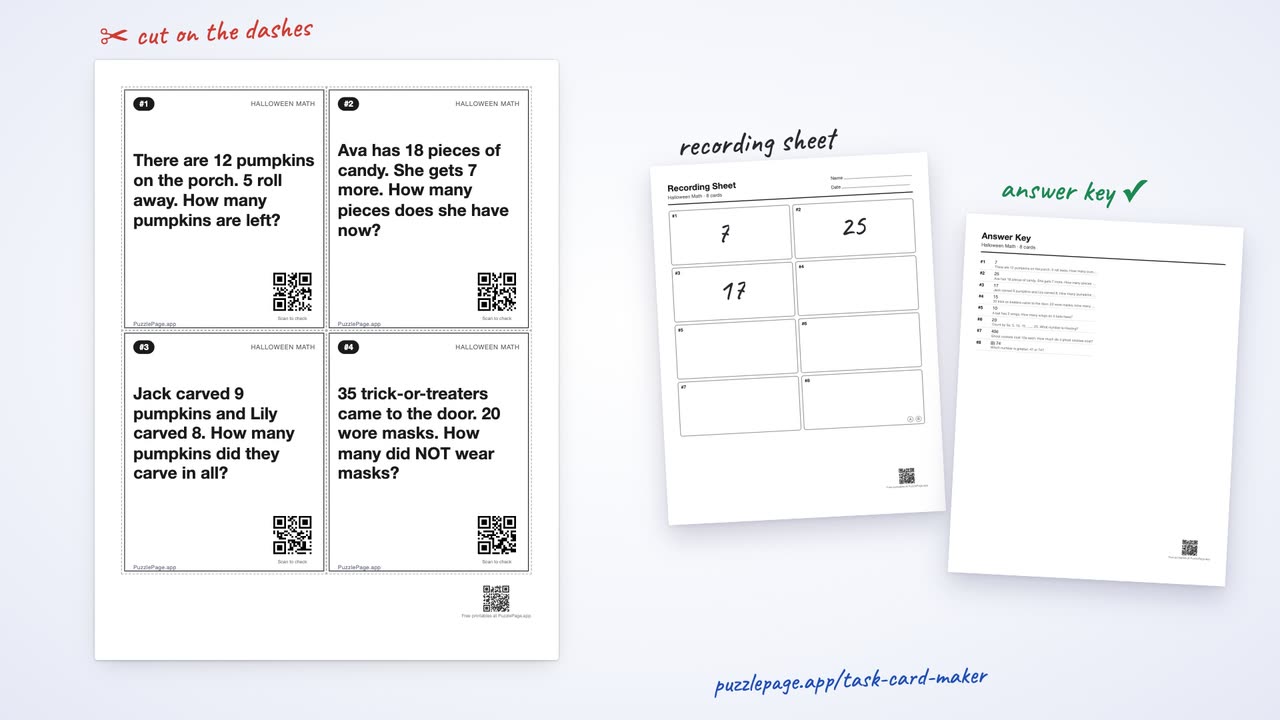
The free PuzzlePage task card maker turns a typed list of questions into printable task cards, 4, 6 or 8 to a page. Each card can carry a QR code that shows its answer on any phone camera, and the same PDF includes a numbered student recording sheet and an answer key.
Task cards are a classroom staple, with more than 450,000 task card listings on Teachers Pay Teachers as of September 2026: one question per card, spread around the room for Scoot, stations or early finishers. The new task card maker builds a whole set from your own questions, so the words, the card count and the answer key all match the lesson you are teaching this week.
This guide walks through the typing format, the three answer checks, and how to choose a card size.
📌 Key Takeaways
- Type one card per line as Question = Answer, or paste two columns straight from a spreadsheet.
- Pick 4, 6 or 8 numbered cards per page, 8 styles and 4 kinds of cut guide.
- Turn on QR self-check codes, a student recording sheet and an answer key, in any mix.
- Up to 64 cards per set, with 5 ready examples to start from.
What is a task card maker?
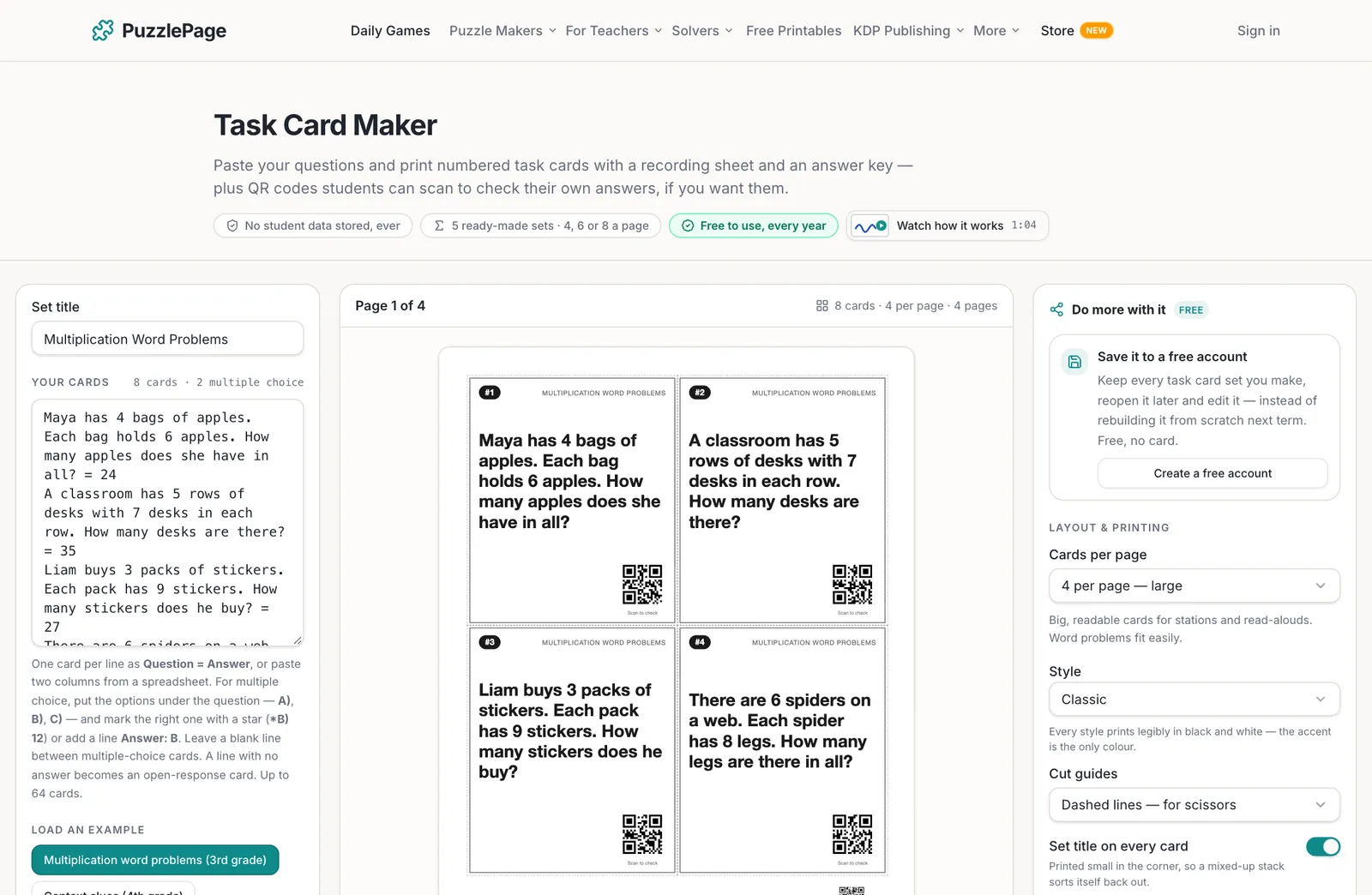
A task card maker is a tool that lays out one question per card on a printable page, numbers every card, and builds the answer key for you. The PuzzlePage version reads questions in plain text, so there is no template to fill in box by box.
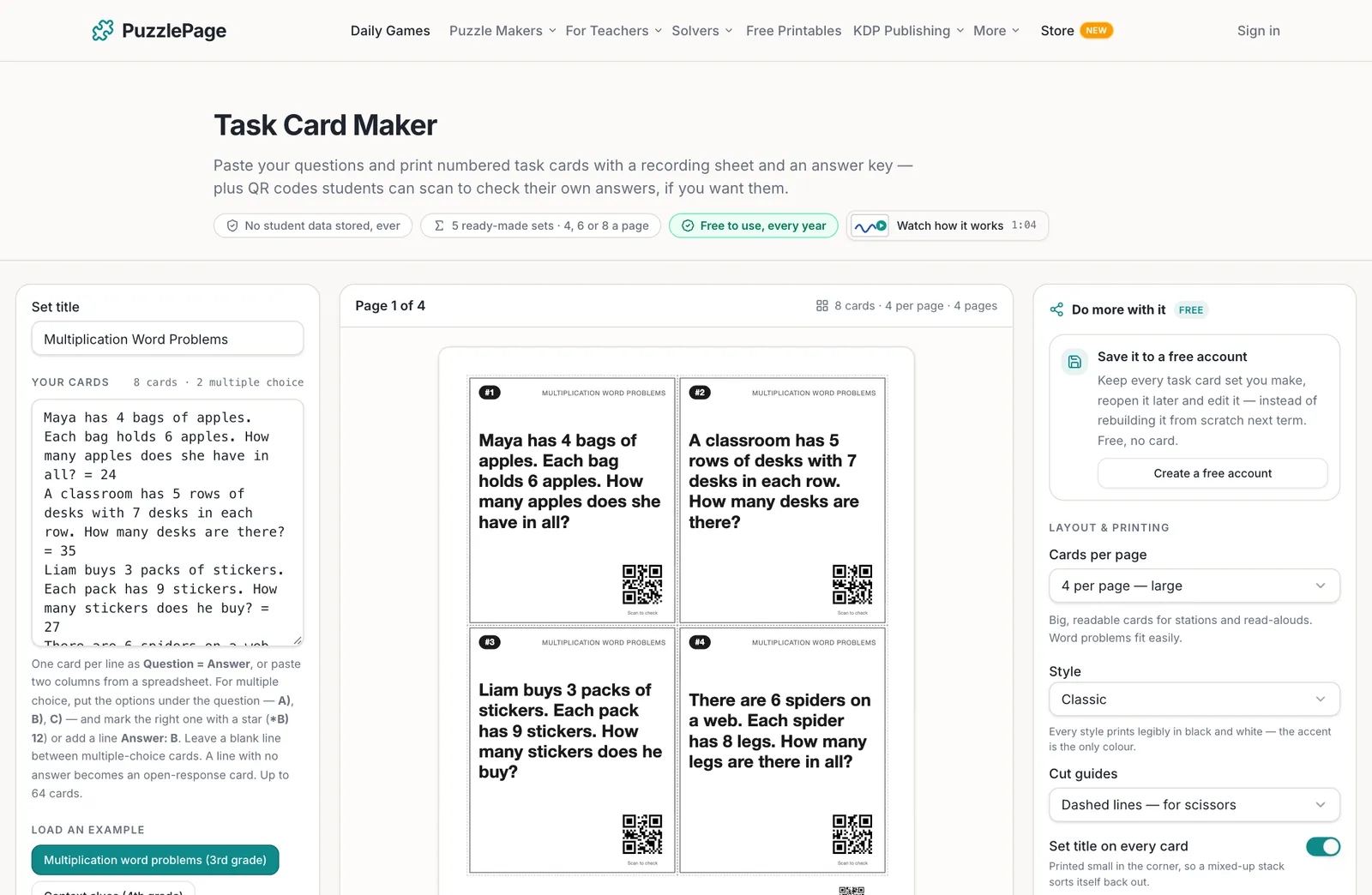
The five ready examples cover multiplication word problems for 3rd grade, context clues for 4th grade, Halloween math for 2nd grade, parts of speech, and states of matter. Load one to see the format, then replace it with your own questions.
Like this? We send 10 of these every month.
Free printable puzzles, answer keys included — same quality as the ones in this post.
One email. Unsubscribe anytime.
How do you type task cards?
Write one card per line with an equals sign before the answer. The maker splits on the last equals sign, so a question like If 3 + x = 7, what is x? = 4 keeps its own maths intact.
-
Question and answer
What is 6 x 7? = 42. A tab or a spaced bar ( | ) works the same way, which is why two spreadsheet columns paste in cleanly.
-
Multiple choice
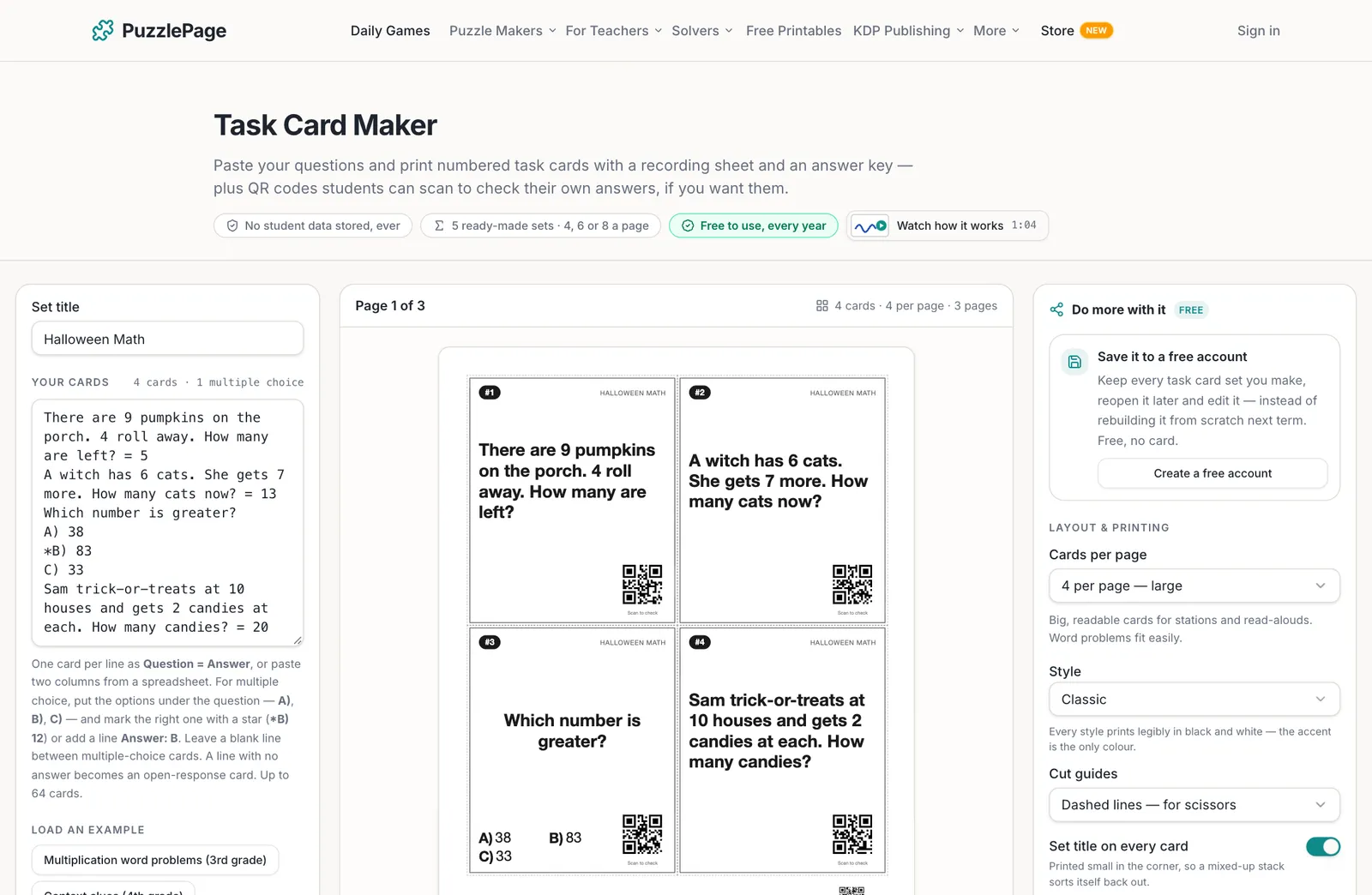
Write the question, then one option per line as A), B), C) and D). Put a star on the right one (*B) 83) or add a line that says Answer: B.
-
Open response
A line with no answer becomes an open card. It gets no QR code, and the answer key prints Answers will vary for it.
Pro Tip
Leave a blank line between multiple-choice cards. It keeps each set of options attached to the right question, and it makes a long list easier to proofread before you print.
Which answer checks should you turn on?
Three switches sit under Answers, and each one adds something different to the PDF. Most teachers keep all three on for stations and turn the QR codes off for a quiet independent test.
-
QR self-check on each card
Every answered card gets a small code labelled Scan to check. It holds plain text such as Card 7: C) 28, so a phone camera shows the answer with no website and no signal needed.
-
Student recording sheet
A numbered box for every card, with Name and Date lines. Multiple-choice boxes get their letters, so students circle instead of copying.
-
Answer key
The last pages of the file list every answer by card number, with the start of each question as a reminder.
Heads up
Many schools now keep phones in lockers during class. The QR codes are optional for that reason: switch them off and the recording sheet and answer key still print, so the set works in a phone-free room.
Which task card size is right for your lesson?
Card size decides how much text fits. The maker steps the type down on long questions until they fit, and warns you if a card is still too long for the size you picked.
| Cards per page | Good for | Typical set | Pages for 24 cards |
|---|---|---|---|
| 4 per page, large | Word problems, read-alouds, stations | 12 to 24 cards | 6 |
| 6 per page, standard | Scoot and most review sets | 24 cards | 4 |
| 8 per page, compact | Short facts and vocabulary | 32 or more cards | 3 |
- Open the Task Card Maker and type or paste your questions.
- Give the set a title. Set title on every card prints it small in the corner so a mixed-up stack sorts itself back out.
- Choose Cards per page, a Style and a Cut guides option.
- Switch on the answer checks you want under Answers.
- Click the preview to check each page at full size, then download the PDF.
Pro Tip
Print the cards on card stock and the recording sheet on plain paper. Corner marks for a paper trimmer cut faster than dashed lines when you are cutting a set of 32.
Task cards pair well with the rest of the free teacher tools. Turn the same vocabulary into a matching worksheet, or make a bubble answer sheet for a formal quiz on the same unit.
For more review ideas, the guide to a matching worksheet for vocabulary review shows how to build a week of practice from one word list. The research case for this kind of low-stakes quizzing is collected at RetrievalPractice.org.
Frequently Asked Questions
How do I make task cards for free?
Open the free Task Card Maker, type one card per line as Question = Answer, and pick 4, 6 or 8 cards per page. Download the PDF with the cards, a numbered recording sheet and an answer key. Free prints carry a small PuzzlePage.app mark on every card and a QR code in the page corner.
What do the QR codes on the task cards show?
Each QR code holds the answer as plain text, such as Card 3: B) 12. Any phone or tablet camera reads it without opening a website, so it works offline. Cards with no answer get no code, and you can switch the codes off for the whole set.
How many task cards can I make at once?
Up to 64 cards in one set. At 4 per page that is 16 card pages, and at 8 per page it is 8 pages. The recording sheet and the answer key print after the cards in the same PDF.
Can I make multiple choice task cards?
Yes. Type the question, put each option on its own line as A), B), C) and D), and mark the right one with a star, like *B) 12. You can also add a line that says Answer: B instead of the star.
More you can make here
One puzzle is the start. Here is the rest of the kit.
 New
NewWorksheet Builder
Put a word search, a cryptogram and a scramble on one page, or build a whole themed packet. Prints with answer keys.
Build a worksheet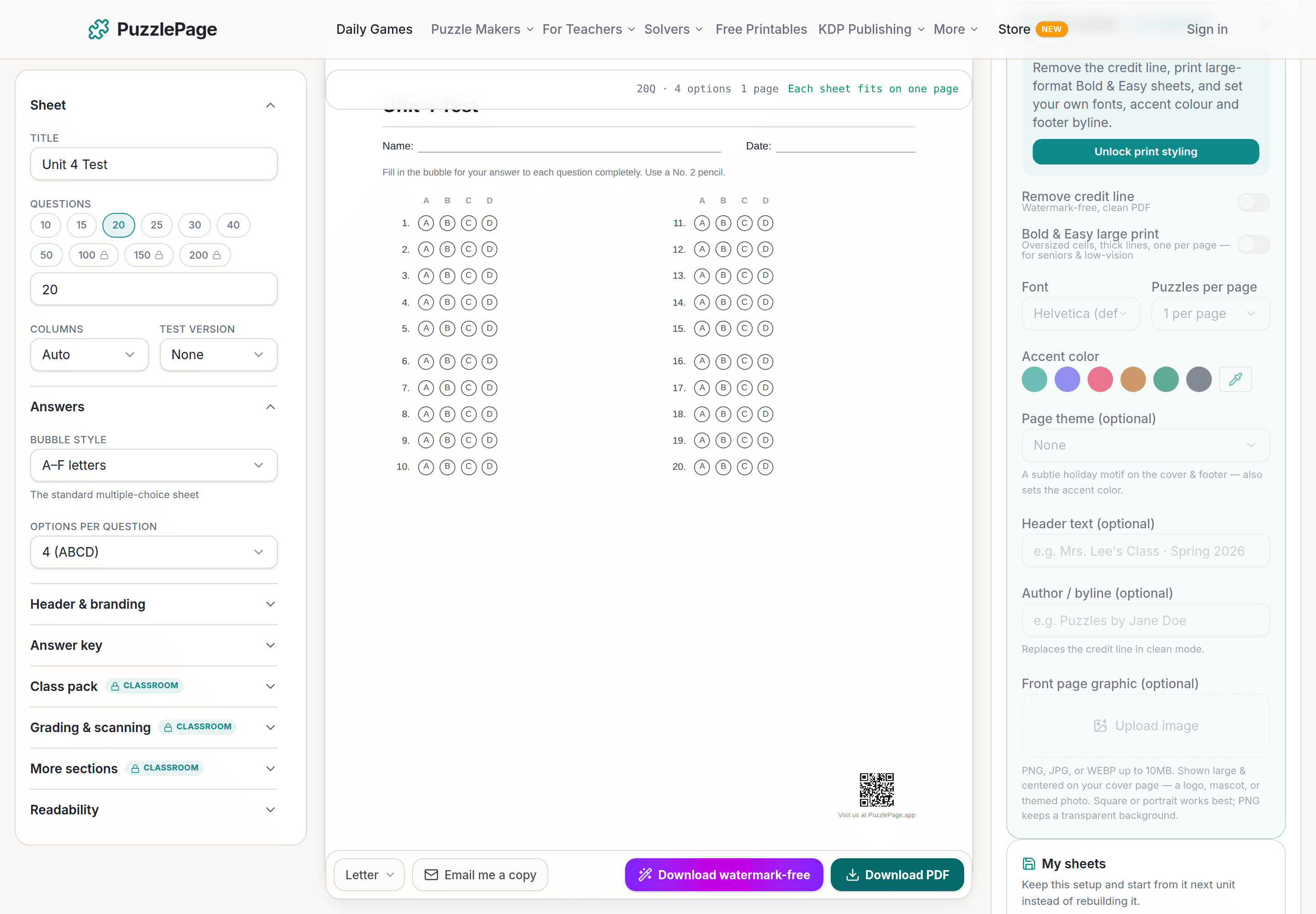
Bubble Sheet Studio
Answer sheets for any test length, with sections, versions, student ID grids and a matching answer key.
Make a bubble sheet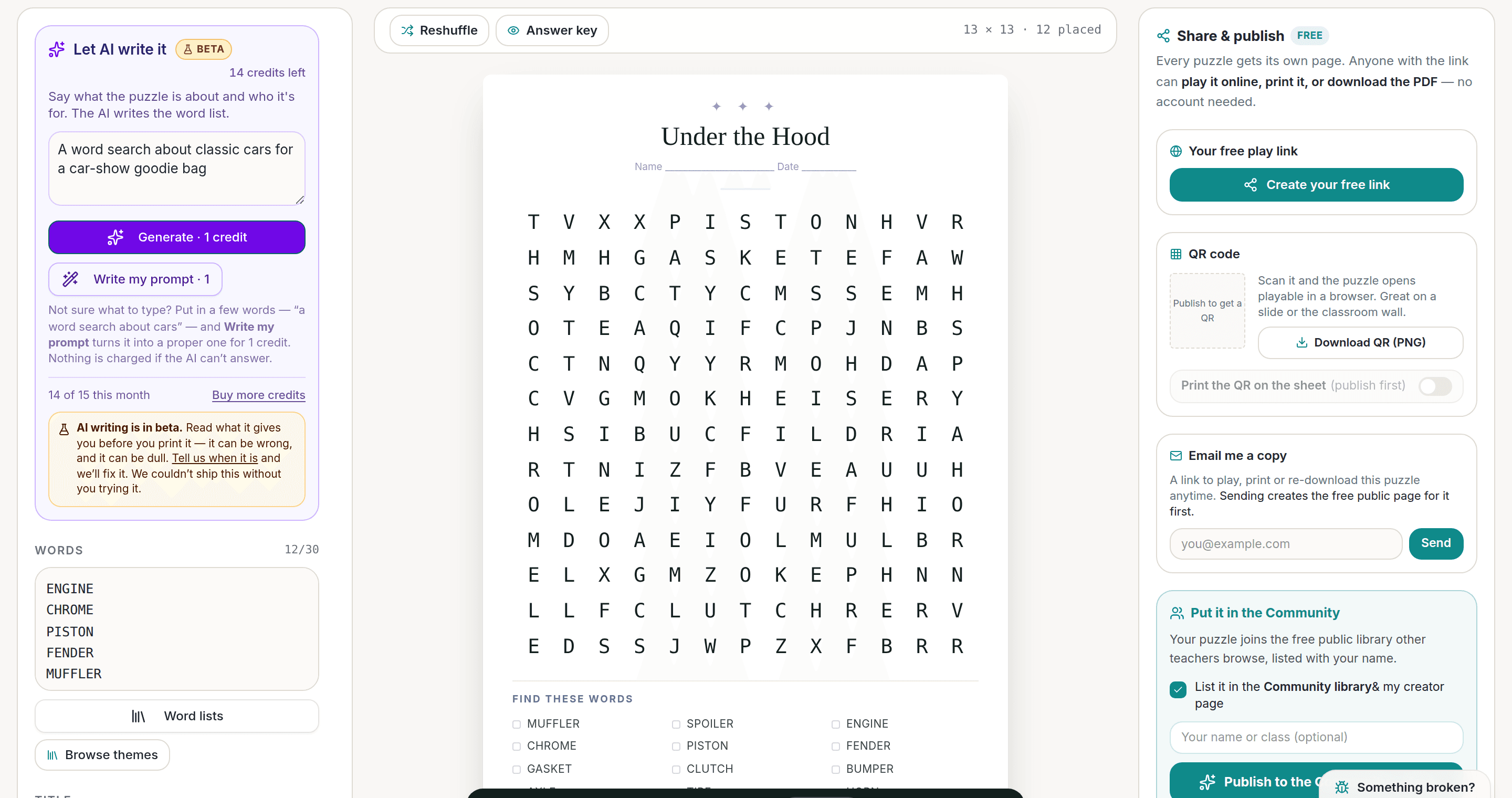
AI Puzzle Generator
Type a topic, get a themed word list and a finished puzzle. Premium also removes the footer credit and adds Word export.
Try the AI generator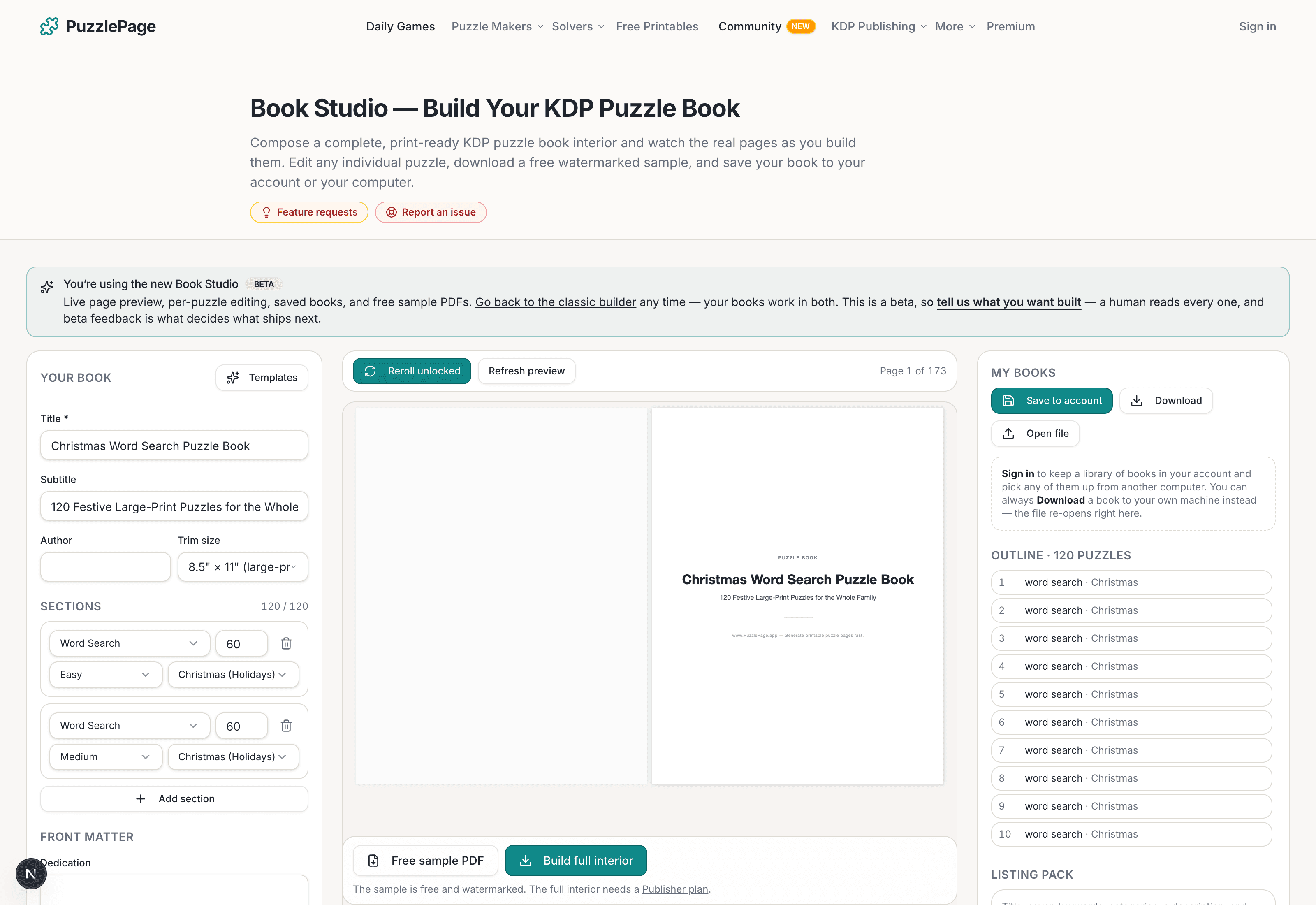
KDP Book Studio
Lay out a full puzzle book for Amazon KDP: templates, trim sizes, page checks and a cover designer.
Start a puzzle bookPremium removes the footer credit, adds Word export and custom styling across every maker.
See plans →Free daily games
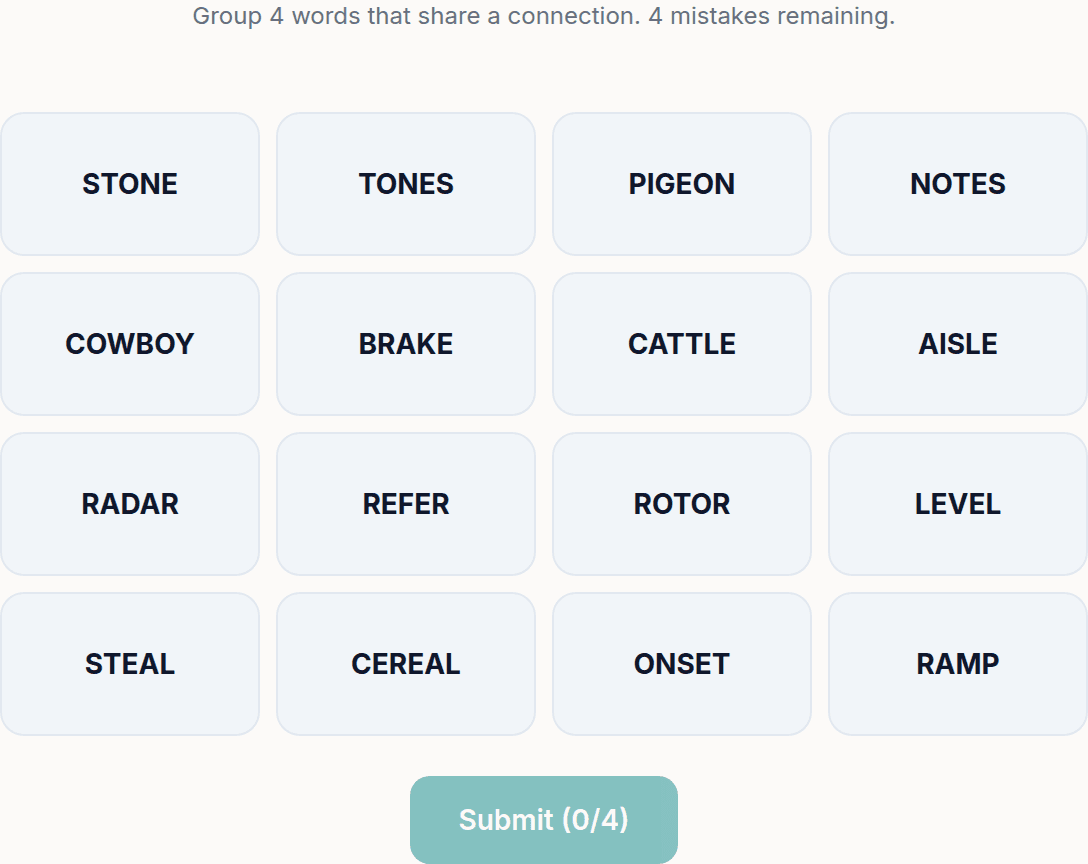
Need a two-minute break? Today's puzzles are live.
A new Sudoku and a new Connections board every day. No download, no account.
Keep reading
Get 10 free puzzles
Get the free 10-puzzle pack
Enter your email and we'll send you 10 print-ready puzzles with answer keys, plus a heads-up when we publish new generators and seasonal puzzle packs. Same quality as the ones on this page.
Roughly two emails a month. No spam, unsubscribe anytime.
Enjoyed this? Share the puzzle on X
Like puzzles like this? Follow on Pinterest for a new one every day.