Embed Puzzles on Your Website Free — and Make Them Yours
Embed puzzles on your website free — one copy-paste snippet adds an interactive word search, crossword, sudoku, or puzzle maker matched to your brand.
On this site: Build your free embed·Browse 100+ free printables·Play today's puzzles
This one is for you — the blogger, the teacher, the small-business owner, the hobby-site tinkerer who has always wanted a real, playable puzzle living right on your own page. Starting today, you can embed puzzles on your website for free, with a single copy-paste snippet. Nothing to install. No fees. No developer required. You pick a puzzle or game, style it to match your brand, copy one line, paste it into your page, and your visitors are playing in seconds. That's the whole thing. We built it, we're giving it away, and it's yours.
📌 Key takeaways
- You can now embed puzzles on your website free — one copy-paste snippet, nothing to install, no fees.
- Embed a puzzle maker (your visitors type their own words and generate a puzzle inline), a specific saved puzzle, or a fully playable game like Sudoku.
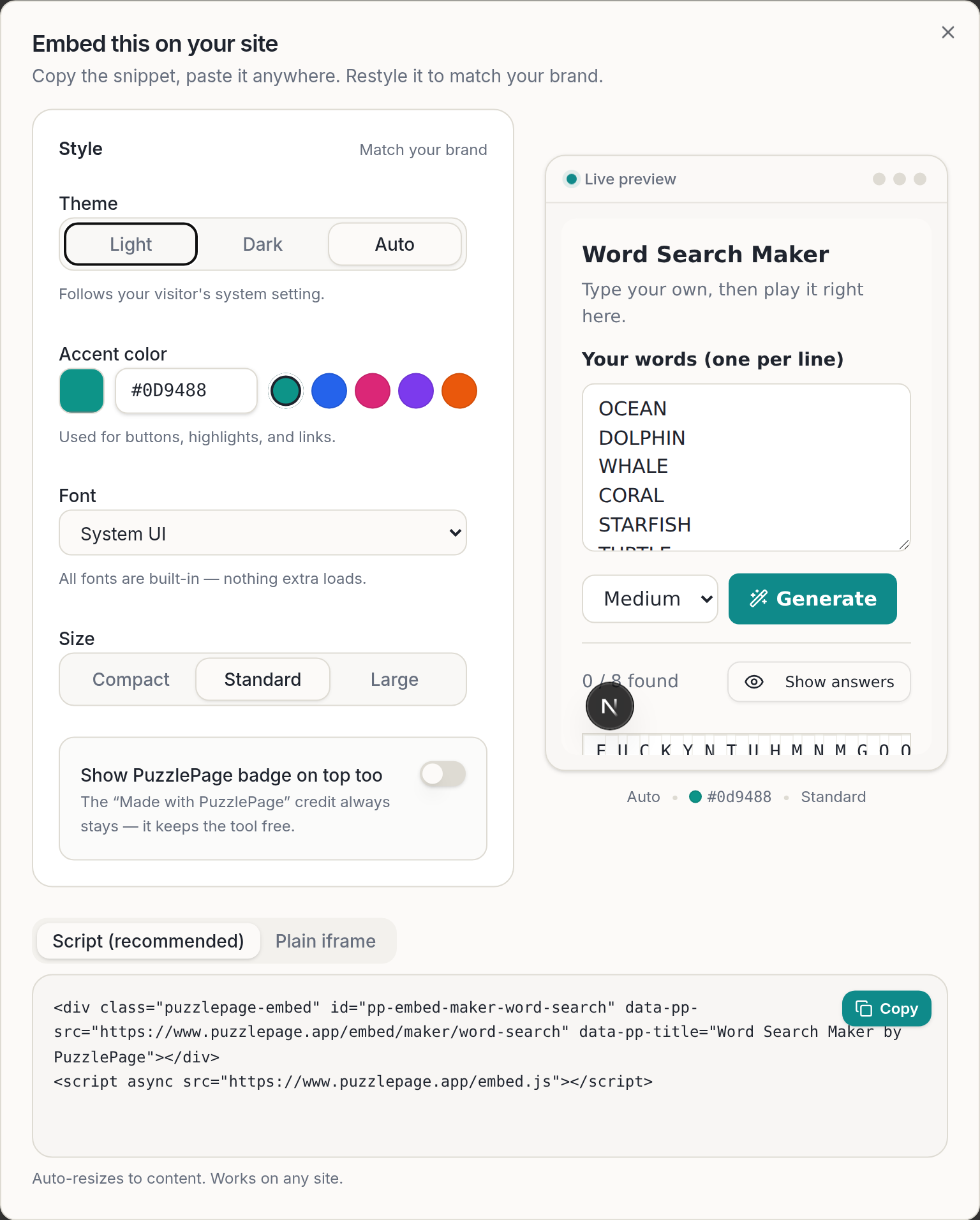
- Restyle every widget to match your brand: theme, accent color, font, and size — all live-previewed before you copy.
- Works on any site: WordPress, Squarespace, Webflow, Ghost, or plain HTML.
- A small "Made with PuzzlePage" credit keeps the tool free forever — that backlink is the whole deal.
What you can embed on your website
Here's the generous part: you don't get one puzzle type, you get the whole toy box. When you embed puzzles on your website with PuzzlePage, you can drop in three different kinds of interactive content, and each one uses the exact same players and games that run on the full PuzzlePage site.
1. A puzzle maker your visitors can use themselves
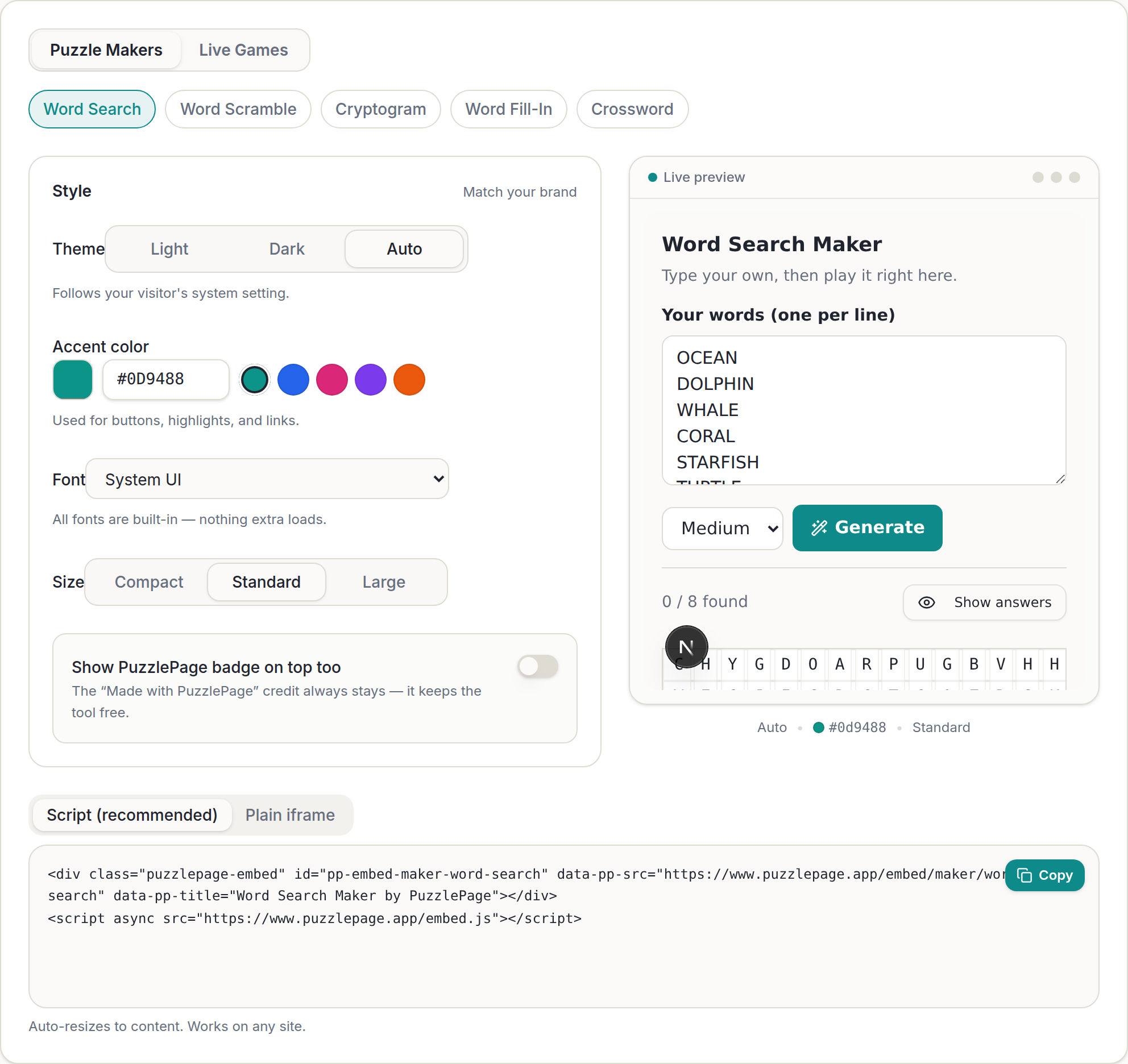
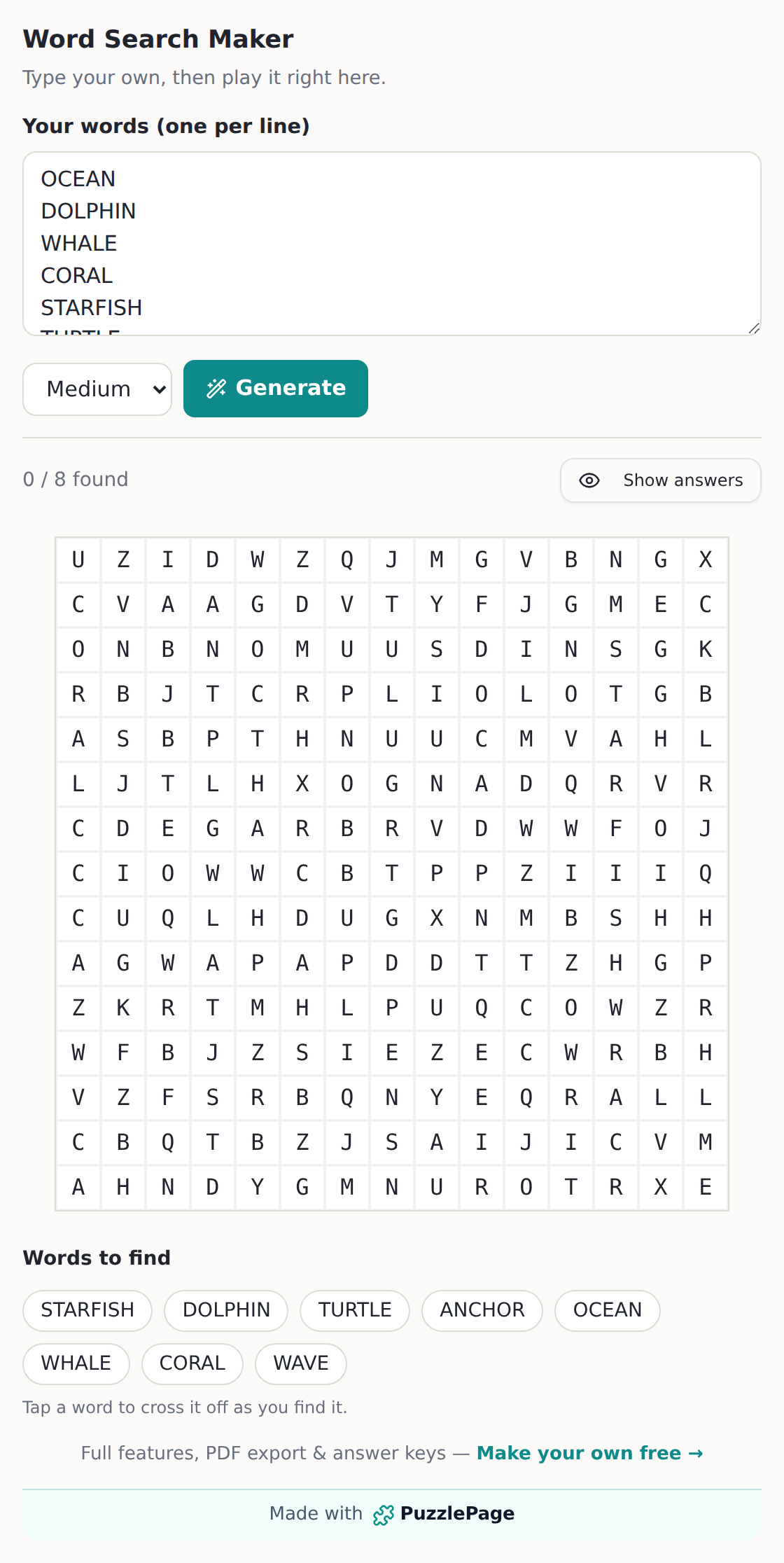
This is the fun one. A puzzle maker is a "create-then-play" widget: your visitor types their own words or phrase, hits generate, and a playable puzzle appears inline — right there on your page. It's perfect for a teacher letting students build their own spelling list, or a fan blog where readers make a puzzle out of their favorite characters. The makers you can embed are Word Search, Word Scramble, Cryptogram, Word Fill-In, and Crossword.
2. A specific puzzle you already made
Made a puzzle you love on PuzzlePage and want that exact one on your page? Every saved puzzle you create has an Embed button. Click it, and you get a snippet for that one specific puzzle — the same one, ready for your readers to play. Create a free account to save your puzzles and edit or republish them anytime.
3. A fully playable game
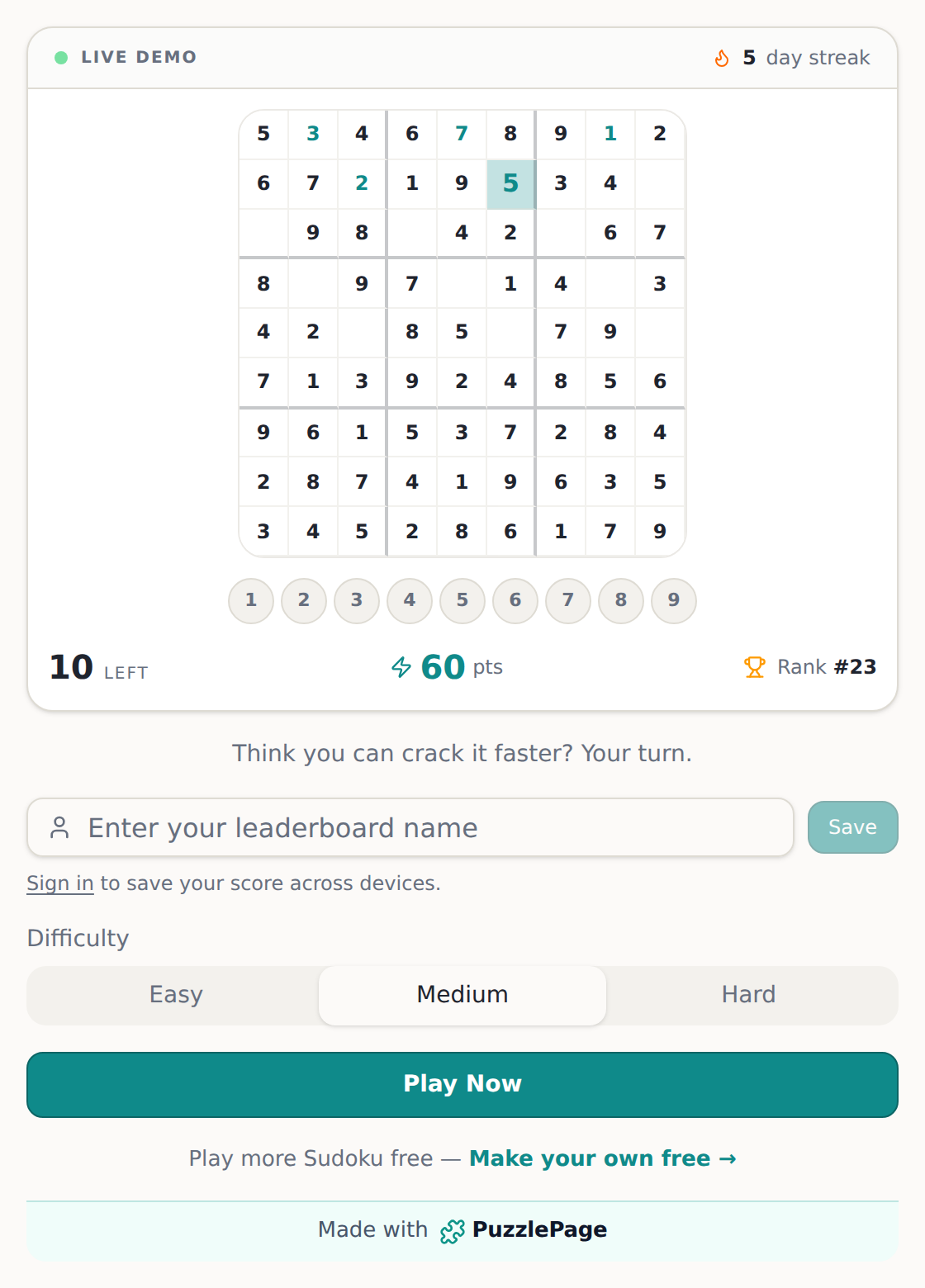
You can also embed a complete, ready-to-play game. The lineup includes Sudoku, X-Sudoku, Killer Sudoku, Calcudoku, Kakuro, Cross Math, Nonogram, Star Battle, Ripple Effect, Number Loop, Word Search, and Movie Trivia. Drop one onto your site and your visitors get the real, interactive game — the same one they'd play on PuzzlePage itself.
Like this? We send 10 of these every month.
Free printable puzzles, answer keys included — same quality as the ones in this post.
One email. Unsubscribe anytime.
Make it look like it was born on your site
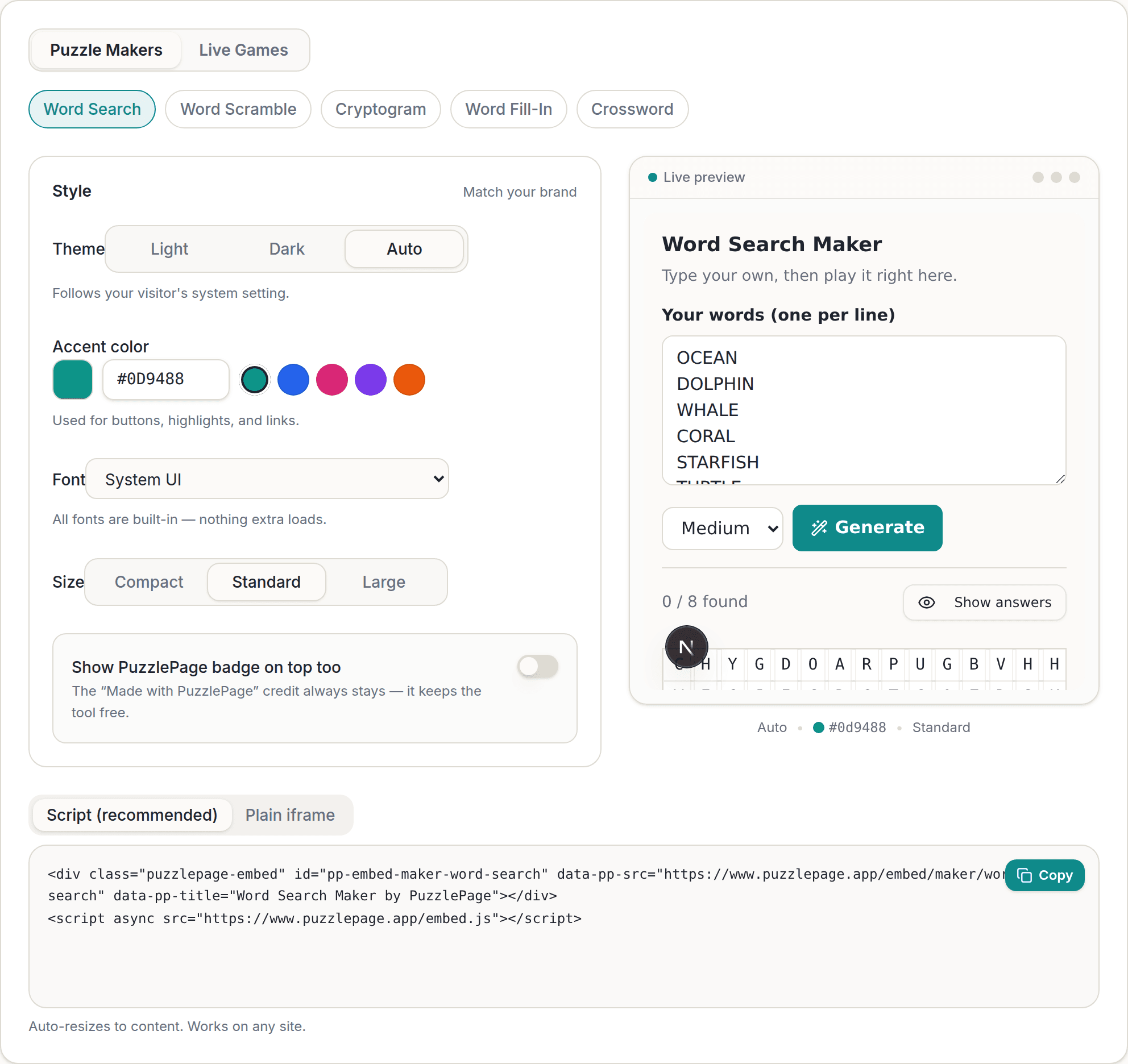
Your site has a look. Your embedded puzzle should share it. That's why every embeddable puzzle widget is yours to restyle — and you see every change live in the preview before you ever copy a single line of code. Here's what you get to control:
- Theme. Light, Dark, or Auto. Pick Auto and the widget quietly follows each visitor's own system light/dark setting — so a night owl gets dark mode without you lifting a finger.
- Accent color. Any hex color you want for buttons, highlights, and links, plus five quick presets to start from. We auto-tune the contrast so your button text stays legible on any color you choose.
- Font. Choose System UI, Sans, Serif, Rounded, or Monospace — or pick "Match my site" and the widget inherits your page's own font. Every font is built in, so nothing external ever loads.
- Size. Compact, Standard, or Large, so the puzzle fits your layout instead of fighting it.
- Optional badge. If you'd like, you can also show a small PuzzlePage badge on top.
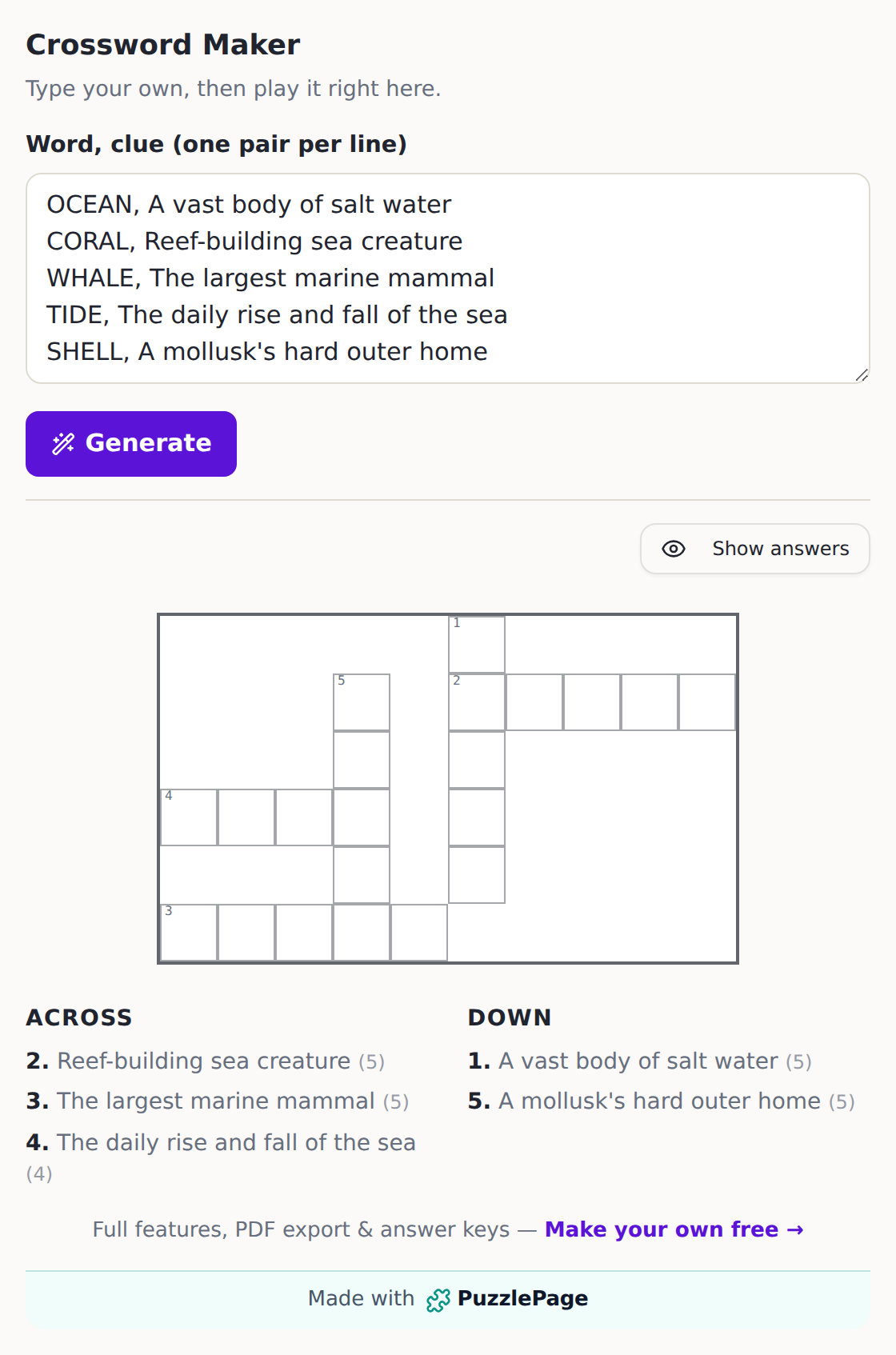
Want proof it really matches your brand? Here's a live embedded Crossword Maker recolored with a purple accent. Notice how the Generate button and the links go purple to match — while the "Made with PuzzlePage" credit bar keeps its teal, so your visitors always know where the puzzle came from.
Who this is for (yes, you)
We keep picturing the people who are going to love this, and honestly, it's probably you.
- Teachers. Put a Word Scramble or a spelling word search on your class site and let students generate their own from this week's vocabulary. No worksheets to print, nothing for kids to install.
- Bloggers and hobby-site owners. Turn a post about your favorite show, hobby, or hometown into something people do instead of just read. A crossword at the bottom of an article keeps readers on your page and smiling.
- Small businesses. A brand-colored Sudoku or Cryptogram on your site is a warm, free little gift for customers — and it looks like it was made just for you, because it was.
- Newsletter and community folks. Give your people a fresh puzzle to solve on your landing page, and give them a reason to come back tomorrow.
Whoever you are, the deal is the same: you bring the page, we bring the puzzle, and it costs you nothing.
One copy-paste snippet, and you're done
We promised no friction, so let's show you exactly what "one copy-paste" means. When you're happy with your preview, you copy a snippet. There are two kinds, and we recommend the first for almost everyone.
Script (recommended). This version auto-resizes the widget to its content height — no scrollbars, no clipping, no awkward empty space. It's two short lines:
<div class="puzzlepage-embed" id="pp-embed-maker-word-search" data-pp-src="https://www.puzzlepage.app/embed/maker/word-search" data-pp-title="Word Search Maker by PuzzlePage"></div>
<script async src="https://www.puzzlepage.app/embed.js"></script>
Plain iframe. If your CMS is locked down or your page runs without JavaScript, grab the plain iframe snippet instead for maximum compatibility. Same puzzle, same styling — just the most forgiving way to paste it.
Either way, you paste it into your page's HTML and you're finished. It works on any site — WordPress, Squarespace, Webflow, Ghost, or plain hand-written HTML. If you can add an HTML block to your page, you can embed a puzzle.
Why it's free (and how that stays true)
Let's be straight with you, because you deserve that. Every embedded widget carries a small "Made with PuzzlePage" credit that links back to us. That backlink is the entire deal — it's what keeps this tool free for you, forever. The credit always stays and can't be removed, and if you'd like, you can optionally add a second PuzzlePage badge on top. That's it. No pricing tiers, no trial clock, no "upgrade to unlock." You get the real tool, we get a friendly link, and everybody wins. We'd rather earn your trust with a genuinely good, genuinely free tool than nickel-and-dime you at the checkout — and we think a small credit at the bottom of a great puzzle is a fair trade for something you'd otherwise pay a developer to build.
Fast, private, and genuinely the real thing
A few things we're quietly proud of, because they're the details that make an embeddable puzzle widget feel good to use:
- It's the real player. The widgets reuse the exact same interactive players and games as the full PuzzlePage site — so your visitors get the complete experience, not a stripped-down demo.
- It stays fast and private. Nothing external loads. All fonts are built in, so there are no third-party requests slowing down your page or tracking your readers.
- It never clips. The script version communicates its height to your page, so the widget always fits its content — no cut-off grids, no stray scrollbars.
- It stays readable. Accent colors are clamped for WCAG-readable button contrast, so your buttons look great and stay legible no matter which color you pick.
How to embed a puzzle on your website
Here's the whole flow, start to finish. There are two front doors, and both take about a minute.
- From the Embed hub. Head to the /embed hub, pick a maker or a game, style it with theme, accent, font, and size, and copy your snippet.
- From any generator or saved puzzle. Click the Embed button on any generator page — like the Word Search Maker or Crossword Maker — or on any saved puzzle, to embed that exact thing.
Then paste, publish, and watch your readers start playing. Whether you run a classroom site, a hobby blog, a small-business page, or a newsletter landing page, you now have a real, interactive puzzle that belongs to your corner of the web. Go make something your visitors will love — build your free embed and we'll see you out there. And if you want more ideas first, the PuzzlePage blog is full of them.
More you can make here
One puzzle is the start. Here is the rest of the kit.
 New
NewWorksheet Builder
Put a word search, a cryptogram and a scramble on one page, or build a whole themed packet. Prints with answer keys.
Build a worksheet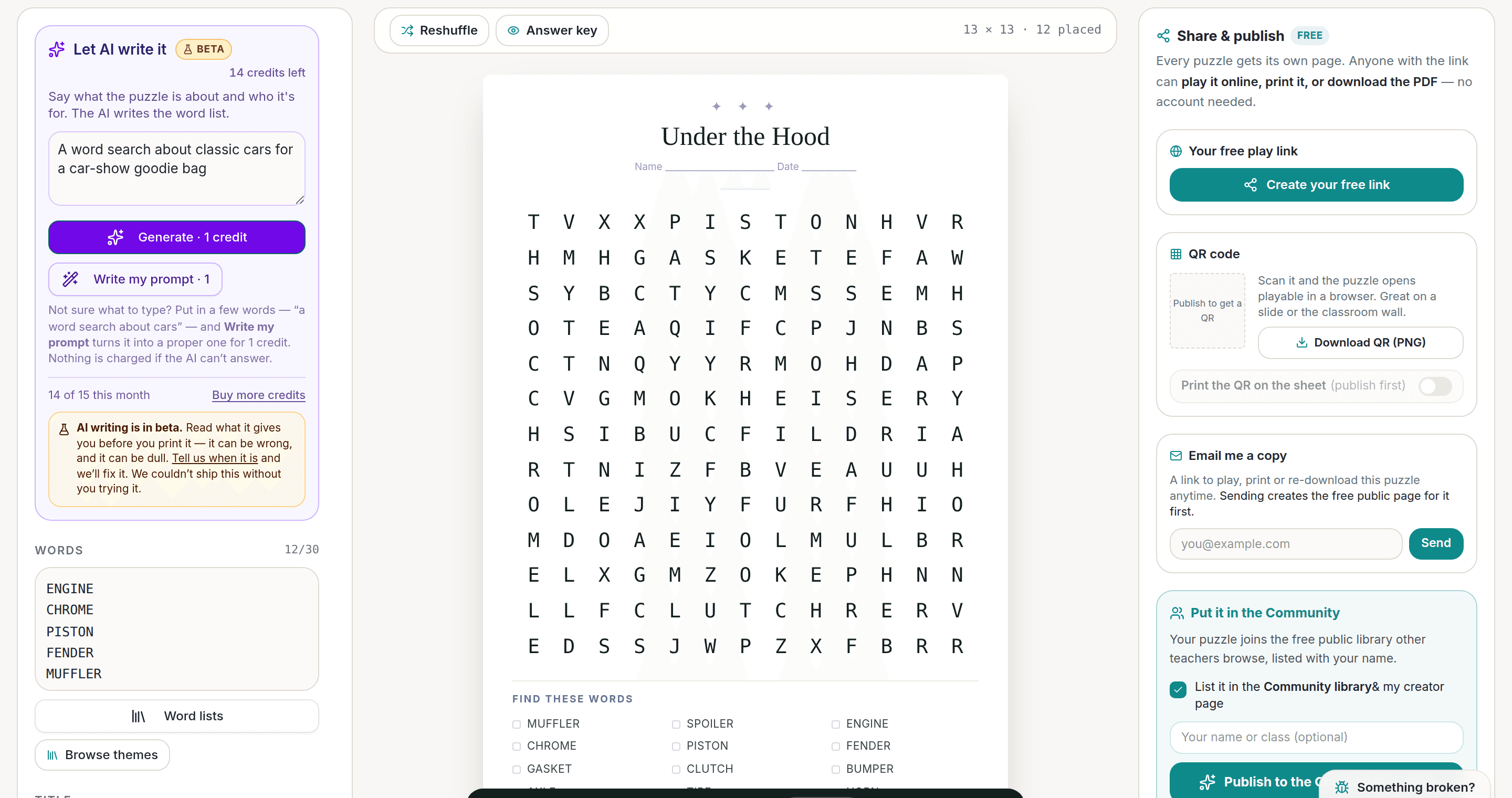
AI Puzzle Generator
Type a topic, get a themed word list and a finished puzzle. Premium also removes the footer credit and adds Word export.
Try the AI generator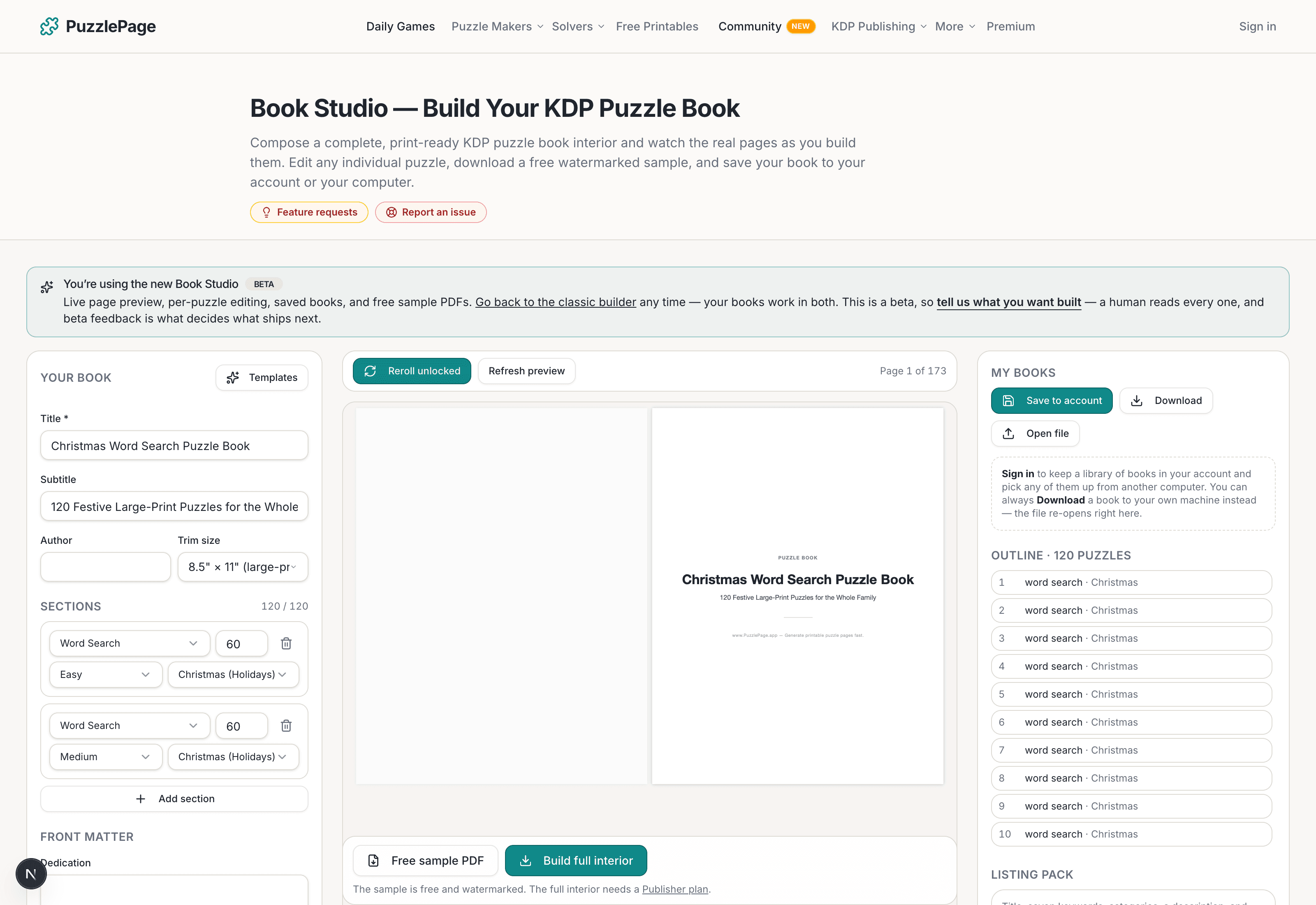
KDP Book Studio
Lay out a full puzzle book for Amazon KDP: templates, trim sizes, page checks and a cover designer.
Start a puzzle book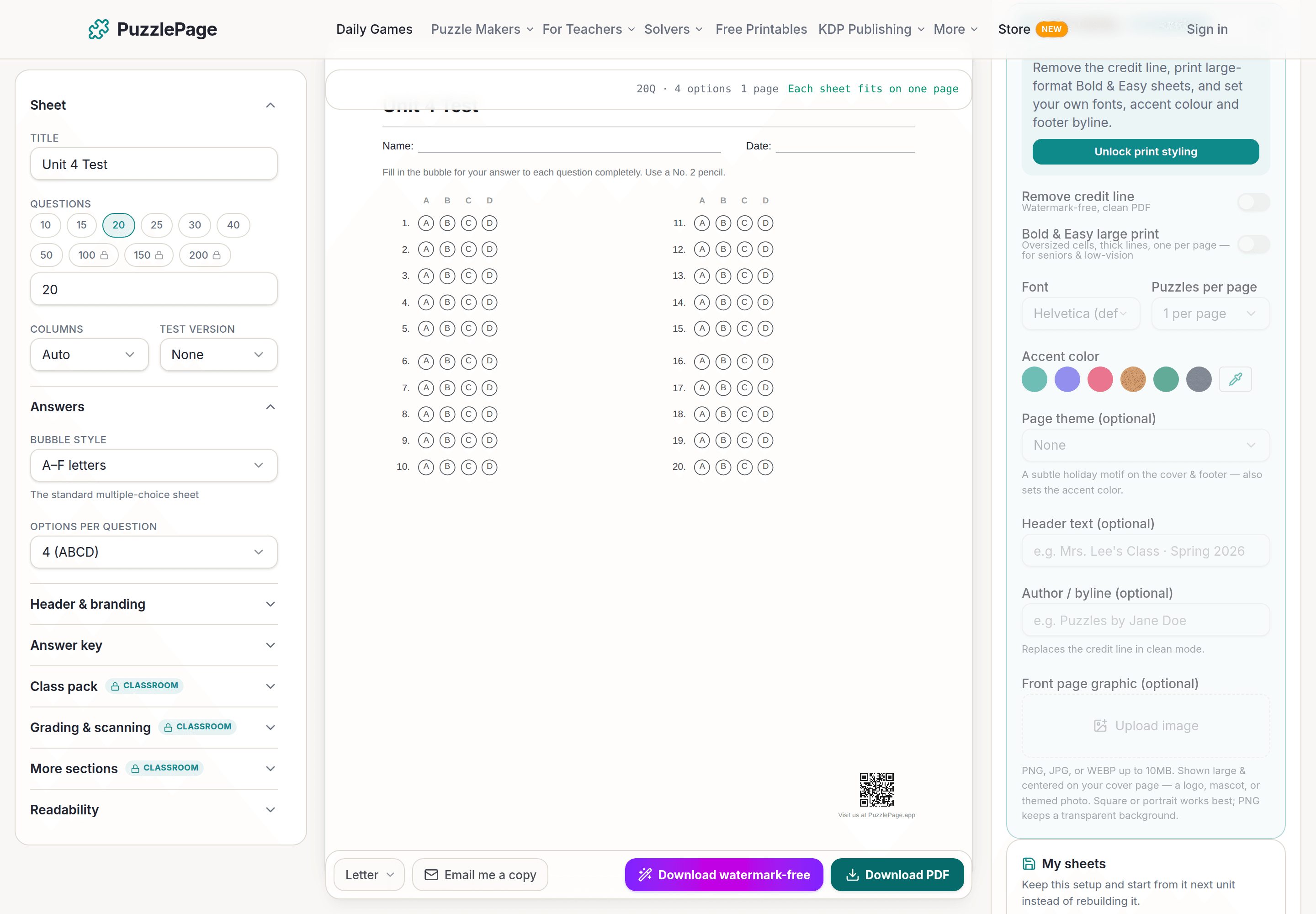
Bubble Sheet Studio
Answer sheets for any test length, with sections, versions, student ID grids and a matching answer key.
Make a bubble sheetPremium removes the footer credit, adds Word export and custom styling across every maker.
See plans →Free daily games
Need a two-minute break? Today's puzzles are live.
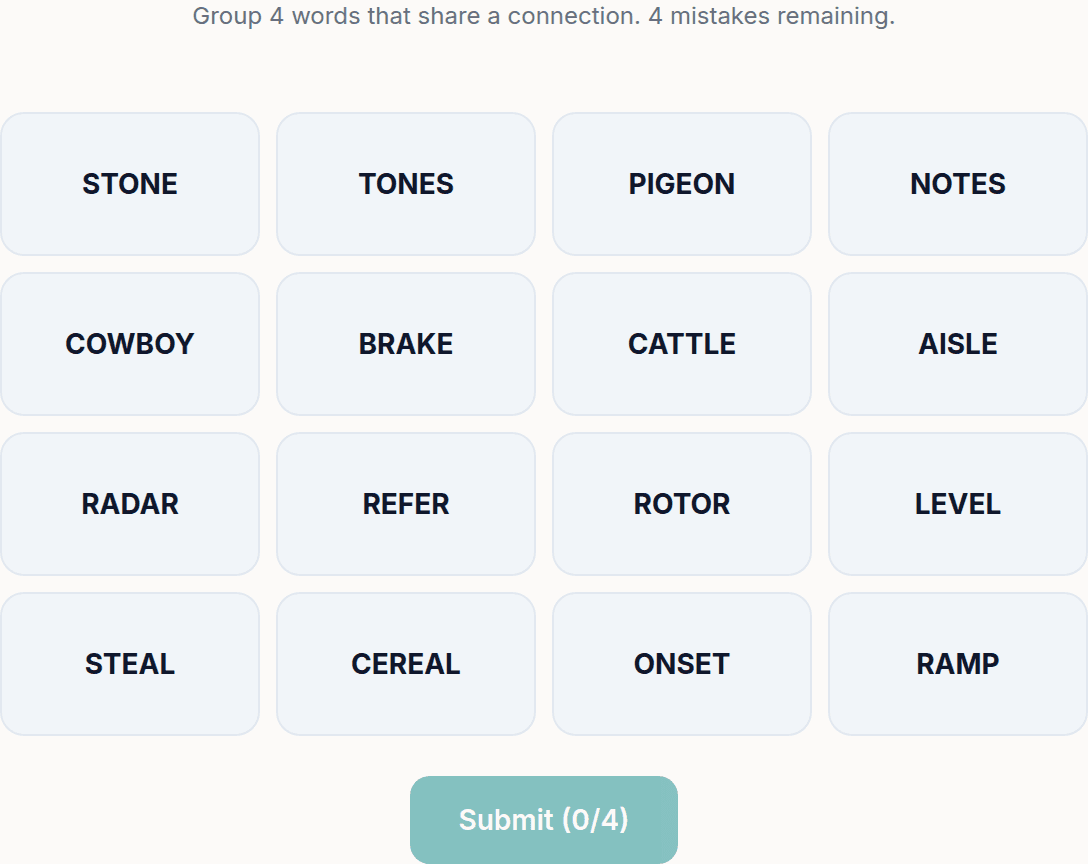
A new Sudoku and a new Connections board every day. No download, no account.


Keep reading
Get 10 free puzzles
Get the free 10-puzzle pack
Enter your email and we'll send you 10 print-ready puzzles with answer keys, plus a heads-up when we publish new generators and seasonal puzzle packs. Same quality as the ones on this page.
Roughly two emails a month. No spam, unsubscribe anytime.
Enjoyed this? Share the puzzle on X
Like puzzles like this? Follow on Pinterest for a new one every day.