Digital Citizenship Week Activities: Free Printable Pack
Digital citizenship week activities for October 19 to 23, 2026: an online safety vocabulary fill-in puzzle and a five-minute strong password mini lesson.

Word list
- BACKUP
- DEVICE
- ONLINE
- SCREEN
- SOURCE
- UPDATE
- BROWSER
- CITIZEN
- PRIVACY
- KINDNESS
- PASSWORD
- PHISHING
- SETTINGS
- ALGORITHM
- FOOTPRINT
Online Safety Fill-In
Digital citizenship: privacy, strong passwords, kindness online and checking sources
Word List
- 6 letters:
- BACKUP, DEVICE, ONLINE, SCREEN, SOURCE, UPDATE
- 7 letters:
- BROWSER, CITIZEN, PRIVACY
- 8 letters:
- KINDNESS, PASSWORD, PHISHING, SETTINGS
- 9 letters:
- ALGORITHM, FOOTPRINT
Free companion PDF
Online Safety Fill-In
Digital citizenship: privacy, strong passwords, kindness online and checking sources. Grab the PDF now and we'll send 10 more printable puzzles, plus a heads-up when new generators or seasonal packs go live. Roughly two emails a month — unsubscribe anytime.
No payment · Letter-size · Answer key included
Prefer to play online? There's a new puzzle every day.
Free daily word games — play instantly. Come back tomorrow for a fresh one.
On this site: Create your own free word fill in puzzle·Browse 100+ free printables·Play today's puzzles
Your students can find any video in four seconds, but ask them what a strong password looks like and the room goes quiet. Digital Citizenship Week is the nudge to teach it, and you have a Monday lesson slot with nothing in it yet.
These digital citizenship week activities fit into short blocks: a vocabulary puzzle that introduces the words, a password mini lesson built on government guidance, and one question a day to keep the conversation going.
Start with the Online Safety Fill-In at the top of this page. Students can solve it on screen, or print the same puzzle and download the PDF with its answer key.
📌 Key Takeaways
- Common Sense Education lists Digital Citizenship Week 2026 as October 19 to 23, with free lessons for K to 12.
- A word fill-in puzzle introduces vocabulary like PHISHING, PRIVACY and FOOTPRINT without needing clue-writing.
- CISA recommends passwords of at least 16 characters, or a passphrase of four to seven unrelated words.
- One discussion question per day turns a single lesson into a week-long habit.
 0:52
0:52When Is Digital Citizenship Week 2026?
Digital Citizenship Week 2026 runs Monday, October 19 through Friday, October 23. It is organized by Common Sense Education, which publishes free, grade-specific lessons for K to 2, 3 to 5, 6 to 8 and 9 to 12.
The Common Sense Education Digital Citizenship Week page focuses this year on thinking skills: evaluating information, understanding algorithms and making thoughtful choices about technology. The printables below fit alongside those lessons as warm-ups or early-finisher work.
Free Word Fill-In PDF — Online Safety Fill-In
Print-ready · answer key included · unsubscribe anytime
What Are Easy Digital Citizenship Week Activities?
The easiest activities are short and concrete: a vocabulary puzzle, a password-building game, a "real or fake?" source check and a kindness-online pledge. Each fits in 10 to 15 minutes and works with or without devices.
Online safety fill-in
Students place 15 vocabulary words into a crossword-style grid using word length and crossing letters.
Passphrase builder
Students invent practice passphrases from four unrelated words, then rate each other's for length.
Real or fake?
Show three headlines and ask students what they would check before sharing each one.
Kindness online pledge
A half-page card: "Before I post, I will..." Students finish the sentence and sign it.
A fill-in puzzle suits vocabulary introduction better than a crossword because it needs no clues. Students work from word length and crossing letters, then you discuss what each word means once the grid is full.
Pro Tip
Before handing out the puzzle, read the word list aloud and ask students to hold up fingers from one to five for how well they know each word. It takes a minute and shows you which terms, usually PHISHING and ALGORITHM, need the most time.
How Do You Teach a Strong Password Mini Lesson?
Teach one rule: long beats clever. The US Cybersecurity and Infrastructure Security Agency recommends passwords of at least 16 characters, a different one for every account, and suggests a passphrase of four to seven unrelated words as an easy way to get there.
Its Use Strong Passwords guidance also recommends a password manager, so people only need to remember one strong password. That is a good talking point for older students and their families.
- Write a weak example on the board, such as a pet's name and a birth year, and ask why it is easy to guess.
- Explain the 16-character guideline and count the weak example's length together.
- Have each student pick four unrelated words from the fill-in puzzle grid, such as SCREEN, BACKUP, KINDNESS and SOURCE.
- Join them into a practice passphrase and count the characters. Four puzzle words easily pass 16.
- Remind everyone that practice passphrases are for class only: never use one for a real account, and never share a real password.
Heads up
Do not ask students to type or say their real passwords, even to check them. The lesson works entirely with invented practice examples.
What Online Safety Words Should Students Know?
Focus on 12 to 15 words that students meet every day online. The table below matches each puzzle word with a plain definition and a quick discussion question you can ask once the grid is solved.
| Word | Plain meaning | Ask the class |
|---|---|---|
| PASSWORD | A secret that proves an account is yours | Who should know your password? |
| PRIVACY | Control over who sees your information | What would you not share online? |
| PHISHING | A fake message trying to trick you | How can you spot a fake message? |
| FOOTPRINT | Everything you leave behind online | What would your footprint say about you? |
| SOURCE | Where information comes from | How do you know a website is reliable? |
| ALGORITHM | Rules an app uses to choose what you see | Why might two people see different videos? |
| UPDATE | New software that fixes problems | Why do devices ask to update? |
| BACKUP | A saved copy of your files | What would you lose without a backup? |
For younger grades, trim the list to eight friendlier words such as ONLINE, SCREEN, KINDNESS, PRIVACY and PASSWORD, and use the easy difficulty.
Pro Tip
Make a second version of the same vocabulary with the word search maker for students who finish early, or a word scramble for a quick bell-ringer on Tuesday. Same words, three formats, three days of review.
How Do You Plan the Whole Week?
Give each day one theme, one short printable and one discussion question. Keeping the format steady means students know the routine and you can prep everything on Sunday night.
| Day | Theme | Activity | Question of the day |
|---|---|---|---|
| Mon Oct 19 | Vocabulary | Online Safety Fill-In | Which word was new to you? |
| Tue Oct 20 | Passwords | Passphrase builder | Why does length matter more than symbols? |
| Wed Oct 21 | Privacy | Sort cards: share, ask first, never share | What would you never post? |
| Thu Oct 22 | Checking sources | Real or fake? headlines | What do you check before sharing? |
| Fri Oct 23 | Kindness online | Pledge card and exit ticket | How can you help someone online? |
Friday's exit ticket is a good place to see what stuck. The exit ticket maker prints short response slips with your own question and cut guides.
If you want the whole week's printables in one packet, the Worksheet Builder can combine the fill-in, a word search and a scramble. Building and previewing are free; the PDF download is a paid feature.
How Do You Adapt the Puzzle for Your Own Curriculum?
Add your own words to the live maker below this article, which opens with this post's vocabulary, then change the difficulty and print a fresh copy for each class period. Terms from your district's acceptable use policy make a good second list.
Start publishing today
Build your puzzle book in the KDP Book Builder
Stop assembling puzzle pages by hand. Compose a complete book, watch the real printed pages as you build, and download an interior that is ready to upload to Amazon the same day.
- ✓Complete print-ready interiors, up to 120 puzzles, in one build
- ✓18 puzzle types, difficulty ramps, and every KDP trim size
- ✓Packed answer keys and continuous page numbering, done for you
- ✓A full commercial licence: sell every book you make
Save 10% on your first year
Use code PUBLISH10 on any annual Publisher plan. $149 $134.10 for the first year, a $14.90 saving. Applied automatically at checkout.
Cancel anytime. Every book you build is yours to keep and sell.
Frequently Asked Questions
When is Digital Citizenship Week 2026?
Common Sense Education lists Digital Citizenship Week 2026 as Monday, October 19 through Friday, October 23. It offers free lessons for grades K to 12.
What are good digital citizenship week activities for elementary students?
Short, concrete activities work best: an online safety vocabulary puzzle, a practice passphrase game, a kindness online pledge and a simple "real or fake?" discussion.
How long should a strong password be?
CISA recommends at least 16 characters. A passphrase of four to seven unrelated words is an easy way to reach that length and is simpler to remember.
What is a word fill-in puzzle?
A word fill-in gives students a list of words and a crossword-style grid with no clues. They place each word using its length and the letters it shares with other words.
Live demo
Make your own word fill-in right here
Swap in your own words (a spelling list, residents' names, a unit's vocabulary) and press Generate. The full maker adds answer keys, size options and PDF export.
More you can make here
One puzzle is the start. Here is the rest of the kit.
 New
NewWorksheet Builder
Put a word search, a cryptogram and a scramble on one page, or build a whole themed packet. Prints with answer keys.
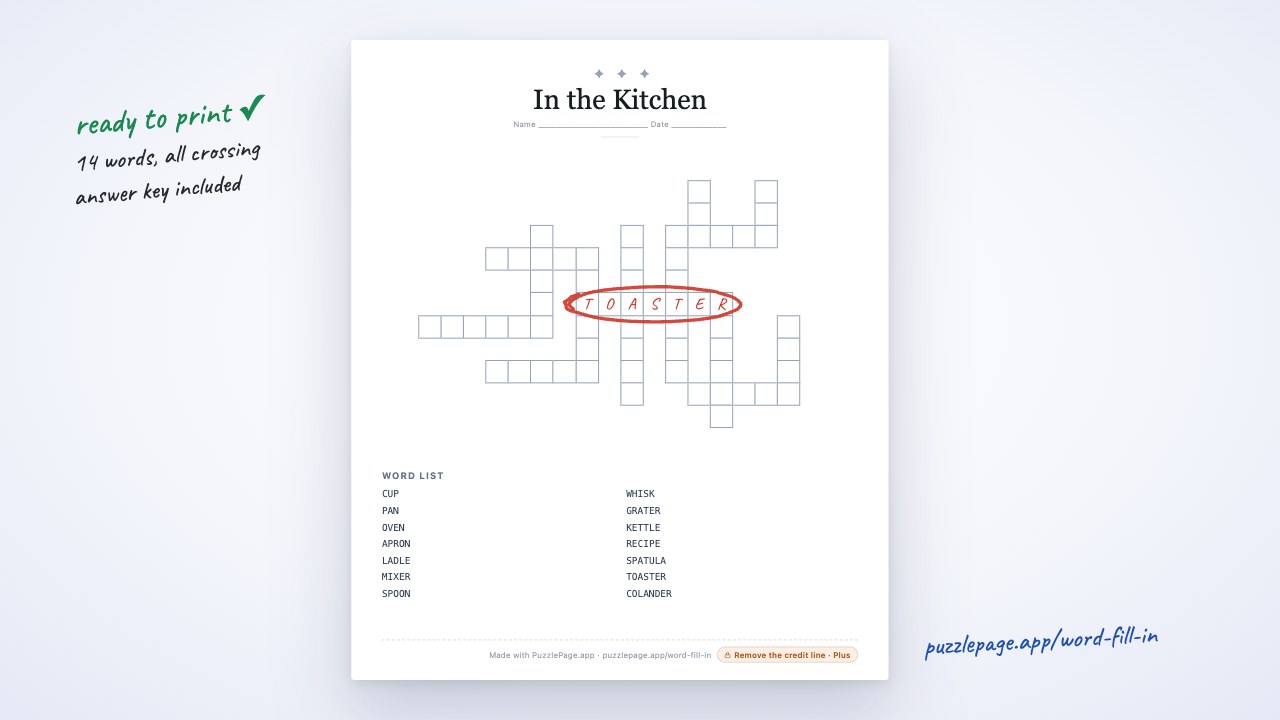
Build a worksheet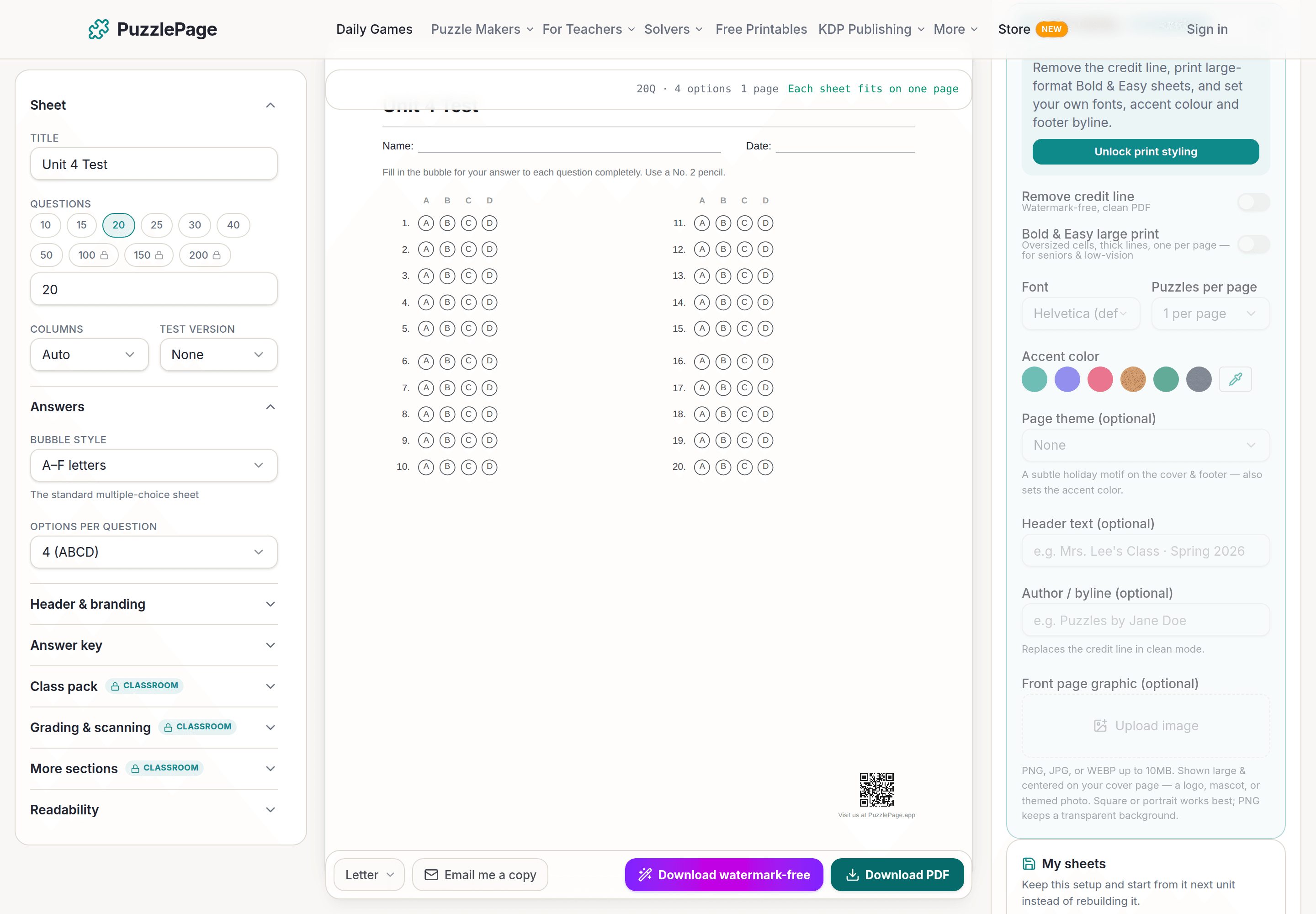
Bubble Sheet Studio
Answer sheets for any test length, with sections, versions, student ID grids and a matching answer key.
Make a bubble sheet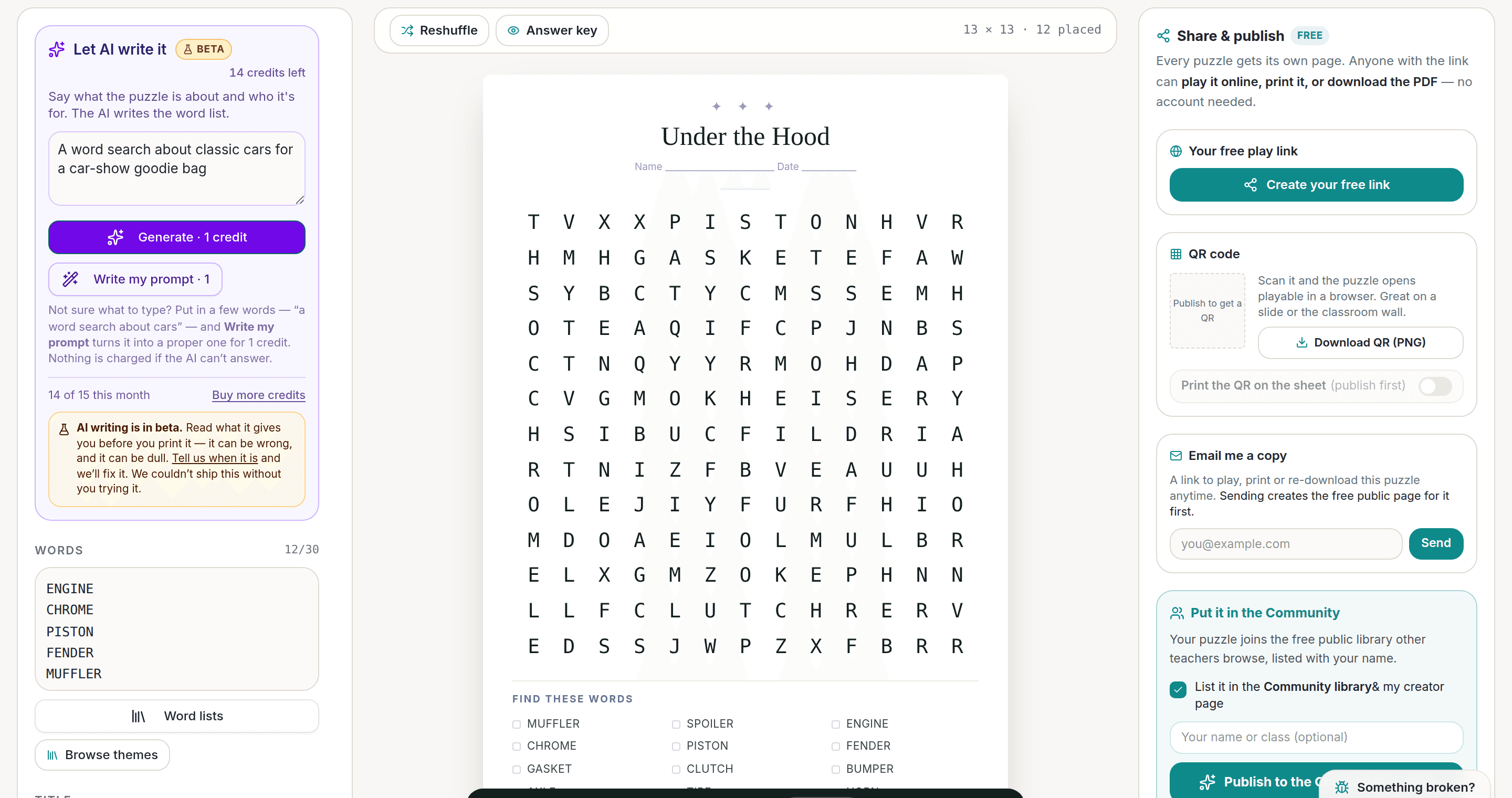
AI Puzzle Generator
Type a topic, get a themed word list and a finished puzzle. Premium also removes the footer credit and adds Word export.
Try the AI generator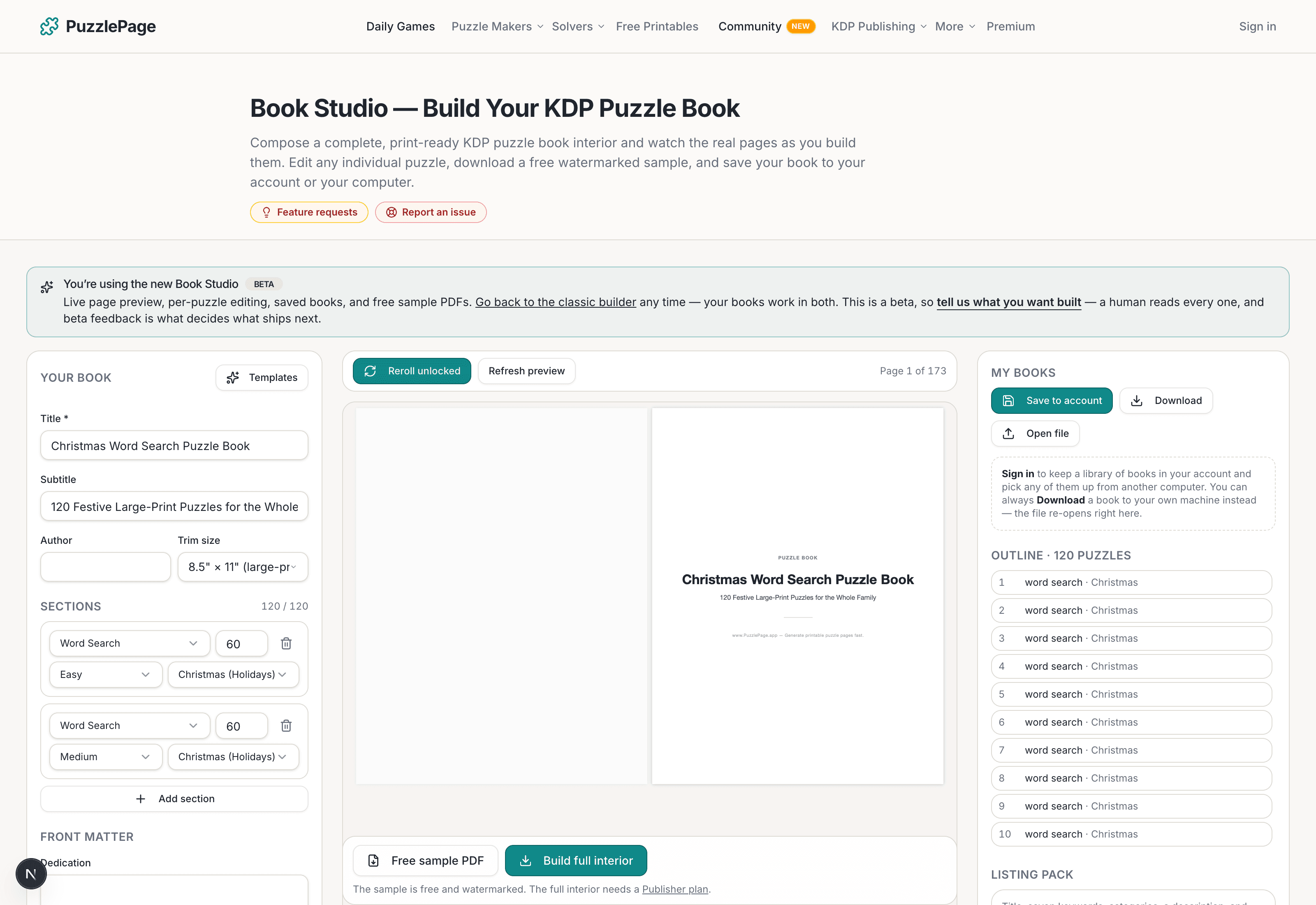
KDP Book Studio
Lay out a full puzzle book for Amazon KDP: templates, trim sizes, page checks and a cover designer.
Start a puzzle bookPremium removes the footer credit, adds Word export and custom styling across every maker.
See plans →Free daily games
Need a two-minute break? Today's puzzles are live.
A new Sudoku and a new Connections board every day. No download, no account.


Keep reading
Take the puzzle with you
Free Word Fill-In PDF — Online Safety Fill-In
Print-ready · answer key included · unsubscribe anytime
Enjoyed this? Share the puzzle on X
Like puzzles like this? Follow on Pinterest for a new one every day.