How to Save, Edit & Republish Your Puzzles with a Free Account
New on PuzzlePage: a free account saves every puzzle you make so you can reopen, edit, and republish it anytime — plus a branded page, QR code, and one-click LinkedIn sharing. Full step-by-step guide with screenshots.
On this site: Save your puzzles — create a free account·Browse 100+ free printables·Play today's puzzles
Here's something we've wanted to give you for a long time: your puzzles, saved and yours to keep. Until now, every puzzle you made on PuzzlePage vanished the moment you closed the tab. Make a great word search for Friday's class, come back Monday, and you'd be starting from scratch.
Not anymore. Create a free account and every puzzle you build is saved to your own library — so you can reopen it, tweak a word or two, and republish it to the very same link anytime. We also gave you a place to put it all: your own branded public puzzle page, complete with a QR code and one-click LinkedIn sharing.
One quick reassurance first
Making and printing puzzles is still free without an account. Signing in doesn't lock anything away — it just lets you keep what you make. Free and Premium members alike can save, edit, and republish. That's it.
Step 1 — Create your free account
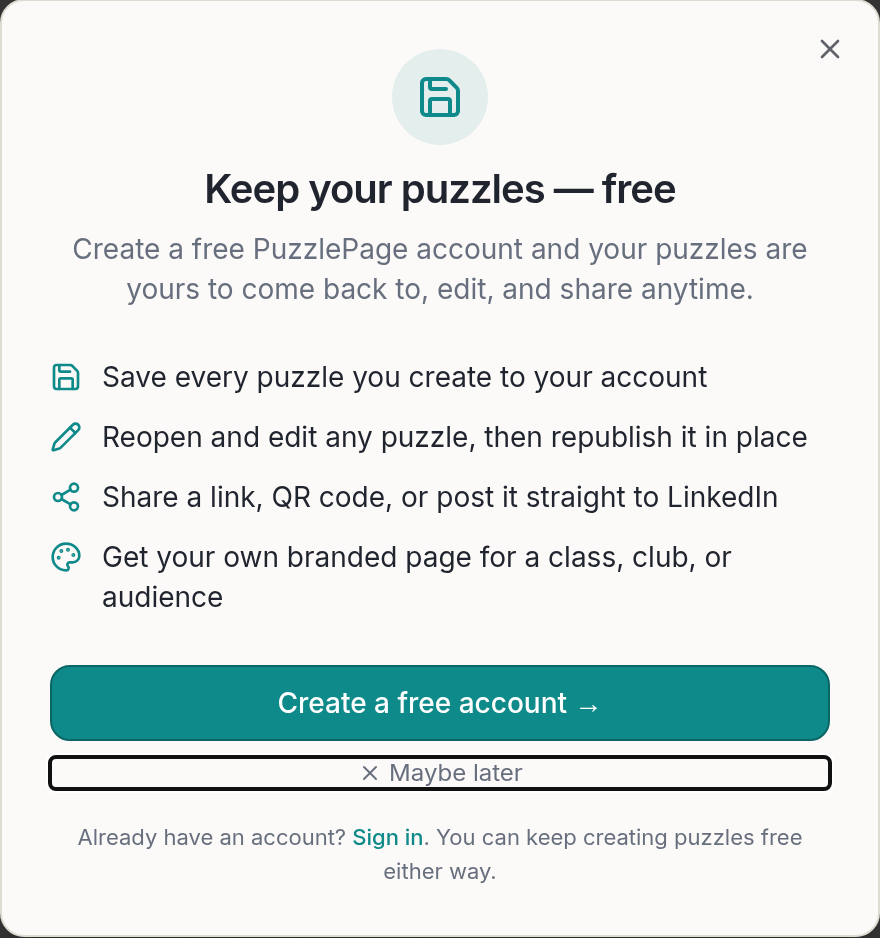
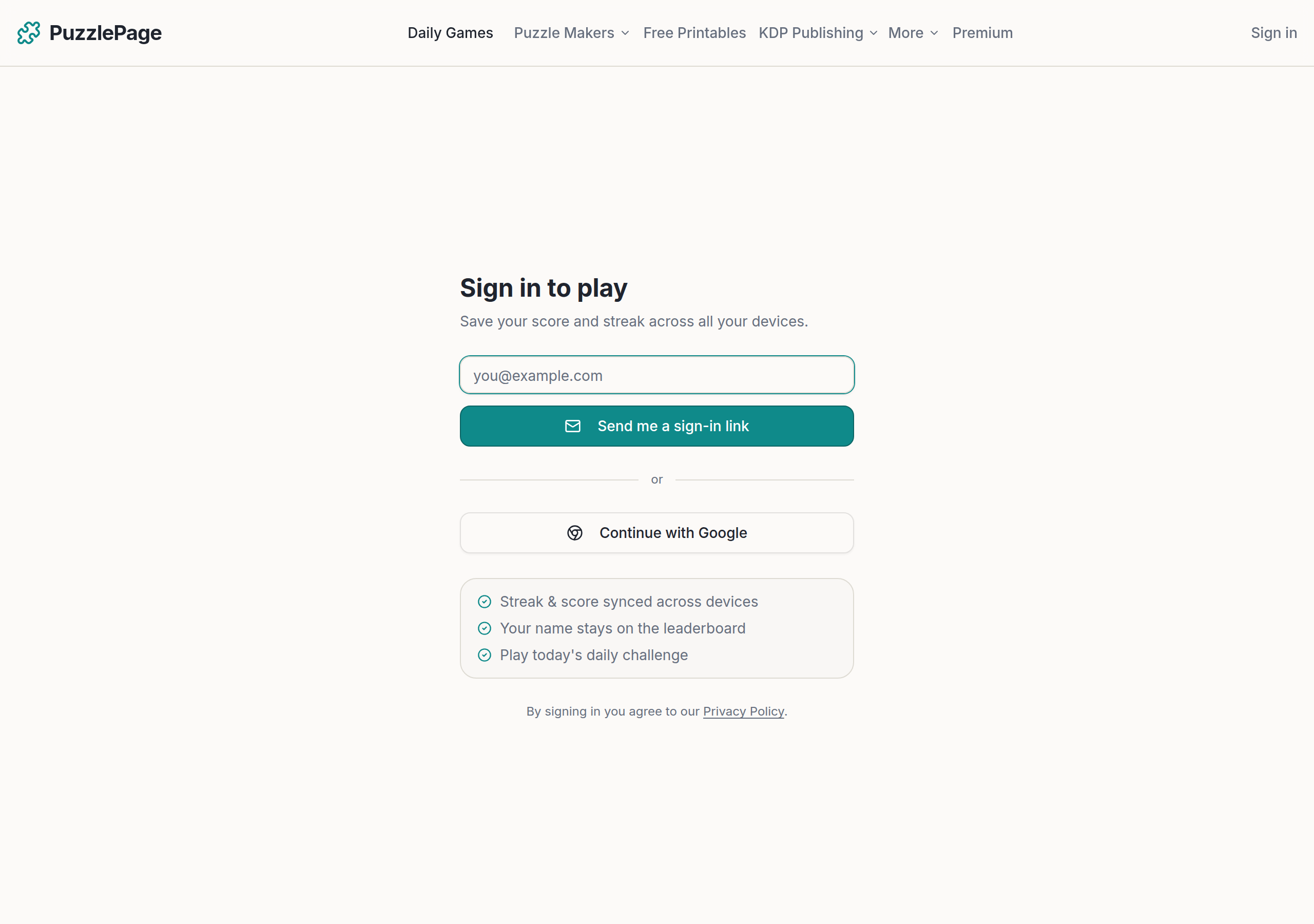
Open any puzzle maker and you'll see a friendly nudge to save your work. Click Create a free account and you'll land on the sign-in screen. Enter your email and we'll send a one-time magic link — no password to invent or forget — or sign in with Google in a single tap.
Like this? We send 10 of these every month.
Free printable puzzles, answer keys included — same quality as the ones in this post.
One email. Unsubscribe anytime.
Step 2 — Make a puzzle and save it
Build a puzzle the way you always have. When it's ready, look for the "Share this puzzle with a link" panel beneath it and click Save & share this puzzle. That stores the puzzle to your account and mints a permanent, shareable web page for it that anyone can play online, print, or download as a PDF.
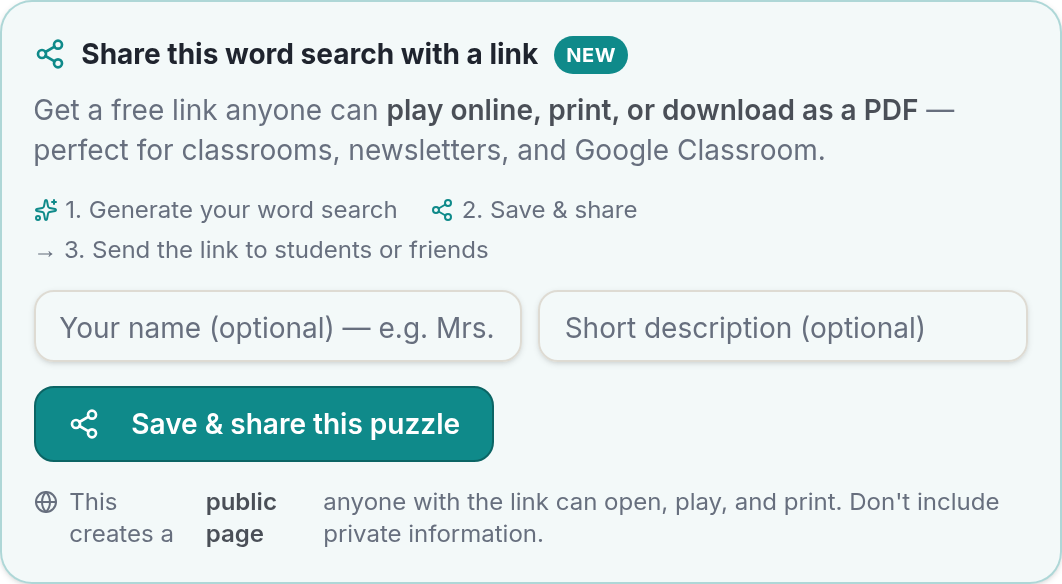
This works across all our saveable makers: word search, crossword, cryptogram, word scramble, word fill-in, connections, and word-guess puzzles.
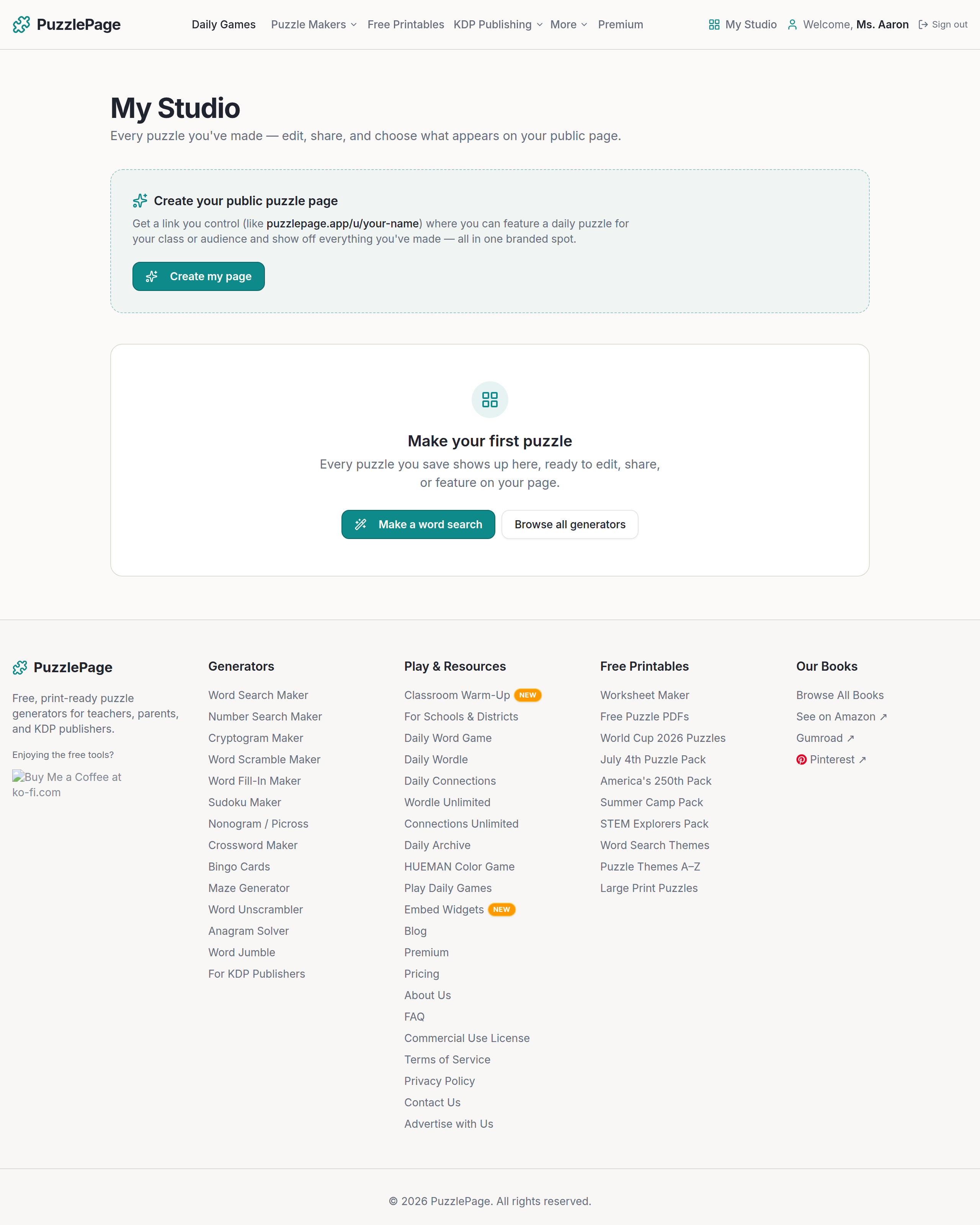
Step 3 — Find everything in your Studio
Click My Studio in the top navigation and you'll see every puzzle you've saved in one place. Each one is ready to view, edit, share, delete, or feature on your public page. Fresh accounts start with a friendly empty state pointing you at your first puzzle.
Step 4 — Edit and republish (without breaking your links)
This is the part teachers love. Click Edit on any saved puzzle and it reopens in its original builder with everything just as you left it. Change a clue, swap a word, adjust the difficulty — then hit Republish. Your changes go live at the exact same link, so every place you already shared it (and every QR code you printed) instantly shows the update. Nothing to re-send.
Free and Premium both edit & republish
Editing a saved puzzle simply reopens the builder and re-applies whatever your current plan includes. Free members get the free options; Premium members get the Premium ones. Either way, the puzzles you save are always yours to reopen and change.
Step 5 — Build your own branded puzzle page
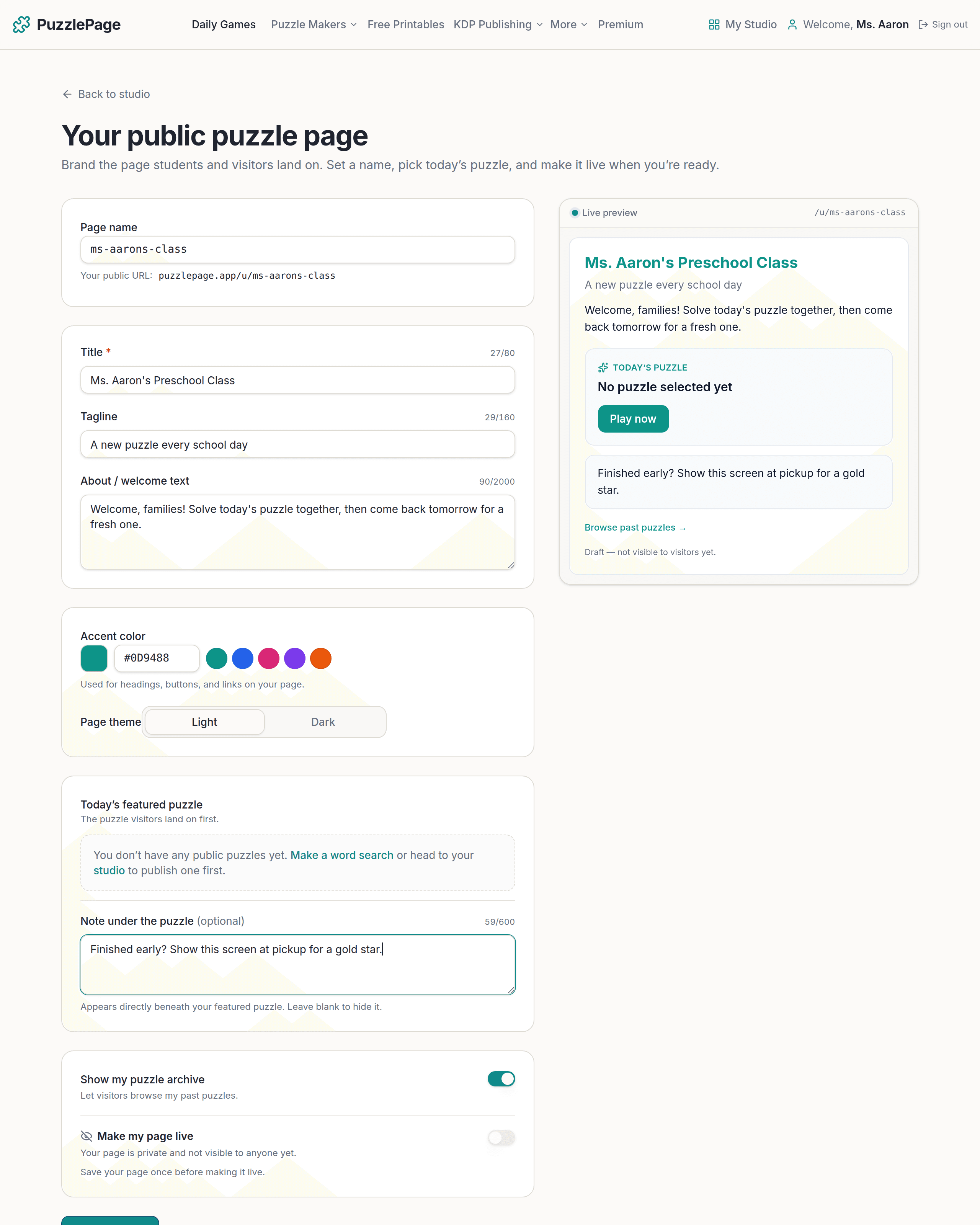
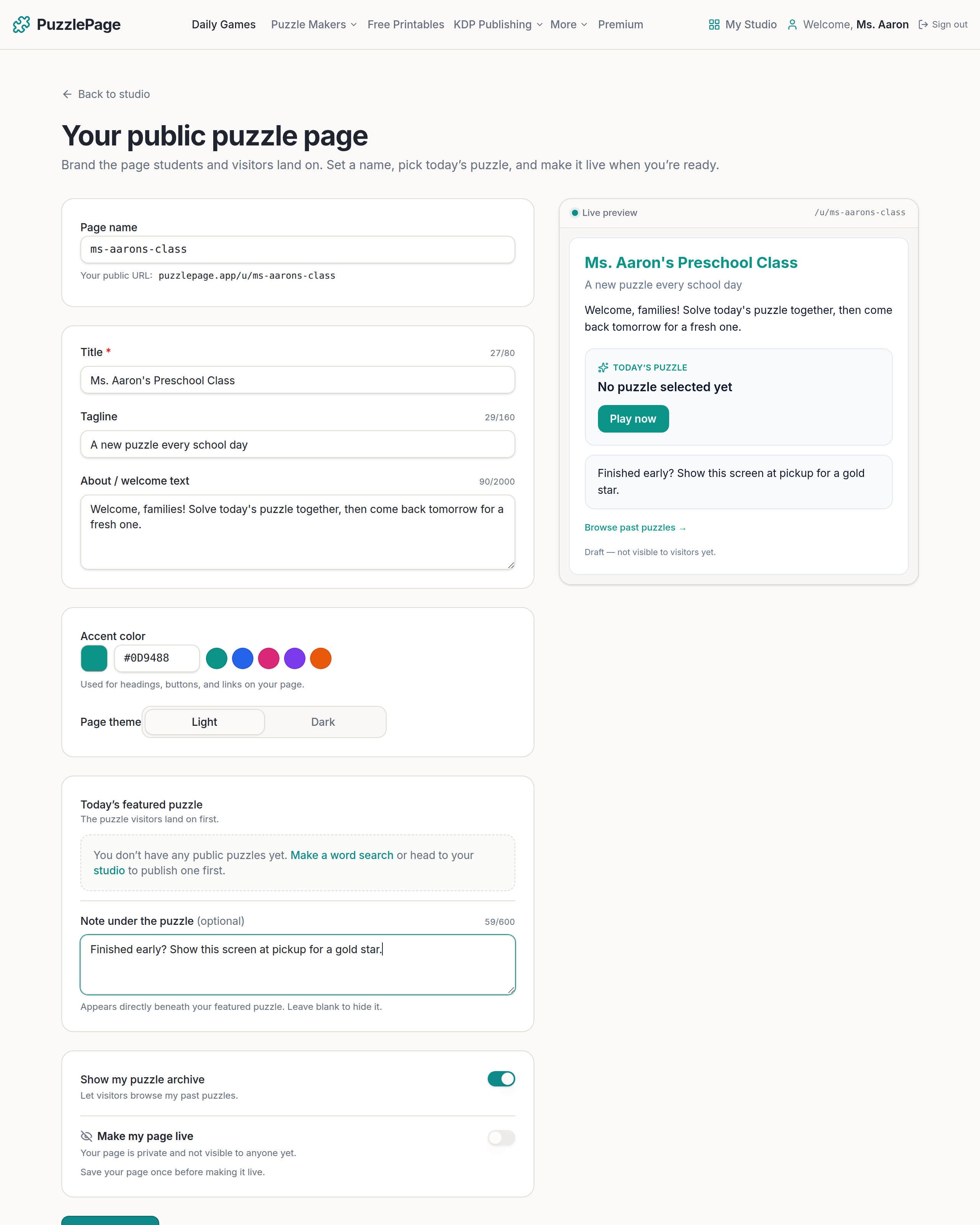
Now the fun part. From your Studio, choose Create my page to set up a public home for your puzzles at puzzlepage.app/u/your-name. Picture a teacher who wants students to visit the same spot every morning for that day's puzzle — that's exactly what this is for.
You control all of it, with a live preview as you type:
- Page name & title — e.g. "Ms. Aaron's Preschool Class."
- Accent color & light/dark theme — match your classroom, club, or brand.
- A welcome message and an optional note under the puzzle — perfect for instructions ("solve it together!") or a business's discount code.
- Today's featured puzzle — the one visitors land on and play.
- An optional archive so people can browse your past puzzles — and you decide which puzzles appear.
Step 6 — Share it: link, QR code, or LinkedIn
Once your page is live, share it however works for your audience.
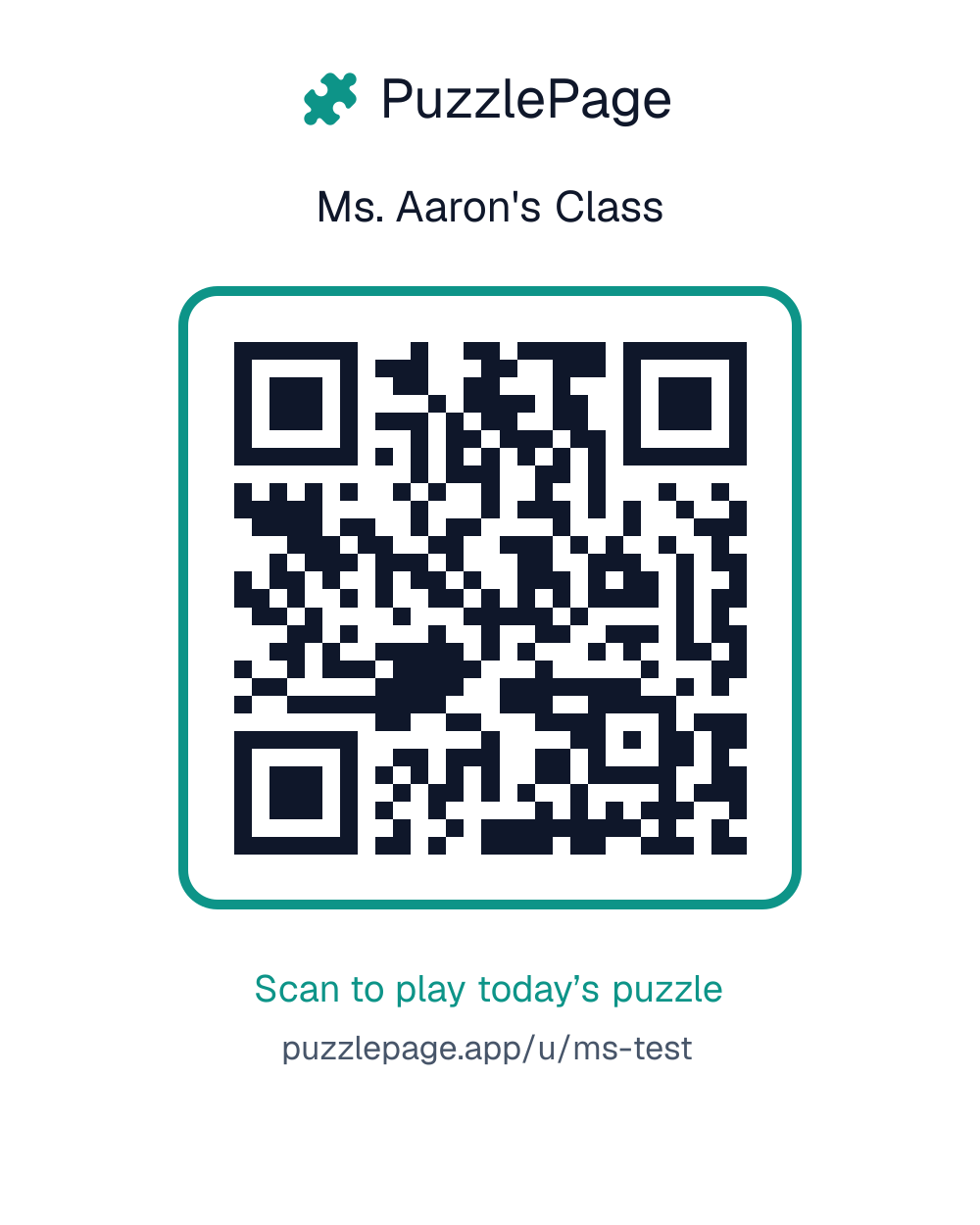
A branded QR code. Download a print-ready QR card — PuzzlePage branding included — and drop it on a slide, a handout, or the classroom wall. Anyone who scans it lands on your page to play today's puzzle.
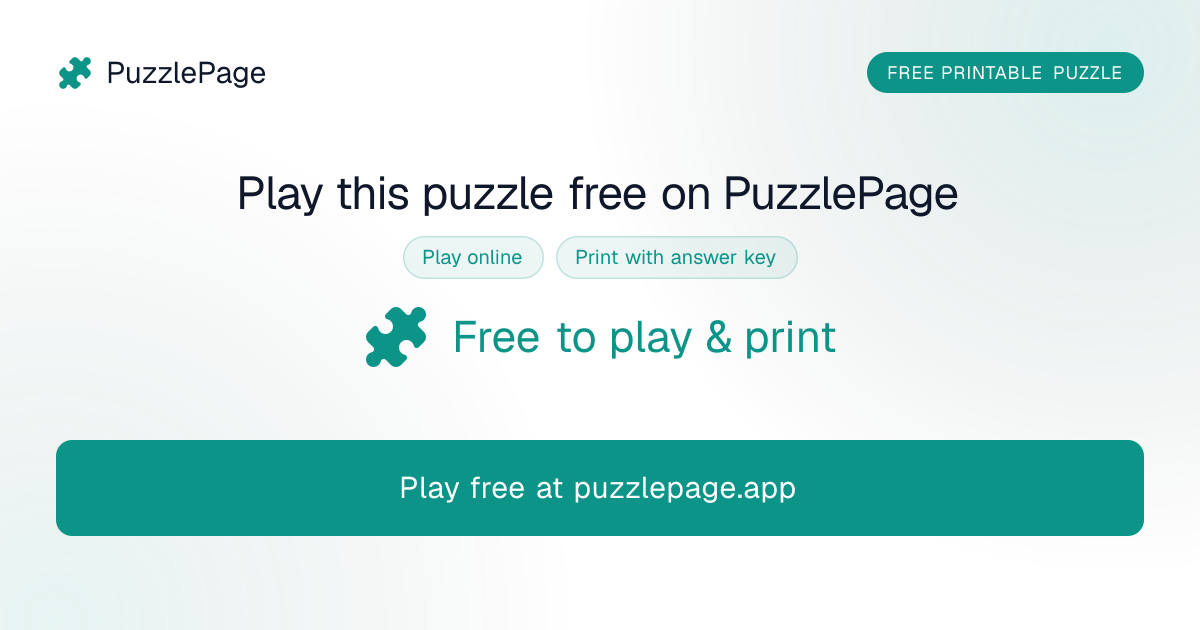
One-click LinkedIn sharing. On any of your saved puzzles, hit Share on LinkedIn. We generate a branded preview card of the actual puzzle, hand you an editable caption and hashtags, and open LinkedIn ready to post. The card links straight to a fully playable page — great for teachers, trainers, and anyone building an audience.
Why we built this
The honest reason: you kept telling us you wanted to keep the puzzles you made — to build a Monday puzzle on Sunday night, to tweak last year's Halloween word search instead of rebuilding it, to give a class one reliable link that never changes. Accounts make all of that effortless, and they're free because the tools should be about you, not a paywall.
Ready to keep your puzzles?
Create your free account, then head to any puzzle maker and click Save & share. Your first puzzle will be waiting in your Studio, ready to edit, republish, and share — for as long as you like.
More you can make here
One puzzle is the start. Here is the rest of the kit.
 New
NewWorksheet Builder
Put a word search, a cryptogram and a scramble on one page, or build a whole themed packet. Prints with answer keys.
Build a worksheet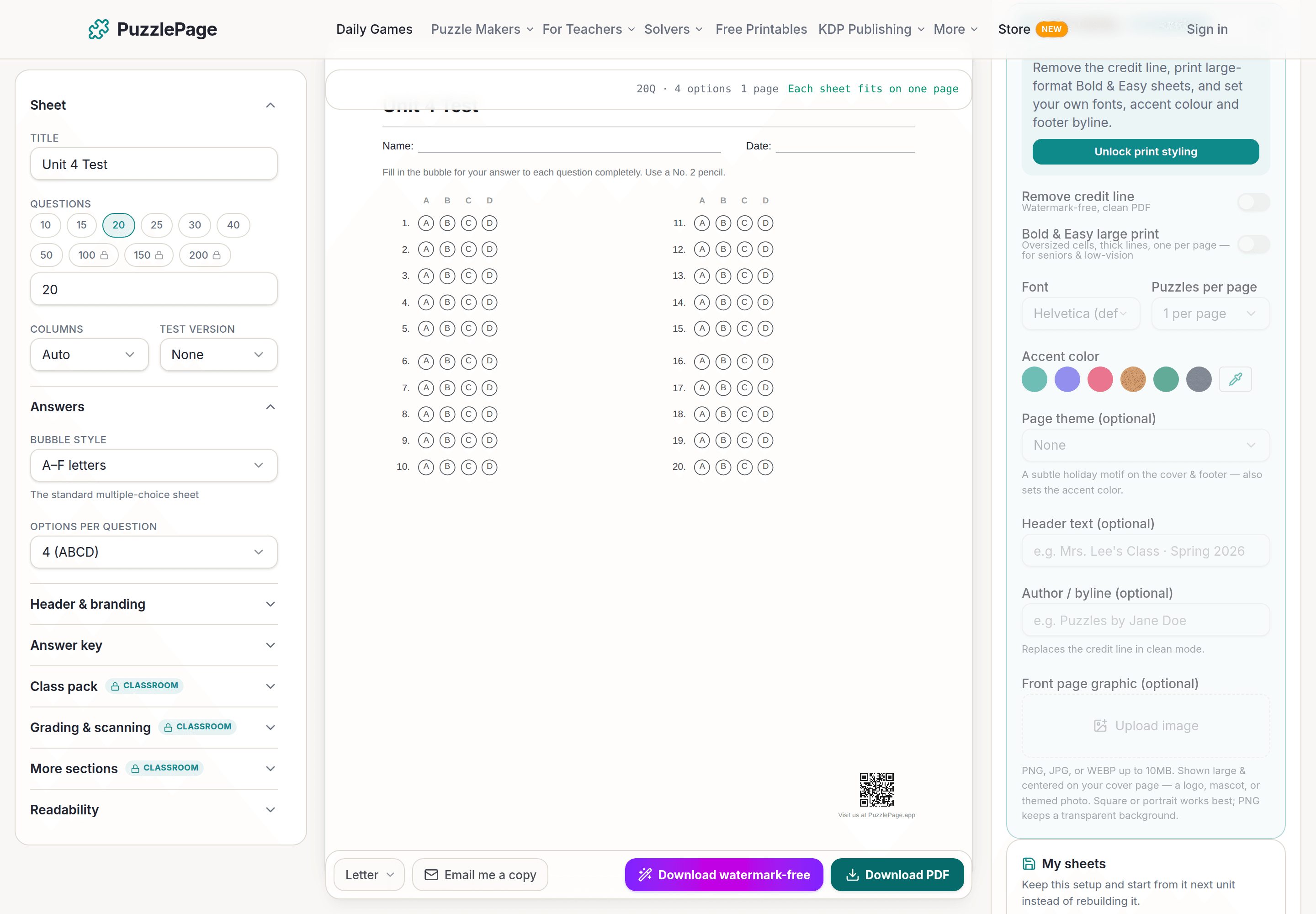
Bubble Sheet Studio
Answer sheets for any test length, with sections, versions, student ID grids and a matching answer key.
Make a bubble sheet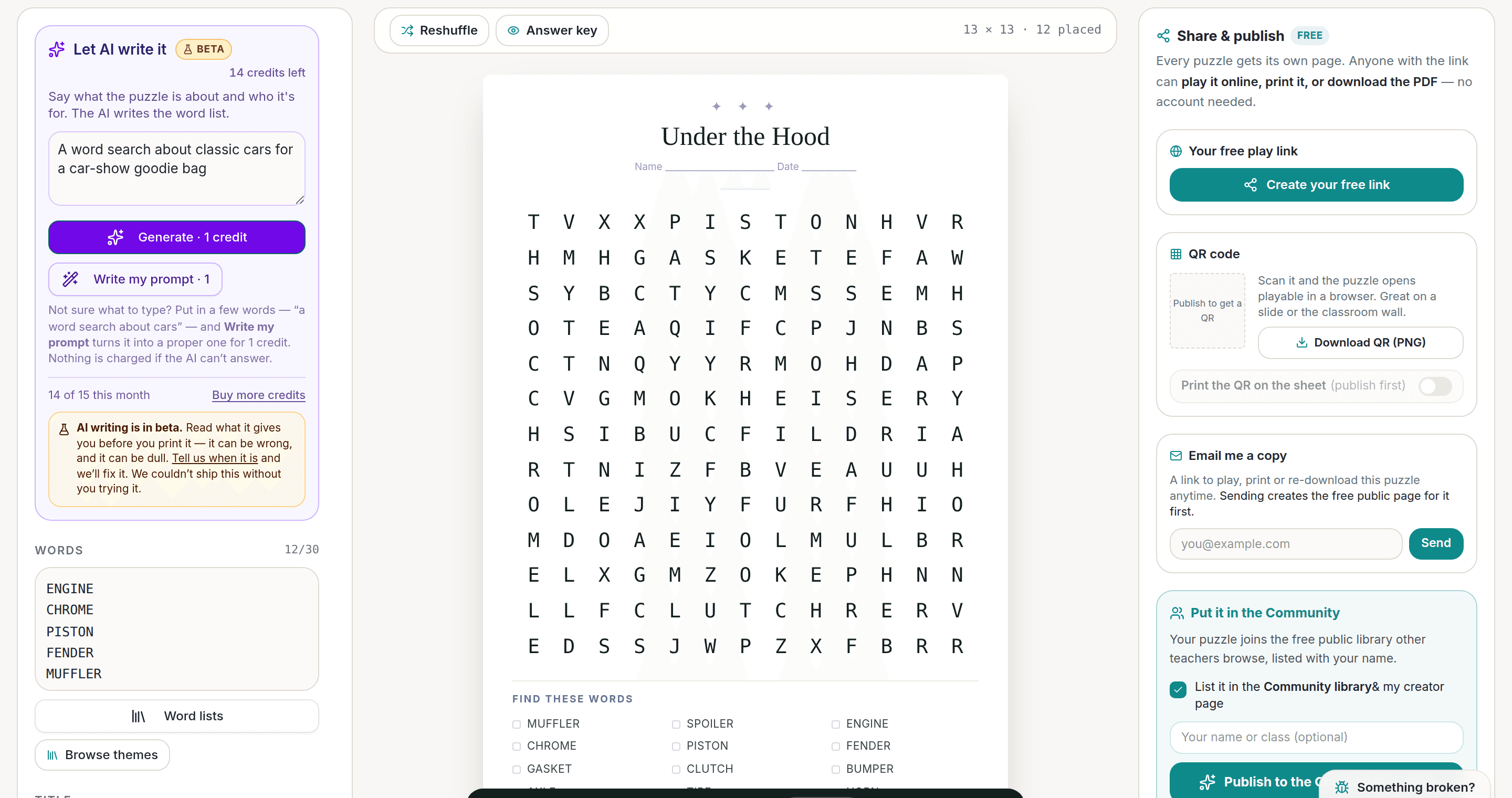
AI Puzzle Generator
Type a topic, get a themed word list and a finished puzzle. Premium also removes the footer credit and adds Word export.
Try the AI generator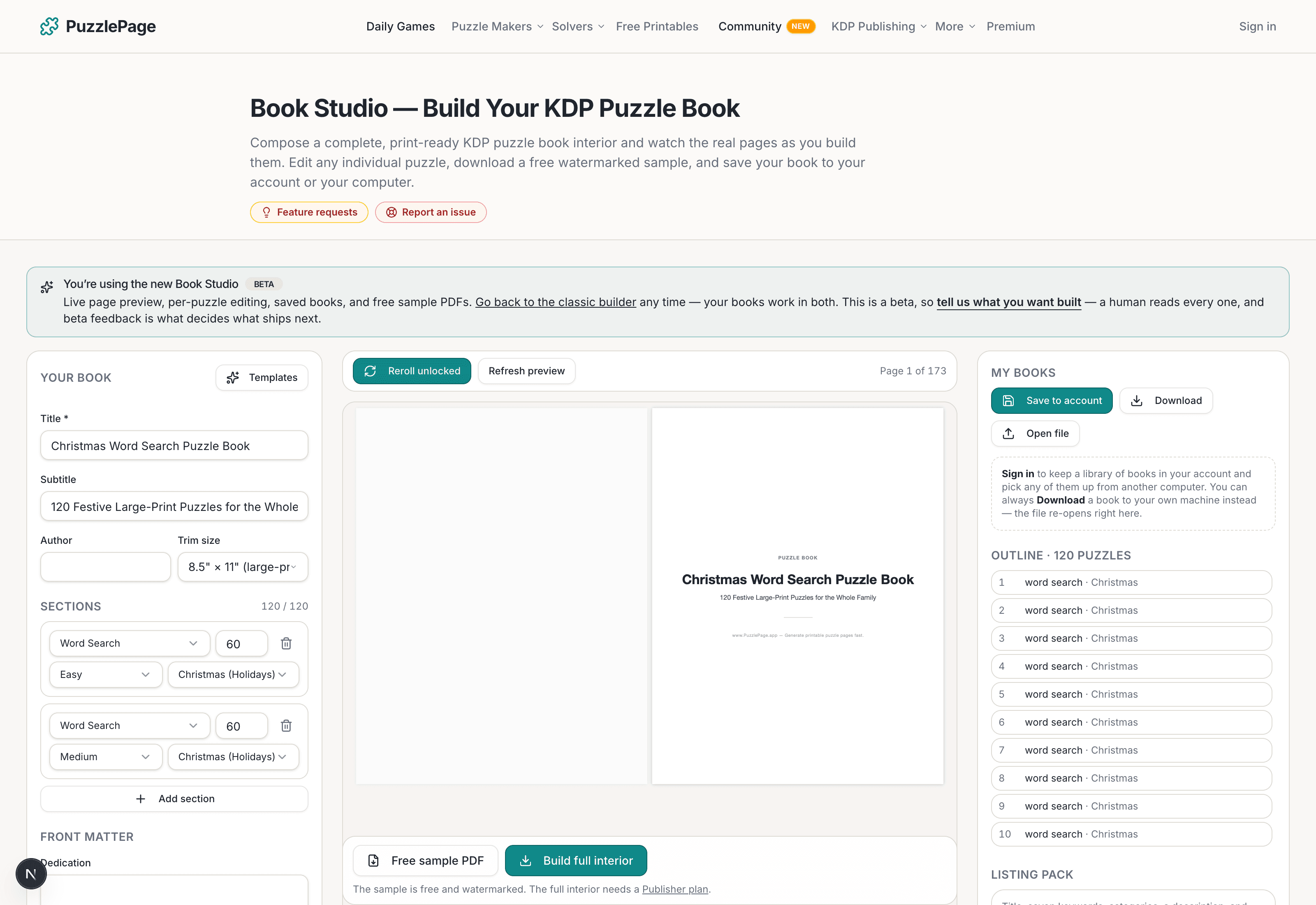
KDP Book Studio
Lay out a full puzzle book for Amazon KDP: templates, trim sizes, page checks and a cover designer.
Start a puzzle bookPremium removes the footer credit, adds Word export and custom styling across every maker.
See plans →Free daily games
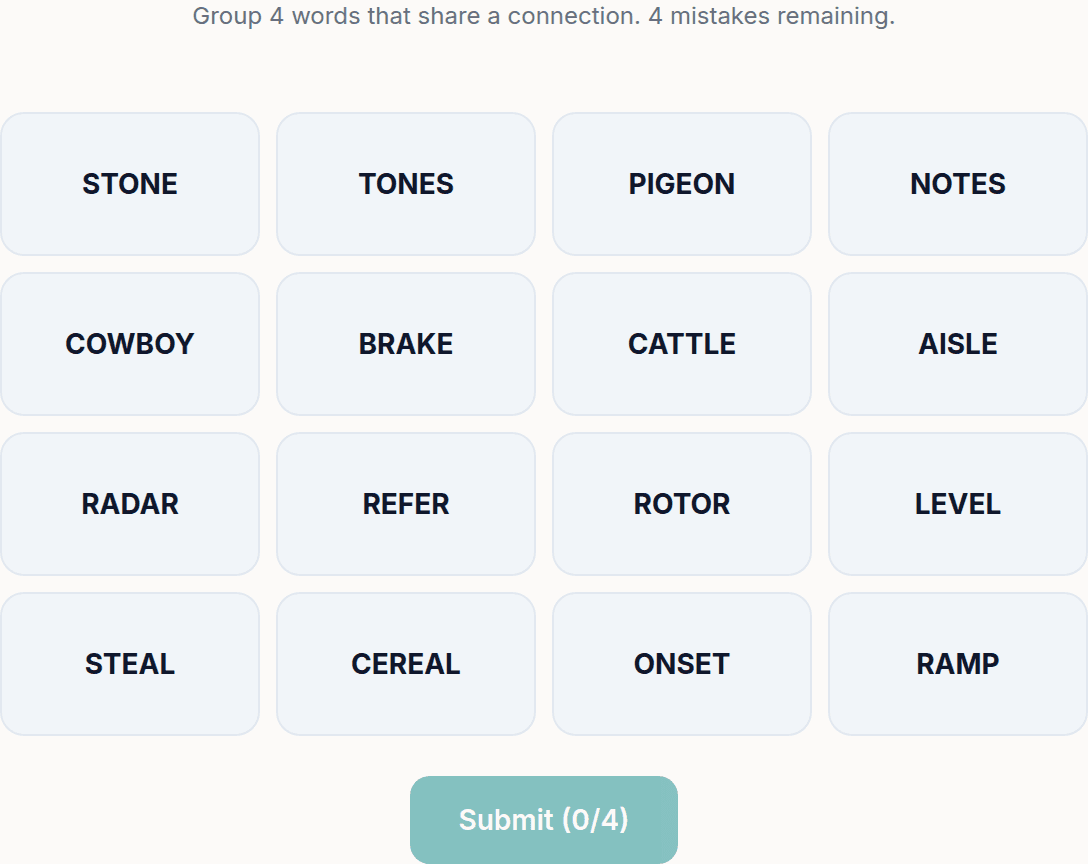
Need a two-minute break? Today's puzzles are live.
A new Sudoku and a new Connections board every day. No download, no account.


Keep reading
Get 10 free puzzles
Get the free 10-puzzle pack
Enter your email and we'll send you 10 print-ready puzzles with answer keys, plus a heads-up when we publish new generators and seasonal puzzle packs. Same quality as the ones on this page.
Roughly two emails a month. No spam, unsubscribe anytime.
Enjoyed this? Share the puzzle on X
Like puzzles like this? Follow on Pinterest for a new one every day.