Share Puzzles Online: Free Links for Classrooms
Free: turn any word search, crossword, or cryptogram into a shareable link students can play, print, or download as a PDF. Play instantly in any browser.

On this site: Make a puzzle to share free·Browse 100+ free printables·Play today's puzzles
You can now share puzzles online from PuzzlePage with one link. After you build a word search, crossword, cryptogram, word scramble, or word fill-in, click Save & share to create a permanent page at puzzlepage.app/p/your-slug. Anyone with the link can play it online, print it, or download a PDF with the answer key. It is free and works right in your browser. Create a free account to save your puzzles and edit or republish them anytime.
📌 Key Takeaways
- Click Save & share on any finished puzzle to get a permanent link at puzzlepage.app/p/your-slug.
- Students can play the puzzle online, print it, or download a PDF with the answer key from the same page.
- Add your name and a short description so a class or newsletter audience knows what they are opening.
- It is free, works on any device, and opens in one tap.
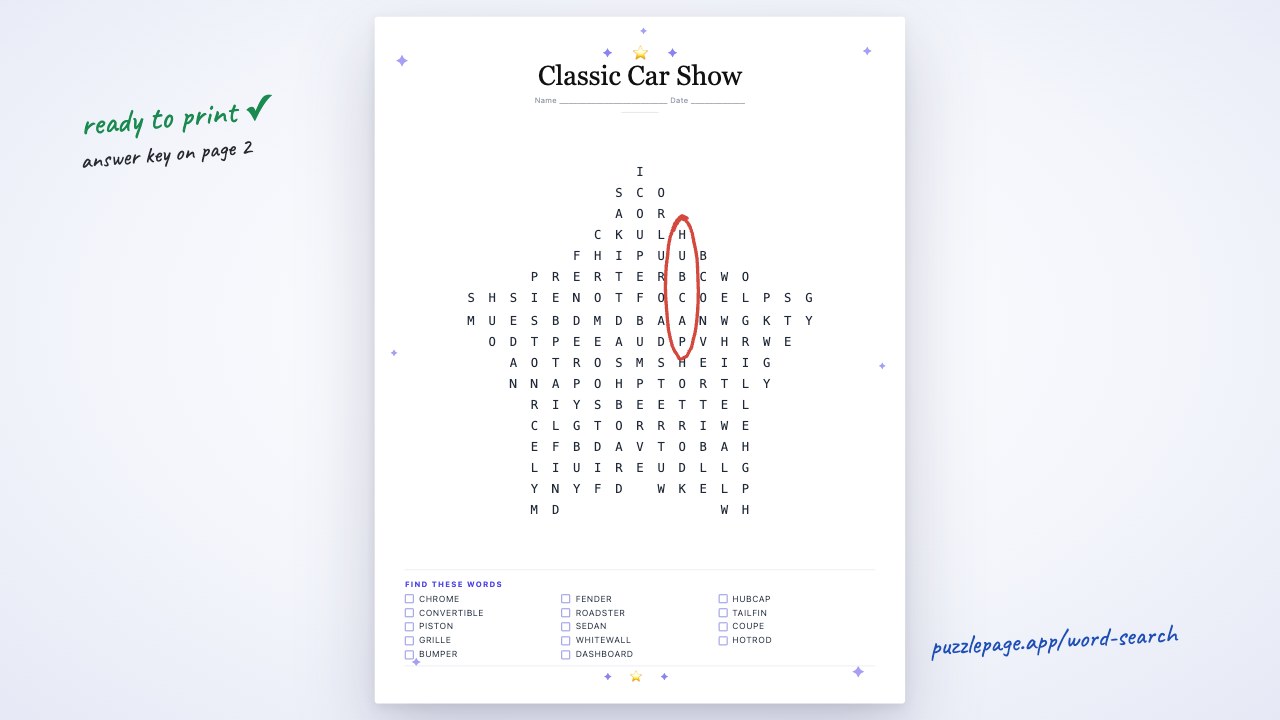 1:02
1:02Why shareable puzzle links matter for classrooms
For years the only way to hand out a puzzle was to print a stack of worksheets or email a PDF that half the class never downloaded. A shareable link changes the workflow. You paste one URL into Google Classroom, a sub plan, or a class newsletter, and every student reaches the same puzzle on whatever device is in front of them.
When I posted a shareable word search link in Google Classroom for a class of 26 fifth graders, 23 of them had it open on their Chromebooks before I finished taking attendance. No apps to install, no file downloads, no "I can't find the attachment."
The link is permanent, so the same puzzle works for a warm-up today and a sub folder in October. One printable word puzzle can now live as a bookmark instead of a photocopy you have to remake every year.
Pro Tip
Keep a "puzzle bank" document with your favorite links. Next time you need a five-minute vocabulary activity, you paste a URL instead of rebuilding the worksheet.
Like this? We send 10 of these every month.
Free printable puzzles, answer keys included — same quality as the ones in this post.
One email. Unsubscribe anytime.
How to share a puzzle in under a minute
Sharing takes six clicks and about forty seconds. Here is the full path from finished puzzle to a live link.
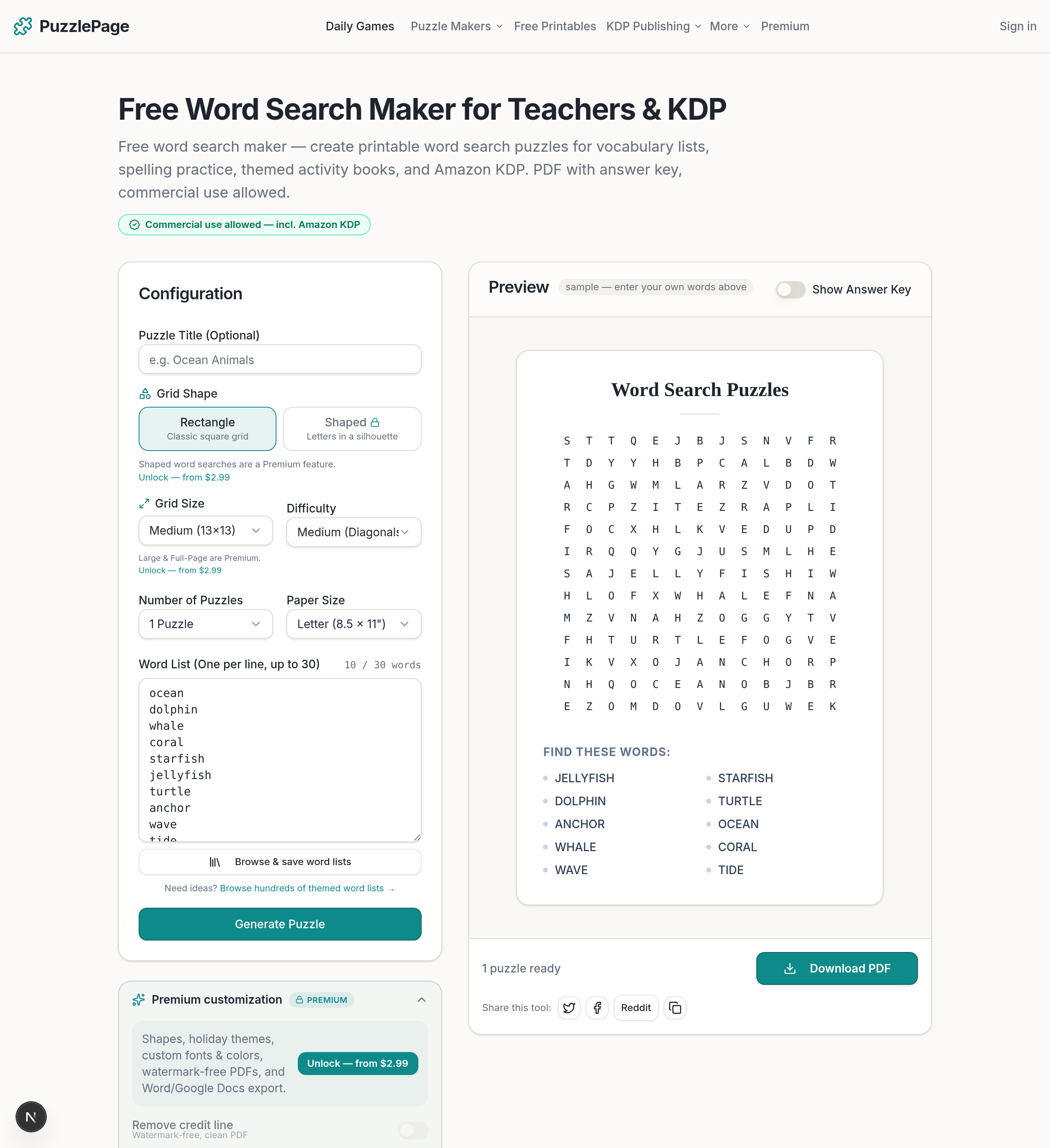
- Build your puzzle. Open the word search maker (or crossword, cryptogram, word scramble, or word fill-in), type your word list, and generate.
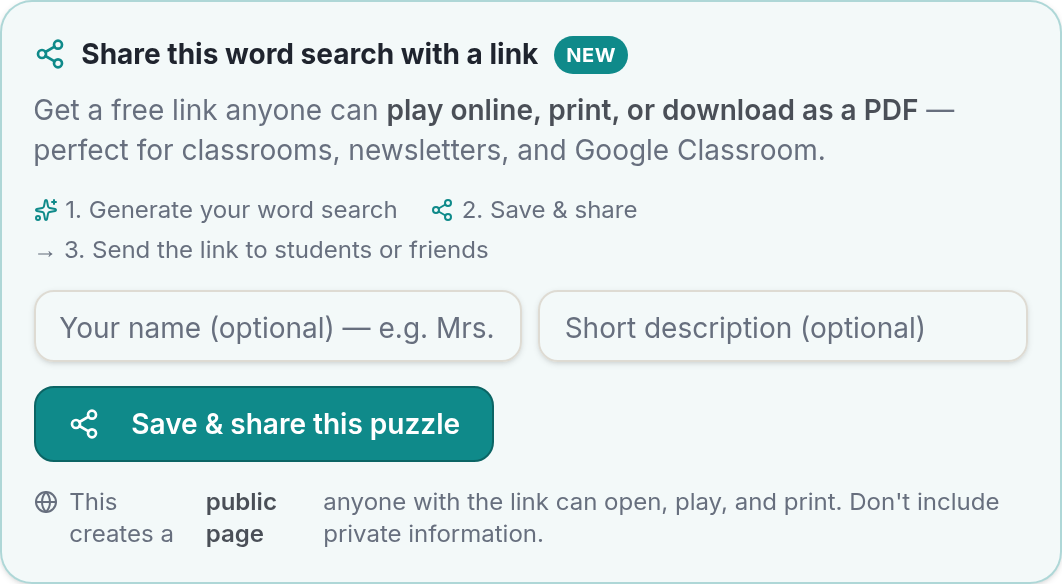
- Click "Save & share." Look below the puzzle preview for the Save & share callout.
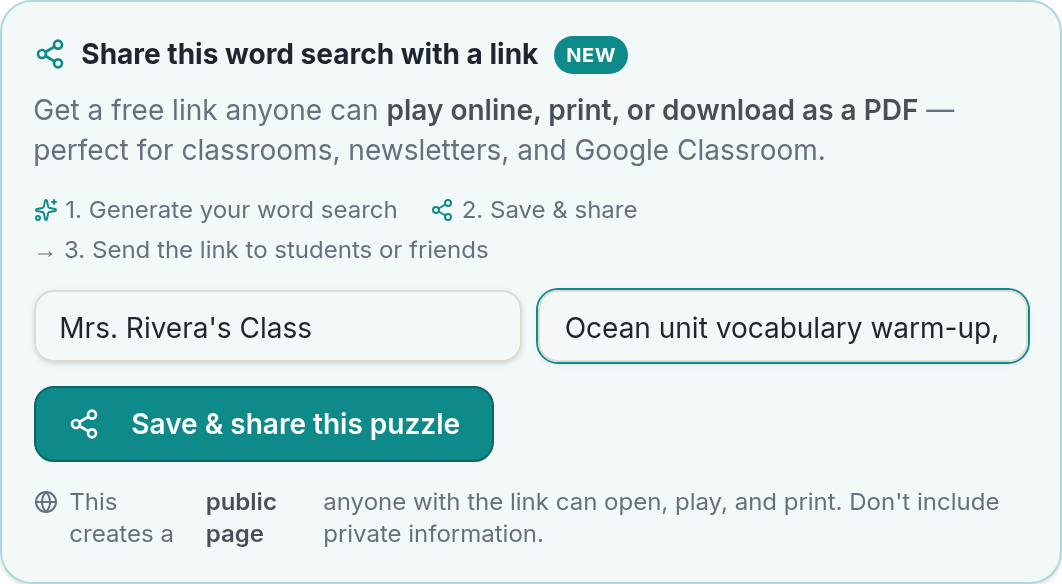
- Add your name and a description. Type who made it and a one-line note, like "Grade 4 spelling warm-up, Week 3."
- Create the link. Confirm, and PuzzlePage builds your permanent page at puzzlepage.app/p/your-slug.
- Copy the link. Hit Copy to grab the URL for pasting anywhere.
- Paste it where your students are. Drop the link into Google Classroom, a newsletter, or a class chat, and you are done.
Pro Tip
A clear description does double duty. It reminds you which puzzle a link points to months later, and it tells students exactly what they are opening.
What the shared page can do
The page at puzzlepage.app/p/your-slug is not a static image. It is a small interactive hub that gives every visitor three ways to use the same puzzle.
Play it online
Students solve the puzzle right in the browser on a phone, tablet, or Chromebook. Nothing to install, nothing to sign into. This is the fastest option for a bell-ringer or a "finish early" activity.
Print it
One click sends a clean, worksheet-ready version to the printer. This is the classic path for centers, homework, or students who focus better on paper.
Download the PDF with an answer key
The PDF download includes the puzzle plus a separate answer key page, so grading takes seconds. Every downloaded PDF also carries a small PuzzlePage tag and a QR code that links back to the online version, which is handy when a parent wants the digital copy too.
Because the page offers all three, you do not have to guess how your audience wants to solve. A homeschooling parent might print it, a newsletter reader might play it on a phone, and a teacher might grab the answer key PDF, all from one link.
How can KDP creators use shareable puzzle links?
Shareable links give self-publishers a free way to show a real puzzle before anyone buys the book. Instead of describing a sample, you send a working link a reader can actually solve.
Paste the link in your Amazon author bio, a book-launch email, a Pinterest pin, or a Facebook group post. Readers play the sample, see the quality, and the QR code on any downloaded PDF quietly points back to your PuzzlePage page. It is a low-effort funnel from "curious" to "solving your puzzle."
A single link also makes A/B testing easy. Share two different word scramble samples, see which one gets more plays, and put the winner on your cover. For a deeper walk-through of turning generated puzzles into a sellable book, our guide on building a puzzle book for KDP pairs well with this workflow.
Pro Tip
Add your pen name in the maker field. Every shared page then credits you by name, which reinforces your brand every time the link gets forwarded.
Is sharing a puzzle safe for classrooms?
Yes, with one thing to know: a shared link is public. Anyone who has the URL can open the page, so treat it like a link you would paste in a newsletter, not a private document. There is no personal student data on the page and no comments section for strangers to post in.
Because makers can add their own descriptions, shared pages are user-generated content. PuzzlePage does not pre-screen every page, and each shared page is clearly labeled as user-created rather than official content. For classroom use, the safest habit is simple: only distribute links you created yourself or that come from a source you trust.
Used the same way you would use any shared document link, a PuzzlePage puzzle link is a low-risk, browser-based activity for students of any age.
Which puzzles can you share?
Every generator on PuzzlePage supports Save & share. That means one classroom-friendly toolkit and one sharing workflow across all of them:
- Word search — the fastest hidden-words game for vocabulary review.
- Crossword — build a shareable crossword from your own clues and answers.
- Cryptogram — a code-breaking puzzle that doubles as a critical-thinking activity for older students.
- Word scramble — a quick spelling warm-up you can make in seconds.
- Word fill-in — a crossword alternative that drops words into a grid.
Pick a puzzle type, build it, and the same six-step share flow applies.
Frequently Asked Questions
How do I share a word search with my students online?
Build the word search on PuzzlePage, click Save & share, then copy the puzzlepage.app/p/ link and paste it into Google Classroom, a class chat, or an email. Students open the link and play the puzzle in their browser with no app to install.
Do students need an account to open a shared puzzle?
No. Anyone with the link can play online, print, or download the PDF right in their browser. This is why shared links work well for younger students and quick warm-ups.
Can I assign a PuzzlePage puzzle in Google Classroom?
Yes. Copy your Save & share link and add it to a Classroom assignment or announcement as a link. Students click through, solve online or print it, and you can download the answer-key PDF for grading.
Is the shared puzzle link permanent?
Yes. Once you create it, the page at puzzlepage.app/p/your-slug stays live, so you can reuse the same link across warm-ups, sub plans, and future school years without rebuilding the puzzle.
Can I print or download a PDF from the shared page?
Yes. The shared page has a print button and a PDF download. The PDF includes a separate answer key page plus a QR code that links back to the online version.
Is a shared puzzle link private?
No, a shared link is public: anyone with the URL can open it. The page holds no personal data, so treat it like a link you would share in a newsletter and only distribute links from sources you trust.
Ready to hand out your first link? Open the free word search maker, type your word list, and click Save & share. In under a minute you will have a puzzle your whole class can play, print, or download, all from one URL you can reuse for years. No apps to install, no printing headaches, no lost attachments.
Live demo
Make your own word search right here
Swap in your own words (a spelling list, residents' names, a unit's vocabulary) and press Generate. The full maker adds answer keys, size options and PDF export.
More you can make here
One puzzle is the start. Here is the rest of the kit.
 New
NewWorksheet Builder
Put a word search, a cryptogram and a scramble on one page, or build a whole themed packet. Prints with answer keys.
Build a worksheet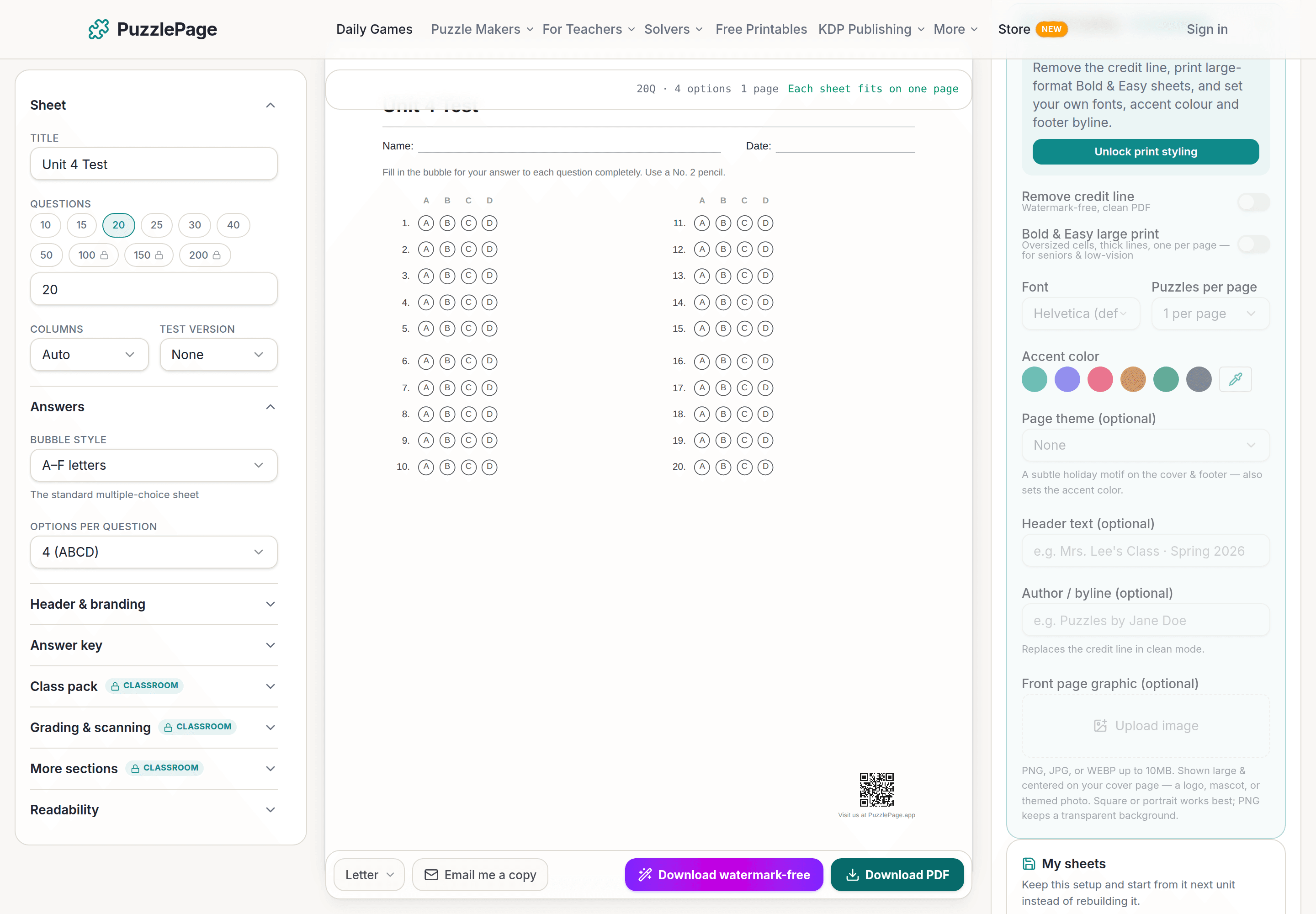
Bubble Sheet Studio
Answer sheets for any test length, with sections, versions, student ID grids and a matching answer key.
Make a bubble sheet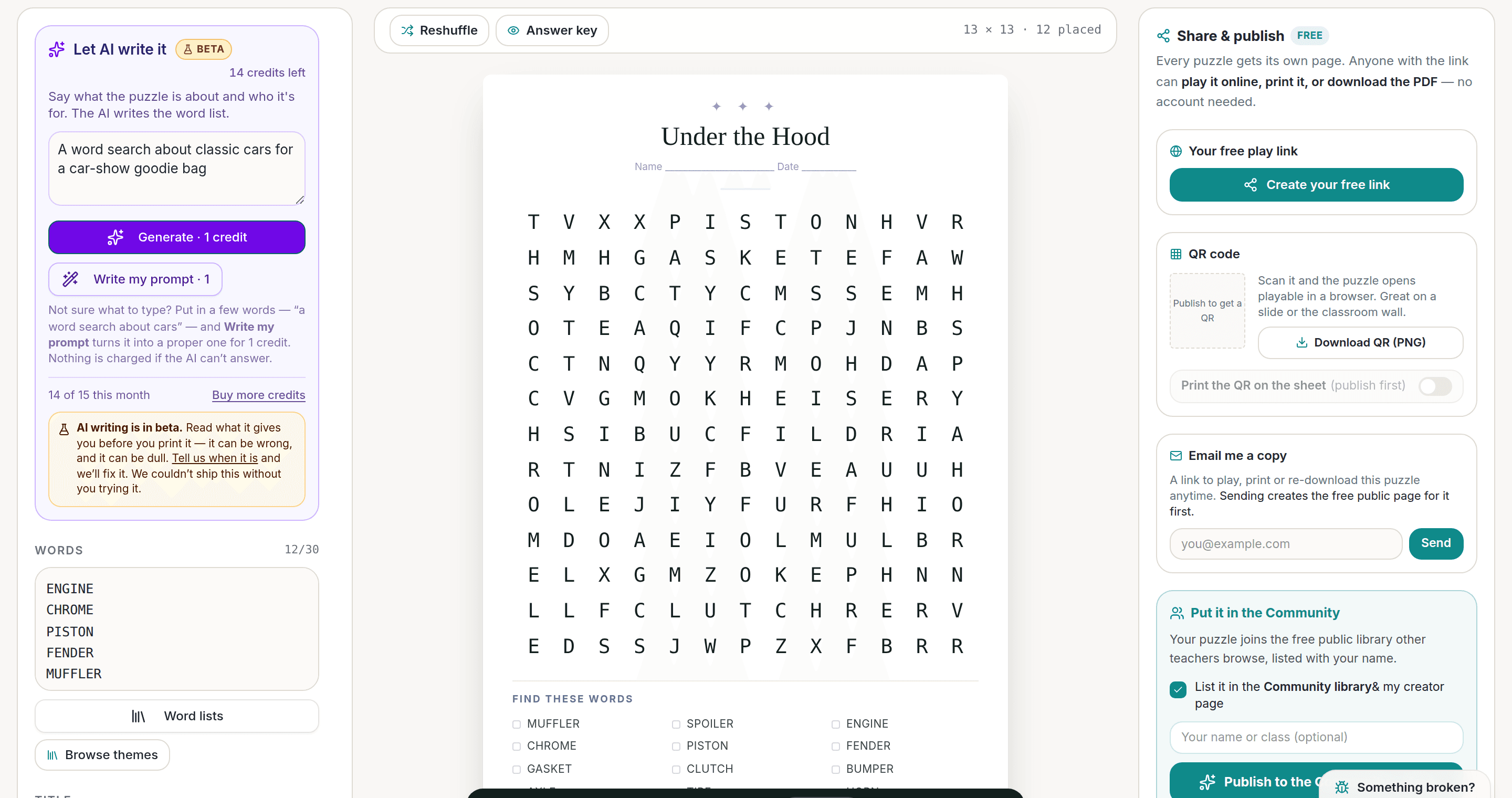
AI Puzzle Generator
Type a topic, get a themed word list and a finished puzzle. Premium also removes the footer credit and adds Word export.
Try the AI generator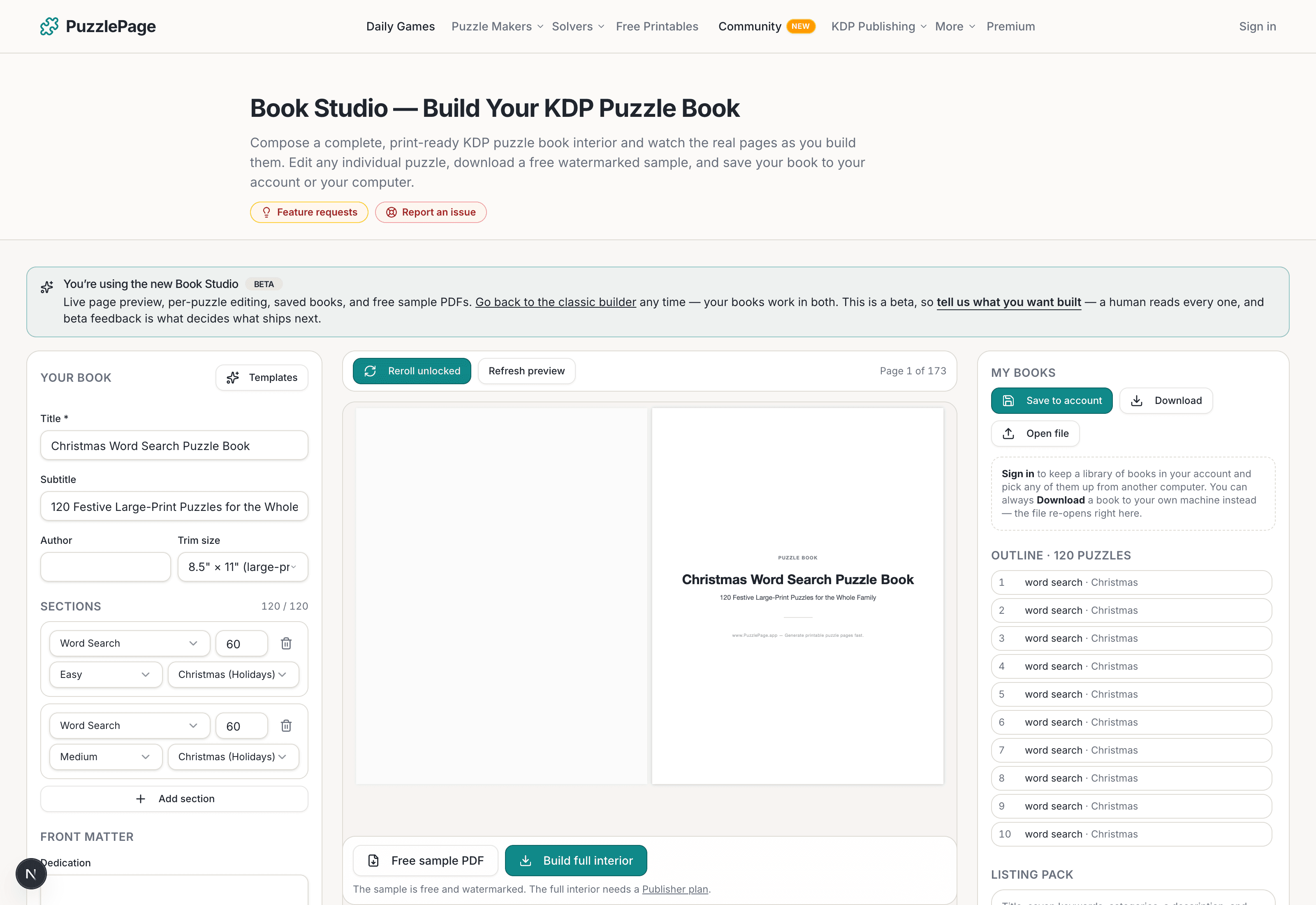
KDP Book Studio
Lay out a full puzzle book for Amazon KDP: templates, trim sizes, page checks and a cover designer.
Start a puzzle bookPremium removes the footer credit, adds Word export and custom styling across every maker.
See plans →Free daily games
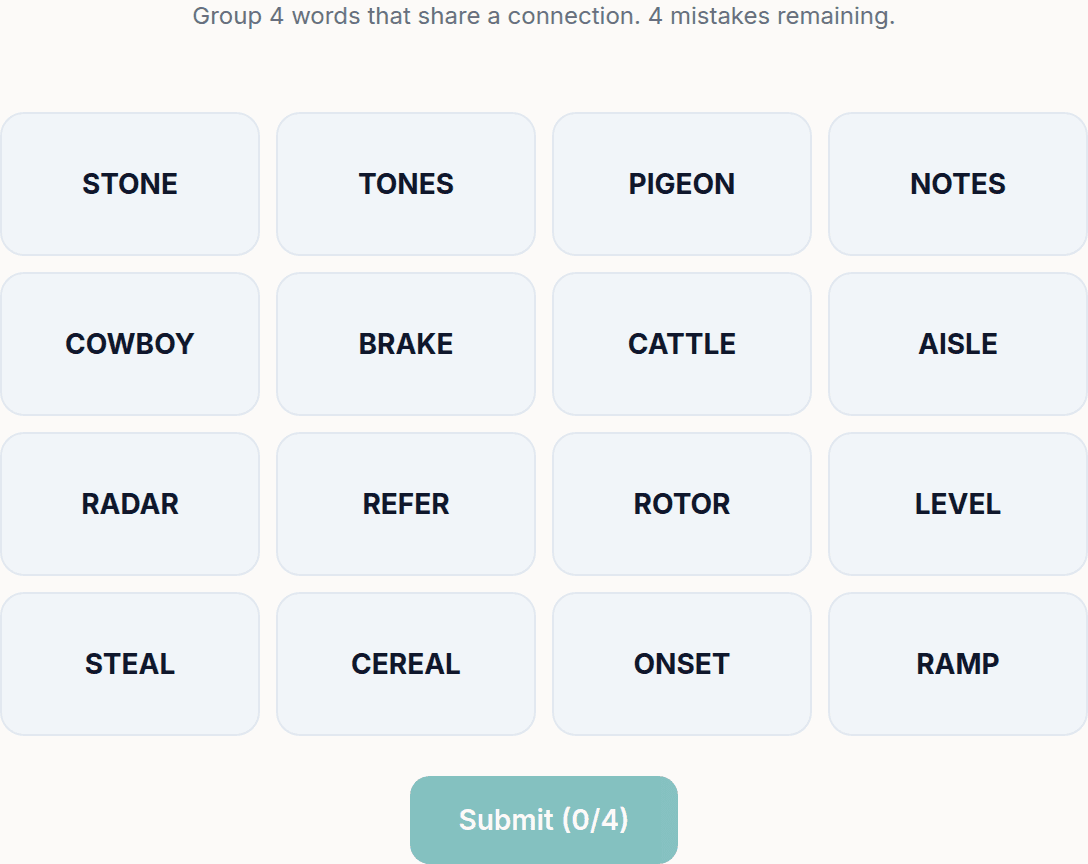
Need a two-minute break? Today's puzzles are live.
A new Sudoku and a new Connections board every day. No download, no account.
Keep reading
Get 10 free puzzles
Get the free 10-puzzle pack
Enter your email and we'll send you 10 print-ready puzzles with answer keys, plus a heads-up when we publish new generators and seasonal puzzle packs. Same quality as the ones on this page.
Roughly two emails a month. No spam, unsubscribe anytime.
Related printable themes
All themesEnjoyed this? Share the puzzle on X
Like puzzles like this? Follow on Pinterest for a new one every day.