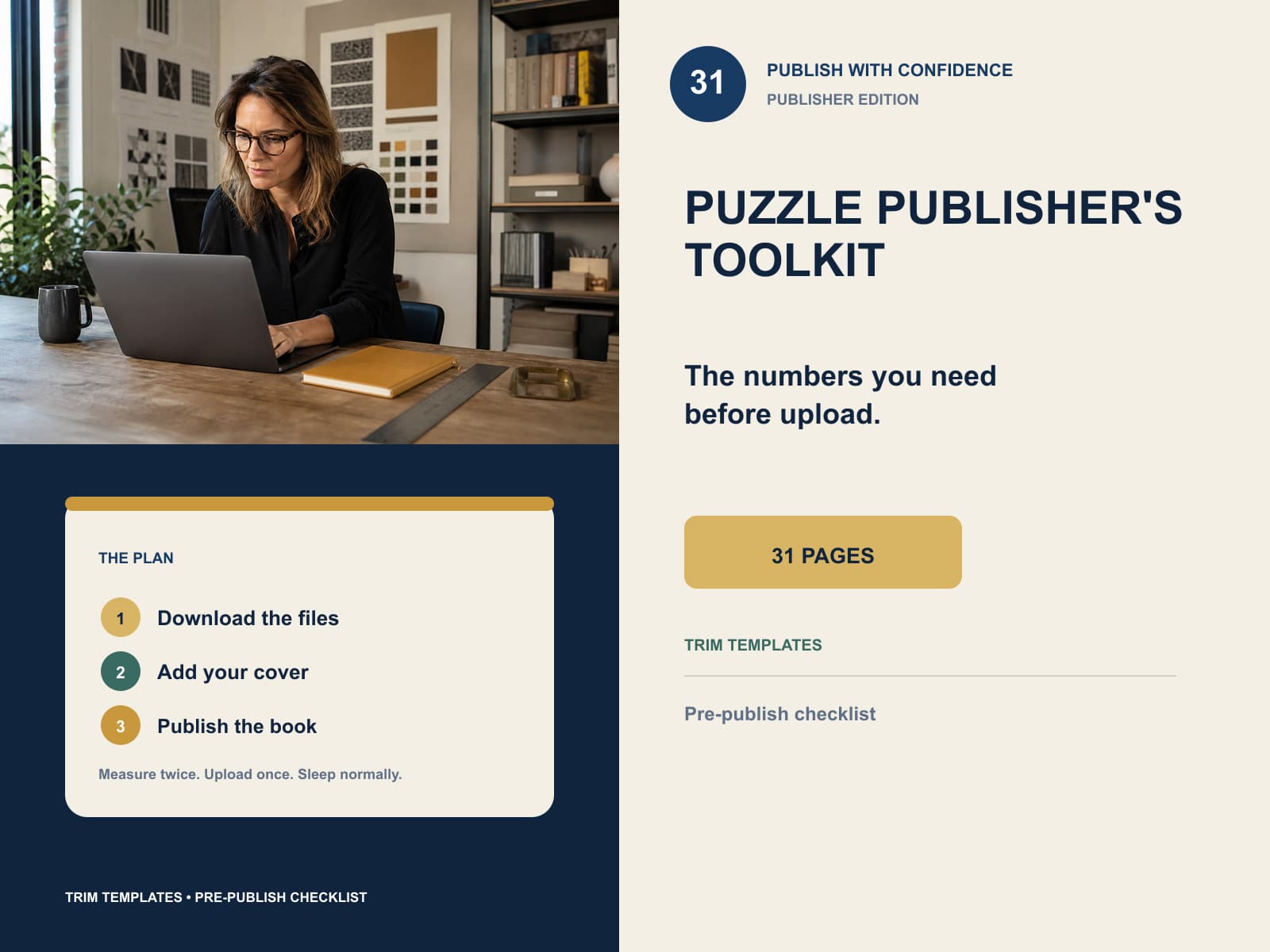
The Puzzle Publisher's Toolkit — KDP Templates, Tables & Checklist
Margin tables, real trim-size templates, a spine calculator and the checklist to run before you press publish.
- Files appear the moment you pay
- Free sample — see it before you pay
- Answer keys included where needed
- Payments by Stripe
The complete listing story
See the setting, the real pages, what is included and how it prints.
Interior pages are shown flat and unaltered from the paid PDF. Lifestyle photography is kept separate so it can never misrepresent the download.
 1 / 4
1 / 4The unglamorous half of publishing a puzzle book, in one file. Margin and gutter tables for every KDP page-count tier, a spine-width table by paper stock, the front and back matter you have to write anyway, and a twelve-point checklist to run before you upload.
The margin templates are the part you cannot get from a blog post. Each one is a real page at its real trim size — a 6 × 9 template really is six inches wide — with the safe area drawn on it and the gutter side labelled. Print one at 100% and hold a ruler to it.
Every number here is computed from the same code that lays out and checks real books on this site, not typed into a table by hand. That is the difference between a reference that stays right and one that quietly goes stale.
What's inside
- Margin and gutter table for 6 × 9, 8 × 10 and 8.5 × 11 across all five KDP page-count tiers
- Spine-width table by page count for white, cream and premium colour paper
- Printable margin templates at their real trim size — both left-hand and right-hand pages
- Title, copyright, introduction, how-to-solve and review-ask templates
- The same five templates as an editable Word file you can paste straight into your manuscript
- A twelve-point pre-publish checklist, with the reason each item matters
Questions
- Will the templates print at the right size?
- Yes, if you print at 100% and turn off 'fit to page' or 'shrink oversized pages'. Each template page is generated at its actual trim size rather than scaled onto Letter, which is the whole reason they are useful.
- Are these numbers current?
- They are computed from the same layout code that builds and validates real interiors on this site, so they cannot drift apart from the software. Amazon does change its specification occasionally; if it does, this file is regenerated and buyers get the update at no cost.
- Can I edit the front matter?
- That is what the Word file is for. It contains the same five templates with the placeholders in square brackets — open it, replace the bracketed parts, delete what you do not need and paste the result into your manuscript.
- Do I need this if I already use the Book Builder?
- Not for the margins — the Book Builder applies them for you. It is useful if you assemble books elsewhere, or want the checklist and the front-matter templates for a book you laid out yourself.
- Is it a course?
- No. It is a reference and a set of templates, about thirty pages, with no filler. If you want to be taught KDP from scratch, this is not that.