Word Search Generator for Teachers: Tips, Templates & Free Tools
How teachers can use a free word search generator to create custom, print-ready classroom puzzles in minutes. Includes tips for themes, difficulty, and curriculum alignment.

Find these words
- CHAPTER
- FRIENDSHIP
- HOMEWORK
- JOURNAL
- LIBRARY
- PENCIL
- READING
- SCIENCE
- SPELLING
- STUDENT
- TEACHER
- VOCABULARY
Drag across the grid to trace each hidden word.
Classroom Word Search
15 classroom and learning words for grades 3–5
Word List
- VOCABULARY
- FRIENDSHIP
- HOMEWORK
- SPELLING
- TEACHER
- READING
- LIBRARY
- STUDENT
- SCIENCE
- CHAPTER
- JOURNAL
- PENCIL
Free companion PDF
Classroom Word Search
15 classroom and learning words for grades 3–5. Grab the PDF now and we'll send 10 more printable puzzles, plus a heads-up when new generators or seasonal packs go live. Roughly two emails a month — unsubscribe anytime.
No payment · Letter-size · Answer key included
Prefer to play online? There's a new puzzle every day.
Free daily word games — play instantly. Come back tomorrow for a fresh one.
On this site: Create a Free Word Search·Browse 100+ free printables·Play today's puzzles
Word searches are one of the most versatile tools in a teacher's toolkit. They work as warm-ups, early finisher activities, vocabulary reinforcers, and sub plans — and when made with a free word search generator, you can build a perfectly tailored puzzle in under two minutes.
📌 Key Takeaways
- A custom word search tied to your current unit takes under 2 minutes to create with a free generator
- Word searches work for all reading levels simultaneously — great for inclusive classrooms
- Matching grid size and word directions to grade level is key to appropriate difficulty
- Answer keys are generated automatically — no manual checking needed
- Building a library of 20–30 themed puzzles over two years saves hours every semester
Why Word Searches Work in the Classroom
A good word search does more than fill time. When tied to current vocabulary, unit themes, or upcoming lessons, it helps students encode words visually and through pattern recognition — a different pathway than reading definitions alone. Research on dual-coding suggests that pairing verbal learning with spatial tasks (like scanning a grid) can strengthen retention.
Teachers also love word searches because they're universally accessible. Students of different reading levels can succeed at finding the same words, which makes them great for inclusive classrooms.
⚠️ Important
The connection between word searches and vocabulary retention is observational — it works best when puzzles are explicitly tied to curriculum content and followed by direct instruction. Word searches support learning; they don't replace it.
Free Word Search PDF — Classroom Word Search
Print-ready · answer key included · unsubscribe anytime
How to Choose Words for Your Puzzle
The word list is the heart of any word search. A few best practices:
- Tie words to current curriculum — vocabulary from the current chapter, unit spelling list, or upcoming test works best
- Mix word lengths — include a few long words (8+ letters) alongside shorter ones to vary difficulty
- Limit to 15–25 words for a standard classroom puzzle; fewer for younger students
- Add a theme — "Space exploration," "Civil War vocabulary," or "Fall words" makes the puzzle feel intentional
Pro Tip
Use your unit's key vocabulary terms — not random themed words. Students who find "mitochondria" in a grid are practicing the exact spelling they'll need on Friday's test. That's word search as genuine study tool, not filler.
Setting the Right Difficulty
Most word search generators let you choose grid size and word directions. Here's a quick guide by grade level:
| Grade Level | Grid Size | Directions | Word Bank |
|---|---|---|---|
| K–2 | 10×10 (small) | Horizontal & vertical only | Always included |
| Grades 3–5 | 15×15 (medium) | Add diagonal words | Always included |
| Middle school | 20×20 (large) | Include reverse words | Optional |
| High school | 20×20 (large) | All directions including reverse diagonal | Omit for max challenge |
Using the Answer Key
Print-ready word search generators automatically produce an answer key alongside the student version. This is a real time-saver — no more manually circling words to check student work. The answer key version shows all words highlighted in the grid, making it easy to use as a classroom display when reviewing answers together.
Creative Ways to Use Word Searches in Class
- Vocabulary preview — use a word search on day 1 of a new unit to introduce vocabulary before formal instruction
- Early finisher activity — always have a printed stack ready; themed to the current unit so it's meaningful, not busywork
- Sub plans — a word search tied to recently covered material is a reliable, self-managing activity
- Homework enrichment — optional take-home puzzles for students who want extra practice
- Digital whiteboard use — some generators export image files you can project and solve together as a class
Tips for Saving and Reusing Your Puzzles
Once you've created a word search you love, save the PDF and file it by unit and grade level. Many teachers build a library of 20–30 themed puzzles over a couple of years that they can reuse every semester.
If you want to update words for a new year without rebuilding from scratch, most generators let you re-enter the same word list in seconds to generate a fresh layout.
Pro Tip
Save your PDFs organized by unit (e.g., "Science / Ch4 Ecosystems / word-search.pdf"). After two or three years of teaching, you'll have a complete library of reusable activities — and generating new variations takes seconds when you need a fresh version.
Try It Yourself
PuzzlePage's free word search generator lets you enter any list of words and instantly download a print-ready PDF with an answer key. It takes less than two minutes from word list to printout.
Live demo
Make your own word search right here
Swap in your own words (a spelling list, residents' names, a unit's vocabulary) and press Generate. The full maker adds answer keys, size options and PDF export.
More you can make here
One puzzle is the start. Here is the rest of the kit.
 New
NewWorksheet Builder
Put a word search, a cryptogram and a scramble on one page, or build a whole themed packet. Prints with answer keys.
Build a worksheet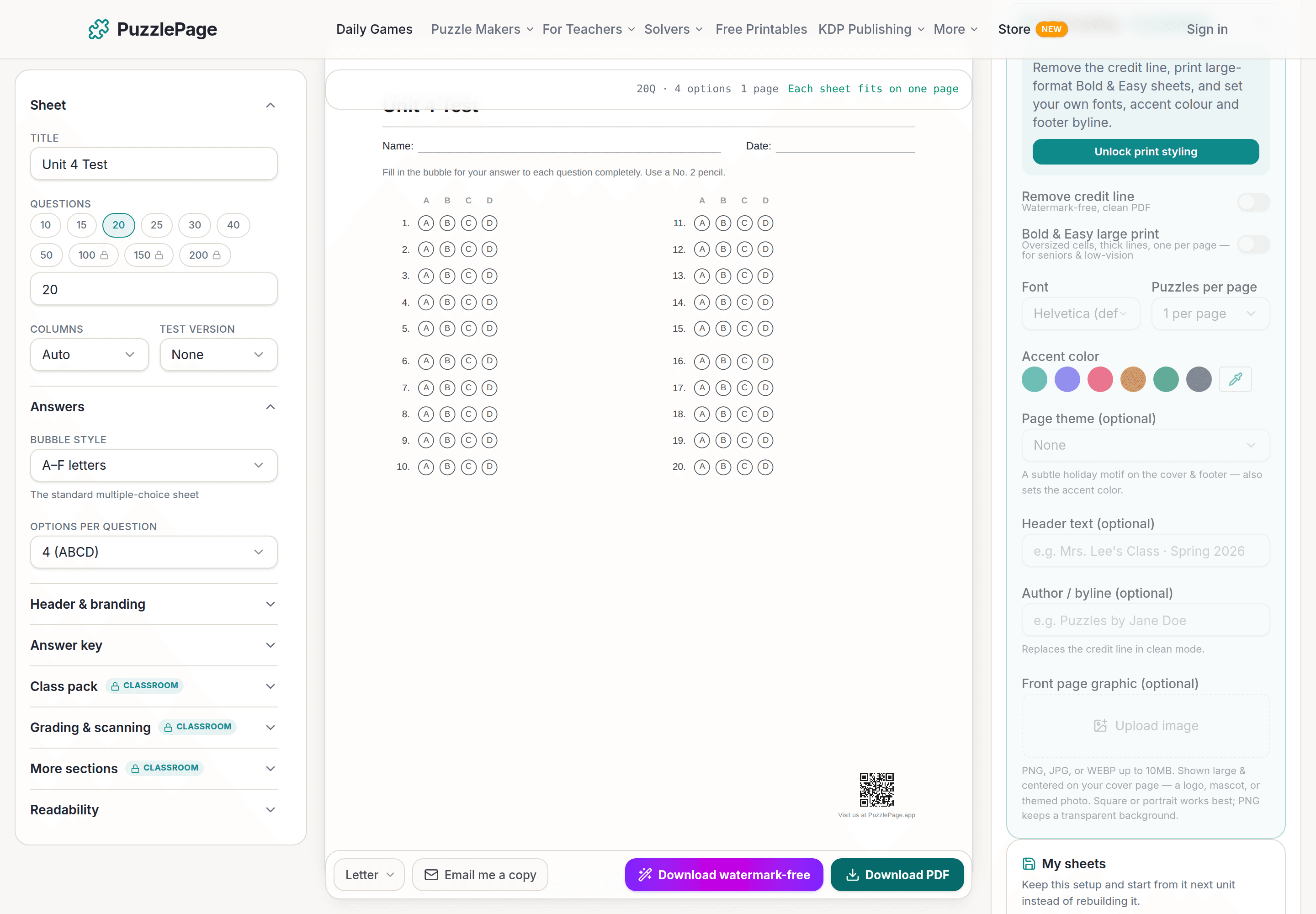
Bubble Sheet Studio
Answer sheets for any test length, with sections, versions, student ID grids and a matching answer key.
Make a bubble sheet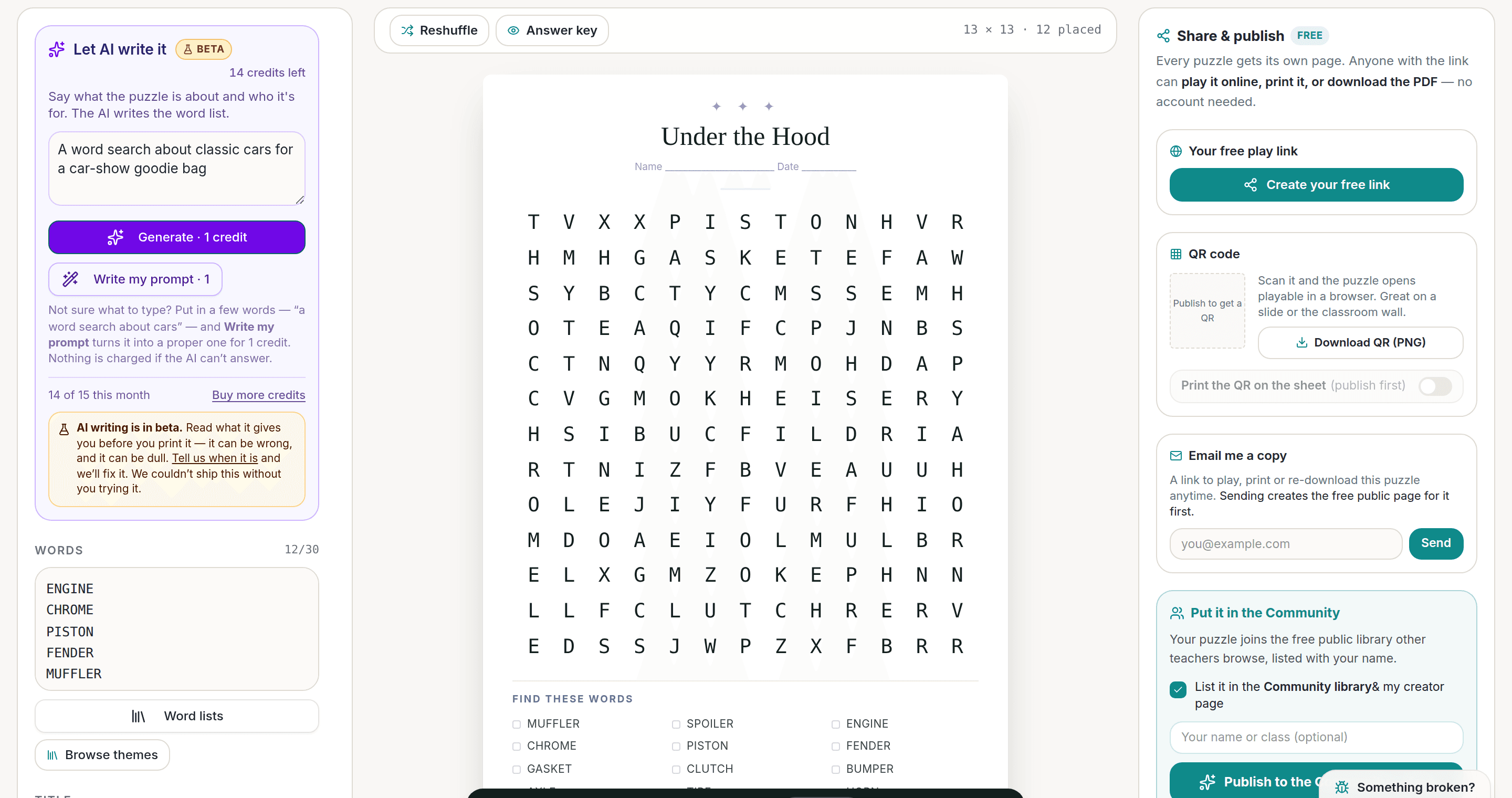
AI Puzzle Generator
Type a topic, get a themed word list and a finished puzzle. Premium also removes the footer credit and adds Word export.
Try the AI generator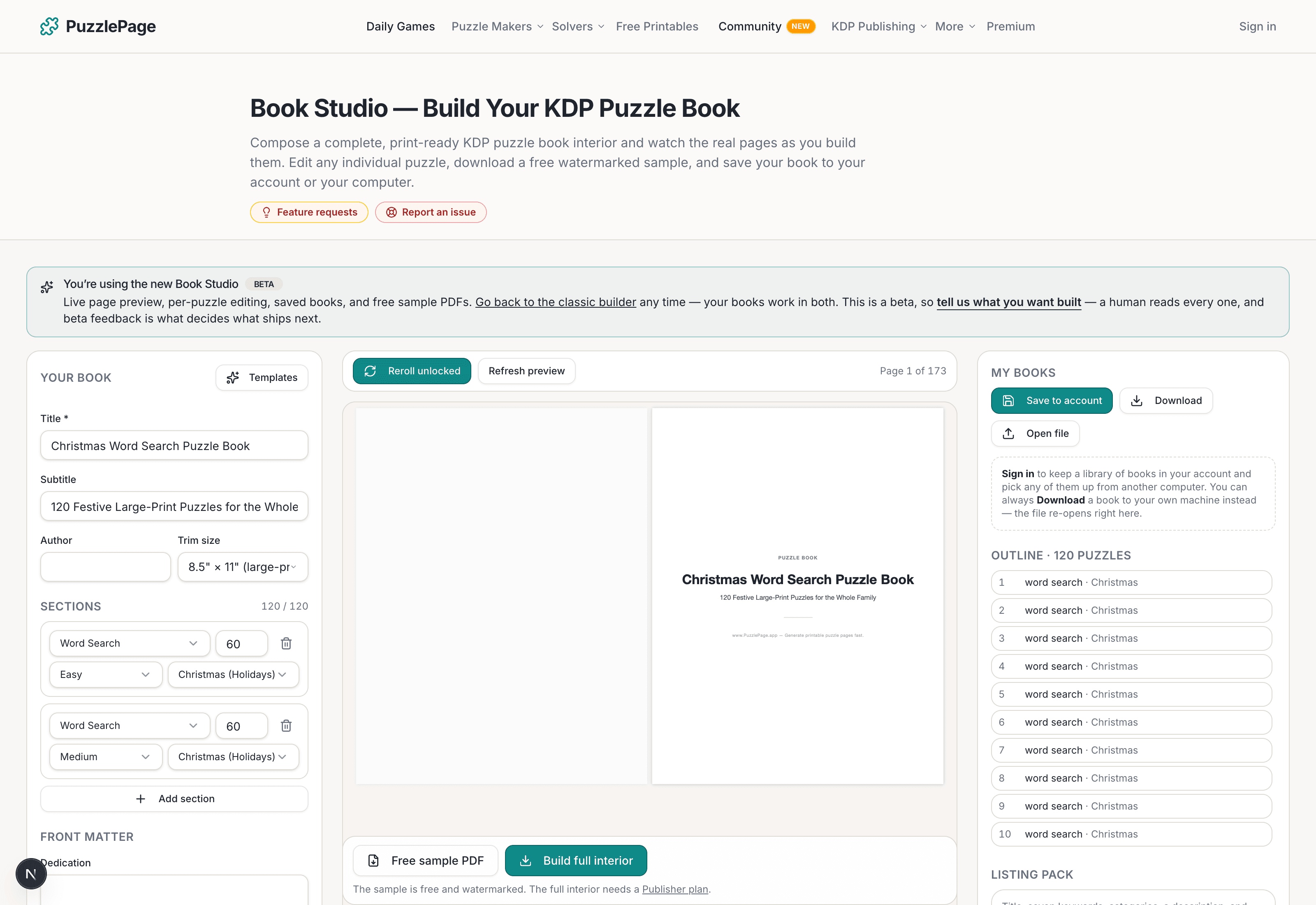
KDP Book Studio
Lay out a full puzzle book for Amazon KDP: templates, trim sizes, page checks and a cover designer.
Start a puzzle bookPremium removes the footer credit, adds Word export and custom styling across every maker.
See plans →Free daily games
Need a two-minute break? Today's puzzles are live.
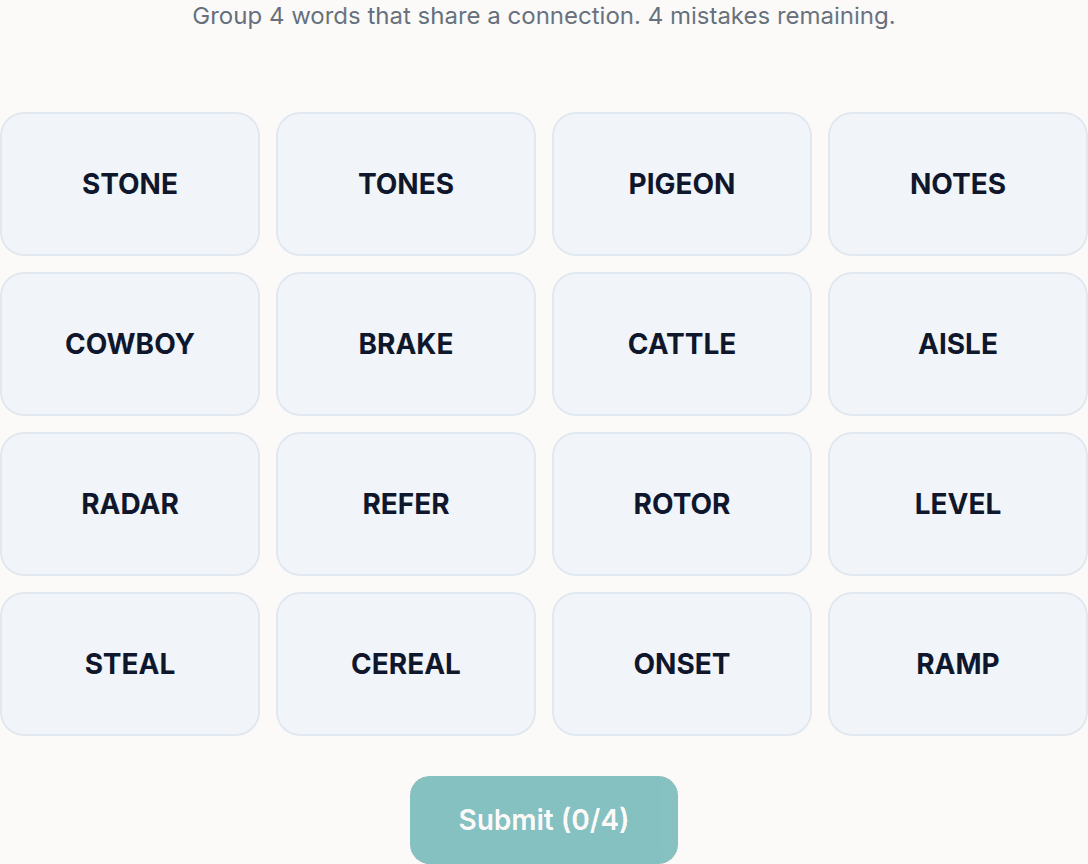
A new Sudoku and a new Connections board every day. No download, no account.
Keep reading
Take the puzzle with you
Free Word Search PDF — Classroom Word Search
Print-ready · answer key included · unsubscribe anytime
Related printable themes
All themesEnjoyed this? Share the puzzle on X
Like puzzles like this? Follow on Pinterest for a new one every day.